

One app to unlock your health
 4.30
4.30
ECG modules improve rhythm ID. ACLS is a simulator for cardiac arrest scenarios.
4.3
A rapid reference for prehospital providers caring for pediatric patients.
4.1
Personalized hearing experience and health data tracking
4.50
Assess and treat left neglect more effectively in stroke and brain injury rehab.
4.30
PPP provides quick offline access to over 350 field treatment protocols.
4.60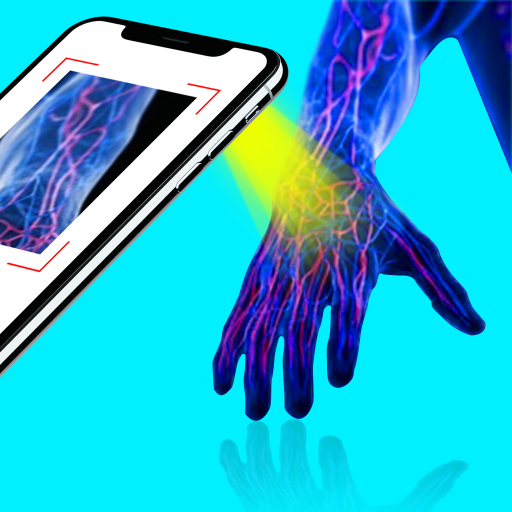
X-Vein: Advanced vein detection for medical practice
3.10
ASCCP Management Guidelines- There’s an app for that!
4.60
Hear far away sounds, conversations, TV and surrounding sounds more clearly.
4.70
A comprehensive medical disease app.
5.00
Remote, medical-grade heart care at your fingertips
4.70
This app is simply 1 book (also large app) and 17 other apps combined into 1
4.70
Sync your blood glucose device, log values automatically and tame your diabetes!
4.60
Your pocket guide to following The Monash University Low FODMAP diet.
4.20
Over 1,200 review questions and 5 exams—pass the NREMT with EMT Review Plus!
4.10
Hearing aid app for Android solves your hearing problems.
4.00
Donating plasma just got easier with the BioLife Plasma Services mobile app.
3.90
MySafeRide simplifies booking and managing rides for health plan members.
3.50
Continuous Glucose Monitoring
3.40


