

Explore human anatomy with this rich learning experience.
 4.00
4.00
The NightOwl Companion app allows you to interact with the NightOwl sensor.
4.70
A comprehensive medical disease app.
5.00
HealtheLife lets you easily manage your health online.
3.20
Molina Members: My Molina. Manage your health anytime, anywhere!
4.30
Save up to 80% on your pharmacy prescriptions & medications with free Rx coupons
4.70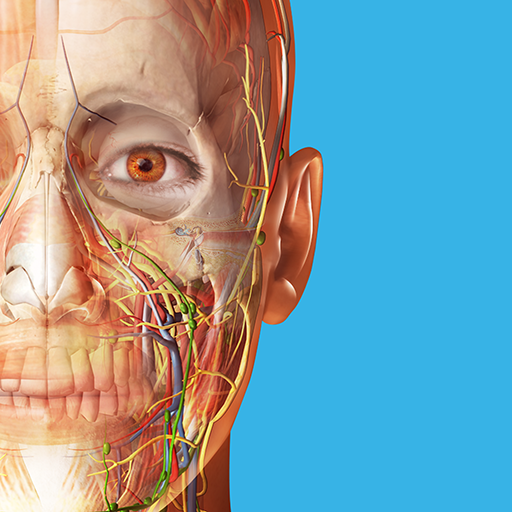
A comprehensive 3D atlas of the human body
4.80
This app is simply 1 book (also large app) and 17 other apps combined into 1
4.70
Donating plasma just got easier with the BioLife Plasma Services mobile app.
3.90
Manage your prescriptions anytime, anywhere with the Publix Pharmacy mobile app.
4.80
Behavioral Health Portal
4.70
Remote, medical-grade heart care at your fingertips
4.70
ASCCP Management Guidelines- There’s an app for that!
4.60
Modivcare members can book and manage trips.
4.50
One app to unlock your health
4.30
MySafeRide simplifies booking and managing rides for health plan members.
3.50
Care Simplified by MyChart
3.40
ECG modules improve rhythm ID. ACLS is a simulator for cardiac arrest scenarios.
4.2
A rapid reference for prehospital providers caring for pediatric patients.
4.2


