
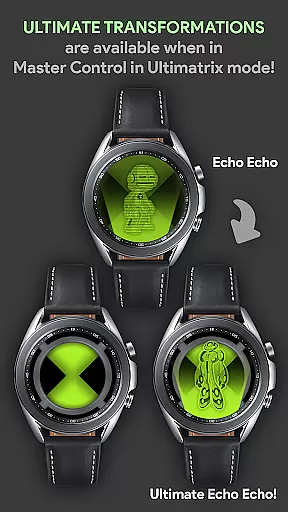

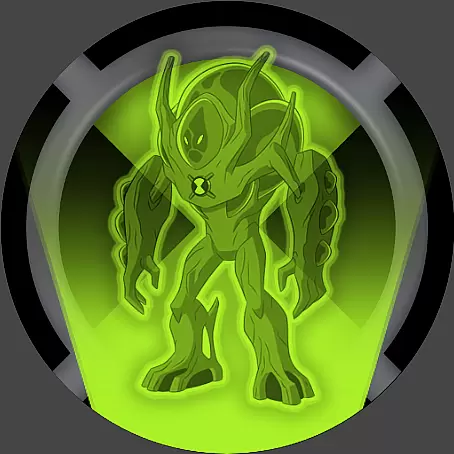



Alien Watch is a feature-rich simulation app that transforms your Wear OS smartwatch into the iconic Omnitrix device from Ben 10. With multiple modes like Prototype, Recalibrated, and Omniverse, users can access various functionalities including DNA Scan, Master Control, and Fusion Transformations. The app offers an immersive experience for fans of the franchise, allowing them to relive childhood memories through their smartwatch.
The app's core functionality lies in its ability to simulate different alien transformations with authentic sound effects and visual elements. Users can customize features, unlock aliens by completing step goals, and even submit their achievements to a leaderboard. It also supports unique functions like Self Destruction mode, Albedo mode, and Randomizer, making it a comprehensive tool for Ben 10 enthusiasts looking for an interactive wrist-worn gadget.
Perfect for both casual users and die-hard fans, Alien Watch brings the excitement of the Omnitrix to life. Whether you're using voice commands or exploring virtual reality transformations, this app provides countless hours of entertainment while showcasing the potential of wearable technology.
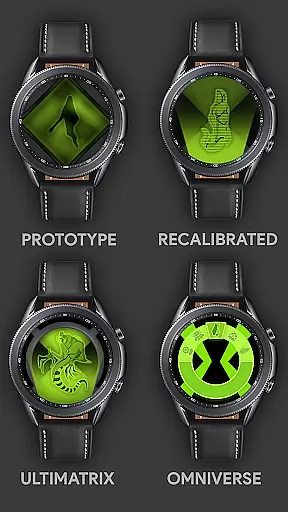
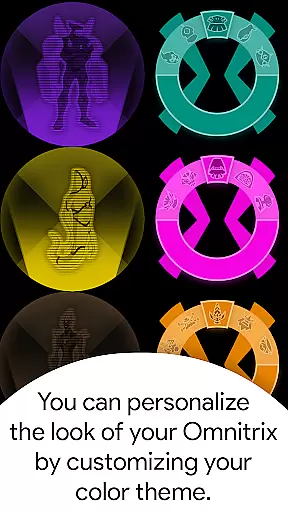
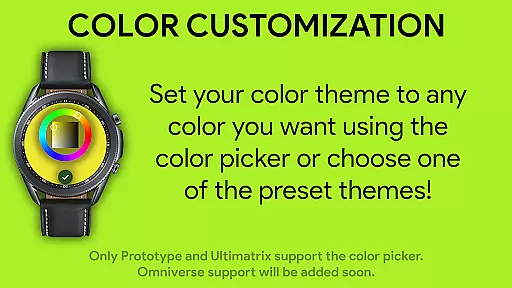
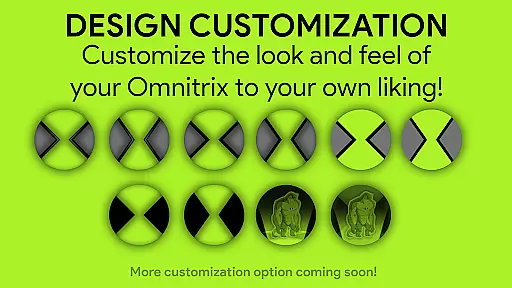
Alien Watch stands out with its diverse range of features designed to replicate the Omnitrix experience. The app includes three main modes - Prototype, Recalibrated, and Omniverse - each offering unique sub-modes such as DNA Scan, Ultimatrix, and Life Form Lock. These modes allow users to explore different aspects of the Ben 10 universe while customizing their experience through color options and activation codes.
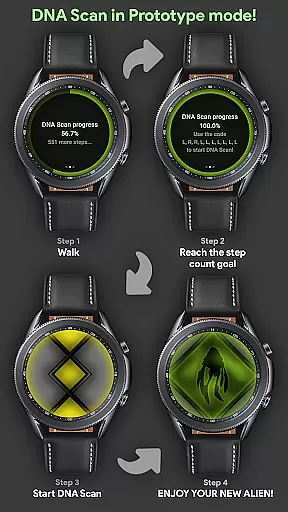
One notable feature is the DNA Scan function, which lets users unlock additional aliens either by walking or entering specific codes. This gamified element encourages physical activity while rewarding users with new content. Additionally, the Recalibrated mode introduces Ultimate Transformations and Azmuth Easter Eggs, complete with custom voice effects that enhance immersion during use.
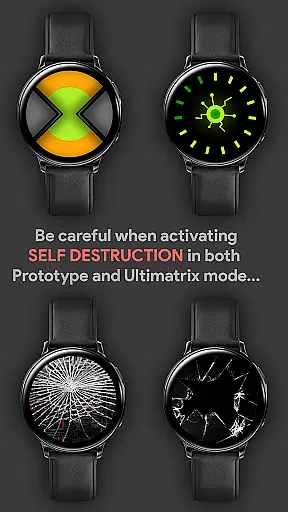
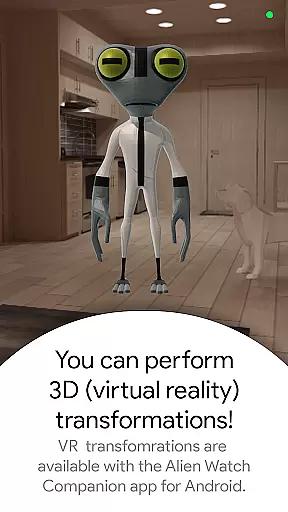
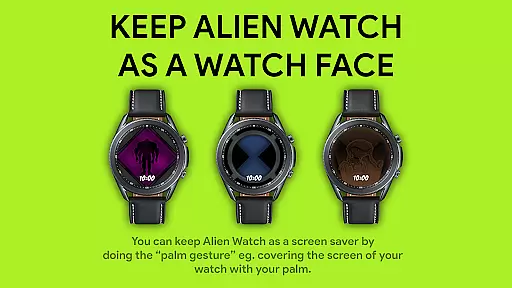
The app also supports advanced functionalities like Fusion Transformations, Self Destruction sequences, and Virtual Reality displays for 3D alien models. By combining these innovative tools with practical usability features such as palm gestures for screen savers, Alien Watch demonstrates how simulation apps can push the boundaries of interactive storytelling on wearable devices.
Alien Watch offers an intricate economic system that mirrors the complexity of resource management found in simulation games. The app includes multiple modes such as Prototype, Recalibrated, and Omniverse, each with unique sub-modes that require strategic planning and allocation of resources to unlock aliens and features.
The DNA Scan feature within Prototype mode allows users to unlock more aliens by achieving step count goals or using activation codes, simulating a resource-gathering mechanic that's central to many simulation games. This system encourages players to engage consistently, rewarding them for their dedication with new content and abilities.
Dynamic feedback is provided through various means such as voice commands, virtual reality transformations, and custom sound effects during transformation sequences. These elements ensure that user actions have clear, immediate consequences within the game world, enhancing the feeling of immersion and agency.
By integrating these sophisticated systems, Alien Watch delivers a rich simulation experience that captures the depth and responsiveness expected from top-tier simulation titles, offering fans of Ben 10 a truly engaging way to interact with their favorite universe.
In Alien Watch, resource management is balanced to provide both challenge and reward, ensuring that users must think strategically about how they use and acquire resources. The app's different modes offer varied approaches to managing these resources, keeping gameplay fresh and engaging.
For instance, in Recalibrated mode, users can customize colors and access special features like Ultimate Transformations and Azmuth Easter Eggs. However, unlocking these requires careful planning and execution, mimicking the delicate balance of power and resources seen in simulation games.
Omniverse mode introduces another layer with its Randomizer function, which assigns a random alien every 15 seconds. This adds an element of unpredictability and excitement, forcing players to adapt quickly to changing circumstancesu2014a hallmark of well-balanced resource management systems.
Overall, Alien Watch excels in creating a harmonious blend of strategy and fun, where resource management is not just about survival but also about optimizing performance and enjoying the full spectrum of alien powers available at your fingertips.
Highly customizable
Authentic sound effects
Engaging gameplay mechanics
Regular updates
Fan-focused design
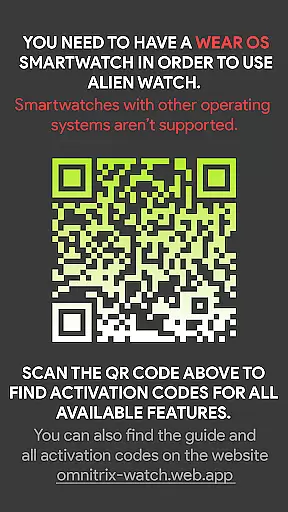
Requires Wear OS
Complex setup process
Limited free features
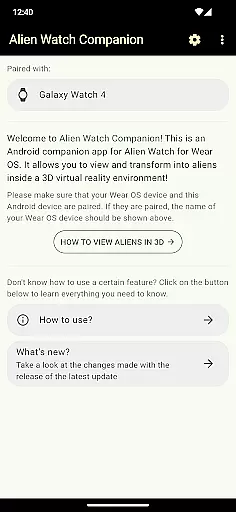
Dependent on companion app
Battery intensive

Build your zoo, collect and take care of animals and make your guests happy!
 4.1
4.1
Raise crops and animals in this farming simulator!
4.20
Experience multiple vehicles in a single driving simulator game.
4.40
40+ original, licensed construction vehicles, over 60 jobs, USA setting.
3.90
Solve the mysteries of the universe with potato power!
4.40
Work hard and you may reach the top of the video game industry.
4.80
Final Fantasy Tactics: The War of the Lions has arrived for GooglePlay!
4.10
Alleviate your mind in trippy and soothing experience with stunning visuals
4.90
Become a pilot! Fly and land in airports around the world with iconic airplanes
4.20
Demon Castle Building Dungeon Management Simulation
4.90
Replay gaming history - The hit tycoon game, now on Android
4.80
Mystical Mixing: little alchemy meets tiny wings spiced with potion permit magic
4.80
Smash solar systems, orbit planets, and destroy in this universe simulation game
4.70
Life Business empire rich game. Boss millionaire idle games. Idle office tycoon
4.60
Farming games: Harvest crops and Grow your own farm
4.60
Be a miner: Mine cash in this idle clicker simulator game as gold digger tycoon.
4.50
Play and earn real BTC rewards!
4.50
Merge and mine to become Gold Tycoon in this clicker game - idle Zombie Miner.
4.10
Explore Mimo Land – where you can shop, decorate your home, relax at the spa!
3.70


User Reviews