
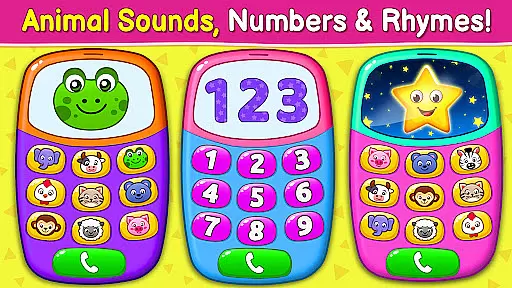
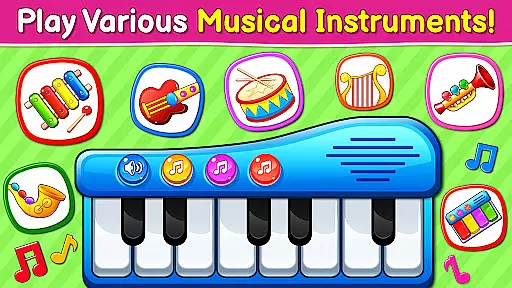
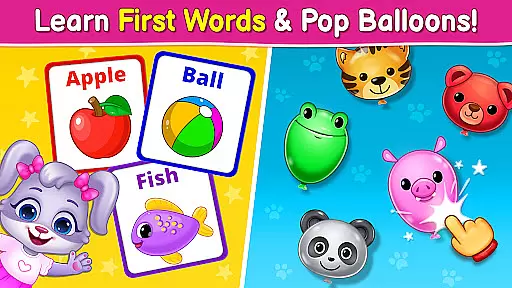
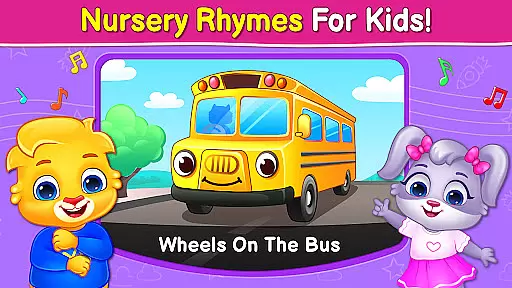
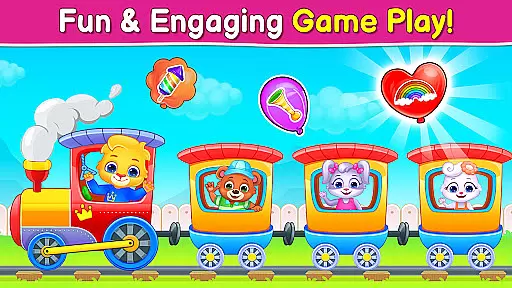
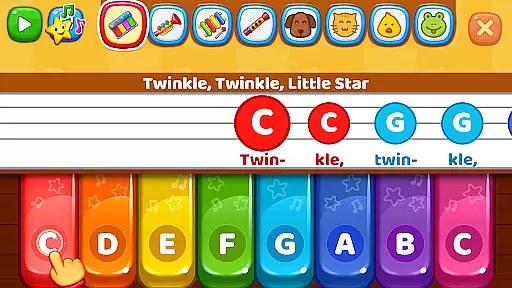
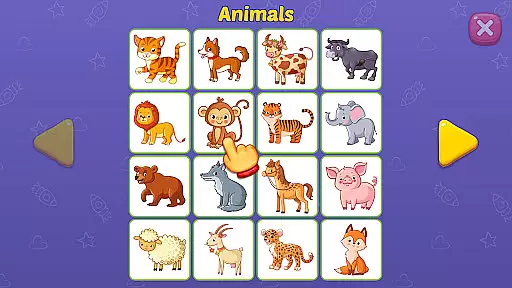
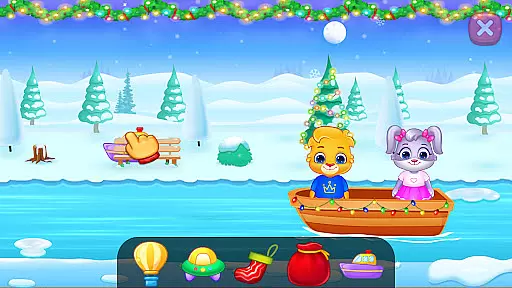
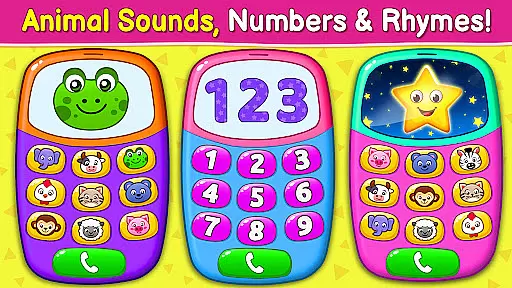
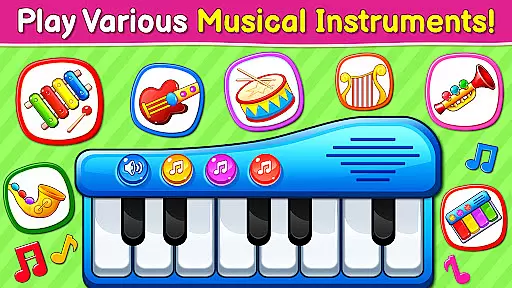
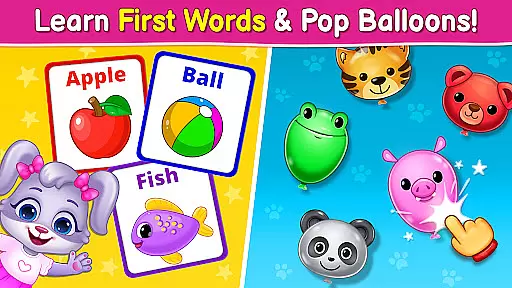
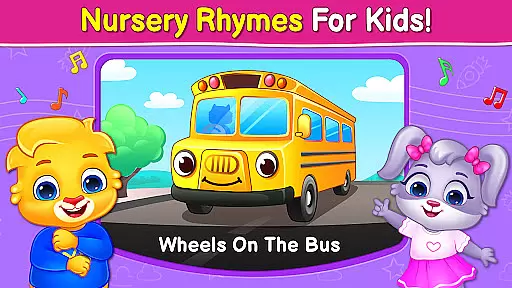
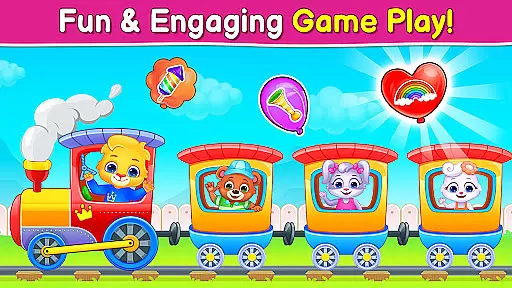
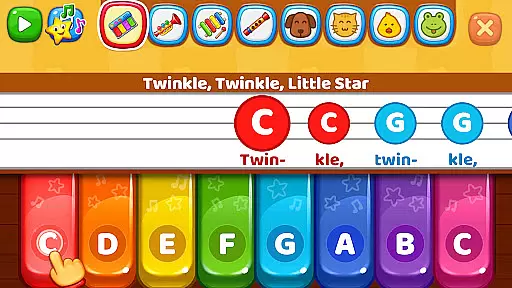
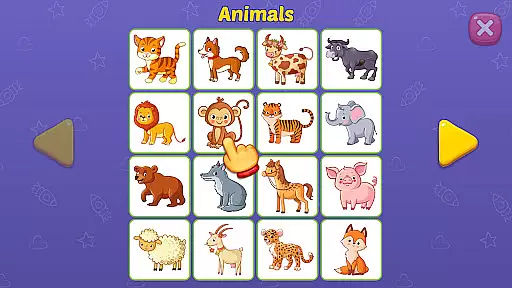
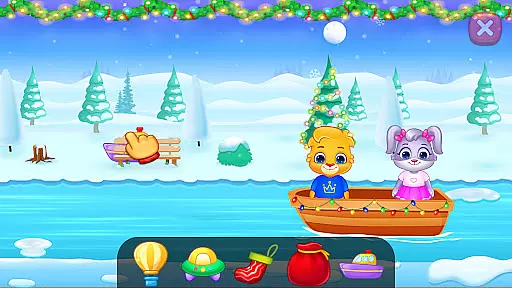
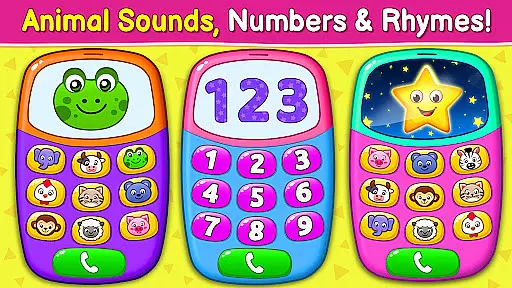
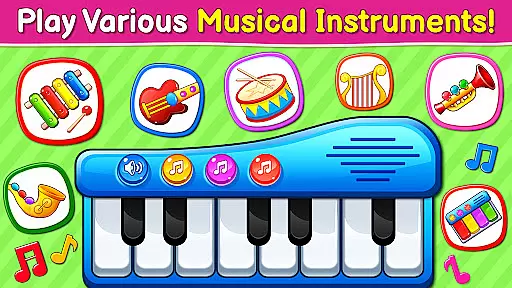
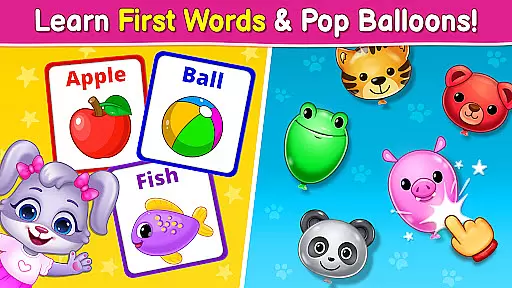
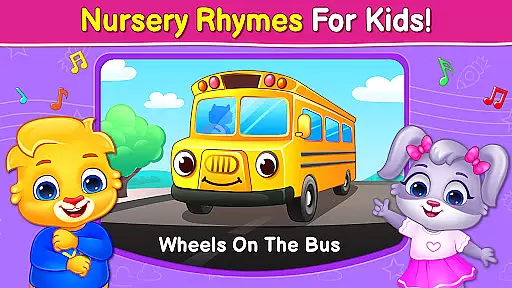
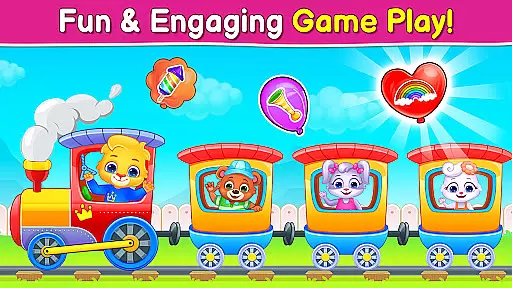
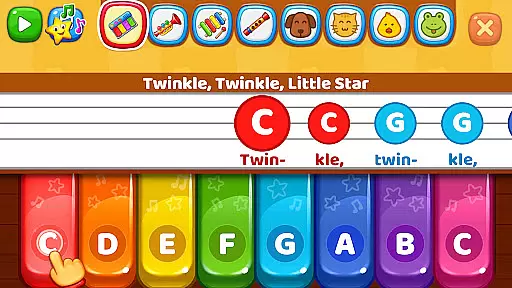
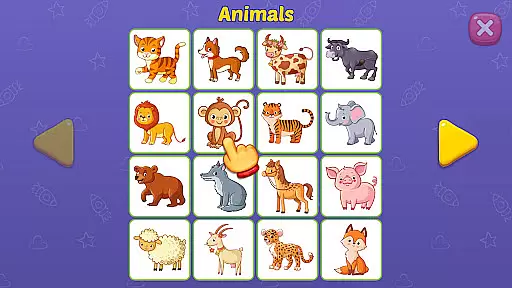
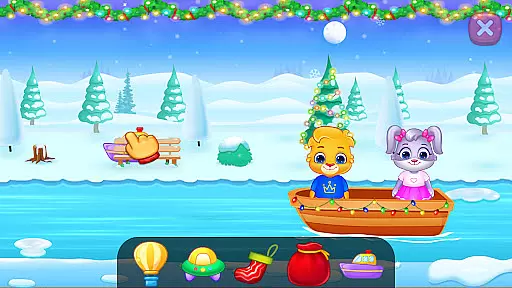
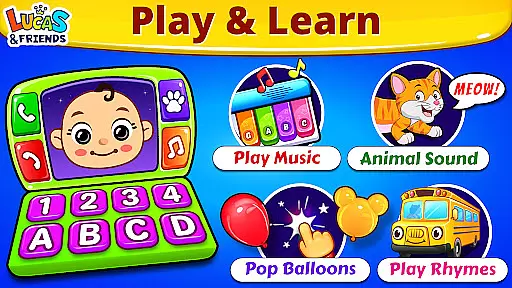
Baby Games: Piano & Baby Phone is an educational app designed to entertain and educate babies and toddlers through a variety of interactive mini-games. The app features activities such as matching animal sounds with pictures, popping balloons, and playing musical instruments. With a focus on developing attention, observational skills, memory, and fine motor control, this app provides a lively and easy-to-use interface that's perfect for children aged six months to two years.
The app also includes nursery rhymes and rhyming games, offering classic songs like the ABC alphabet song and Twinkle Twinkle Little Star in a child-safe environment. Baby Games stands out by providing a rich selection of modes, including First Words, Music Room, Pop 'n Play, Fireworks, and Baby Phone, each crafted to engage young minds while remaining simple enough for independent play. Parents can trust this app as it is free from third-party ads and in-app purchases, making it a safe choice for early learning.
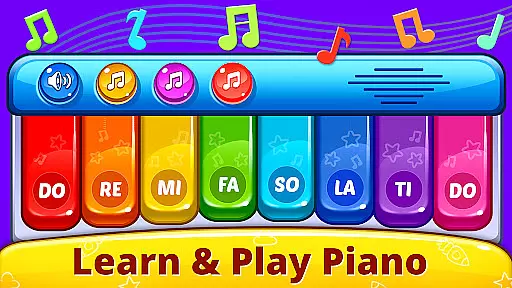
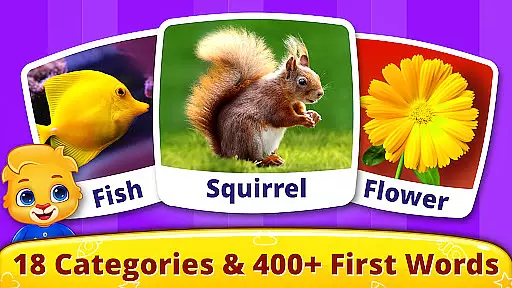
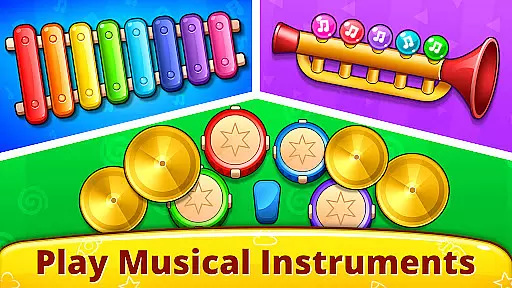
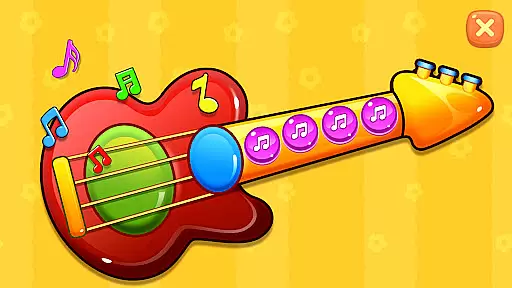
Baby Games offers a diverse range of features tailored to stimulate young minds while keeping them entertained. One of its core components is the First Words game, where kids learn animal sounds and match them with corresponding images, enhancing their vocabulary and recognition skills. The Music Room feature lets toddlers explore different musical instruments such as pianos, drums, trumpets, and xylophones, allowing them to create music by simply tapping the screen, which helps develop motor skills and sound appreciation.
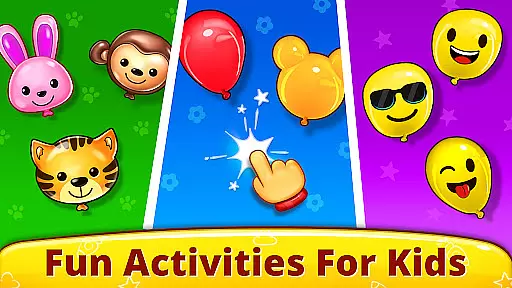
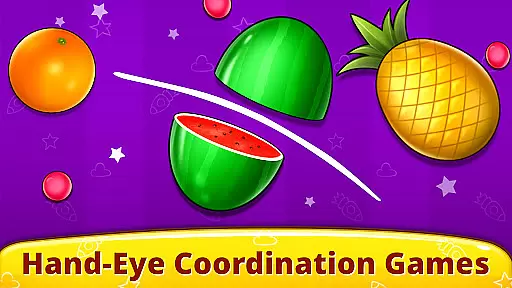
Another engaging feature is the Pop 'n Play mode, where children can pop balloons and smash fruits, improving their coordination and motor skills. The Fireworks section adds a visual spectacle, enabling kids to create dazzling light shows with multi-touch support. Additionally, the Baby Phone mode introduces children to various animal sounds, nursery rhymes, and musical notes through interactive phone calls and colorful buttons. These features collectively ensure a comprehensive developmental experience, blending education with entertainment seamlessly.
In the realm of educational applications, content authority and curriculum alignment are paramount. Baby Games: Piano & Baby Phone establishes itself as a credible source of learning for young children through its carefully curated content that aligns with early developmental milestones. The app offers a variety of mini-games and activities such as First Words, Music Room, and Pop 'n Play, which are designed to teach fundamental concepts like animal sounds, musical notes, and motor skills.
Each activity within the app is crafted to ensure it contributes positively to a child's learning journey. For instance, the First Words game not only introduces toddlers to the vocabulary of animals but also associates these words with vivid images, reinforcing memory retention and recognition. This strategic alignment with educational benchmarks ensures that while children are entertained, they are simultaneously meeting crucial learning objectives.
The presence of nursery rhymes such as the ABC alphabet song and classics like Twinkle Twinkle Little Star further solidifies the app's role in language acquisition and cultural literacy. These songs are universally recognized tools for phonetic learning and cognitive development, making them an integral part of any early years curriculum.
Gamification has revolutionized the way educational content is delivered, making learning an enjoyable and engaging process. Baby Games: Piano & Baby Phone leverages this approach by integrating game-like features into its educational framework, thus capturing the attention of young learners. Activities such as the Music Room offer a playful environment where children can experiment with real instrument sounds, promoting an appreciation for music while honing their fine motor skills.
The app's Pop 'n Play feature exemplifies gamification by allowing kids to pop balloons and smash fruits, which might seem purely for fun but actually enhances hand-eye coordination and reaction time. Such elements keep the children engaged and eager to continue exploring what the app has to offer, transforming potential screen time into productive learning opportunities.
Moreover, the Fireworks and Baby Phone modes provide interactive experiences that stimulate creativity and curiosity. By dragging fingers across the screen to create virtual fireworks or making pretend calls to cartoon animals, children learn cause-and-effect relationships in an intuitive manner. This seamless blend of entertainment and education ensures that each interaction within the app contributes to a child's developmental growth.
User-friendly interface
Educational content
No third-party ads
Multi-touch support
Free to use
Limited advanced options
Simple graphics
Repetitive gameplay
No parental controls
Basic sound effects

This will quickly become your kids' favorite animals game!
 4.40
4.40
Explore the world of reading and writing with Booker!
4.2
A game to memorize
4.4
Join Duggee and the Squirrels as they practice their counting!
4.0
Play the fun healthy habits game for kids with Cocobi the little dinosaurs.
3.40
Fun educational jigsaw puzzles for kids and preschoolers.
4.50
Fun baby care game for kids with dinosaur friends. Enjoy the fun kids game.
4.00
Learn numbers, letters, and shapes playing toddler balloon pop games ►NoAds◄
4.60
Amazing toddler coloring games for 2+. Enjoy painting games
4.60
Explore Dopples World, build your avatar life & create endless stories!
4.70
Monkey Preschool Fix-It is an early learning game for ages 2 to 5.
4.40
A must-have sequel to our Learn Letter Sounds with Carnival Kids app
4.30
Play the fun princess party game for kids with Cocobi the little dinosaurs.
4.10
Welcome to the dollhouse! Unboxing, doll games, dress up & cute pets await!
4.00
CASHFLOW - The Investing Game
4.00
Practice Early Literacy Skills and Build Vocabulary with Elmo & Cookie Monster!
3.90
Educational game for children about emergency and other service vehicles
3.80
Learn and practice multiplication and division
4.4
Little Explorer – Garage, Kitchen and Bathroom
4.5


User Reviews