
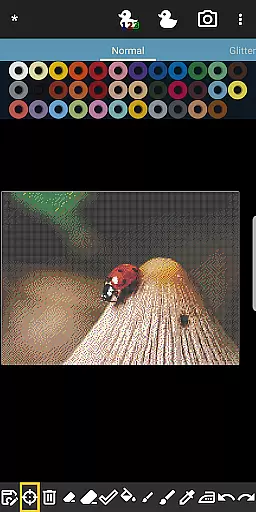
BeadStudio is a versatile digital platform that allows users to create intricate fuse or melty bead designs and art. Whether you're a child, an adult, or a professional artist, this app provides the tools necessary to craft beautiful patterns before transferring them to real pegboards. With BeadStudio, you can explore new ideas from anywhere, whether you're on the bus, in the backseat of a car, or relaxing on your sofa.
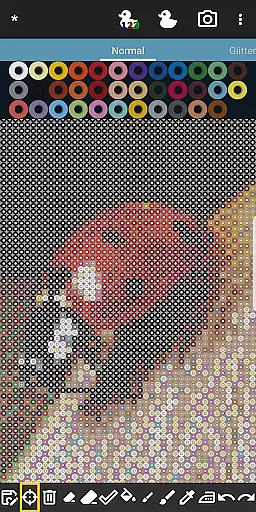
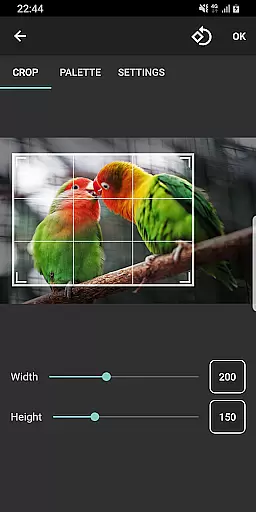
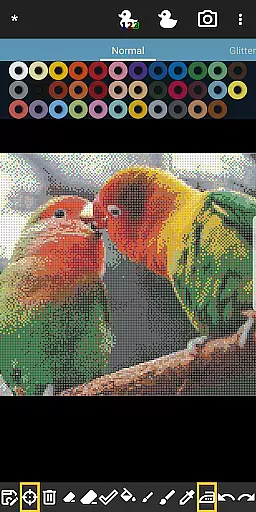
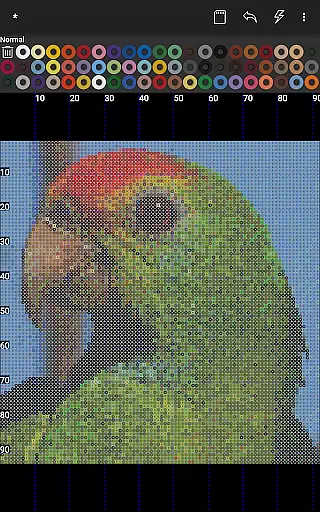
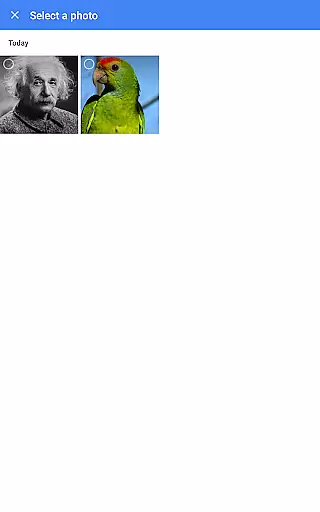
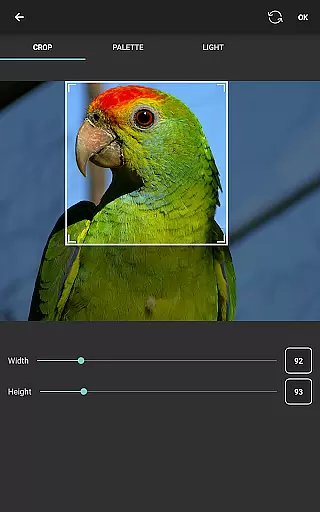
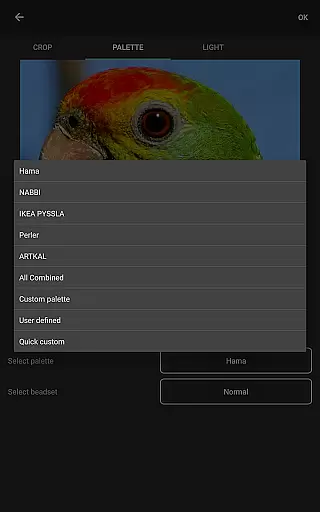
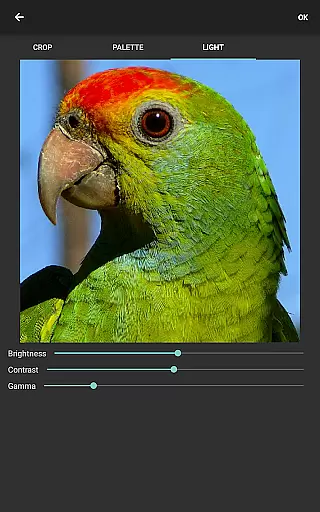
The app supports all major brands of fuse beads, including Hama Beads, Perler Beads, Artkal Beads, Nabbi Beads, and Pyssla Beads. It features a built-in photo-to-bead conversion tool, enabling users to transform family photos, landscapes, or any image into bead designs using specific brands and colors of beads available to them. Additionally, BeadStudio offers a calming feature called Bead By Numbers, which helps improve motor skills and serves as an inspiration for trying out different color schemes.
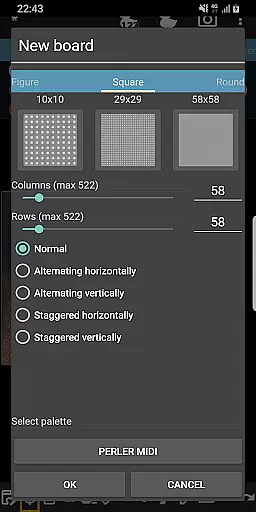
BeadStudio stands out with its comprehensive set of features tailored for fuse bead enthusiasts. The app includes a unique photo-to-bead conversion tool that allows users to turn their personal photos into bead designs, accommodating various brands and colors of beads. This feature is complemented by the ability to mix different types of beads in one custom palette, ensuring that users can achieve the exact shade they need for their projects.
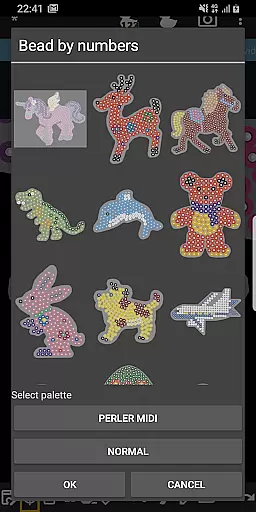
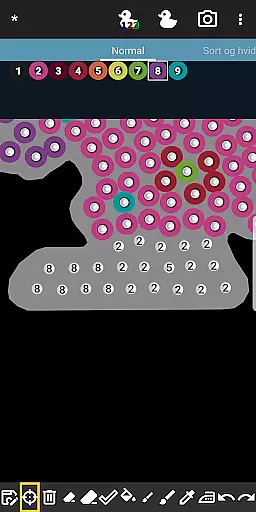
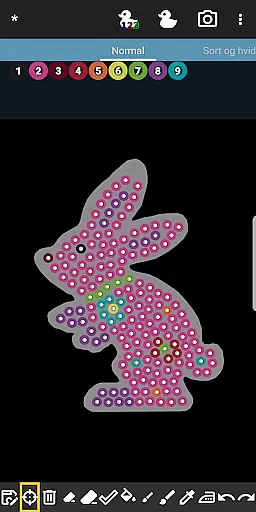
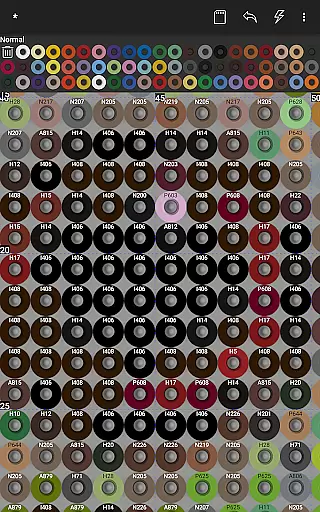
Another highlight is the Bead By Numbers feature, akin to Paint By Numbers, where users can select from a variety of pre-designed figures and shapes such as unicorns, bunnies, dinosaurs, and more. Each peg is numbered, guiding users to fill out the pattern with matching fuse beads. This meditative process not only stimulates creativity but also enhances motor skills, especially beneficial for younger users. Furthermore, BeadStudio's user-friendly interface makes it accessible for both kids and adults, offering tools for placing single beads, drawing with a brush tool, and correcting mistakes with undo/redo and eraser functions.
BeadStudio stands out in the Entertainment category by offering an extensive range of content that caters to various age groups and skill levels. From simple designs for toddlers to photorealistic artworks for professional artists, the app ensures there's something for everyone.
The application supports all major brands of fuse beads, including Hama Beads, Perler Beads, Artkal Beads, Nabbi Beads, and Pyssla Beads. This compatibility allows users to experiment with different types of beads within a single custom palette, enhancing their creative possibilities.
One of the unique features is the Bead By Numbers tool, which operates similarly to Paint By Numbers. Users can choose from a variety of pre-designed figures such as bunnies, unicorns, dinosaurs, and more. Each peg is numbered, guiding users to fill out patterns accurately, thus improving motor skills especially in children.
Moreover, BeadStudio includes a photo-to-bead conversion tool, enabling users to transform personal photos into bead designs using specific brands and colors they have available. This feature not only adds a personalized touch but also keeps the content fresh and engaging for users who wish to create unique projects.
User engagement is a critical aspect of any entertainment app, and BeadStudio excels in this area by providing tools that encourage prolonged use. The app offers a comforting and meditative experience through its Bead By Numbers feature, which helps retain users by making the process both entertaining and calming.
BeadStudio's ability to convert photos into bead designs significantly boosts user retention. By allowing users to create designs from family photos or landscapes, it taps into personal and emotional connections, motivating users to return to the app frequently.
The app's support for mixing different types of beads in one palette adds another layer of complexity and creativity, ensuring that users remain engaged over time. This flexibility encourages experimentation and repeated use as users strive to perfect their designs.
Additionally, the app's ease of use for both kids and adults alike makes it accessible to a broad audience. With intuitive tools for placing beads, drawing with a brush tool, and correcting mistakes easily, BeadStudio ensures that users of all ages can enjoy extended sessions without frustration, thereby enhancing overall user retention.
User-friendly interface
Supports multiple bead brands
Photo-to-bead conversion
Custom palette creation
Inspiring design templates
Requires internet connection
Limited offline functionality
External storage permission needed
Some features may overwhelm beginners
Premium features come at a cost

Ultimate VR movie player for android mobile videos
 4.4
4.4
Classic dynamic pixel art from Mark Ferrari.
4.70
Find out if you're on Santa's Naughty or Nice List with this magical scanner!
4.60
Direct access to the most complete Guitar Tab Archive in Spanish: LaCuerda.net
4.60
Watch everything you want.
2.90
Chat with AI characters! Anime, games, roleplay & more.
4.50
Raise Christmas Magic with daily missions, magical scanners, and kindness.
4.0
Create your Songs. Cover Maker with any Voice, Song Generator
3.30
Earn Real Rewards Playing Fun Mobile Games & Easy Cash Out - PayPal & Gift Cards
4.40
Open-source, fast, simple and powerful IPTV app
4.90
Stream Live TV, News & Documentaries. Watch Full Seasons with PBS Passport.
4.80
Original short dramas with diverse genres for a rich viewing experience!
4.80
Just play games to earn gift cards. Keep playing, keep earning.
4.50
Atomus is a 10-finger multi-touch interactive visualizer.
4.30
A companion app for the game Elite Dangerous
4.10
Start EVP/Spirit Box tonight: real EMF, offline, recording. One-time purchase.
4.10
Binge-worthy short dramas on DramaRush—engaging stories that fit your day.
3.90
Binaural Brainwave Doses for Every Imaginable Mood
3.60
Music visualizer and party effects for your Nanoleaf devices
4.5


User Reviews