

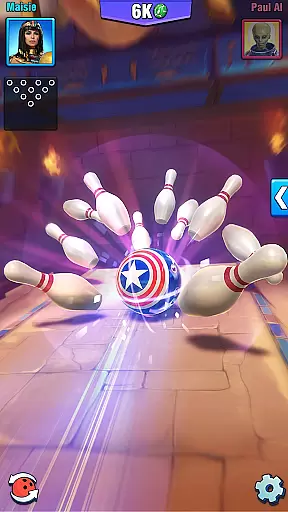
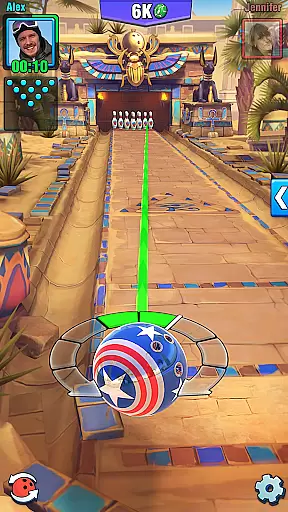
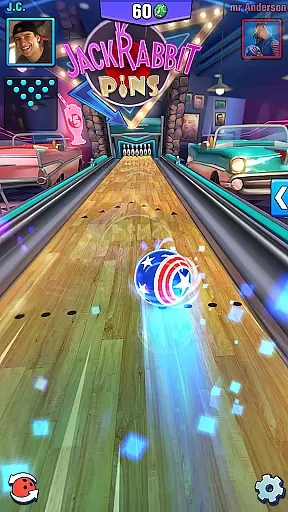
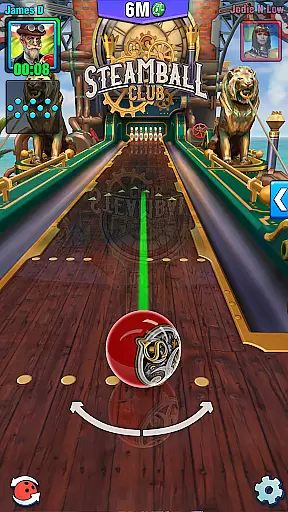


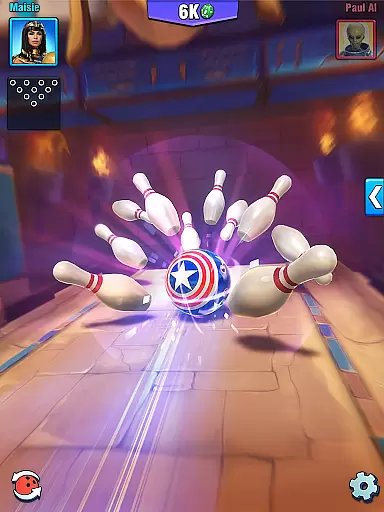
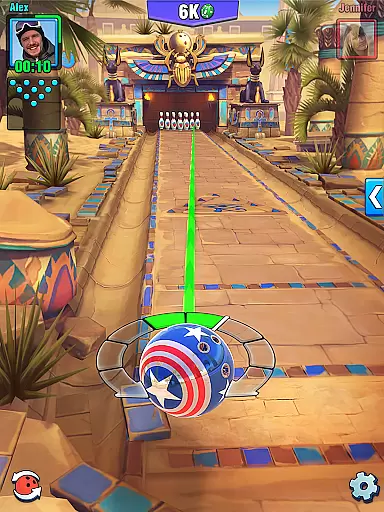




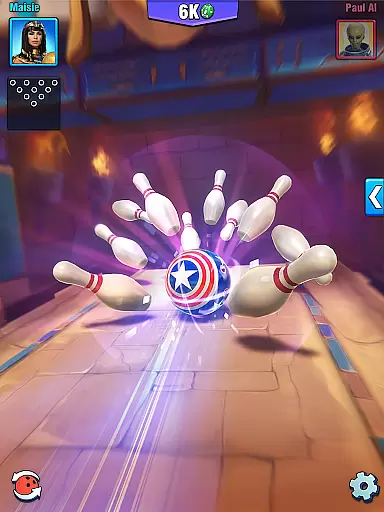
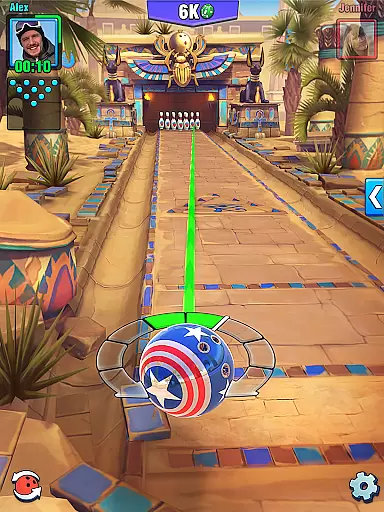



Bowling Crew is a top-rated 3D bowling game that offers an immersive multiplayer experience. Challenge friends or compete in 1v1 matches with players worldwide. The game features stunning graphics, unique bowling alleys, and over 120 customizable bowling balls.
Players can enjoy quick matches lasting no more than 3 minutes, participate in weekly challenges and seasons for exclusive rewards, and explore revolutionary gameplay that's easy to learn but tough to master. Suitable for all bowling enthusiasts looking for competitive play.
Bowling Crew stands out with its instant matchmaking system that pairs you with skill-appropriate opponents. Every match is fast-paced, ensuring exciting PvP battles without long waits. The game also includes weekly challenges on alleys with nonstandard rules.
Graphics are a key feature, offering breathtaking visuals across 15 unique 3D bowling alleys. Players can collect tokens, advance through leagues, and uncover hidden easter eggs in every lane. With millions of players, there's always someone ready for a challenge.
In Bowling Crew, the developers have meticulously crafted a realistic bowling experience that mirrors the physics of real-world bowling. The game employs advanced physics engines to ensure that every roll, spin, and collision behaves as it would in an actual bowling alley.
The attention to detail extends to factors such as ball weight, lane friction, and pin responsiveness, all contributing to an authentic gameplay experience. Players can fine-tune their shots with precision akin to holding a real bowling ball, making strategic decisions based on accurate simulations.
This commitment to realism not only enhances the enjoyment for seasoned bowlers but also serves as an excellent training ground for newcomers looking to understand the nuances of the sport. With true-to-life physics, players can genuinely assess their skills and improve over time.
Bowling Crew offers an intuitive control scheme that makes the game accessible to players of all skill levels. The interface is designed to be user-friendly, allowing players to focus on their technique rather than complex controls.
Using simple swipe gestures, players can easily direct the power and direction of their throws. This streamlined approach ensures that even those new to mobile gaming can quickly grasp the mechanics and start playing without a steep learning curve.
The responsive controls provide immediate feedback, letting players adjust their strategies on the fly. This intuitive design fosters an engaging and frustration-free environment where the joy of bowling takes center stage, enhancing both casual and competitive play experiences.
Stunning 3D Graphics
Quick Matchmaking
Weekly Challenges
Multiplayer Leagues
Vast Ball Selection
Requires Internet
In-App Purchases
Occasional Bugs
Ads Between Matches
Learning Curve

Play darts against the world!
 4.70
4.70
Run the ball into the endzone in AR.
4.5
This third edition of Skateboard Party features professional skater Greg Lutzka.
4.30
Recruit and train players to form a winning team!
4.10
Quick-fire archery duels! Play the most realistic 3D archery game now!
4.70
Backflip Madness! Fast-paced, parkour-flavored extreme sports backflip game.
4.50
Mental skills exercise/training - improve your power of focus and concentration
4.1
Play the World's Soccer Game Anywhere with Premier League, UCL & LALIGA stars.
4.60
Play online multiplayer or PvP Pool games and compete with your friends!
4.80
Ride, flip, and perform crazy stunts in an open BMX freestyle playground!
4.80
Create and customize your own golf course in this charming management sim.
4.70
Mobile Team Manager: Team Chat | Schedule Team Games | Build Player Roster
4.50
Be a wrestling Superstar
4.40
Fun multiplayer golf game! Prove you’re a golf legend and play with friends!
4.40
Play one of most famous lawn games in America called foot bag toss family games!
4.30
Realistic golf, real courses
4.10
Pixel Cup Soccer is a retro-style arcade game, just the fun part of soccer!
4.00
Play fun baseball with doodle-style characters and hit massive home runs!
4.0
Webcam based exercise and learning game with rock climbing!
4.4


User Reviews