
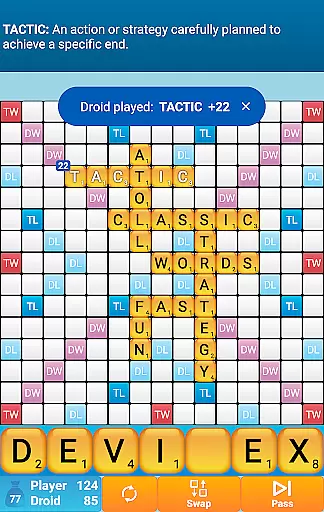
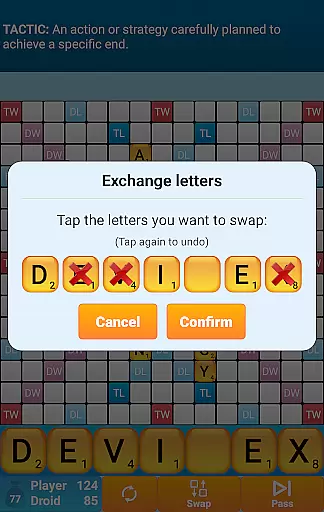
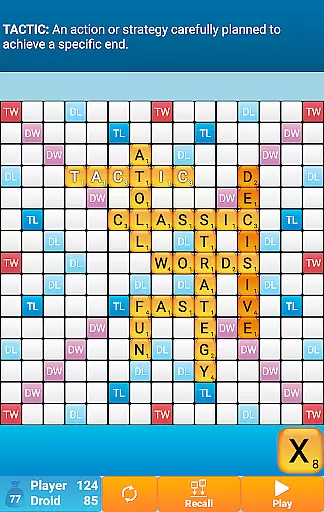
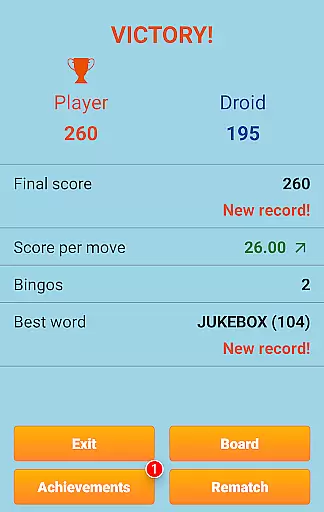
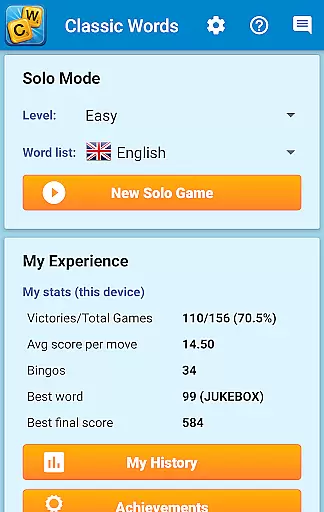
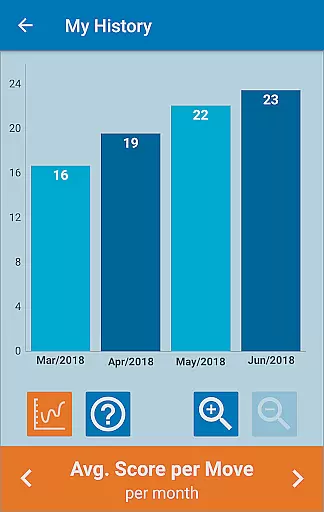
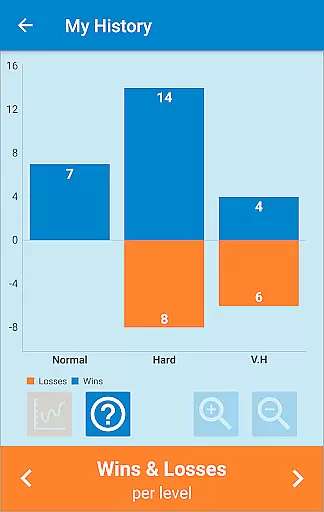
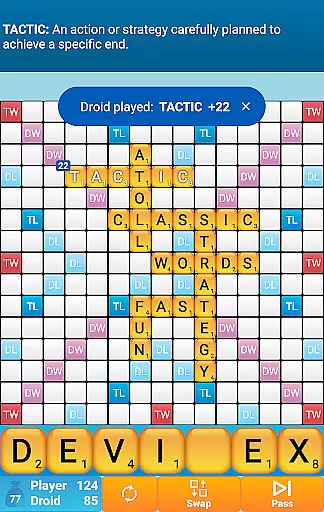
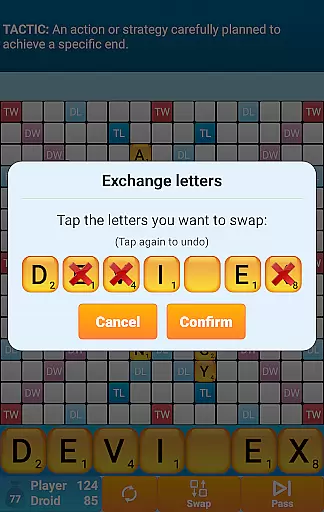
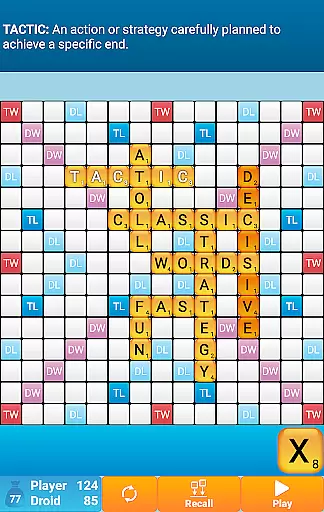
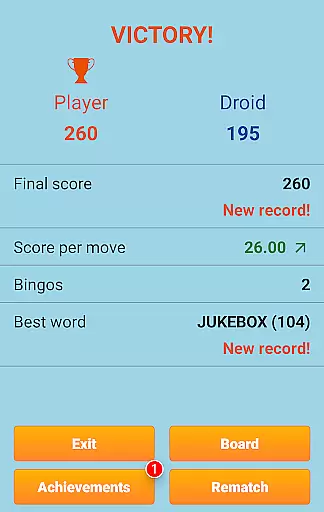
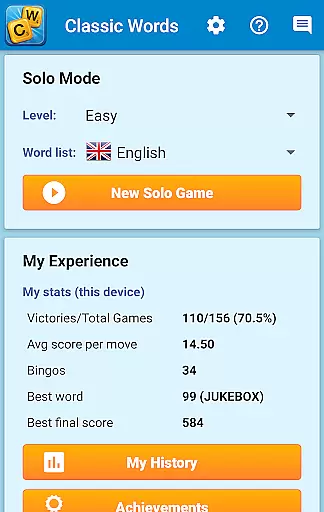
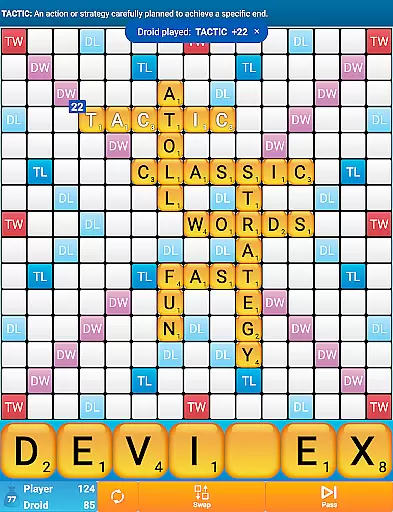
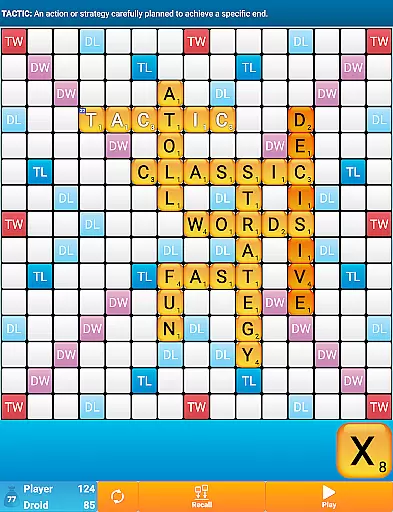
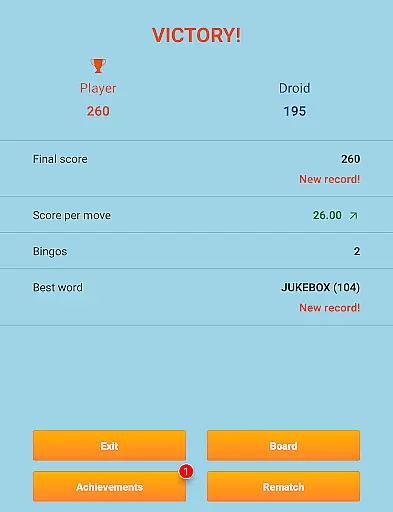
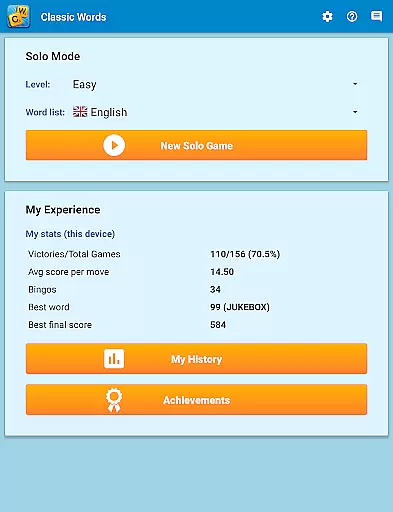
Classic Words Plus is a premium word game designed for solo play against your smartphone or tablet. This crossword-style board game offers an ad-free experience, making it perfect for players seeking uninterrupted gameplay. With 6 difficulty levels and support for multiple languages including English, Spanish, French, and German, the app caters to both beginners and advanced players.
The game stands out with its unique features like the Teacher mode and Pass-and-Play functionality for two-player offline games. Players can enrich their vocabulary through built-in word definitions while competing against the smart AI opponent. The app uses quality word lists such as the NASPA Word List 2020 for English, ensuring authentic and challenging matches.
Ideal for fans of board games and strategy enthusiasts, Classic Words Plus helps improve spelling and vocabulary in an enjoyable way. Its quick reactivity and variable skill levels make it perfect for training sessions and learning new words from the computer's moves.
Classic Words Plus boasts an impressive array of features that enhance the single-player word game experience. The app's smart AI opponent comes with 6 distinct difficulty levels, providing appropriate challenges for all skill levels. Players can access word definitions simply by swiping, allowing them to learn new vocabulary while they play.
The game supports multiple languages with specialized dictionaries for each, including official tournament lists for languages like French and German. Unlike online multiplayer games, Classic Words ensures fair play through its randomized letter selection and equal-information AI system. The inclusion of special scoring squares (Double Letter, Triple Word, etc.) adds strategic depth to each match.
Additional features include the exclusive Teacher mode for learning, and a Pass-and-Play option for local two-player games. The app's offline functionality and adaptive letter distribution for different languages make it a versatile choice for word game enthusiasts worldwide.
Clue quality and clarity are essential in word games as they guide players in forming valid words. Classic Words Plus ensures that clues are not only clear but also educational. The game provides definitions for words, enriching players' vocabulary as they play.
The inclusion of multiple languages with specialized dictionaries enhances the clue quality. Players can enjoy official word lists such as the NASPA Word List 2020 for English, which guarantees that the words suggested are up-to-date and widely accepted in competitive play.
Classic Words Plus offers a cheat-free environment, ensuring all players have access to the same quality of clues without external influences. This levels the playing field and allows for fair competition against the AI.
Puzzle variety in Classic Words Plus is demonstrated through its support of multiple languages and difficulty levels. With seven languages available, including Spanish, French, and German, players can challenge themselves in different linguistic environments.
The game features six distinct difficulty settings, catering to beginners and experts alike. Each level adjusts the complexity of the puzzles, ensuring that every player finds a suitable challenge.
Players can engage in various modes, such as solo play against the AI or pass-and-play with another person. This flexibility adds to the puzzle variety, keeping the gameplay fresh and engaging over time.
Ad-free experience
Smart AI opponent
Multiple languages supported
Offline play available
Educational value
No online multiplayer
Limited social features
Premium price point
Complex for beginners
Resource-intensive

Play this fun word connect game to calm and train your brain.
 4.60
4.60
Better than Wordle, with Unlimited Words and No Daily Limit.
4.60
Word search games, anagram, crossword & logic puzzle! Brain training and relax!
4.90
Relax and have fun with a combination of word games and solitaire!
4.60
Guessing word game for smartphones and smartwatches
4.1
Scramble Words Puzzle Game
4.2
Zen Word - where challengers relax, solve word games, and train their minds!
4.80
Train your brain daily with fun crosswords and addictive word puzzles!
4.80
Play this visually-pleasing word game specially designed for seniors!
4.90
Who's the impostor? Give clues, bluff your way through - the perfect party game
4.90
Great Word Game with Friends!
4.80
Guess who is the Impostor and Mr White. Party game to play with friends. Fake it
4.80
A fun multiplayer word game. Who can make the highest scoring words?
4.80
Relax, train your brain and improve your vocabulary with Word Search Journey
4.80
101 offline games: words, puzzles, quizzes! Play, learn and compete!
4.70
Crossword & Trivia Game for Christian
4.60
Find words from the same topic, group them by association, win the word puzzle!
4.50
Try to find the hidden words!
4.30
Train your brain and unscramble letters in this fun social crossword puzzle!
4.10


User Reviews