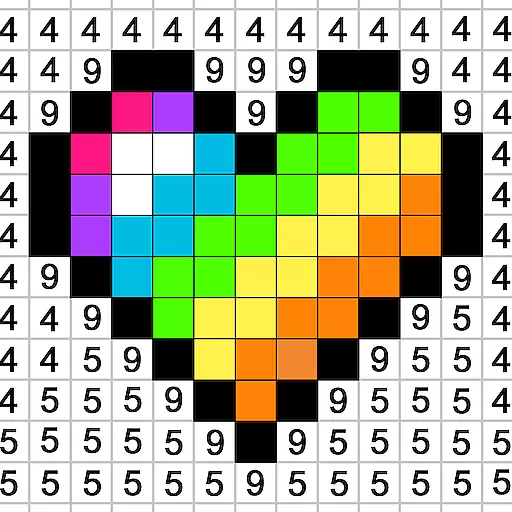


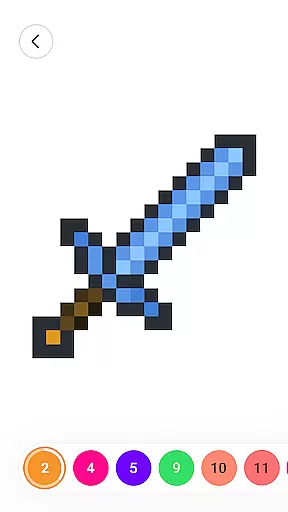
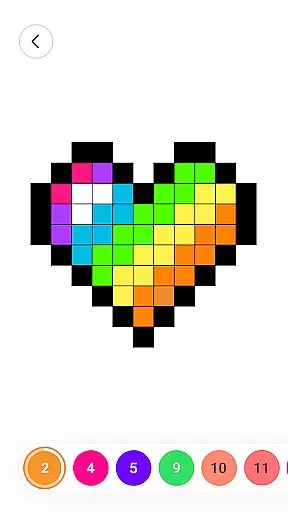
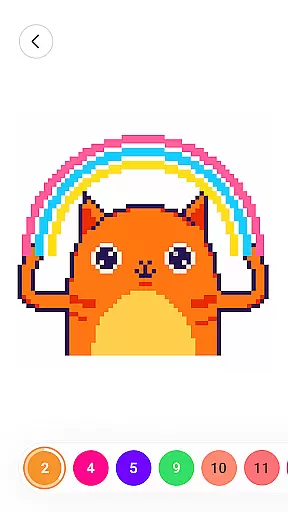



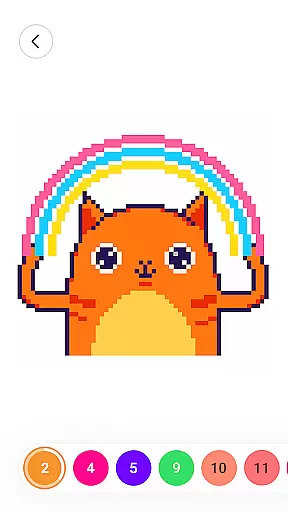



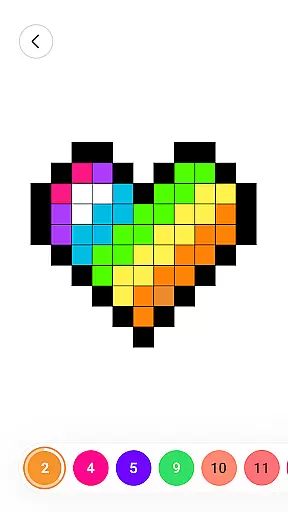
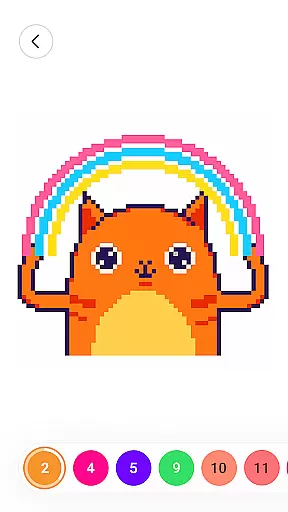

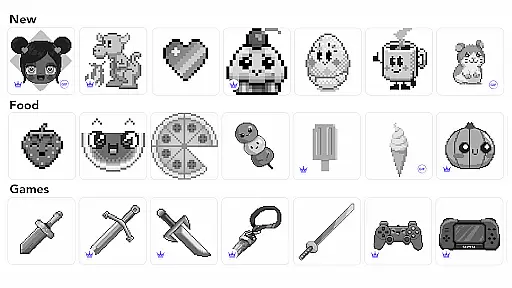
Color by Number: Coloring Games is a premier pixel art game designed for relaxation and creativity. This app offers an extensive collection of color by number images, catering to both beginners and experienced users. With themes sourced from various cultures and artists worldwide, it provides a diverse coloring experience.
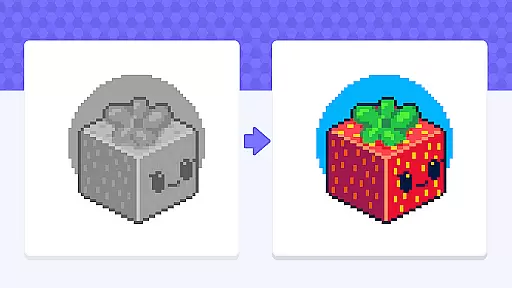
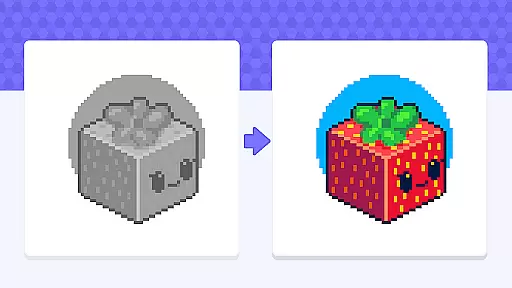
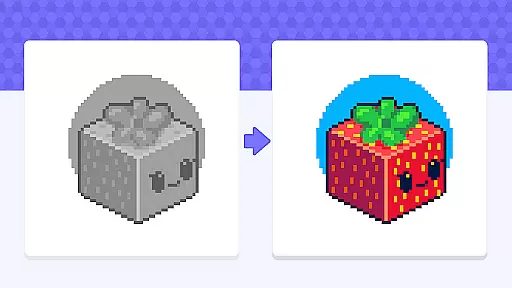
A standout feature is the ability to import personal pictures, transforming cherished memories into personalized pixel art. The app also fosters a vibrant community where users can share their masterpieces and explore others' creations. Equipped with inclusive and diverse art options, as well as stress-relieving benefits, this app is perfect for anyone seeking a calming yet engaging pastime.
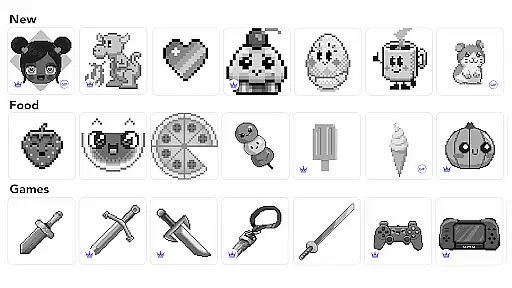
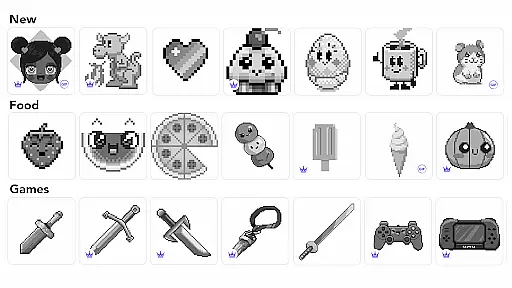
Color by Number: Coloring Games boasts a variety of features that enhance user experience. Firstly, its vast array of pixel art images ensures there's something for everyone, regardless of skill level. These images span popular themes and unique content, providing endless creative possibilities.
In addition to pre-designed images, users can import their own photos, allowing for a customized coloring journey. The app includes diverse painting tools that make coloring more efficient and enjoyable. Furthermore, the community sharing aspect encourages interaction among users, promoting a sense of belonging and inspiration. Overall, these features combine to create a comprehensive and satisfying coloring experience.
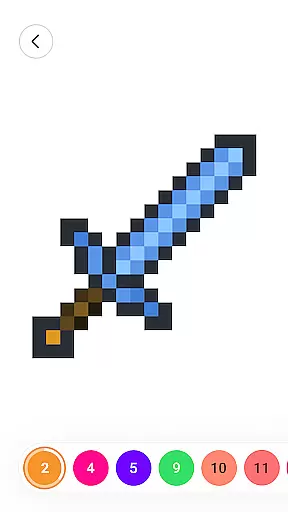
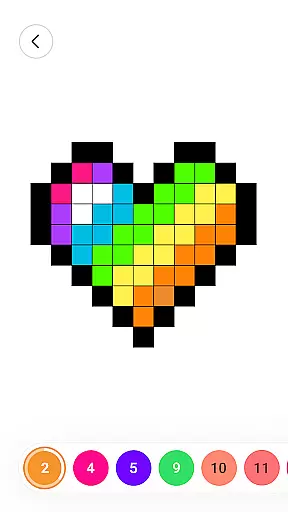
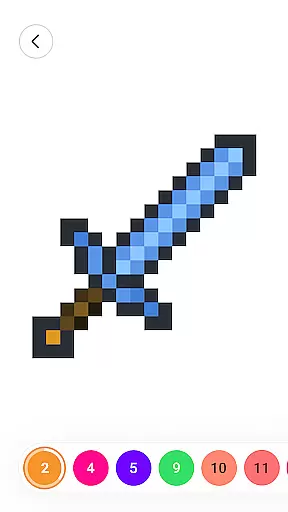
In the realm of coloring games, adhering to authentic rules while providing creative flexibility is paramount. Color by Number: Coloring Game excels in this area by offering a genuine color-by-number experience that stays true to traditional gameplay. The app provides numbered grids where each number corresponds to a specific color, ensuring users can easily follow along and produce stunning pixel art.
What sets this game apart is its flexibility. While maintaining the core rule set, it allows users to import their own images, transforming personal photos into custom color-by-number projects. This feature not only enhances user engagement but also adds a personalized touch to the coloring experience. Such adaptability ensures that players of all skill levels can enjoy and benefit from the game.
The diverse painting tools available further enhance this flexibility. Users can experiment with different brushes and effects, allowing for more nuanced and unique creations. This blend of authentic rules with customizable options makes Color by Number an exemplary board game app.
While Color by Number: Coloring Game doesn't involve AI opponents in the traditional sense, it fosters a competitive yet supportive environment through community sharing. The app encourages users to share their completed works within a vibrant community, effectively creating a peer-based challenge system. This social aspect serves as a motivational tool, pushing users to improve their skills and produce higher-quality artwork.
The community-driven approach offers a unique form of 'opposition' through inspiration and friendly competition. By browsing other users' creations, players can draw motivation from the diverse range of styles and techniques on display. This indirect competition helps maintain user interest and promotes continuous engagement with the app.
Moreover, the app's inclusive design ensures that everyone, regardless of skill level, can participate and feel accomplished. The variety of difficulty levels and themes caters to both beginners and experienced artists, making it an accessible and rewarding experience for all users. Through these innovative features, Color by Number successfully creates a dynamic and engaging coloring game environment.
User-friendly interface
Vast image library
Customizable options
Community engagement
Stress-relief benefits
Limited advanced tools
Occasional ads
Premium content costs
Basic social features
Offline limitations

Strike sparks hard, but don't get charred!
 3.00
3.00
Handcrafted Sudoku puzzles by the most popular Sudoku channel!
4.50
Roast coffee beans and compose a delicious cup of coffee.
3.80
Meet adorable cats and sew the coziest quilts.
3.90
Legendary board game classic from award-winning designer Vlaada Chvátil
4.70
A strategic boardgame of galactic expansion. Develop and settle outer space!
4.10
The official digital adaptation of Jamey Stegmaier’s board game - Charterstone!
3.40
The digital strategy game adaptation of the famous board game.
4.00
The award-winning board game of strategy and intrigue. The Spice must flow.
4.90
Enjoy the classic board game of dice with friends. Roll Yatzy? Go!
4.90
Compete to create the most perfect ecosystem in the award-winning board game!
4.90
Enjoy Classic Domino: Master each tile and play offline board games!
4.90
Mahjong match game with large tiles, senior-friendly design, and offline play.
4.90
Colorful Twist on Dice
4.70
Roll, roll, roll your dice, Yatzy wins the prize.
4.70
Large Numbers Coloring Book for Seniors. Color by number for zen and relax.
4.60
Nostalgia Color: Relive Your Fondest Memories
4.40
Second Dawn for the Galaxy
3.90
VENUS - the biggest DLC for Concorida has just been released!
3.80


User Reviews