
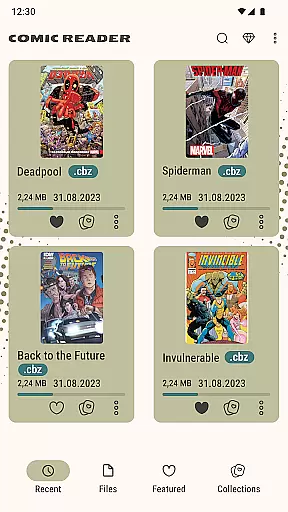
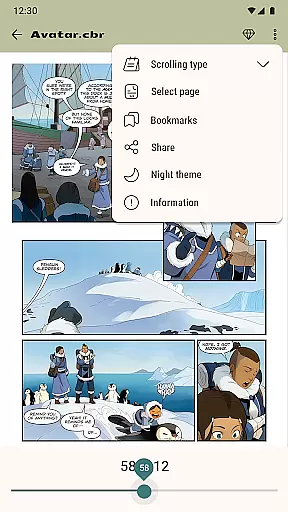
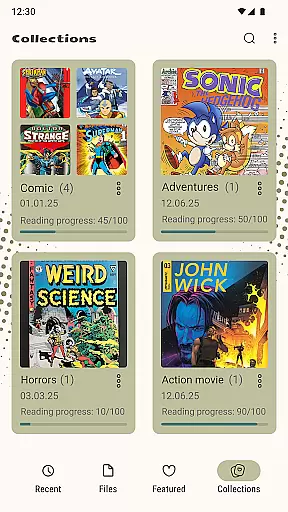
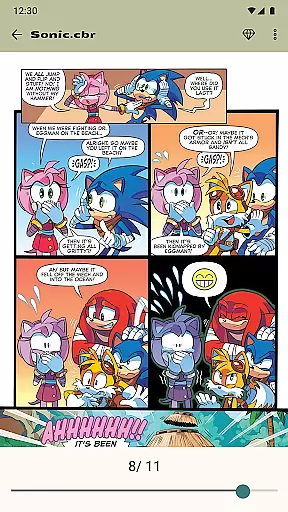
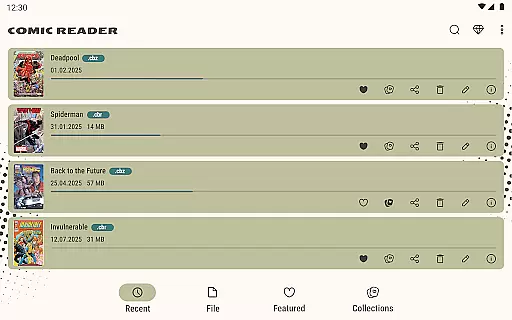
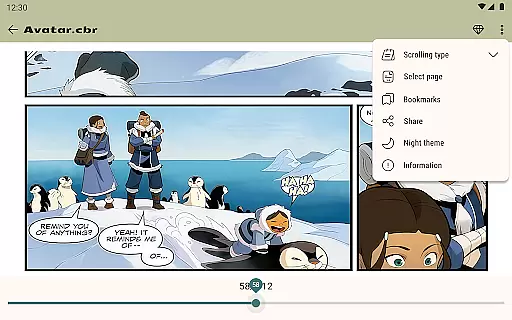
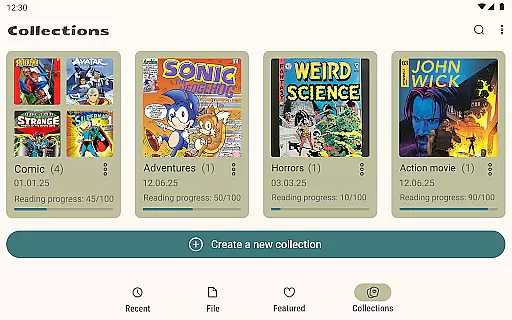
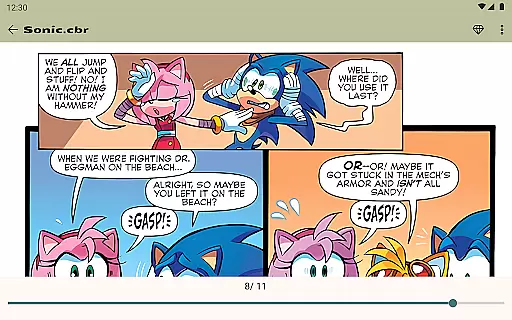
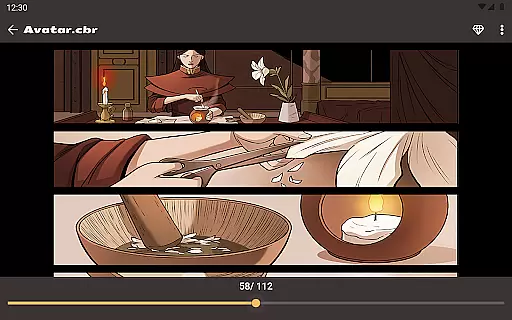
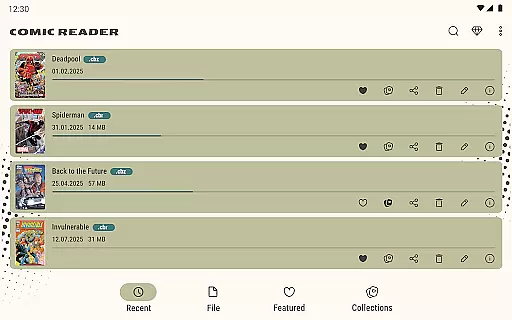
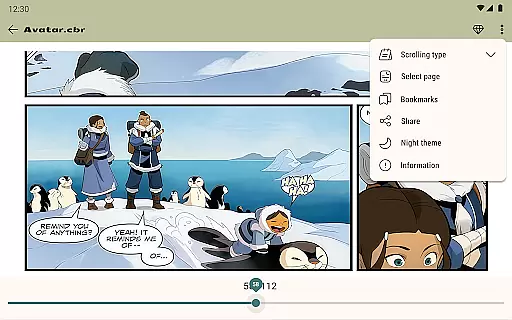
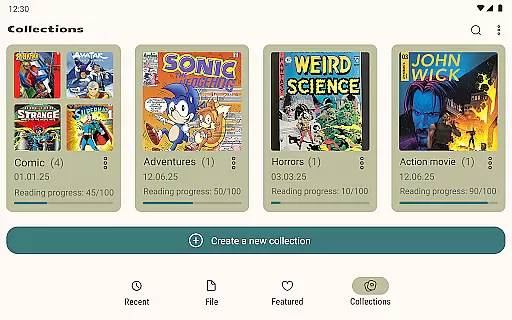
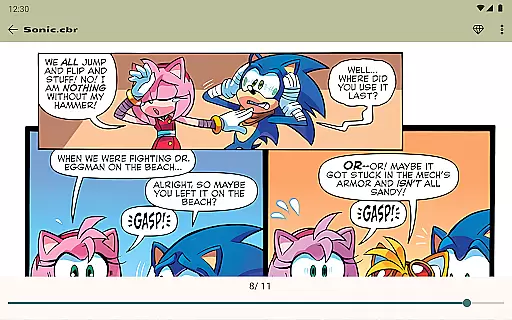

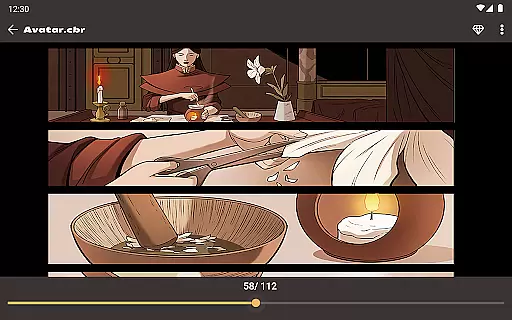
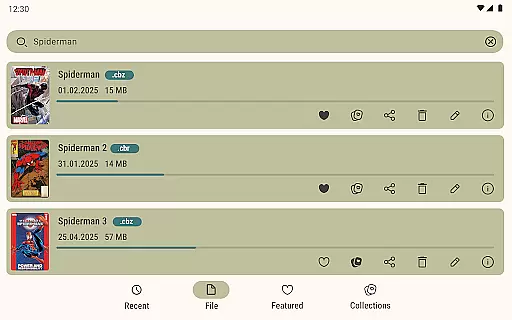
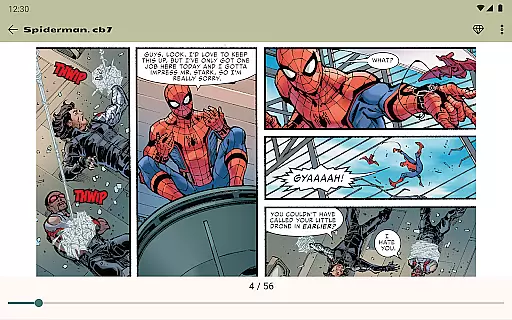
Comic Book Reader is a versatile offline comic and manga reader that supports multiple popular formats including CBR, CBZ, CB7, CBT, JPEG, PNG, and GIF. Designed for comic enthusiasts who need access to their favorite content without an internet connection, this app offers fast loading speeds and a user-friendly interface.
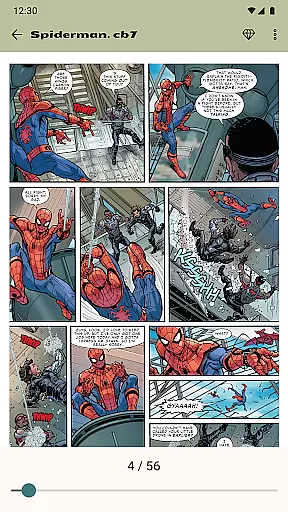
The application provides essential features such as night and day modes for reading comfort, a built-in file manager for easy organization, and the ability to save reading progress. With additional functionalities like page zoom, bookmarks, and search capabilities, Comic Book Reader ensures a seamless experience for users who want to manage and enjoy their digital comic collections efficiently.
Whether you're traveling or simply prefer offline access to your comics and graphic novels, Comic Book Reader serves as an ideal tool. Its lightweight design and ease of use make it accessible to all users, while optional ad removal enhances the reading experience.
Comic Book Reader stands out with its comprehensive support for various comic book formats, making it a go-to choice for fans of comics, manga, and graphic novels. The app's full offline functionality allows users to access their collections anytime, anywhere, without worrying about internet connectivity.
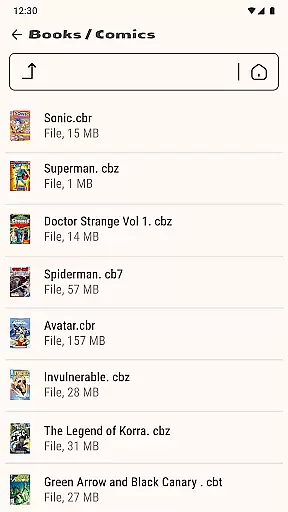
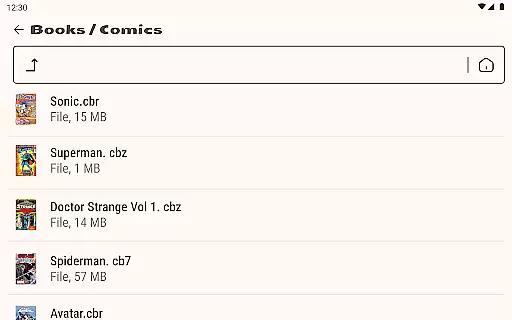
One of the key highlights is the instant loading feature for CBR and CBZ files, ensuring that users can start reading immediately. The inclusion of a built-in file manager adds another layer of convenience, enabling users to add, rename, delete, and share files directly within the app. Additional features like night mode, page zoom, and bookmarking enhance the overall usability and accessibility of the platform.
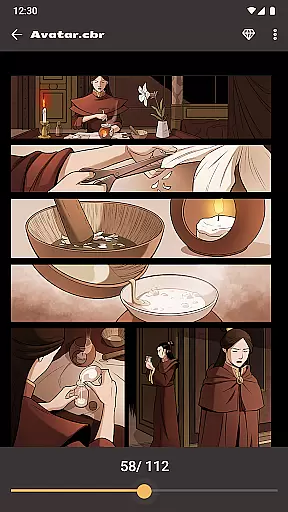
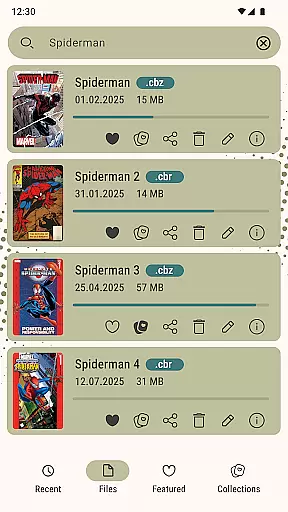
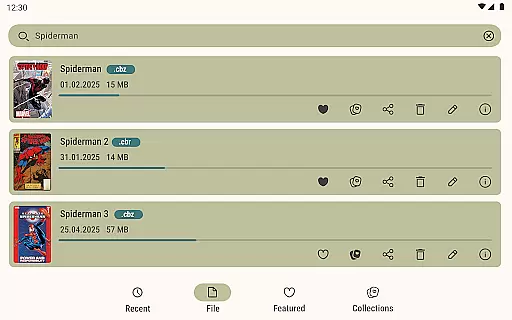
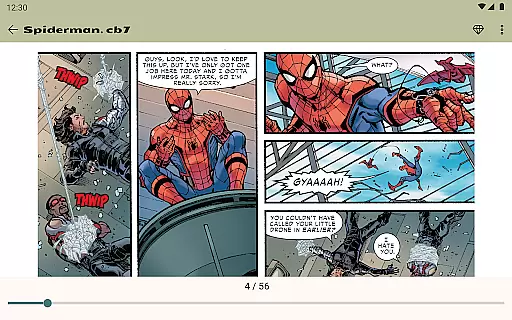
With its focus on user experience, Comic Book Reader also offers the ability to jump to any page by number and search your library by title. These features ensure that managing and navigating through extensive comic libraries is both efficient and enjoyable. The optional one-time purchase to remove ads further improves the reading experience, catering to users who prefer an uninterrupted interface.
Comic Book Reader offers an extensive and diverse library that caters to a wide array of interests. Users can access thousands of comics, manga, graphic novels, and magazines in popular formats such as CBR, CBZ, CB7, CBT, JPEG, PNG, and GIF.
The application supports offline reading, making it perfect for travel, subway commutes, or flights where internet connectivity might be limited or unavailable. This ensures that users have uninterrupted access to their favorite titles at all times.
With instant loading capabilities, readers can swiftly browse through their collections. The built-in file manager allows for easy organization, enabling users to add, rename, delete, and share files effortlessly within the app's ecosystem.
Authenticity and proper licensing are crucial for any comic book reader application. Comic Book Reader assures users of legally obtained content by supporting personal files and not distributing copyrighted material directly.
Users are encouraged to load their own collections into the app, ensuring that they comply with copyright laws while enjoying a vast array of formats including CBR, CBZ, and more. This approach respects both creators' rights and readers' preferences.
For additional support or inquiries about content use, users can reach out via email at help.atools@gmail.com. The team is responsive and committed to resolving issues promptly, maintaining trust and transparency with its user base.
User-friendly interface
Full offline support
Instant loading speeds
Variety of supported formats
Customizable reading modes
Ad-supported free version
Limited advanced features
No cloud sync option
Basic file management
Occasional bugs reported

Follow your favorite manga and get notifications for new chapters!
 4.50
4.50
Become a real PKM Card Maker, create or custom any Poke TCG cards and share them
4.10
TMOLector is an app to read all kinds of manga and stories!
4.50
The most popular comic book reader.
4.40
AsuraScans read manga, manhua, manhwa, and webtoon
3.90
from HipComic: Value Your Comic Book Collection with Just the Snap of a Photo.
3.80
Kodansha official Manga app
4.30
Read comics, manhwa, manga & novels Official webtoons with daily updates
4.30
Read Manga, Comics & Manhwa of Romance, Action, Fantasy, Drama, BL and more!
4.40
Official from Japan
4.80
Crunchyroll Manga—unlimited, uninterrupted reading with offline access & more!
4.50
SQUARE ENIX's official Manga app!
4.40
Manga Reader for Comics, Webtoons & Manhwa. Read Mangas, Chat Stories and Novel.
4.30
The anime tv for fans Sud and Dub
4.20
Daily updates & FREE chapters
4.00
Read officially manga titles from Japan including Attack on Titan
3.80
The best app for digital comics - Welcome to Lezhin!
3.10
A free paradise specially built for comic lovers. When you step into this comic universe full of surprises, it is like opening a door to endless joy. You are immediately immersed in the wonderful world brought by reading and enjoy the infinite charm of reading.
4.5
Read manga, comics, and manhwa
4.0


User Reviews