
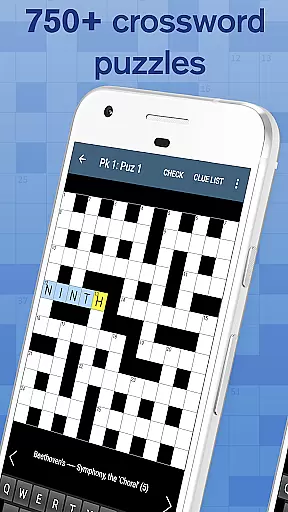
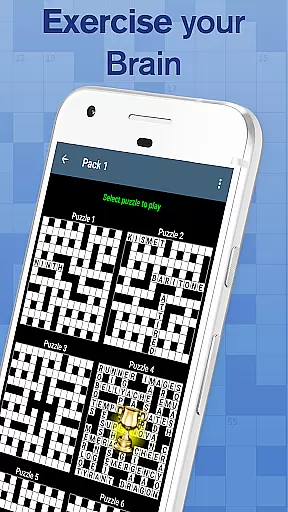
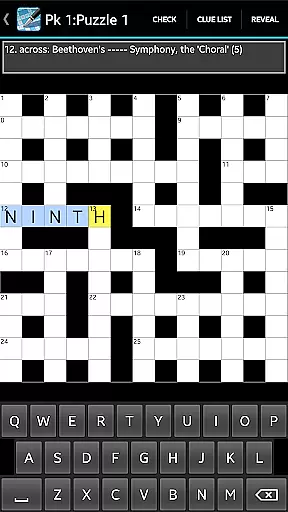
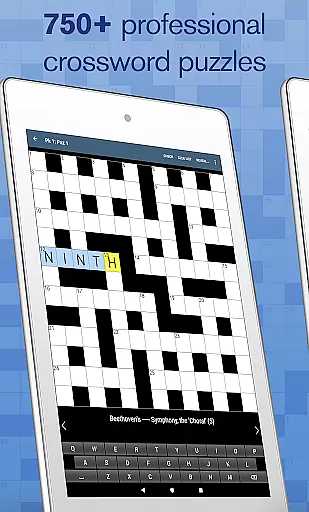
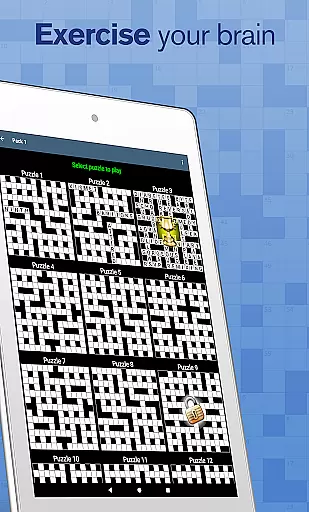
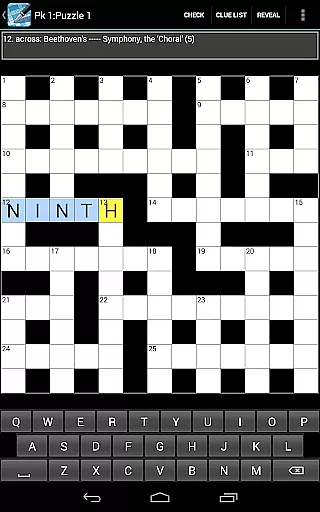
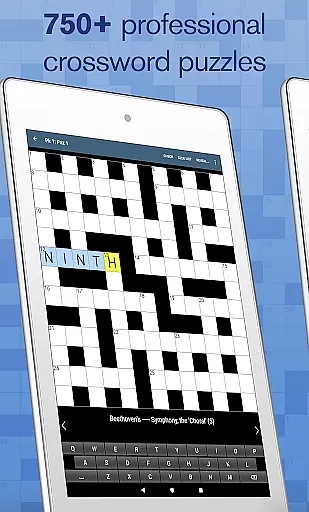
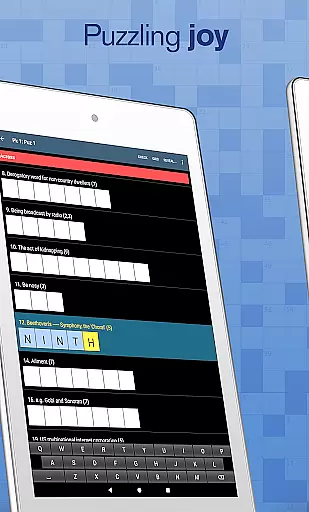
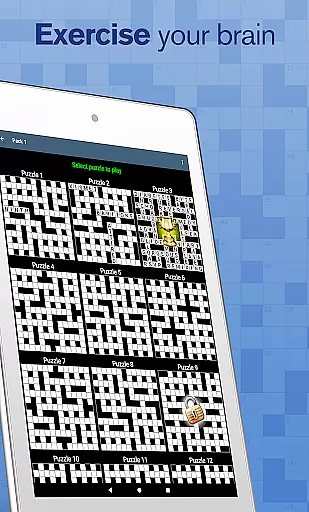
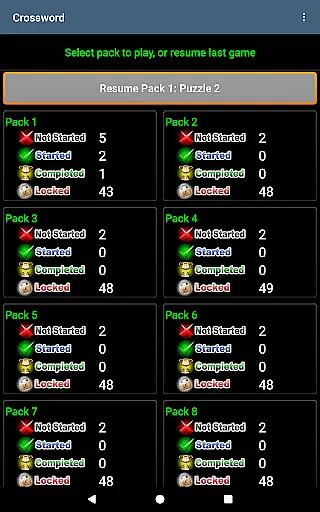
Crossword offers a collection of 750 professionally crafted puzzles, making it an ideal companion for casual gamers looking to enjoy their coffee breaks. The app is designed to cater to all skill levels, ensuring that everyone can find enjoyment in solving its puzzles.
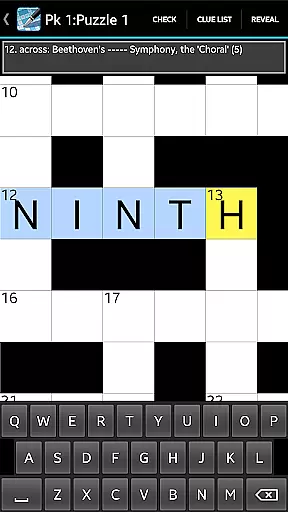
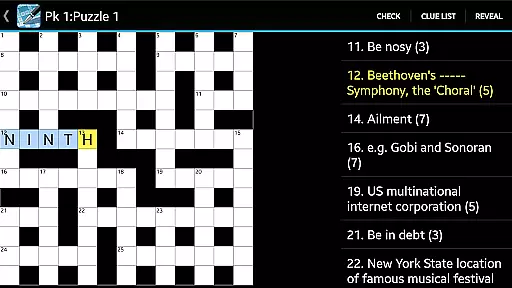
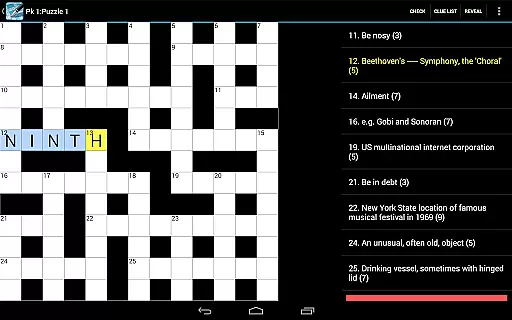
One of the standout features of Crossword is its adaptability to tablet use, providing users with a comfortable and engaging experience through pinch zooming grids and clue list views. Additionally, the app includes helpful tools such as cheats, answer checking, and the ability to share clues via email or social media platforms like Twitter and Facebook.
With no ads to interrupt gameplay and additional preferences available, such as jumping letters and highlighting mistakes, Crossword ensures a seamless and customizable puzzle-solving journey. Whether you're a beginner or an experienced solver, this app provides hours of entertainment and mental stimulation.
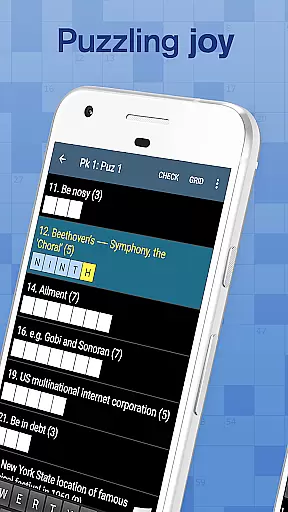
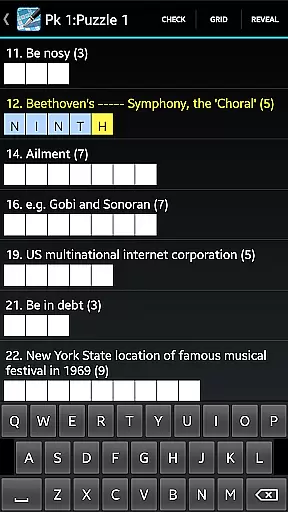
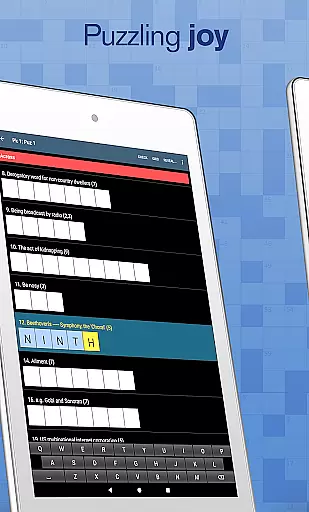
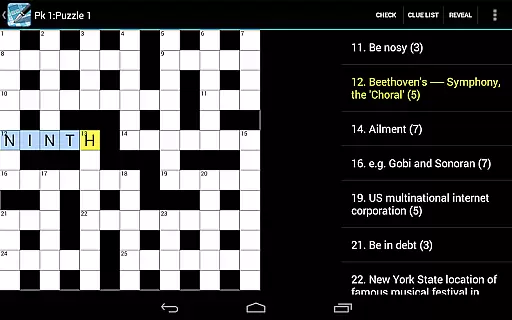
Crossword stands out with its diverse set of features tailored to enhance the user's puzzle-solving experience. The app supports pinch zooming on its grid, allowing players to easily focus on specific sections of the crossword. A clue list view helps users keep track of their progress and manage clues efficiently.
For those moments when help is needed, Crossword offers cheats and answer checking functionalities. Players can also share their favorite clues with friends through email or social media platforms like Twitter and Facebook. The absence of ads ensures uninterrupted gameplay, while extra preferences such as jumping letters, highlighting mistakes, and greying out completed clues provide a personalized touch.
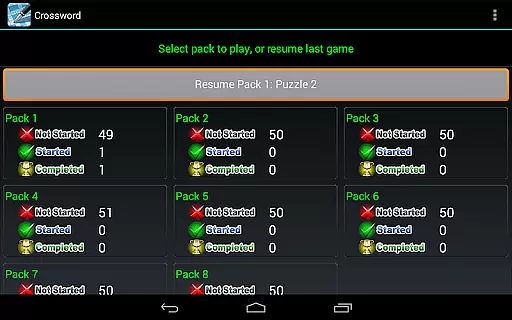
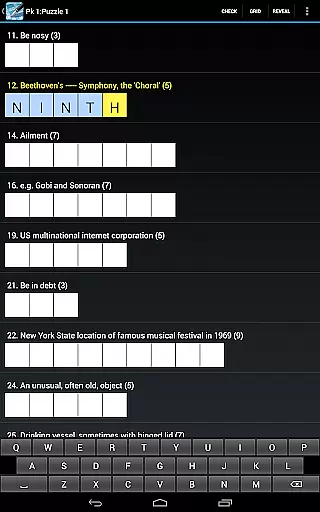
Additionally, the app includes a Resume button and three keyboard choices, catering to different playing styles. These features collectively create an immersive environment where users can enjoy solving crosswords at their own pace, whether they are newcomers or seasoned enthusiasts.
Quality and clarity of clues are essential for an engaging crossword experience. Crossword provides well-crafted clues that cater to casual players, ensuring they are neither too obscure nor overly simplistic.
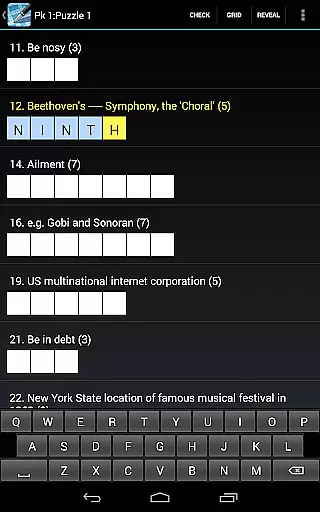
The app offers a clue list view feature, allowing users to easily access and review hints. This functionality enhances the overall user experience by keeping the clues organized and accessible at all times.
Additionally, the ability to share a clue via email, Twitter, Facebook, or other platforms adds a social dimension to the game. Players can seek help or share interesting clues with friends, making the solving process more interactive and enjoyable.
With these features, Crossword ensures that its clues are not only clear and high-quality but also promote community engagement and support various play styles.
Puzzle variety is crucial for maintaining user interest and providing diverse challenges. Crossword offers 750 professionally designed puzzles suitable for all skill levels, ensuring that players have a wide selection to choose from.
The app includes different difficulty settings, catering to both beginners and experienced solvers. This variety helps users gradually improve their skills while enjoying a broad spectrum of challenges tailored to their abilities.
Moreover, Crossword supports multiple keyboard choices and extra preferences like jumping letters, highlighting mistakes, and greying out completed clues. These options allow users to customize their solving experience according to personal preferences.
By combining a vast array of puzzles with customizable features, Crossword delivers a versatile and adaptable gaming experience that keeps players engaged over time.
User-friendly interface
No ads during gameplay
Customizable preferences
Shareable clues
Multiple keyboard options
Limited to one puzzle type
No hints for difficult clues
Some features locked behind paywall
Occasional performance issues
Not suitable for advanced solvers

Better than Wordle, with Unlimited Words and No Daily Limit.
 4.60
4.60
Word search puzzle game for brain training
4.70
Best Word Game with Friends!
4.90
Dive into the fun word puzzle games for adults! Train your brain with word games
4.80
The highly addictive fun word game.
4.70
Guess who is the Impostor and Mr White. Party game to play with friends. Fake it
4.80
Daily Word Search Puzzles
4.10
3000+ levels of word puzzles fun. Connect words, improve vocabulary, boost IQ!
4.60
Relax, train your brain and improve your vocabulary with Word Search Journey
4.80
Train your brain with word puzzle games for adults and enjoy word search offline
4.90
Challenge your brain with online learning and solve word puzzles!
4.90
Play this visually-pleasing word game specially designed for seniors!
4.90
Play word games to find as many words as you can. Use mode of crossword puzzles!
4.80
Enjoy the beautiful scenery and endless word search puzzles!
4.70
Play this fun word connect game to calm and train your brain.
4.60
Find words from the same topic, group them by association, win the word puzzle!
4.50
Mind-challenging word game — form words with letters and beat your opponent!
4.50
Try to find the hidden words!
4.30
InWords is a word puzzle game where you list as many words as you can.
4.5


User Reviews