![Delta Touch [10 x Doom engine] logo](https://cdn.linksharehub.com/ocp/?u=https%3A%2F%2Fl1.fancapitalize.com%2Fimages%2F2025%2F12%2F0362662440744f9c4332472af4b0e734.jpg&t=webp)
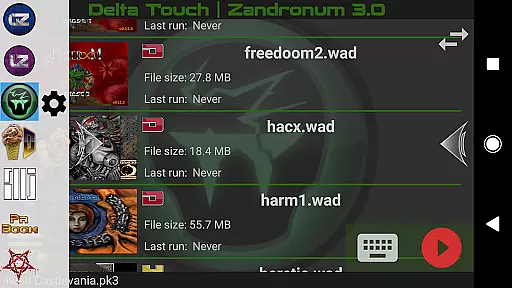
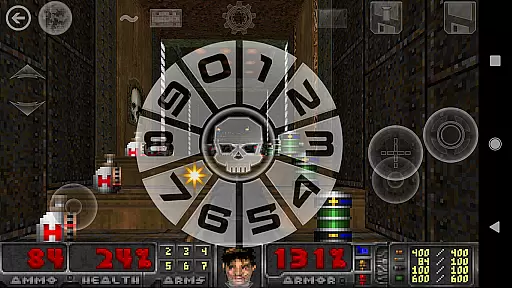
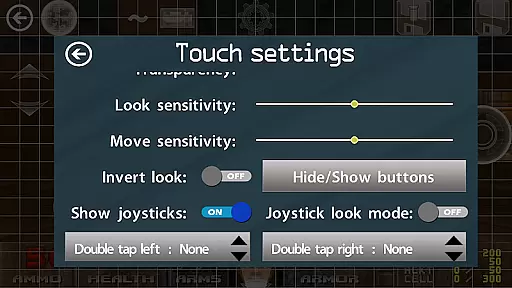
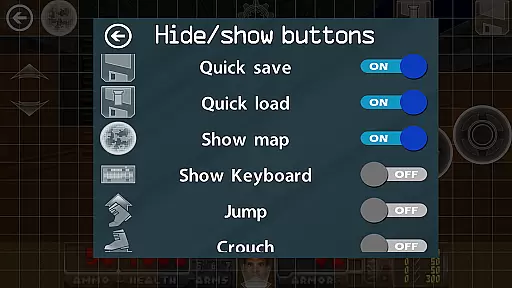
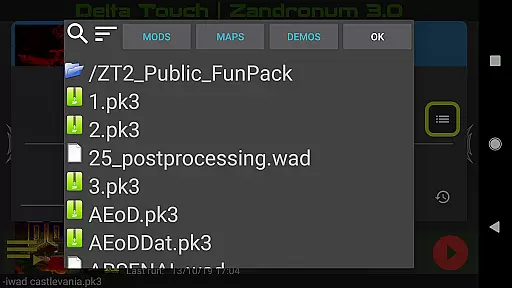
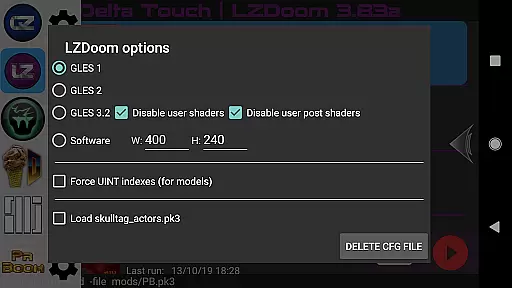
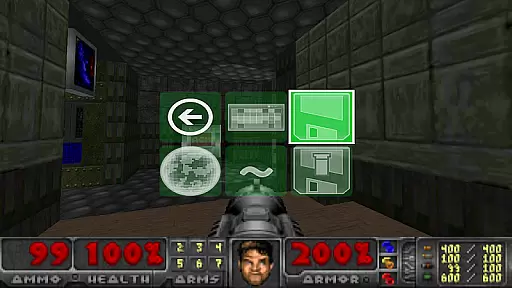
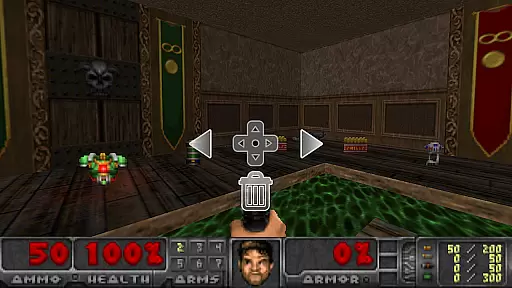
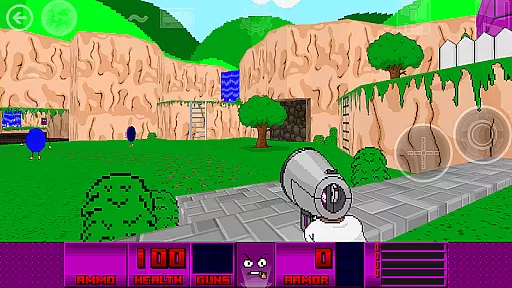
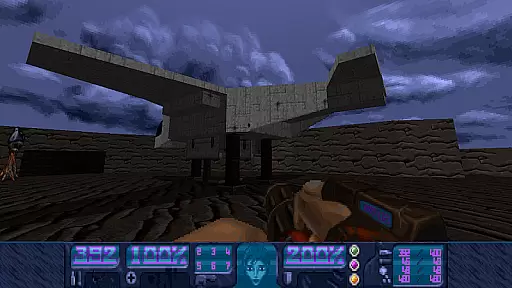
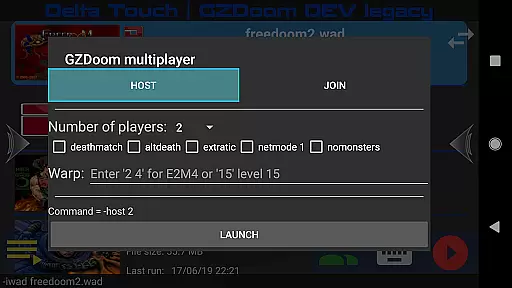
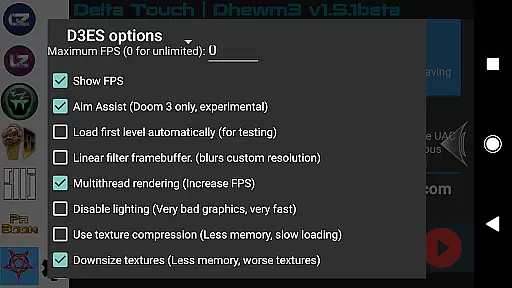
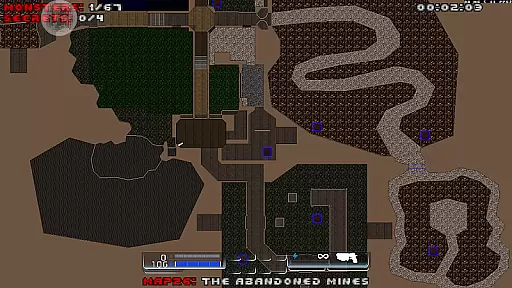
Delta Touch brings ten of the best Doom engine source ports to Android, offering an unparalleled retro gaming experience. The app includes popular ports like GZDoom, Zandronum, Chocolate Doom, and more, supporting a wide range of Doom-based games and mods. With full touch screen controls and gamepad support, it ensures smooth gameplay on mobile devices.
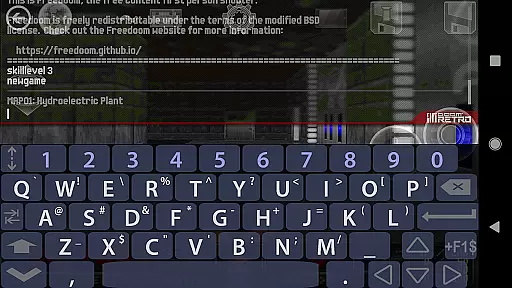
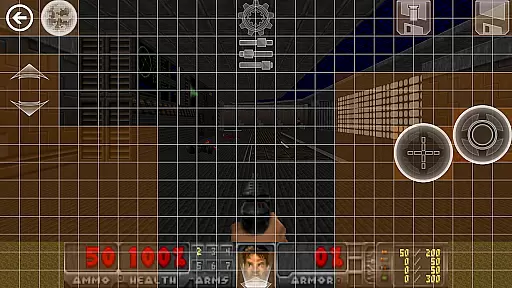
The application stands out with its highly customizable control schemes, built-in keyboard for cheats, and console commands. It also features a custom UI for easy selection of wads and mods, 18 custom buttons for GZDoom mods, and various rendering modes. Additionally, users can enjoy multiplayer capabilities and advanced features like gyro aim assist and mouse/keyboard support on compatible devices.
Ideal for both casual and hardcore gamers, Delta Touch allows you to play thousands of community-made mods and levels. Whether you're reliving classic Doom experiences or exploring new content, this app provides the tools necessary for an immersive experience. FreeDoom data is included to get started immediately, while support for original wad files offers limitless expansion possibilities.
Delta Touch boasts an impressive array of features designed to enhance the Doom gaming experience on Android. The app supports multiple source ports including GZDoom, LZDoom, and Zandronum, each offering unique enhancements and compatibility with various mods. With full touch screen customization, players can tailor the interface to their preferences, ensuring optimal control during intense gaming sessions.
Advanced functionalities such as built-in keyboards for cheat codes, save/load touch screen layouts, and fully navigable UI via gamepads make Delta Touch versatile and user-friendly. It also supports Doom, Hexen, Heretic, and Strife wads, expanding the range of playable content. Multiplayer options for GZDoom and Chocolate Doom, along with mouse and keyboard support, cater to different play styles.
Notably, Delta Touch incorporates modern features like gyro aim assist and mod selection, enhancing precision and variety in gameplay. Users can download MIDI and Fluidsynth samples for quality music playback and import/export settings for convenience. These comprehensive features ensure that players have access to a rich library of Doom-based content, delivering an authentic and customizable experience on mobile platforms.
Control responsiveness and latency are crucial factors in action games, especially for a title like Delta Touch that brings multiple Doom engine ports to Android. The app ensures that players experience minimal delay between their inputs and the game's response, which is vital for fast-paced gameplay.
Delta Touch achieves this through highly customizable touch screen controls and full game-pad support. Players can fine-tune their control schemes, ensuring that commands translate instantly to in-game actions. This level of customization allows users to optimize their setup based on personal preferences and device capabilities.
The benefits for players include enhanced precision during combat scenarios and seamless navigation through complex levels. With features such as gyro aim assist, gamers with compatible devices can enjoy an even more intuitive shooting experience. These elements combine to create a responsive gaming environment where every move counts.
Ultimately, Delta Touch's focus on reducing input latency ensures that fans of classic Doom titles can relive the excitement without modern-day frustrations. Whether engaging in single-player campaigns or multiplayer battles, users will appreciate how quickly their strategies unfold within the game world.
In action-packed games like those offered by Delta Touch, combat feedback tightness plays a pivotal role in delivering an immersive experience. When enemies are defeated or when players execute special moves, immediate visual and auditory cues confirm successful actions, enhancing engagement and satisfaction.
Delta Touch provides robust combat feedback mechanisms across its ten source ports, including GZDoom and Zandronum. Visual effects accompany each weapon discharge, while distinct sounds resonate with every hit scored against adversaries. Such detailed responses not only heighten realism but also help players adjust tactics dynamically during intense firefights.
Players benefit from clear indications of damage dealt and received, allowing them to gauge effectiveness and make necessary adjustments swiftly. Additionally, built-in keyboards enable access to cheats and console commands, offering further opportunities to tweak combat dynamics according to individual playstyles.
By prioritizing tight combat feedback loops, Delta Touch elevates the overall enjoyment derived from revisiting iconic Doom adventures. Gamers can expect satisfyingly visceral encounters whether they're battling demons solo or competing online against others.
User-friendly interface
Wide range of supported mods
Customizable touch controls
Multiplayer capabilities
High-quality music options
Requires high-end device
No included Doom wad files
Complex setup for beginners
Limited gamepad support on older devices
Some advanced mods not supported

Munch your way through 60 levels and over 140 objects!
 4.40
4.40
A fun platform run game with thousands of traps and wow that push your limits
4.00
Destiny experience on mobile! Epic Sci-fi RPG Shooter!
4.40
Defeat the nasty aliens!
5.00
Become the ultimate expert in deer hunting through intense shooter attacks!
4.90
Aim the arrow and become a legendary archer! Multiplayer action & shooting games
4.40
Grand criminal online open-world RP action game! Drive cars and commit crimes!
4.40
Childhood nightmares should remain in the past.
4.60
Rockstar Games brings its biggest release to mobile yet.
4.40
Arcade Roguelike Survival
4.70
NEOGEO's masterpiece game is now available in the app!
4.70
Join stickman game - runner & fun race with a crowd. Epic battle & running game
4.60
Pure sniper shooter game. Stealth sniper mission & daily quest. Special force
4.60
This time, the terror has followed you home!
4.60
Be a spider hero and conquer the vice town
4.50
Fast-paced multiplayer fun. 3v3 & 5v5 matches, PvP brawls and battle royales!
4.20
A Troll Platformer Game
3.30
Five years ago, Carl ‘CJ’ Johnson escaped the haze of Los Santos, San Andreas…
3.30
An unprecedented hardcore Soulsborn-like title on mobile
2.90


User Reviews