
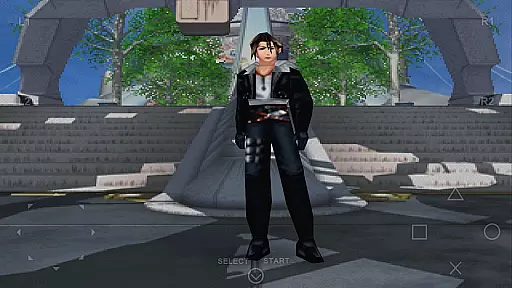
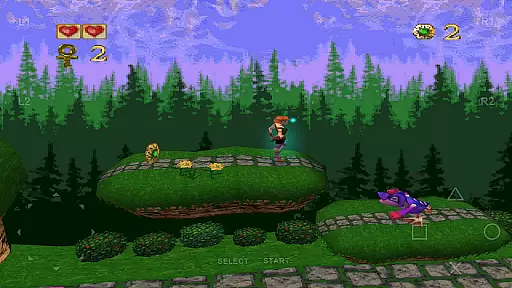
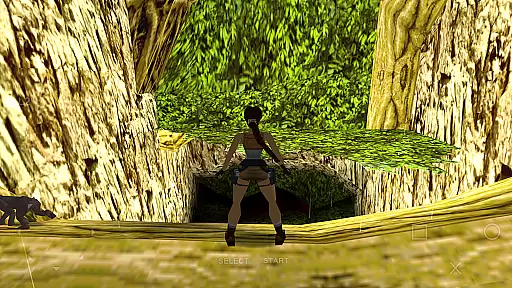
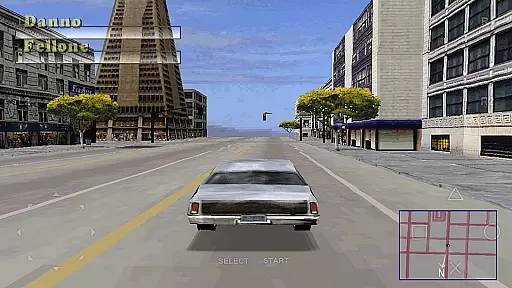
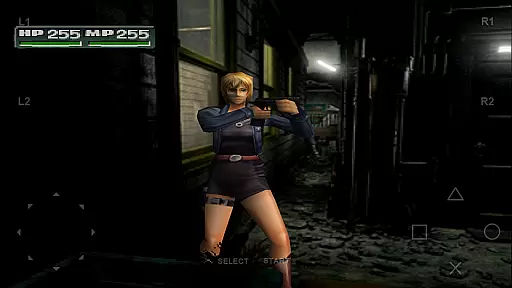
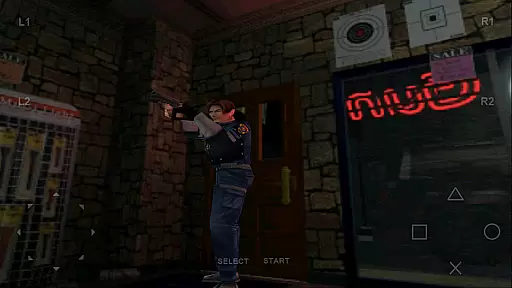
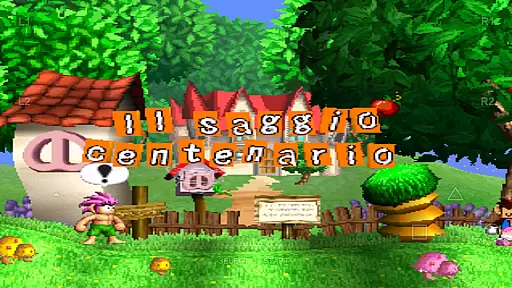
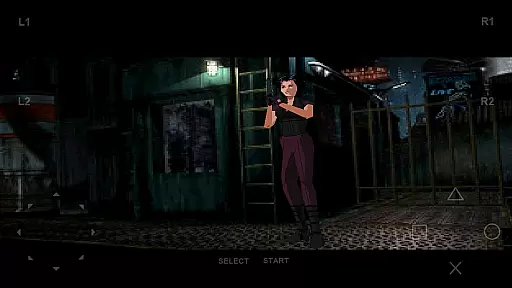
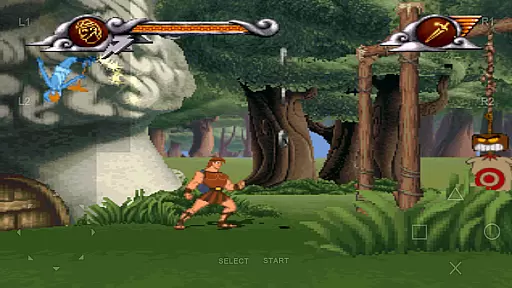
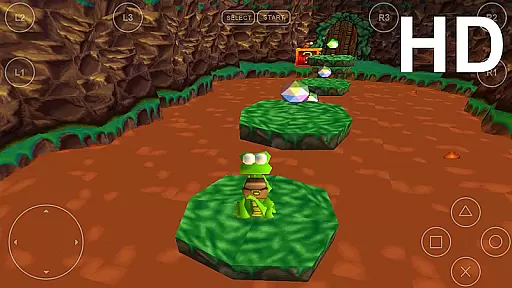
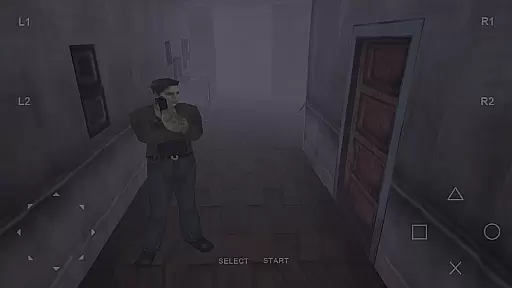
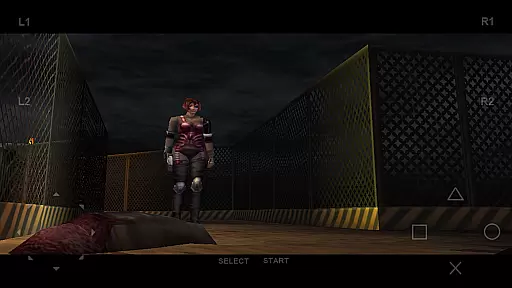
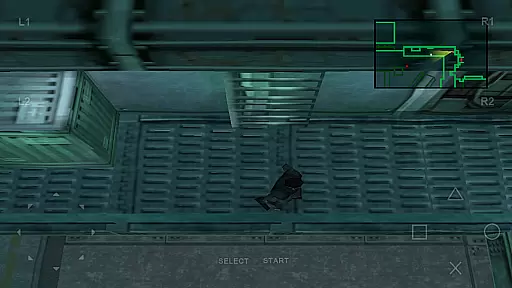
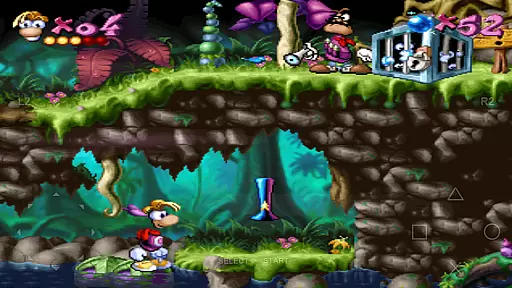
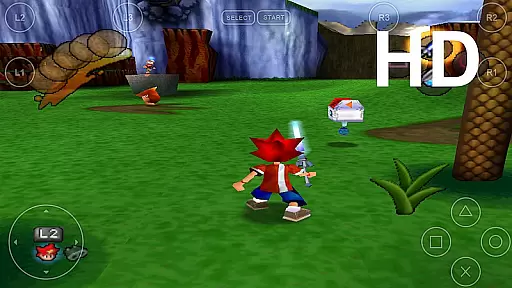
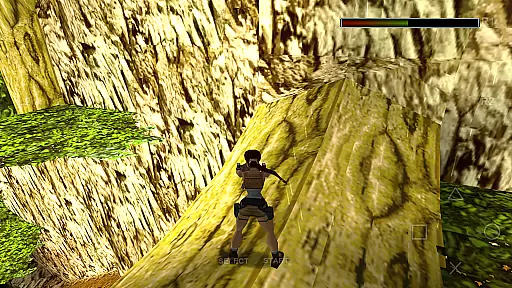
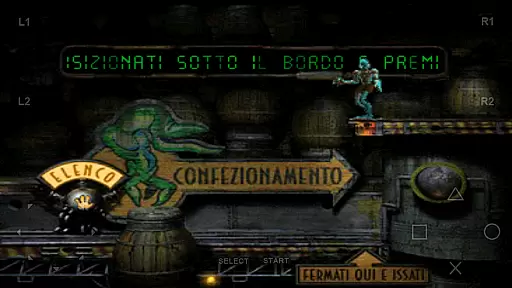
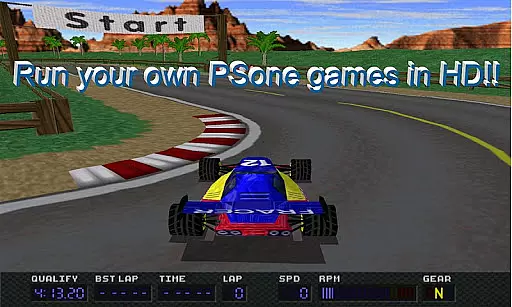
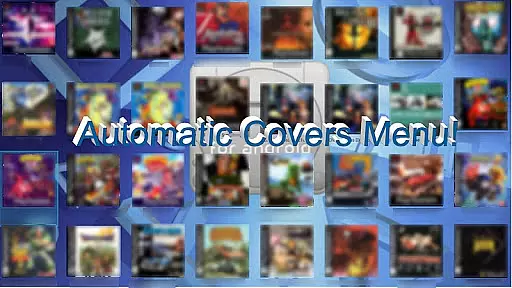
FPse for Android devices is a premier PlayStation 1 emulator that brings classic gaming to modern smartphones. It offers high-resolution graphics through OpenGL, supporting various image formats like .iso, .bin, and .cue. The app runs smoothly on devices from Android 2.3 to Android 8, providing an outstanding interface that automatically scans local storage for games and displays their covers.
This emulator stands out with its compatibility, high sound quality, and innovative features such as savestates, force-feedback, and multi-player LAN mode. Users can enjoy exclusive options like automatic cheat code search engines, autofire with multiple frequencies, and native support of NFS protocol for loading games directly from a local network. With experimental VR support and wide-screen display capabilities, FPse delivers a versatile and immersive gaming experience.
FPse boasts an array of advanced features that enhance the emulation experience. It supports up to 10 customizable on-screen gamepads and includes gun emulation named Guncon, allowing users to shoot using their fingers. The app also emulates analog sticks and is compatible with external controllers like IcontrolPAD and Zeemote, as well as PS3-PS4-XBOX360 controllers.
One of the standout features is the multi-player mode, which allows gaming across multiple devices, effectively turning other Android devices into wireless gamepads. Additionally, FPse provides software rendering in high definition, up to 4x native resolution, and supports external plugins for OpenGL. Users can benefit from smart extraction of compressed files and preliminary VR glasses support, making it a comprehensive solution for retro gaming enthusiasts.
FPse for Android offers a streamlined and intuitive experience for playing PlayStation 1 games on your smartphone. The emulator is designed to be user-friendly, ensuring that even those new to emulation can easily navigate its features.
The app automatically scans your device for PSone game files, displaying them with their original covers, which makes it simple to locate and launch your favorite titles. With support for multiple file formats such as .iso, .bin, and .cue, FPse ensures broad compatibility, allowing users to play a wide variety of games without hassle.
One of the key strengths of FPse is its ability to run smoothly on a range of devices, from older models to the latest smartphones. This versatility means you won't need the most high-end device to enjoy your games, making it accessible to a wider audience.
Additionally, the emulator provides customization options like savestates and customizable controls, giving players the freedom to tailor their gaming experience. These features ensure that FPse remains easy to use while still offering depth for those who want more control over their gameplay experience.
FPse for Android understands that gaming sessions can vary greatly in length, which is why it offers features that accommodate both short and extended play times. Whether you have a few minutes to spare or hours to invest, FPse ensures that your gaming experience is seamless and enjoyable.
The inclusion of savestate functionality allows players to save their progress at any point during gameplay. This feature is particularly beneficial for those who prefer gaming in short bursts, as it enables them to pick up exactly where they left off without being tied to traditional save points within the game itself.
For longer sessions, FPse's performance optimization ensures that games run smoothly over time. The emulator's efficient resource management prevents overheating and battery drain, common concerns during extended gaming periods, thus maintaining a consistent experience throughout.
Moreover, FPse supports various control schemes including touch controls, external gamepads, and even preliminary support for VR glasses. This flexibility caters to different play styles and preferences, whether you're settling in for a quick session or planning an immersive marathon, enhancing overall session adaptability.
User-friendly interface
High compatibility rate
Advanced graphics options
Multiplayer capabilities
Wide format support
Requires game images
Complex setup process
Some features still in progress
Performance varies by device
Premium version needed

Freddi and Luther have arrived at the Founder’s day festival!
 4.20
4.20
11 classic games featuring Freddi Fish, Pajama Sam, Putt-Putt, and Spy Fox.
3.80
Click your way to a fortune in Treasure Chest Clicker!
4.40
Monster Attack! Hide and run cleverly or unleash your inner angry hunter!
4.20
Sort colorful balls in this relaxing puzzle game. Train your brain & have fun!
4.80
Build the Most Beautiful Queen!
4.40
A Cozy Cooking Game. Mix, Cook, and Discover New Recipes!
3.70
A cozy puzzle city builder for creativity on the go
4.2
Unwind with calming and antistress games designed to relieve stress and anxiety.
4.40
Blast through Match-3 puzzles, collect cute creatures, build your own paradise!
4.90
Sort 3D items into boxes and clear the board in this fun, relaxing puzzle game!
4.80
Roll the Dice and Build Your Kingdom - Can You Beat Your Friends?
4.70
Embark on a colourful hand drawn journey of discovery through the ages!
4.40
Join Tom and friends and care for them. Create fun stories and play mini-games.
4.30
"My PlayHome School" expands the PlayHome world into the classroom!
4.30
Play the Angry Birds game enjoyed by millions of players every day!
4.10
Just shoot and drop blocks.
4.0
Aim-Shoot-Blast: Perfect Shot
4.4
Jurassic beast with one goal tear down everything in sight
4.0


User Reviews