
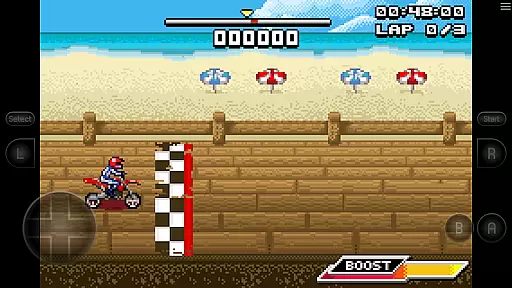
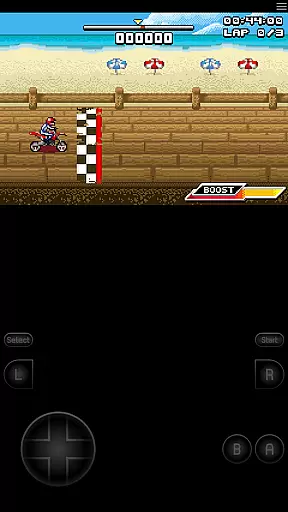
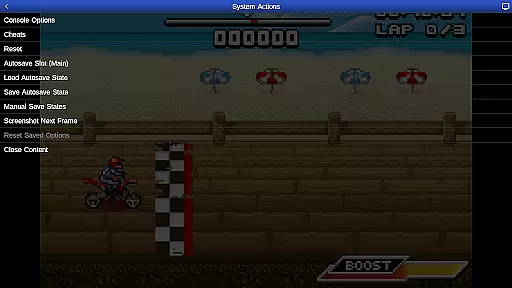
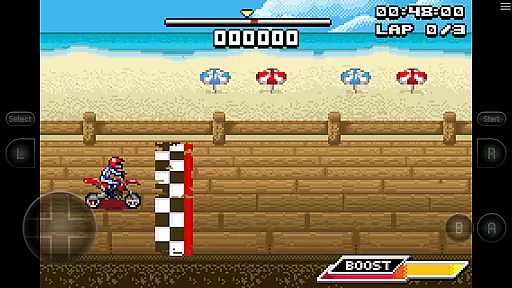
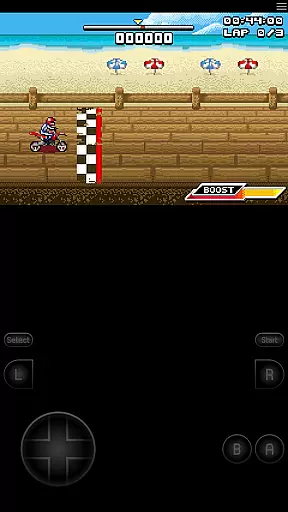
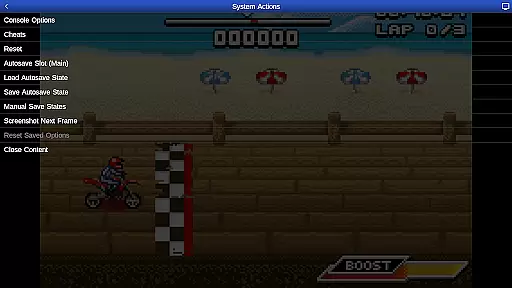
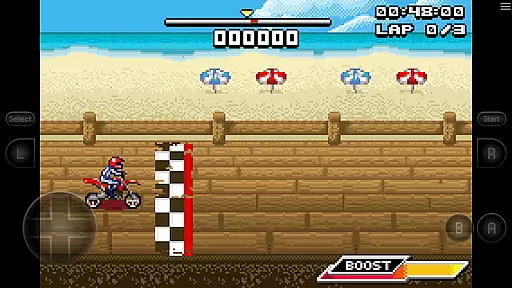
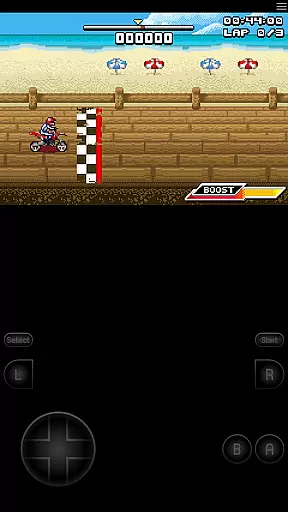
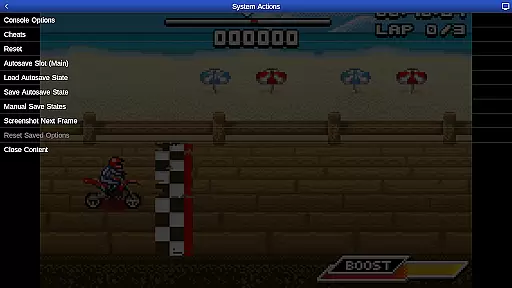
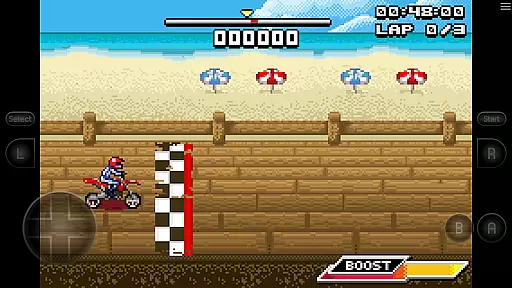
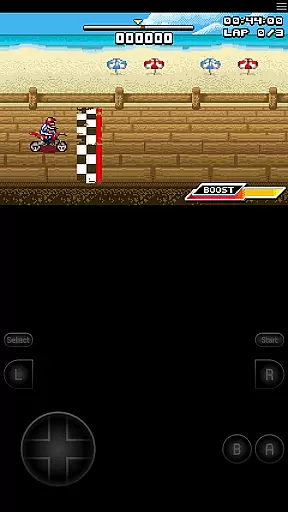
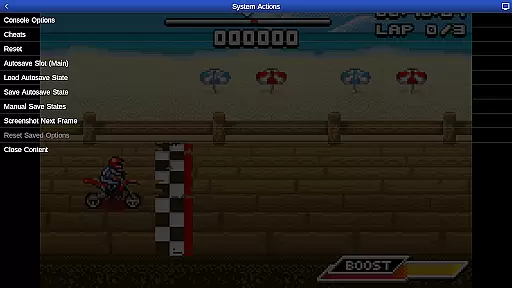
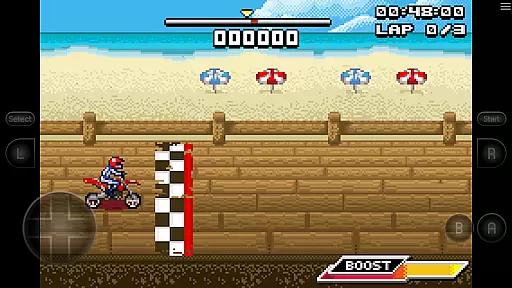
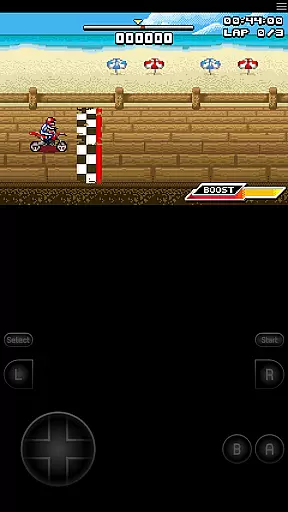
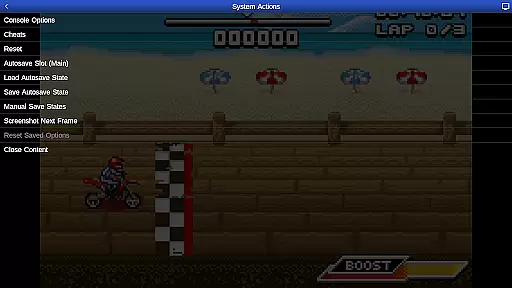
GBA.emu is an advanced open-source Gameboy Advance emulator that offers a minimalist UI and focuses on low audio/video latency. It supports a wide range of devices, from the original Xperia Play to modern devices like the Nvidia Shield and Pixel phones. The app includes high-level BIOS emulation, eliminating the need for a BIOS file, and supports .gba file formats, optionally compressed with ZIP, RAR, or 7Z.
One of its standout features is the support for hardware accelerometer, gyroscope, and light sensors, making it versatile for different types of games. Additionally, users can enjoy configurable on-screen controls and compatibility with Bluetooth/USB gamepads and keyboards, including Xbox and PS4 controllers. The inclusion of the bike racing game Motocross Challenge adds extra value, providing immediate entertainment without needing additional ROMs.
GBA.emu boasts several notable features that enhance the user experience. Firstly, it supports VBA-M-compatible cheat code files (.clt extension), allowing players to use cheats without requiring any 'Master' codes. Secondly, the app's support for hardware sensors such as accelerometers, gyroscopes, and light sensors makes it adaptable to various gaming scenarios.
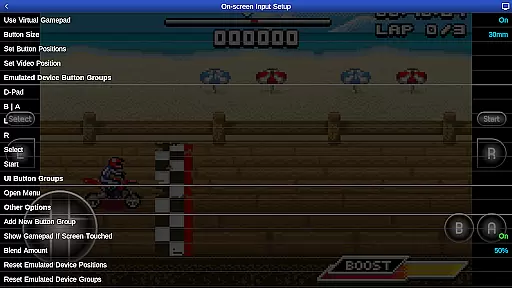
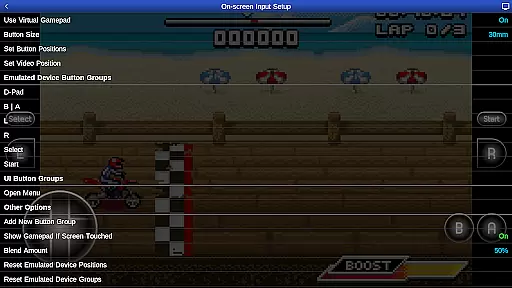
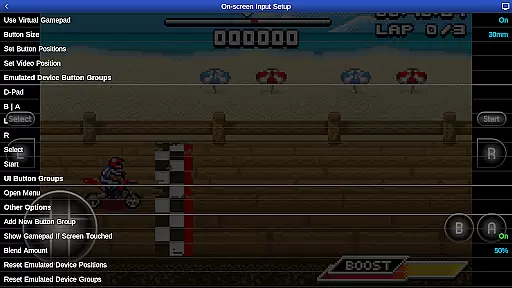
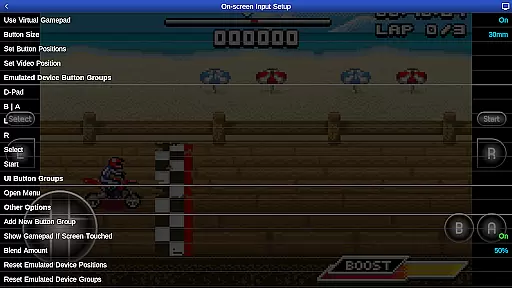
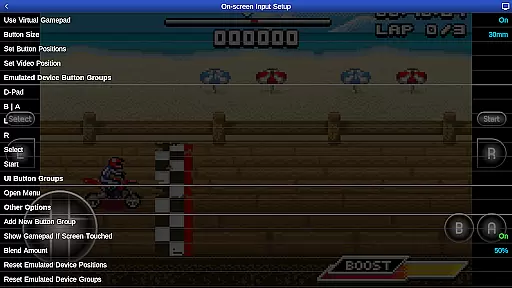
Another significant feature is the configurable on-screen controls, which provide a personalized gaming experience. Moreover, GBA.emu is compatible with a wide array of HID devices recognized by the OS, including popular game controllers like Xbox and PS4. This versatility ensures that users can play their favorite games with their preferred input method, enhancing both convenience and enjoyment.
GBA.emu brings the authentic arcade experience to your mobile device by emulating the beloved Gameboy Advance console with precision. The emulator focuses on delivering low audio and video latency, ensuring that classic games feel as responsive as they did on original hardware.
This app supports a wide range of devices, from older models like the Xperia Play to modern ones such as the Nvidia Shield and Pixel phones. By including high-level BIOS emulation, users can enjoy their favorite titles without needing any additional files or configurations.
The inclusion of Motocross Challenge, courtesy of developer David Doucet, adds immediate value for users who want to dive straight into gameplay. This combination of accurate emulation and pre-loaded content makes GBA.emu an ideal choice for reliving arcade nostalgia anytime, anywhere.
Control responsiveness is at the heart of GBA.emu's design, ensuring that every touch, tilt, or button press translates instantly into in-game actions. The app supports hardware features like accelerometers, gyroscopes, and light sensors, making gameplay more immersive and interactive.
For those preferring physical controls, GBA.emu offers extensive support for Bluetooth and USB gamepads, including popular models from Xbox and PS4. This flexibility allows users to choose their preferred method of interaction while maintaining optimal performance levels.
Additionally, configurable on-screen controls provide a customizable experience tailored to individual play styles. Whether you're using touch input or external devices, GBA.emu guarantees smooth and precise control schemes that enhance overall gaming satisfaction.
Low audio/video latency
Wide device compatibility
No BIOS file needed
Supports multiple file formats
Included free game
No included ROMs beyond one game
Requires manual updates
Limited customer support
Complex setup for beginners
Occasional crashes reported

Monster Run its a game for relax.
 4.1
4.1
Frenetic party game, pass the bomb to the other players!
3.80
Sega Saturn Emulator
4.20
Amid the vastness of the universe, you are a Black Hole about to be swallowed!
5.00
Epic offline war strategy game - build your city, train your army, conquer
4.20
This app is a very fast emulator
3.40
Genesis/Mega Drive/CD & Master System/Mark III Emulator
4.30
Venture into the galaxy to fight against the invasion of space invaders.
4.60
Outrun cops, ignite the thrill of a high-speed chase!
4.50
Punch your way through the Streets of Rage once again!
4.80
Local offline 2 3 4 player multiplayer minigames - race, tanks, football
4.60
Merge bowmasters to win the bow and arrow war! Play the fun archery game!
4.60
Flip the bottle! Do tricks and don't let the bottle fall!
4.50
Use superpower in your magic hands. Defeat the enemies in a fun elemental game.
4.50
Suck the other’s blood and be the longest surviving mosquito!
4.40
NES Emulator
4.40
Antistress & relaxing games,stress relief; Antistress toys, calming games.
4.20
Slice up a juicy storm!
4.20
Turn-based pixel game where jumping is the only weapon!
4.1


User Reviews