
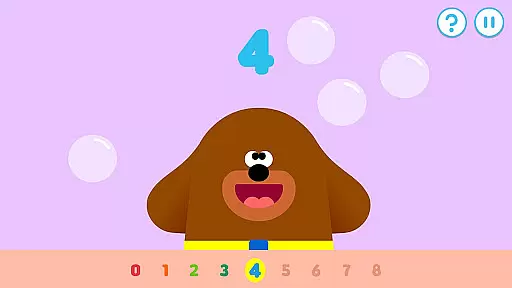
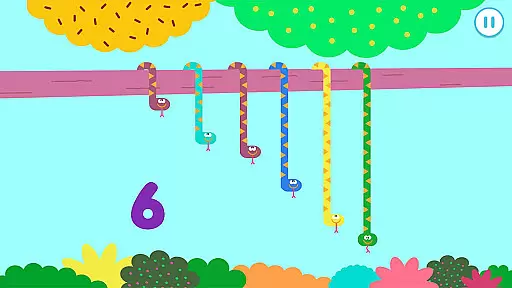
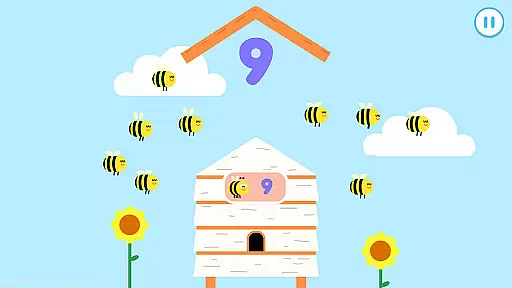
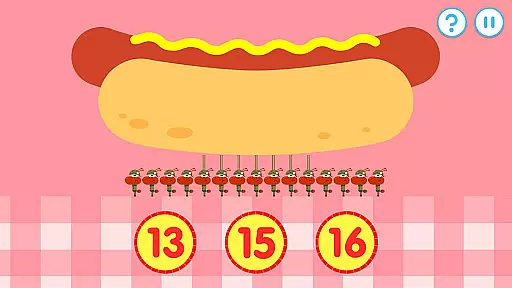
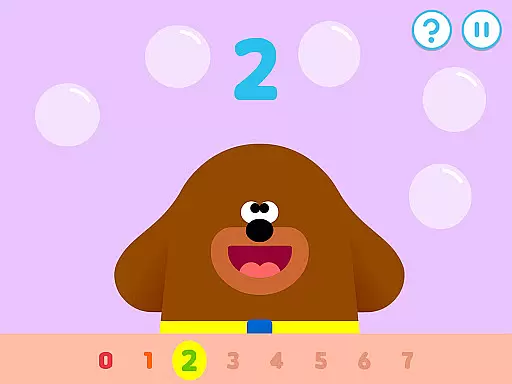
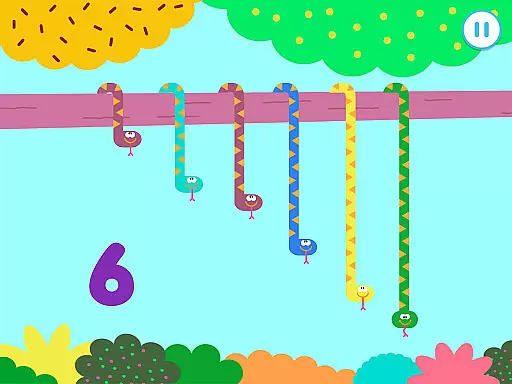
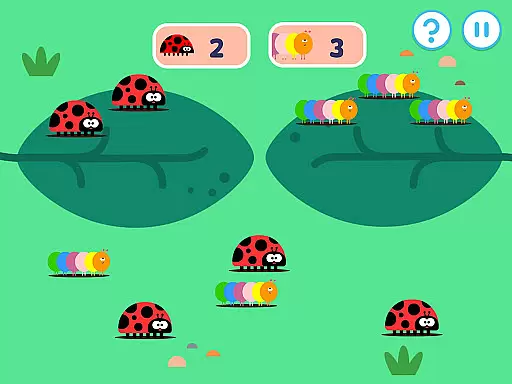
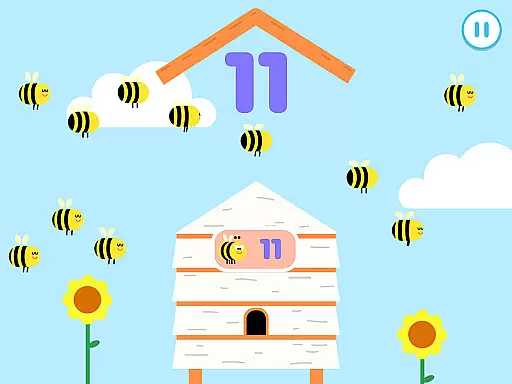
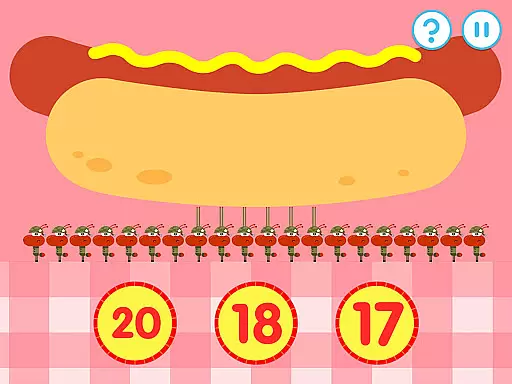
Hey Duggee: The Counting Badge is an educational app designed to make learning numbers fun for young children. Developed with Early Years Foundation Stage learning outcomes in mind, this app offers a diverse mix of engaging counting tasks that automatically adjust in difficulty, catering to Duggee fans of all ages. With nine counting tasks and four variations for each, the app provides 36 different activities that keep content fresh while ensuring longer engagement through three levels of difficulty.
The app encourages player recognition of days of the week, dates, and weather, enriching the learning experience beyond just counting. It features a gold star collection mechanic and daily awards of the Counting Badge to motivate repeat plays. Profiles for up to three players can be saved, allowing children to pick up where they left off. This feature-rich educational tool ensures a safe, ad-free environment, making it ideal for parents seeking quality, educational screen time for their little ones.
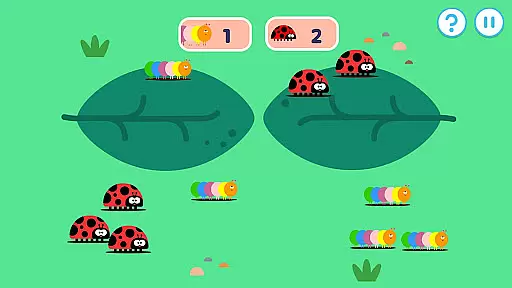
Hey Duggee: The Counting Badge boasts several key features that enhance its educational value and user engagement. The app includes counting tasks based on Early Years numeracy learning objectives, covering varying abilities of children aged 2 to 6 years. These tasks include tapping objects like tadpoles and apples, sorting toucans from flamingos, and deciding which group has more items, such as tulips or daisies.
With 36 counting screens, the app maximizes engagement by keeping content fresh and varied. Each counting mechanic has three difficulty levels, regulated by stored player profiles, ensuring personalized progression. The app also incorporates a reward system where playing through five activities earns a Gold Star, and every fourth star grants the player their Counting Badge, encouraging consistent use and skill development.
In the realm of educational apps, content authority and curriculum alignment are paramount. Hey Duggee: The Counting Badge has been meticulously designed with Early Years Foundation Stage learning outcomes at its core. This ensures that the activities provided are not only engaging but also pedagogically sound and aligned with recognized educational standards.
The app features a diverse mix of counting tasks, each crafted to match the cognitive development stages of young learners aged 2 to 6 years. With nine distinct counting activities, each having four variations, the app offers a comprehensive approach to numeracy education. These activities are chosen based on early years numeracy learning objectives, making certain that every task contributes meaningfully to a child's mathematical understanding.
By incorporating automatically adjusting difficulty levels, the app caters to individual learning paces, ensuring that children remain challenged yet not overwhelmed. This adaptive feature supports sustained engagement and allows for progressive skill-building in line with curriculum expectations.
Ultimately, Hey Duggee: The Counting Badge provides parents and educators with the assurance that the time spent on the app contributes positively to a child's educational journey. By earning badges through play, children receive validation for their efforts, reinforcing their learning in a fun and interactive way.
Gamification in educational apps transforms learning into an enjoyable and immersive experience. Hey Duggee: The Counting Badge excels in this area by integrating game-like elements such as gold stars and badge awards into its educational framework. This approach motivates children to complete counting tasks not just for the sake of learning, but also to achieve in-app recognition.
Profiles for up to three players can be saved, allowing each child to progress individually while being incentivized by the gamified system. As they work through various counting challenges, they earn Gold Stars, and every fourth star leads to the prestigious Counting Badge. This structure encourages repeat plays and fosters a sense of accomplishment.
Moreover, the app includes thirty-six different activities that keep the content fresh and engaging. The variety within these activities ensures that children encounter new challenges regularly, maintaining their interest and promoting continuous learning. Such diversity is crucial in preventing monotony and sustaining long-term user engagement.
By combining essential numeracy skills with playful graphics and rewarding gameplay, Hey Duggee: The Counting Badge successfully merges education with entertainment. Children learn to recognize numbers, count objects, and even get introduced to basic additionu2014all while having fun in Duggee's whimsical world.
Engaging counting tasks
Automatically adjusting difficulty
Safe ad-free content
Gold star reward system
Multiple player profiles
Limited to counting skills
Repetitive for older kids
Requires frequent updates
No advanced math concepts
Simple graphics

A game to memorize
 4.4
4.4
Stack the States® 2 makes learning US geography fun!
4.50
Perfect for Dino fans of all ages.Vivid illustrations.Fascinating_Facts.Narrated
4.2
Clean the messy house & play with cute kitty in this fun cleaning game for kids!
3.70
Glow Doodle! Baby Coloring & Drawing games for toddlers: Color and Learn! NoAds!
4.40
OG Munchers - Play classic Number Munchers game on Android
4.40
Fun game for preschoolers to learn addition, subtraction, counting and math!
4.50
Design dreamhouses and dress up creatively in the ultimate role-playing game!
4.70
Coloring book for kids! Learn Color, paint, neon drawing with educational games.
4.40
Tons of kids safety games, cartoons, and stories are included in one kids app!
4.70
Kids coloring games for boys! Fun drawing, painting & learning book for kids.
4.60
Fun phonics & alphabet tracing game for toddlers, preschool & kindergarten kids!
4.60
Fun educational jigsaw puzzles for kids and preschoolers.
4.50
Play and build with Bluey & friends in this fun LEGO® game!
4.40
Where Little Healers can Make a Big Difference!
4.00
Expert-designed fun interactive learning games to prep kids (2-5) for preschool.
4.00
Baby Phone Game for Kids & Toddlers to Learn Sounds, Numbers, ABCs, Phone Calls
3.80
Companion app for Cozmo, the educational toy robot who’s got a mind of his own.
3.30
Get points, learn Spanish, repeat. Speedrun your way to knowledge.
4.4


User Reviews