
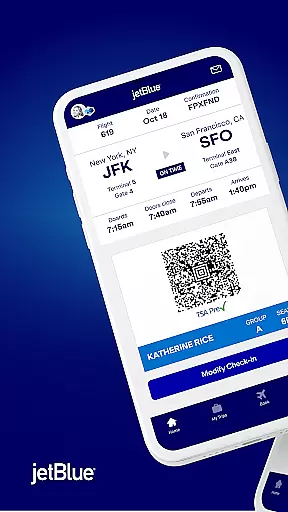
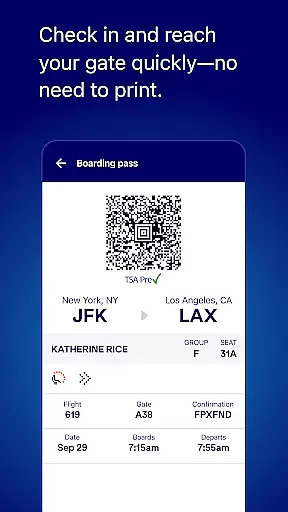
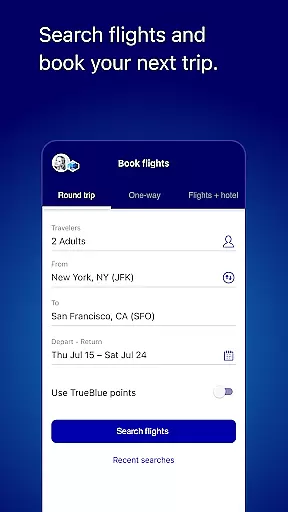
JetBlue offers a comprehensive travel companion app that simplifies every aspect of your journey. With its user-friendly interface, the app allows you to book flights, manage reservations, and check in for trips effortlessly. Access vital day-of-travel information such as boarding passes directly from the home screen, ensuring a smooth airport experience.
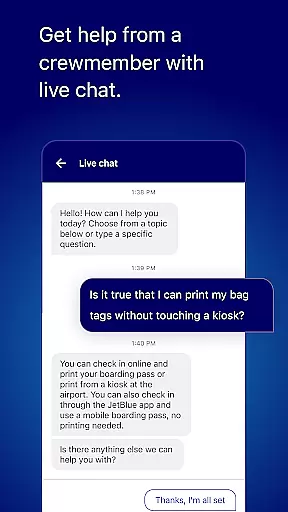
Beyond basic functionalities, JetBlue enhances your trip with additional features like live chat support, enabling direct communication with crewmembers for instant assistance. The app also integrates travel tools for booking accommodations and transportation, making it an all-in-one solution for travelers who value convenience and efficiency.
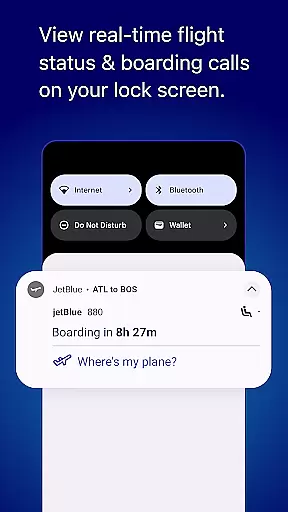
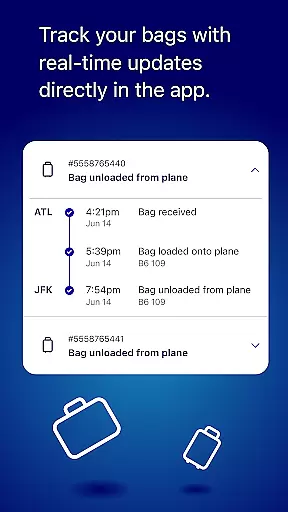
Whether you're planning your next getaway or managing an upcoming business trip, JetBlue's app provides essential tools to streamline your travel process. From viewing inflight amenities to tracking flights and accessing airport maps, this app ensures you have everything you need at your fingertips, enhancing both leisure and business travel experiences.
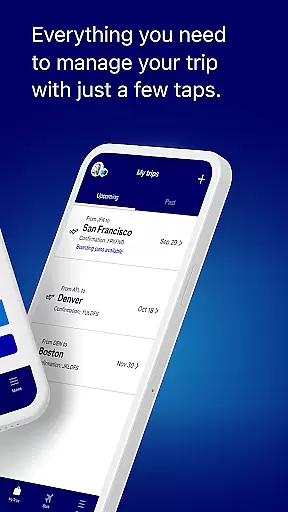
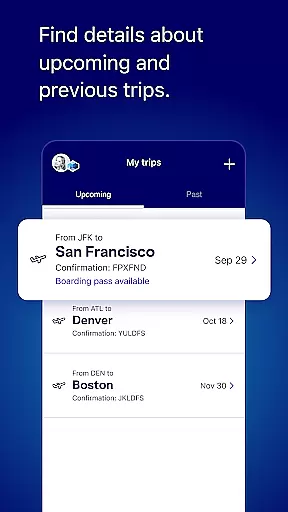
JetBlue stands out with its array of robust features designed to cater to modern travelers' needs. One notable feature is the 'My Trips' section, which consolidates all your travel itineraries in one place, allowing easy access to past and future trips. This functionality not only keeps you organized but also personalizes your experience by remembering preferences and details.
The app excels in providing seamless day-of-travel support. With key information readily available on the home screen, including boarding passes and flight statuses, navigating through airports becomes less stressful. Additionally, the ability to modify seat selections and add extras via simple taps showcases JetBlue's commitment to flexibility and customer satisfaction.
Another highlight is the integration of TrueBlue membership benefits. Users can enroll, track points, and view balances within the app, fostering loyalty and engagement. These features collectively ensure that JetBlue remains a top choice for tech-savvy travelers seeking convenience and personalized service.
When it comes to booking travel, ensuring the authenticity of your reservations is paramount. The JetBlue app provides a secure and reliable booking system that guarantees your flight details are accurate and confirmed.
Through advanced verification mechanisms, every booking made via the app is cross-checked with real-time airline data. This ensures that passengers receive immediate confirmation and can access verified itinerary details.
The benefits for users include peace of mind knowing their travel plans are set in stone. With instant updates and confirmations, customers can trust that their bookings are legitimate and backed by JetBlue's customer support.
This level of booking authenticity not only enhances user confidence but also streamlines the check-in process, making day-of-travel smoother and hassle-free.
Price transparency in travel apps is crucial for travelers to make informed decisions. JetBlue excels in this area by providing clear visibility into flight costs, including any additional fees or taxes.
The app displays comprehensive pricing information throughout the booking process, ensuring no hidden charges catch users off guard. By comparing various fare options side-by-side, customers can easily understand what they're paying for.
Users benefit from this openness as it allows them to budget effectively and choose the best fares that suit their needs. Whether selecting basic economy or premium packages, all costs are itemized.
JetBlueu2019s commitment to price transparency builds trust with its customers, assuring them they get fair value for their money while enjoying flexible booking options without surprises.
User-friendly interface
Comprehensive travel tools
Efficient booking system
Live chat support
Personalized travel experience
Limited offline functionality
Occasional bugs reported
Ads within free version
Advanced features require login
Some features region-specific

Discover the power of one-way location tracking. Share your location securely.
 4.50
4.50
All-in-one delivery and taxi app. Ride, food, & grocery delivery app.
4.80
Maps, Wait Times, Park Hours
4.40
Get faster fuel rewards, exclusive offers, and helpful tools!
4.70
Streamline your U.S. entry
4.90
Link & locate for real-time child & family safety: GPS tracker for families
4.40
Rent the perfect car for wherever you’re going
4.90
Earn hotel and travel rewards, find hotel offers, and access your Digital Key.
4.50
Stack Upside with your current credit & debit rewards for even more cash back!
4.50
Guest how you guest when you book one of our 6,800+ hotels and earn rewards.
4.90
Find the perfect vacation rental. Search from over 2 million properties.
4.80
Booking your bus tickets has never been easier
4.70
Frontier’s Android app makes travelling easier than ever before!
4.70
The best way to book travel
4.60
Flight booking, hotel booking & more - all in one place with the Southwest App!
4.50
Now you can book homes, experiences, and services—all in our redesigned app.
4.40
Explore our parks like never before with the completely reimagined Six Flags app
4.30
Apply for an electronic travel authorisation (ETA) to come to the UK.
3.20
Every Diners, Drive-in & Dives location in one place! Your guide to Flavortown!
3.00


User Reviews