
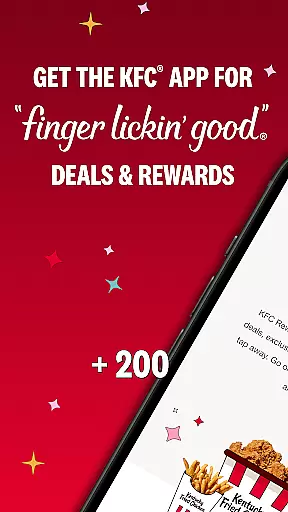
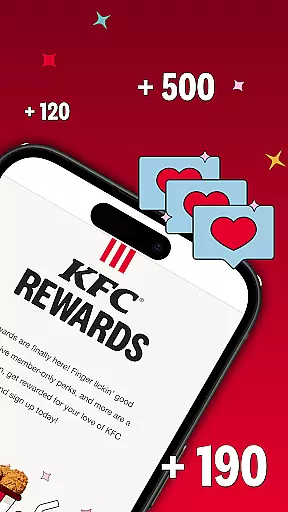
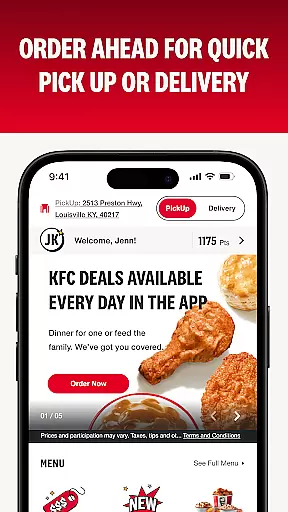
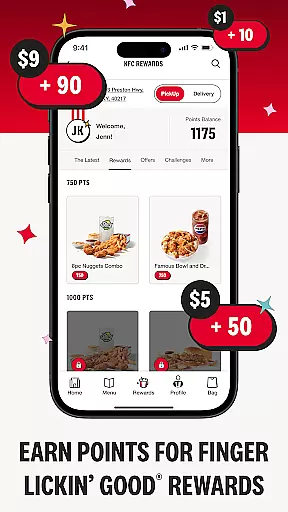
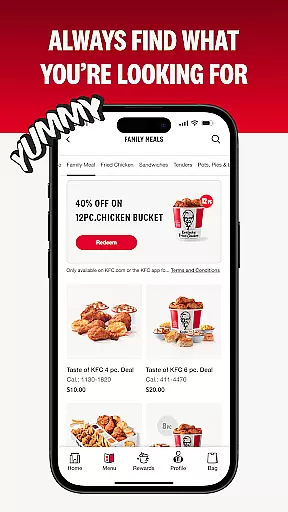
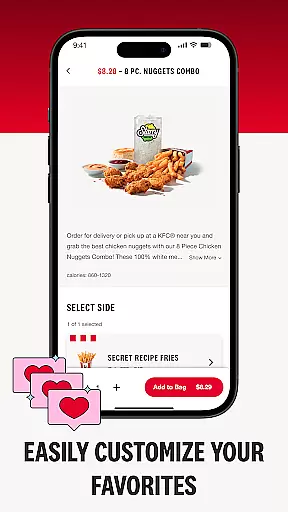
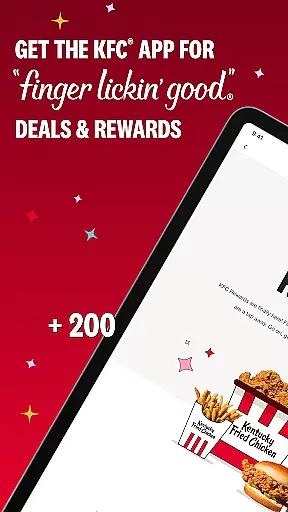
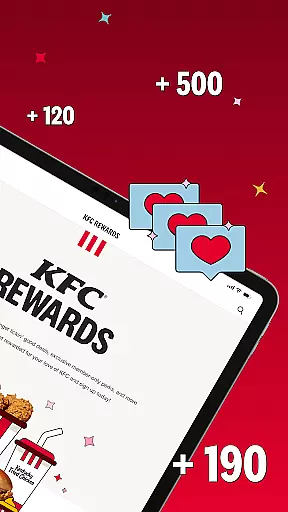
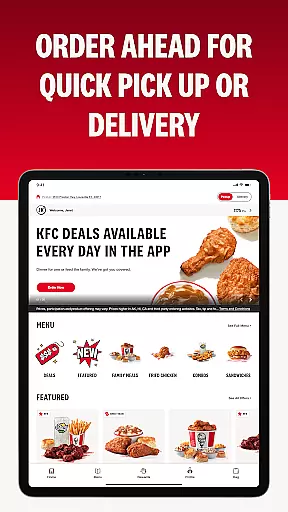
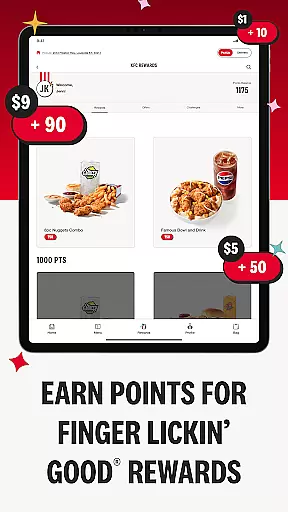
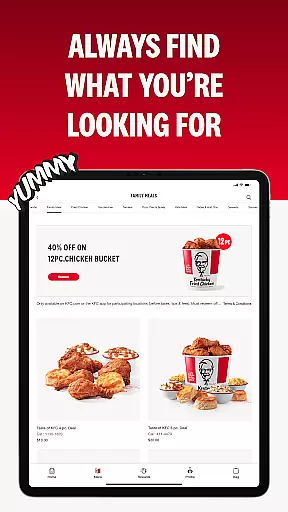
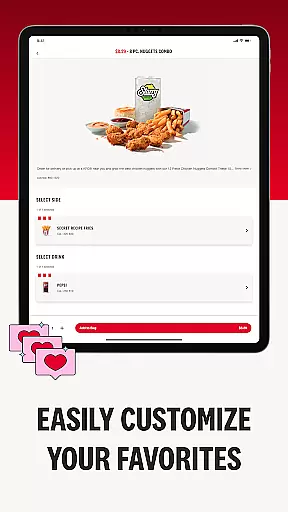
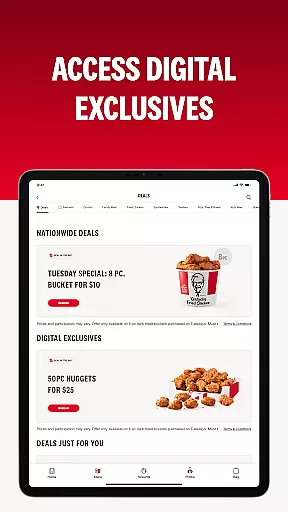
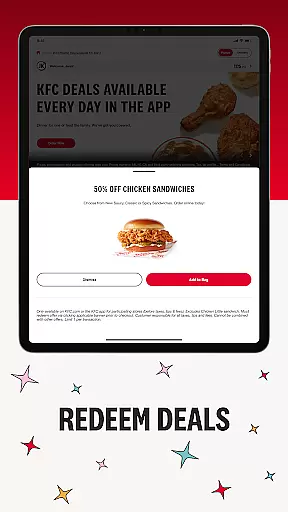
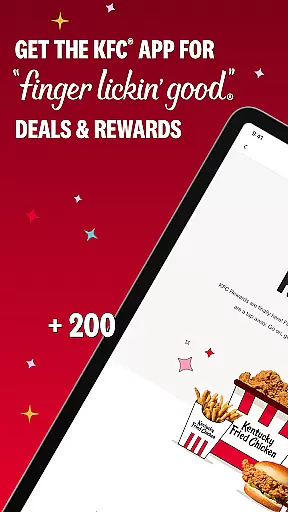
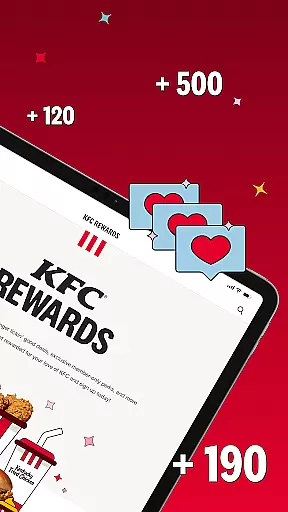
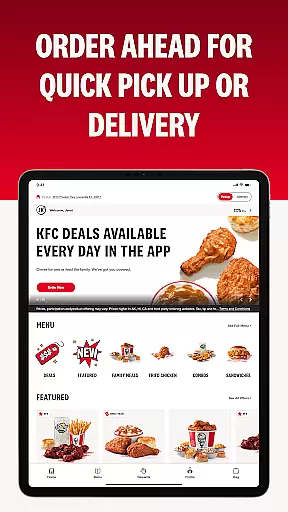
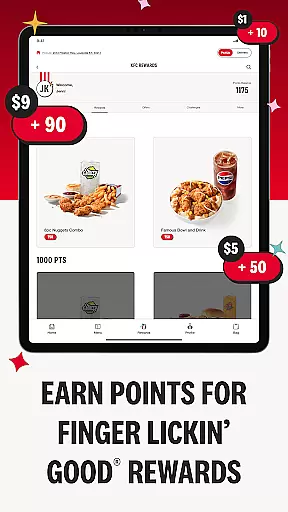
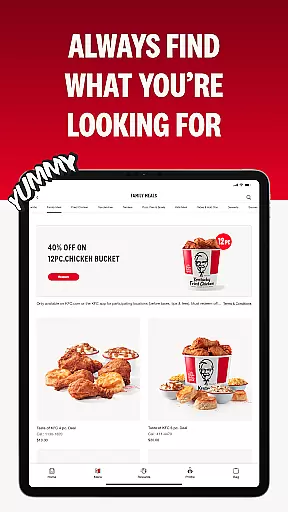
KFC US is a food and drink app designed for fast, convenient ordering of your favorite KFC meals. The app allows users to browse the menu, customize orders, and earn rewards through the KFC Rewards program. With secure payment options and contactless delivery or pickup, it ensures both ease and safety.
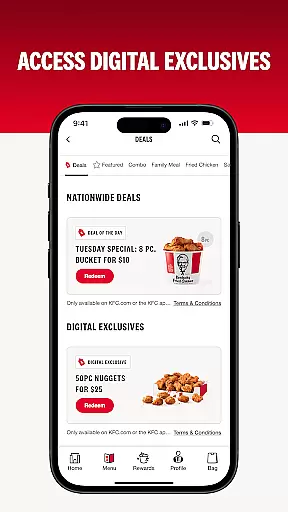
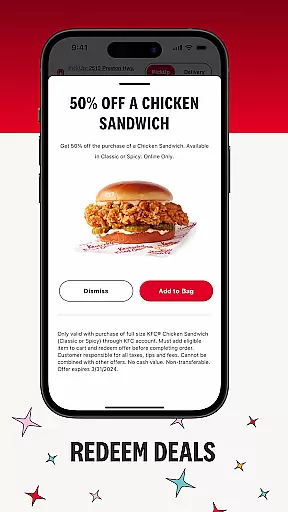
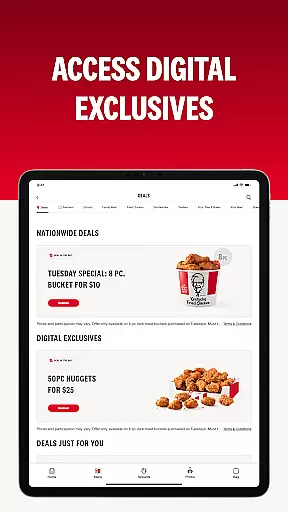
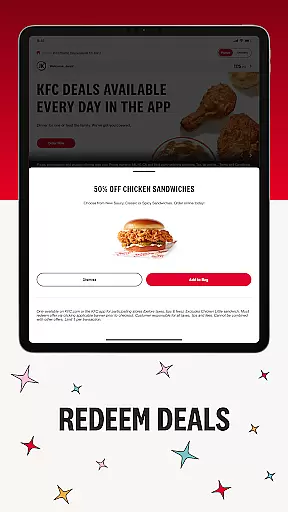
Exclusive deals and discounts are available only through the app, offering savings on popular items and limited-time offers. Whether you're craving fried chicken, sandwiches, or sides, this app provides a seamless experience for ordering and enjoying KFC's finger-lickin' good food right at your fingertips.
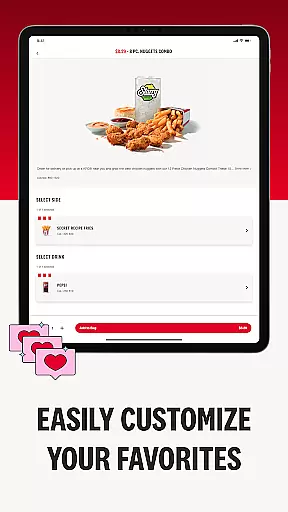
The KFC US app features an intuitive interface that simplifies the ordering process. Users can easily customize their meals with a variety of sides, sauces, and desserts. The app supports multiple secure payment methods including credit/debit cards, Apple Pay, and Google Pay, ensuring a smooth checkout experience.
One standout feature is the KFC Rewards program, which lets customers earn points toward free food by placing orders through the app. Additionally, users can take advantage of exclusive in-app deals not available elsewhere. With quick reordering options and contactless delivery or pickup, the app combines convenience with safety for an optimal user experience.
Locating your nearest KFC has never been easier with the KFC US app's built-in store locator. This feature uses your current location to provide a list of nearby KFC restaurants, ensuring you can satisfy your cravings for finger-lickin' good food without hassle.
The store locator not only pinpoints KFC locations on a map but also provides essential details such as operating hours, address, and contact information. Whether you're planning a dine-in experience or looking to grab your order quickly, this tool ensures you have all the necessary information at your fingertips.
For those on the road or exploring new areas, the store locator becomes an invaluable companion. It helps you find KFC outlets wherever you are, making sure that delicious meals are always within reach. With just a few taps, you can filter results by services like delivery and pick-up, tailoring your search to fit your needs.
The KFC US app offers seamless delivery and pick-up options, allowing you to enjoy your favorite meals wherever you are. By partnering with reliable delivery services, the app ensures that your orders arrive promptly and in perfect condition, maintaining the quality you expect from KFC.
For those who prefer to pick up their orders, the app provides clear instructions and estimated wait times, streamlining the process. You can choose between in-store pick-up or contactless curbside options, giving you flexibility and peace of mind. These features make it easy to get your meal exactly how you want it, when you want it.
Moreover, the app keeps you informed every step of the way. From order confirmation to real-time updates on preparation and delivery status, you're always in the loop. This transparency enhances your overall experience, making ordering from KFC both convenient and reliable.
User-friendly interface
Customizable meal options
Secure payment methods
Rewards program benefits
Exclusive app-only deals
Limited to participating locations
Account creation required
Occasional bugs reported
Delivery fees may apply
Geographic restrictions exist

Skip the line, get delivery + exclusive treats
 3.90
3.90
Stashcook: Keep healthy food recipes, cooklist & weekly meal plans for any diet.
4.50
Order your Buffalo Wild Wings favorites for takeout & delivery
4.50
Sweeten the season!
4.90
Discover. Create. Plate.
4.40
Your most rewarding experience is in the Cracker Barrel app.
4.20
Order your Domino's favorites then follow the progress with Domino's Tracker®!
4.60
Exclusive deals, mobile ordering & find your nearest BK® restaurant anytime
4.40
Get food, grocery, and retail essentials delivered fast with DoorDash.
4.70
Order ahead at your favorite restaurants.
4.70
Delivery. Pickup. Rewards.
4.70
Tons of tasty options, ready in an instant! Order for pickup or delivery.
4.70
Order for Pickup and Delivery
4.70
Find the perfect restaurant for any occasion on OpenTable.
4.60
Food delivery from your favorite places. Order food, alcohol and more nearby
4.50
Order Beer, Snacks & More 24/7
4.20
Order pizza and earn points
3.90
Order Food, Track, and Earn Rewards
3.80
Krispy Kreme Mobile Ordering, Loyalty and Hot Light
3.20


User Reviews