
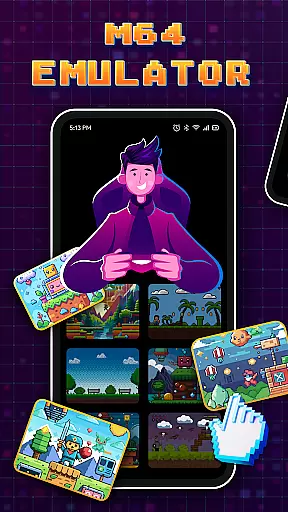

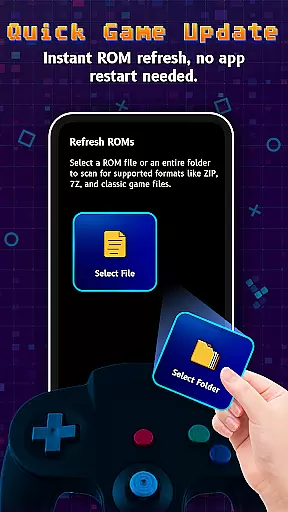
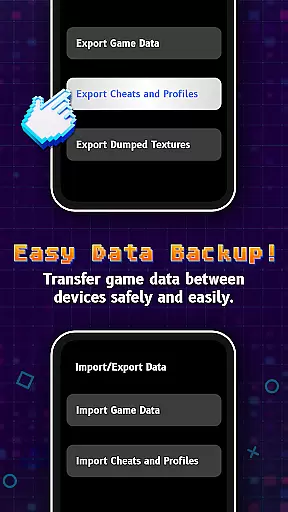
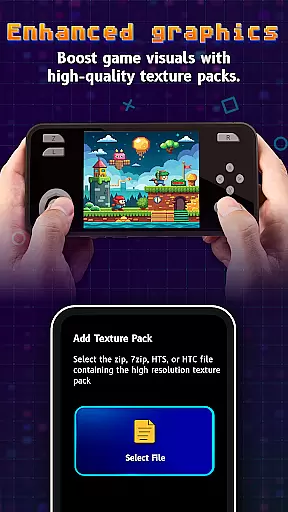
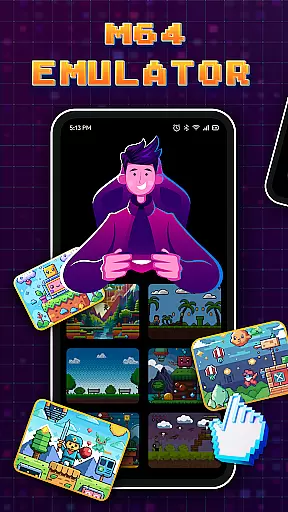

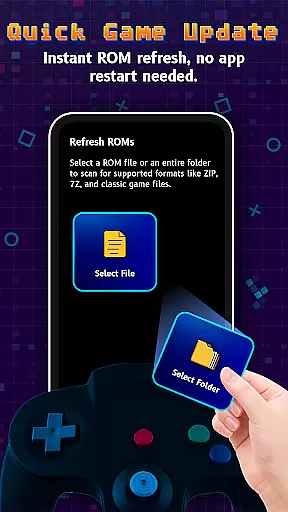
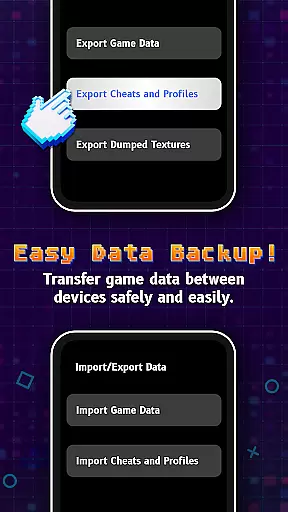
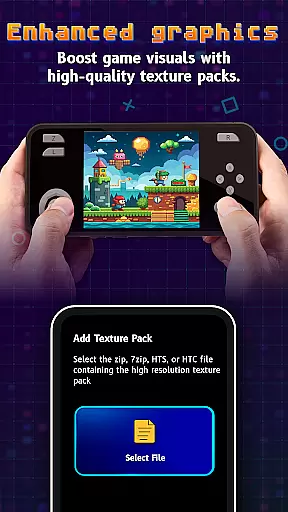
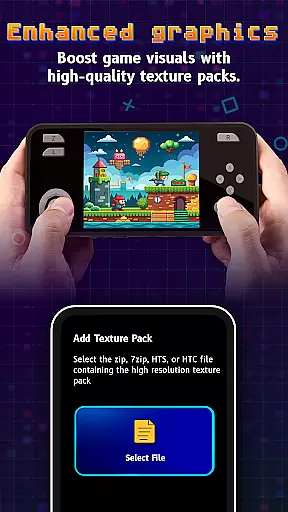
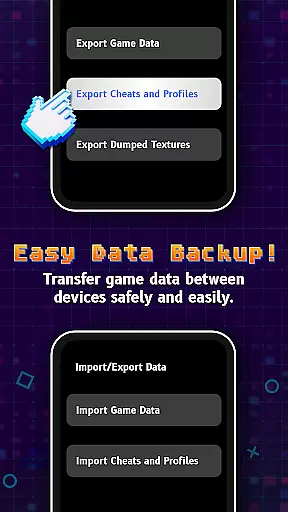
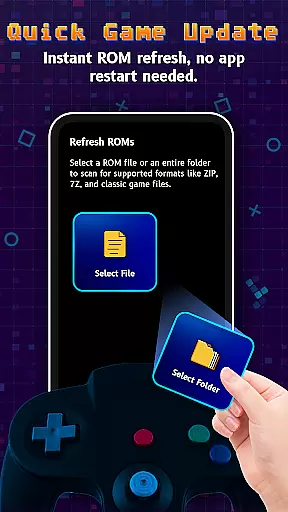

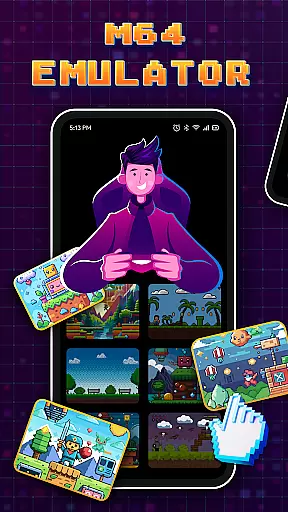
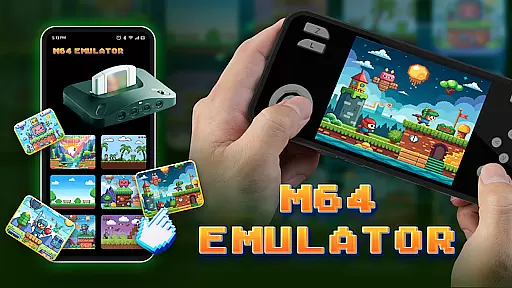
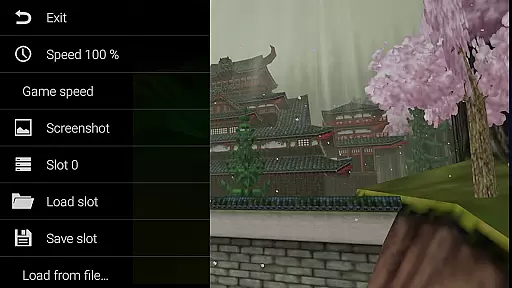
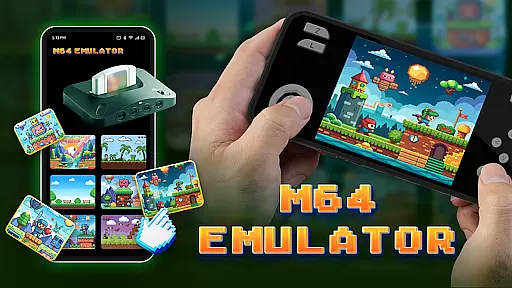
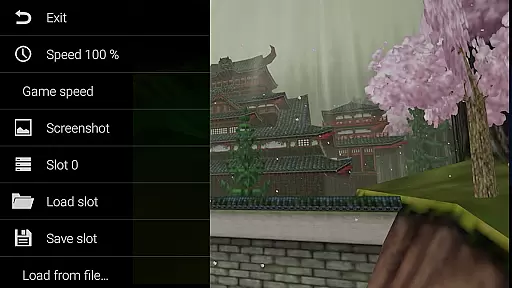
M64Pro FZX Plus+ Emulator is a versatile arcade gaming emulator that brings classic console experiences to mobile devices. This app includes all essential cores and plugins required for an authentic emulation experience, allowing users to play a wide range of games directly on their smartphones or tablets.
While the emulator supports most games, compatibility may vary across different devices. Users can experiment with various video plugins to optimize performance for specific games. With its comprehensive feature set, this emulator delivers a compelling retro gaming experience, though some graphical glitches and incomplete translations may occur.
The M64Pro FZX Plus+ Emulator stands out with its comprehensive inclusion of essential cores and plugins, ensuring broad game compatibility. The app allows users to customize their experience by switching between different video plugins, catering to the specific requirements of each game.
Despite supporting a wide array of games, the emulator maintains a user-friendly interface that simplifies navigation and setup. It provides detailed configuration options, enabling users to fine-tune settings for optimal performance. While not every game will work perfectly due to device-specific limitations, the app's flexibility makes it a powerful tool for retro gaming enthusiasts.
Arcade authenticity and nostalgia are crucial elements for any emulator aiming to recreate the classic gaming experience. M64Pro FZX Plus+ Emulator excels in this area by including all essential cores and plugins that were part of the original arcade systems. This ensures that users can relive the excitement and challenge of playing their favorite arcade games as they were originally designed.
The emulator supports a wide range of games, although it's important to note that not all games will work perfectly due to compatibility issues with certain devices. However, the development team has worked diligently to ensure that most popular titles are supported, preserving the nostalgic value for enthusiasts who want to revisit these classics.
For users who encounter issues with specific games, experimenting with different video plugins can often resolve graphical glitches. This flexibility allows gamers to fine-tune their experience, ensuring that each game runs as smoothly as possible on their chosen device. By providing these options, M64Pro FZX Plus+ Emulator enhances the overall authenticity and nostalgic appeal.
Control responsiveness is a key factor in delivering an immersive and enjoyable gaming experience. M64Pro FZX Plus+ Emulator places a strong emphasis on ensuring that controls are both responsive and intuitive, allowing players to fully engage with their favorite arcade games without frustration or delay.
Despite the complexity of emulating various arcade systems, the emulator manages to maintain low input latency, which is critical for fast-paced games where every millisecond counts. Players can expect their commands to be executed almost instantaneously, providing a seamless and fluid gameplay experience that closely mirrors the original arcade machines.
It's worth noting that while the emulator performs admirably on most devices, there may be some variation in control responsiveness depending on the specific hardware being used. Users are encouraged to try different configurations and settings to find the optimal setup that delivers the best possible performance for their particular device.
User-friendly interface
Wide game compatibility
Customizable video plugins
Comprehensive core inclusion
Optimized performance settings
Potential graphical glitches
Incomplete translations
Device compatibility issues
Limited customer support
Complex setup for beginners

Sharpen your mind and reflexes while playing 4Way Dash
 4.4
4.4
Local offline 2 3 4 player multiplayer minigames - race, tanks, football
4.60
Fast reflexes, glowing obstacles, endless action.
4.0
Slice up a juicy storm!
4.20
NEOGEO's masterpiece game is now available in the app!
4.10
The precise emulator of 8 bit handheld... Now even better!
4.50
This is an emulator for a certain 64 bit console with online cloud backup.
4.80
Train your Champ. Compete. Get rewards.
4.50
Thoughtful strategy and tactical thinking are required to win each battle!
4.30
Create your restaurant story & make food on a crazy kitchen in this cooking game
4.70
Meet Snake Run Race! Slither through an obstacle course in our fun running game!
4.70
Play fun multiplayer games with friends on one device! Two, Three, Four players!
4.60
Master the hills in this extreme downhill racing game!
4.60
Flip the bottle! Do tricks and don't let the bottle fall!
4.50
Three awesome new levels for The Impossible Game.
4.30
Dad doesn’t let you go out, can you outwit your parents and escape?
4.00
Bounce through platforms. Avoid obstacles. Get the bouncing ball to the finish.
4.00
You are a Black Hole, escaping the darkness trying to swallow you!
3.60
Welcome back to Vice City. Welcome back to the 1980s.
3.30


User Reviews