
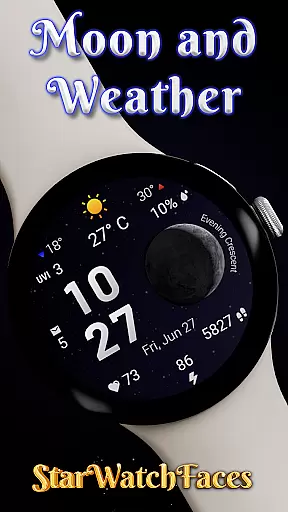
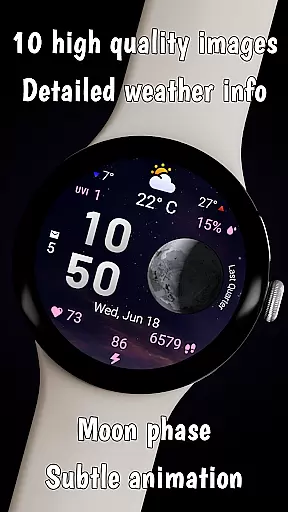
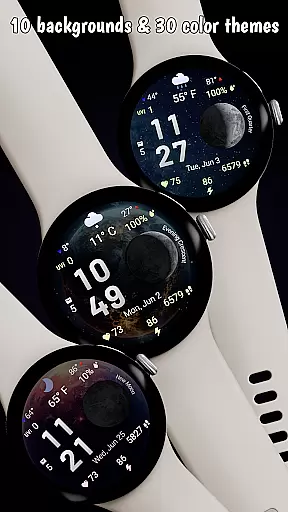
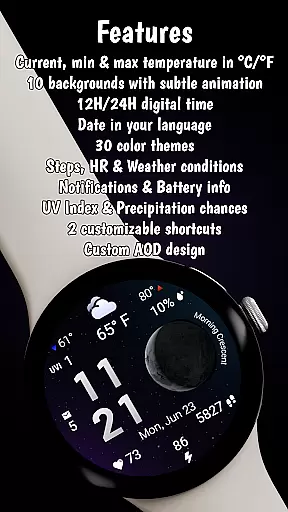

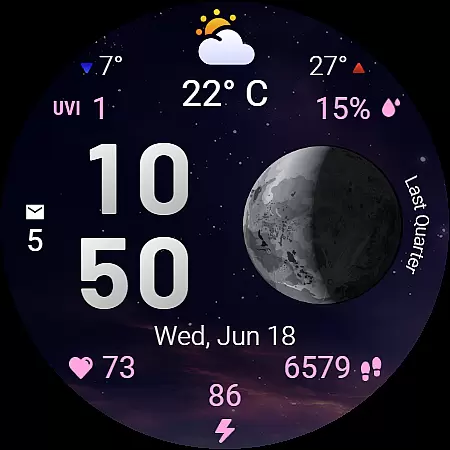
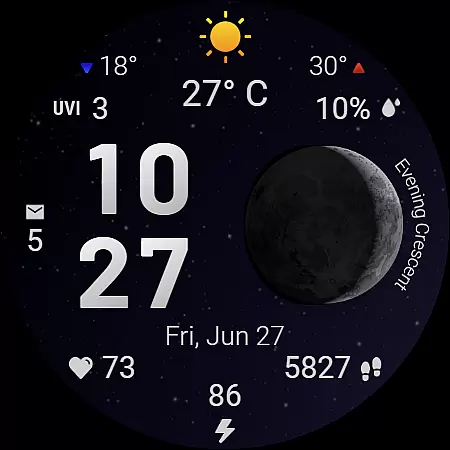
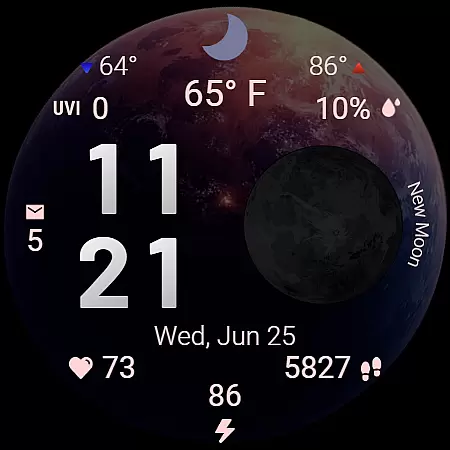
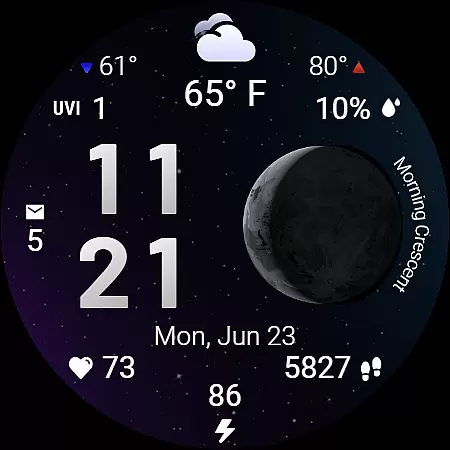
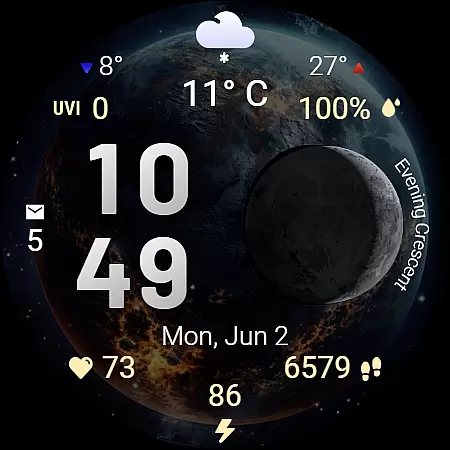
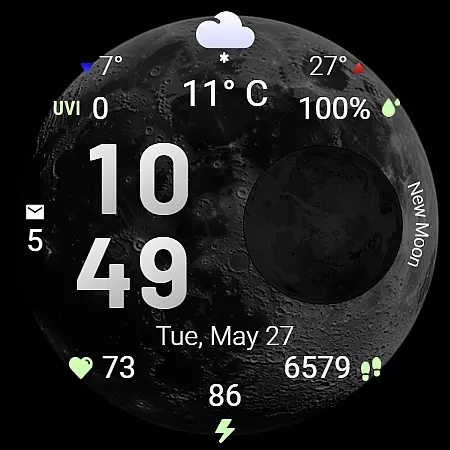
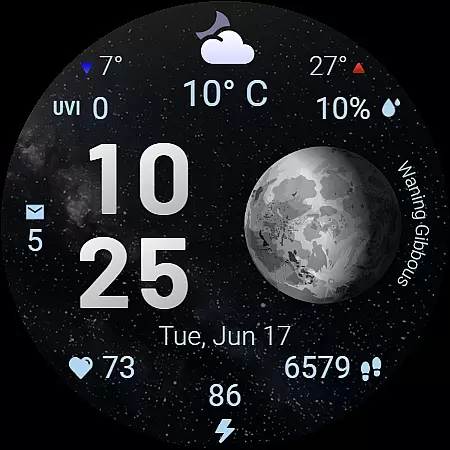
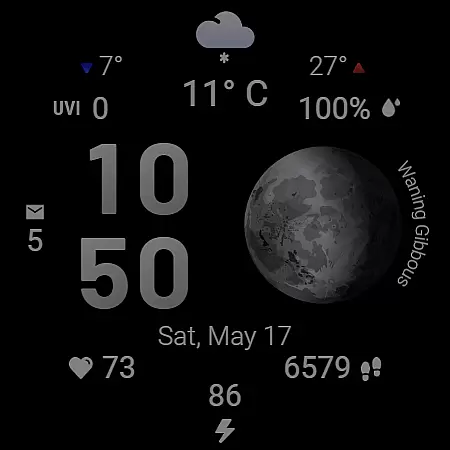
Moon & Weather is a feature-rich watch face designed for Wear OS smartwatches, offering users an elegant blend of astronomy, weather updates, and health monitoring. With 10 animated space-themed backgrounds, live moon phase visualization, and 30 customizable color themes, it provides both aesthetic appeal and functional utility. The watch face displays essential information such as time, date, current temperature, UV index, heart rate, step count, and battery level in an easy-to-read format.
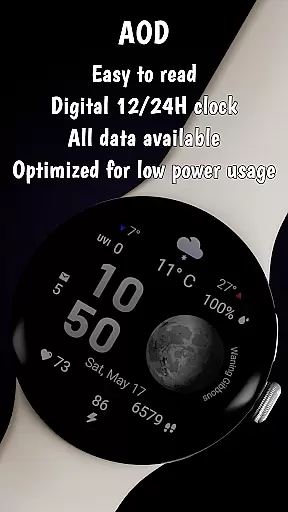
This versatile app supports both 12h and 24h time formats, adapts to device language settings, and includes productivity features like customizable shortcuts and Always-On Display (AOD) mode. Designed primarily for Samsung Galaxy Watches running Wear OS 5 or newer, Moon & Weather brings cosmic beauty and practical data tracking to your wrist, making it ideal for stargazers, weather enthusiasts, and health-conscious users alike.
The Moon & Weather watch face stands out with its comprehensive feature set tailored for various user needs. Its stunning visuals include 10 beautifully animated space-themed backgrounds ranging from moonlit skies to deep galaxies, complemented by accurate live moon phase visualization that labels each phase. Users can choose from 30 carefully curated color themes that enhance both aesthetics and legibility while customizing their experience through options like 12h/24h time formats and localized date displays.
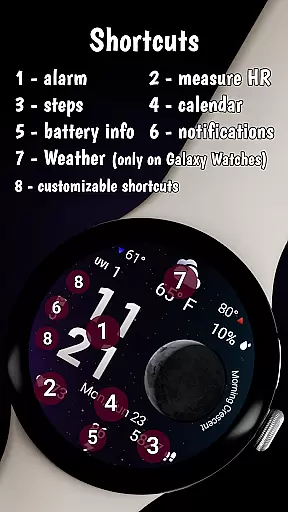
Beyond its visual appeal, the app serves as a detailed weather dashboard showing current temperature, daily min/max temperatures, UV index levels, precipitation chances, and weather condition icons. It also functions as a health tracker by displaying real-time heart rate, step count, battery level, and unread notifications. Productivity features include two customizable shortcut areas for quick app launches, optimized battery consumption, and an Always-On Display mode that maintains glanceability without draining power.
Forecast Accuracy & Data Credibility are crucial features of the Moon & Weather watch face, ensuring users receive reliable and precise weather information. This application integrates real-time data to provide accurate temperature readings, UV index levels, and precipitation chances.
The watch face displays current, minimum, and maximum temperatures in either Celsius or Fahrenheit, adapting to user preferences. The inclusion of clear directional arrows for temperature trends enhances the at-a-glance usability, allowing users to quickly understand weather patterns throughout the day.
Moreover, the UV index and precipitation chance are presented with numerical clarity, empowering users to make informed decisions about outdoor activities. These features collectively ensure that wearers of the Moon & Weather watch face are well-equipped with trustworthy meteorological data tailored to their location.
Temporal & Spatial Forecast Range is a standout feature of the Moon & Weather watch face, offering users an extensive view of weather conditions beyond just the immediate present. By delivering detailed forecasts that span various times of the day and adapt to geographic locations, this app ensures comprehensive weather awareness.
Users can access min and max temperature predictions along with clear indicators for weather changes throughout the day. Such functionality not only prepares individuals for upcoming weather shifts but also aids in planning daily activities more effectively.
In addition to temporal coverage, spatial accuracy is maintained through localized weather updates. Whether you're a frequent traveler or someone who values precision in your daily routine, the Temporal & Spatial Forecast Range provides a dependable overview of environmental conditions wherever you go.
Visually Stunning
Highly Customizable
Real-Time Data
Optimized Performance
Unique Design
Limited Compatibility
Weather Feature Restrictions
Premium Price
Complex Setup
Battery Usage

Live weather radar, widgets & forecasts. Track rain, storms & temperature.
 4.20
4.20
Know the weather earlier.
3.90
Get accurate rainfall and snowfall totals for pinpoint locations on a map.
4.60
Weather radar, hyperlocal tracker and weather maps: follow your weather station
4.80
Powerful US and worldwide earthquake feed with earthquake alerts and maps.
4.60
The moon phases app for tracking the lunar calendar, blue moon and full moon.
4.80
My Aurora Forecast Pro is the app for the Northern Lights and Aurora Borealis.
4.70
Local weather forecast app, your personal 7*24 local weather forecast assistant.
4.90
Magnetic Compass meets smart tech: Get directions and weather alerts seamlessly
3.30
Aviation weather made simple. Visual decoder for METAR & TAF
4.90
Live local weather updates: various widgets & radar maps & hourly forecast.
4.70
Powerful US and worldwide earthquake feed with earthquake alerts and maps.
4.70
The weather channel, tiempo weather forecast, weather radar & weather map
4.70
Local forecast, alerts, rain, snow and wind radar, air quality & weather widget
4.60
Weather related custom complications for Wear OS. UV, Hi-Lo, AQI and more!
4.40
Download now and give your smartwatch a fresh, premium look!
4.20
Stay ahead of the weather with Daily Weather
4.10
Analog Weather Watch Face for Wear OS 5+
4.10
An unofficial app version of the National Weather Service (Weather.gov)
3.90


User Reviews