
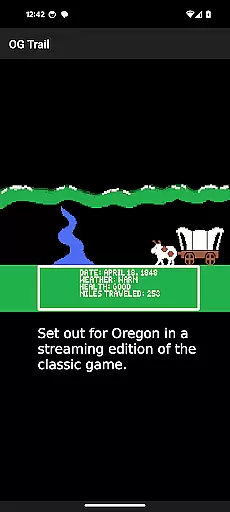
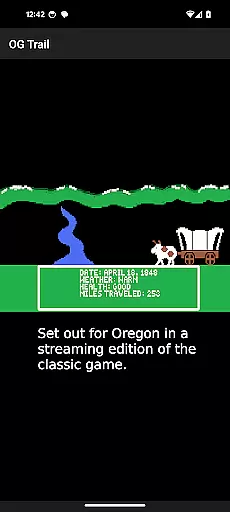
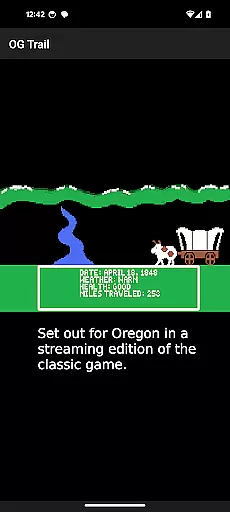
OG Trail is an educational app that brings the classic Oregon Trail simulation game to Android devices. This app provides a seamless interface for users to access and play the original game directly from the Internet Archive. The app requires an internet connection only during the initial loading phase, ensuring minimal data usage thereafter.
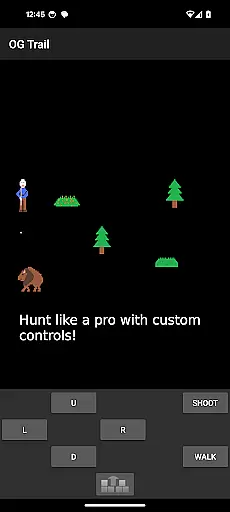
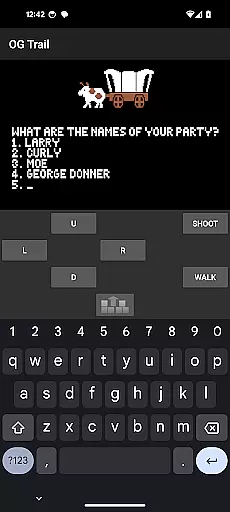
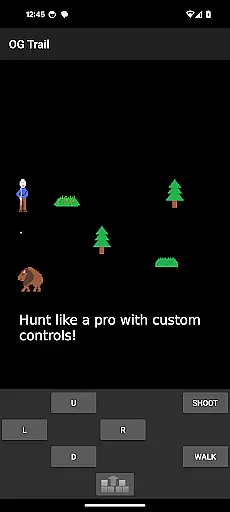
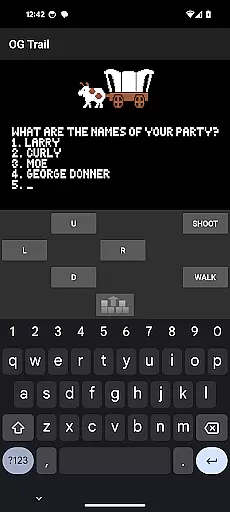
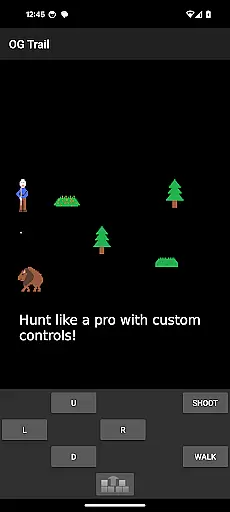
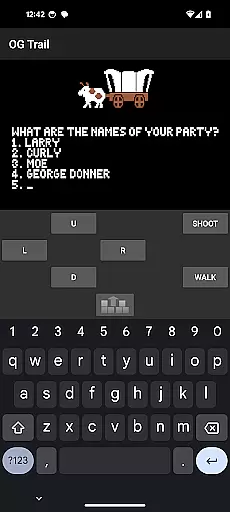
The app features an onscreen keyboard and control pad, allowing users to interact with the unmodified version of The Oregon Trail (TM) game. These controls mimic the traditional input methods used in the original game, making it accessible even on modern touchscreen devices. Whether you're a student learning about American history or a nostalgic gamer, OG Trail offers an authentic and engaging experience.
This app is particularly useful in educational settings where interactive learning tools are valued. By providing access to this historical simulation, OG Trail helps users understand the challenges faced by pioneers traveling westward in the 19th century. Its blend of entertainment and education makes it a valuable resource for both classrooms and individual learners.
OG Trail stands out with its unique approach to delivering classic gaming experiences on modern devices. One of its key features is the integration with the Internet Archive, which hosts the streaming version of The Oregon Trail game. This ensures that users can access an unaltered version of the game without needing any additional ROM files.
The app includes an intuitive onscreen keyboard and control pad, designed to replicate the original gameplay experience. Users can make selections and answer prompts just as they would on a traditional keyboard, enhancing the authenticity of the simulation. This feature is crucial for maintaining the integrity of the educational content within the game.
Another notable aspect is the app's minimal data usage after the initial load. Once the game is loaded, users can enjoy uninterrupted gameplay without worrying about excessive data consumption. Additionally, the app provides links to user guides and resources, offering further insights into the game's mechanics and historical context. These features collectively create a rich and immersive educational experience.
In the realm of educational gaming, content authority and curriculum alignment are crucial for ensuring that learning is both accurate and relevant. OG Trail - Travel to Oregon offers an authentic experience by providing access to an unmodified version of The Oregon Trail (TM) game, which has been a staple in educational settings for decades.
This application leverages the publicly available Internet Archive posting of the streaming version of the game, ensuring that the content remains true to its original form. By doing so, it maintains the integrity and historical accuracy that educators have come to trust when teaching about westward expansion in the United States.
For students and learners, this means engaging with a simulation that aligns with established educational standards and curricula. The game's challenges and scenarios are designed to impart knowledge about history, economics, and decision-making skills, all while adhering to recognized educational benchmarks.
By using OG Trail, educators can be confident that they are incorporating a tool that not only captivates students' interest but also supports their academic growth through a well-respected and time-tested curriculum resource.
Gamification-learning integration represents the fusion of game mechanics with educational content, creating an interactive and engaging learning environment. OG Trail - Travel to Oregon exemplifies this approach by transforming the classic Oregon Trail simulation into an accessible mobile format.
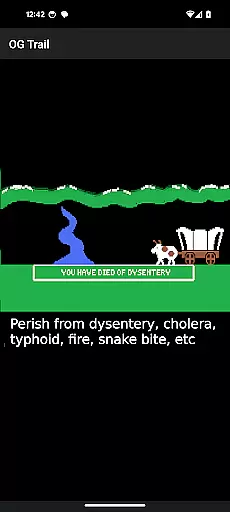
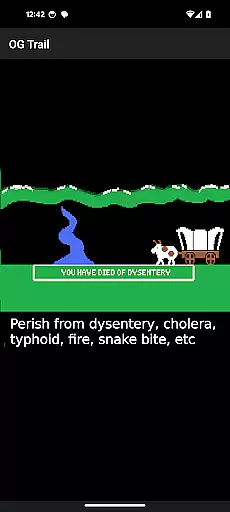
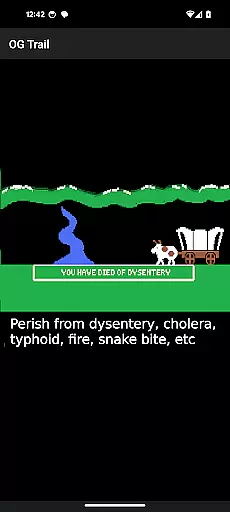
The app retains the original gameplay, where players must make decisions that affect their journey, such as managing resources, dealing with unexpected events, and navigating the trail. These elements naturally lend themselves to problem-solving and critical thinking, key components of effective gamified learning.
Although the game was not originally designed for touchscreens, OG Trail innovatively incorporates an onscreen keyboard and control pad, allowing users to interact with the game in a way that suits modern devices. This adaptation enhances the user experience without compromising the educational value of the original content.
Through OG Trail, learners can enjoy the benefits of gamification, such as increased motivation and enjoyment, while simultaneously acquiring knowledge and skills related to American history and resource management, thus achieving a harmonious blend of entertainment and education.
User-friendly interface
Authentic gameplay experience
Educational value
Minimal data usage
Accessible on mobile devices
Requires initial internet connection
No offline mode available
Limited to touchscreen controls
Dependent on external hosting
Potential performance issues

The Squirrels have been learning how to look after animal, now it's your turn!
 3.90
3.90
Kids letter tracing technique, which is the first step in learning how to write.
4.30
Fun educational games for kids that teach number tracing, counting with modes!
4.50
Play the fun princess party game for kids with Cocobi the little dinosaurs.
4.10
Fun baby care game for kids with dinosaur friends. Enjoy the fun kids game.
4.00
Fun dentist game with Cocobi friends!
4.10
Kids coloring games for boys! Fun drawing, painting & learning book for kids.
4.60
Have fun learning Alef Beit
4.1
Fun game for preschoolers to learn addition, subtraction, counting and math!
4.50
Puzzles, Cats and Programming
4.80
Tons of kids safety games, cartoons, and stories are included in one kids app!
4.70
Explore Dopples World, build your avatar life & create endless stories!
4.70
Amazing learning and educational games for children of all ages.
4.70
Monkey Preschool Fix-It is an early learning game for ages 2 to 5.
4.40
Play and build with Bluey & friends in this fun LEGO® game!
4.40
Endless runner fun packed with animal facts, exciting wildlife, & adventure.
4.10
Play the fun healthy habits game for kids with Cocobi the little dinosaurs.
3.40
Explore the world of reading and writing with Booker!
4.2
Join Rus and his friends to save Pear Island!
4.5


User Reviews