
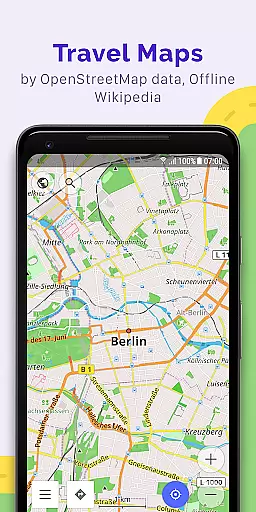
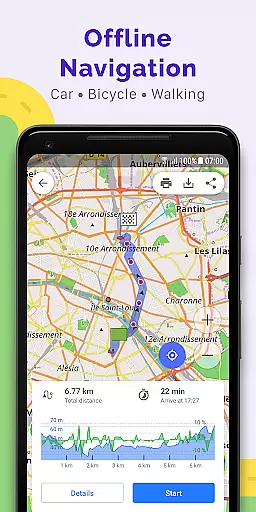
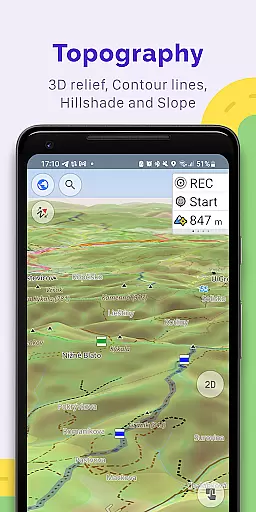
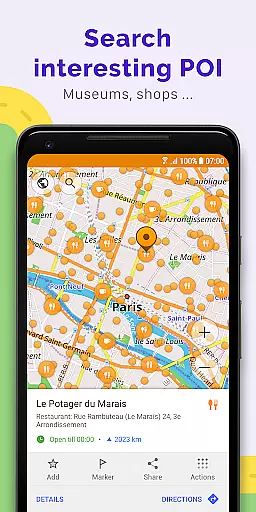
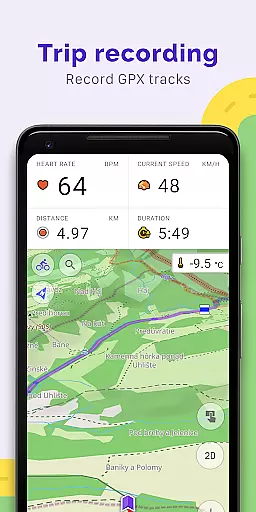
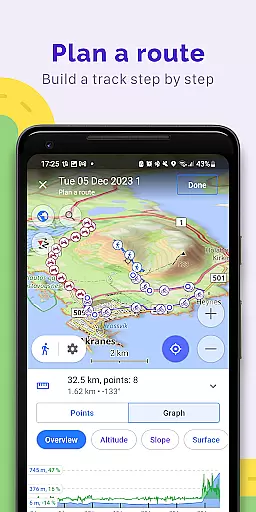
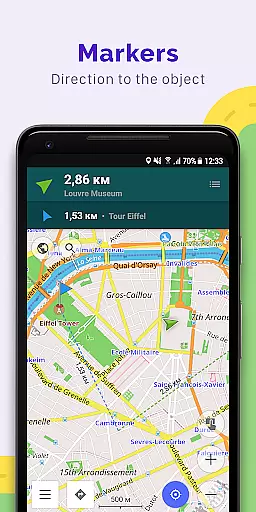
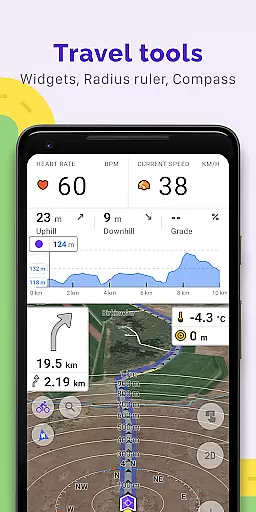
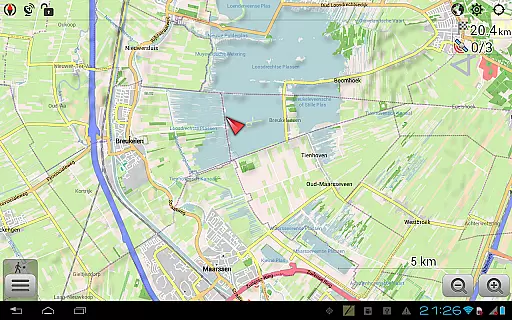
OsmAnd+ is a premier offline mapping and navigation application based on OpenStreetMap (OSM), designed for travelers, outdoor enthusiasts, and professionals who require reliable GPS tools without an internet connection. The app offers advanced route planning, GPX track recording, and customizable map styles tailored to various activities such as hiking, cycling, and driving.
With features like contour lines, nautical depths, and offline Wikipedia, OsmAnd+ ensures users have access to detailed geographic and travel-related information. Its Android Auto support, unlimited map downloads, and extensive customization options make it a versatile tool for both casual and power users. Whether you're exploring remote terrains or navigating urban landscapes, OsmAnd+ provides the tools necessary for seamless navigation and exploration.
OsmAnd+ stands out with its comprehensive suite of features designed for diverse navigation needs. The app supports multiple navigation profiles, including cars, motorcycles, bicycles, and pedestrians, allowing users to customize routes based on vehicle type and road preferences. Advanced route planning includes the ability to plot multi-point routes and exclude specific roads or surfaces, ensuring optimal paths tailored to individual requirements.
For outdoor enthusiasts, OsmAnd+ offers topographic maps, shading relief, and GPX track management, enabling users to record, display, and share tracks effortlessly. Additional functionalities include offline Wikipedia and Wikivoyage for travel guides, a compass, and a ruler tool for precise measurements. Paid features like OsmAnd Cloud, hourly map updates, and weather plugins further enhance the user experience, making it a robust solution for global navigation.
Booking authenticity is a crucial feature for travel applications like OsmAnd+, ensuring that all reservations and planned routes are reliable and accurate. This app provides users with the ability to plot routes point by point using one or multiple navigation profiles without an internet connection, which guarantees that your bookings or plans remain intact even offline.
OsmAnd+ supports customizable navigation profiles for different vehicles, including cars, motorcycles, bicycles, and more. This customization ensures that the routes planned are best suited for the specific type of journey you're embarking on, enhancing the authenticity of your travel bookings.
The application allows changes to the constructed route, taking into account the exclusion of certain roads or road surfaces, which means users can trust the integrity of their planned routes. With customizable information widgets about the route such as distance, speed, remaining travel time, and distance to turn, travelers can feel confident in their travel plans.
Furthermore, OsmAnd+ offers the ability to share GPX tracks in OpenStreetMap, allowing users to contribute to and utilize a trusted community-driven resource for route planning. This reinforces the reliability of bookings and planned activities within the app, providing peace of mind for users who rely on this information for their travels.
Price transparency in applications such as OsmAnd+ involves clear communication about the costs associated with using premium features. The app offers a subscription service called OsmAnd Pro, which includes benefits like OsmAnd Cloud for backup and restore, cross-platform support, hourly map updates, and access to plugins like Weather and Elevation.
All of the paid features are explicitly listed, allowing users to understand exactly what they are paying for. For instance, subscribers gain access to advanced functionalities such as external sensors support (ANT+, Bluetooth) and the ability to customize route lines, which adds tangible value to those who require these tools for their travels.
OsmAnd+ also maintains transparency by offering a free version with extensive capabilities while reserving certain specialized features for subscribers. Users can choose whether they want to upgrade based on their personal needs, ensuring there are no hidden fees or unexpected charges.
This approach not only builds trust but also empowers users to make informed decisions regarding their purchases within the app. By clearly outlining the advantages of subscribing versus using the free version, OsmAnd+ exemplifies how price transparency should be implemented in travel applications.
Offline functionality
Customizable maps
GPX track support
Android Auto integration
Active community
Complex interface
Paid subscription
Large file sizes
Limited free features
Steep learning curve

Tide Table Chart provides quick and easy access to high and low tide forecasts.
 3.20
3.20
Mix of explore game, travel mapping & tracking to memorize everywhere you go
3.60
Listen live to pilots and air traffic controllers around the world
3.80
Book neighborhood dog boarding, dog walking, pet sitting, and doggy day care.
4.60
MyTSA gives you 24/7 access to info that passengers frequently request from TSA.
4.10
Replace your car trips with the world’s largest shared electric vehicle company.
4.90
One app, 300,000+ travel experiences, tours, and tickets you’ll remember.
4.90
Walt Disney World Resort maps, wait times, tickets, dining & more.
4.50
Stack Upside with your current credit & debit rewards for even more cash back!
4.50
Plan where to stand and shave minutes off your trip!
4.80
All-in-one delivery and taxi app. Ride, food, & grocery delivery app.
4.80
Maximize your cruise vacation with the Royal Caribbean app
4.70
Easily rent a car at over 9,500 locations with the Enterprise car rental app.
4.60
The best way to book travel
4.60
Discover the power of one-way location tracking. Share your location securely.
4.50
Offline WiFi Hotspot Finder, eSIM, Caller ID, Dialer, Home Screen Launcher & VPN
4.20
View delays, closures, and weather-related conditions on Missouri state roads.
3.30
Find the best prices, pay for the cheapest gas, and save on every fill up
3.30
The official app of Allegiant Travel & Allegiant Airlines
3.30


User Reviews