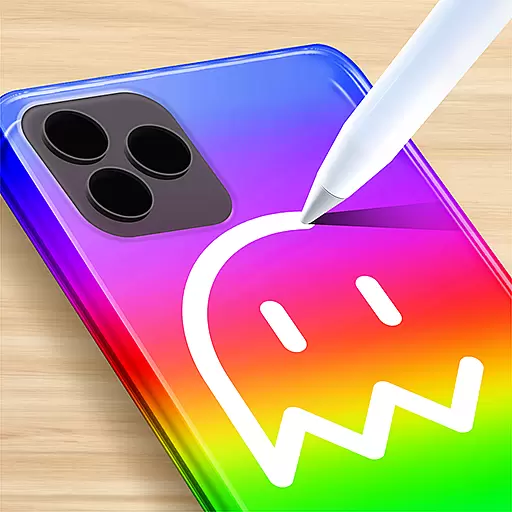
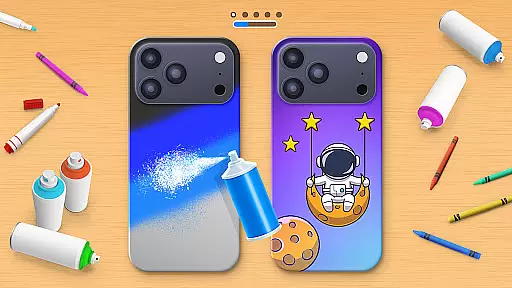
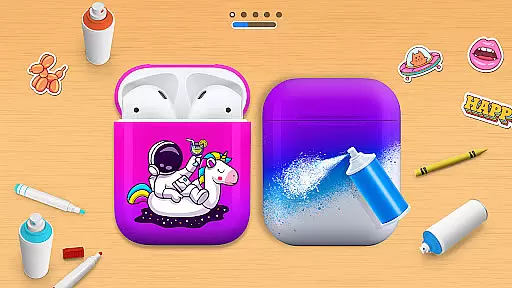
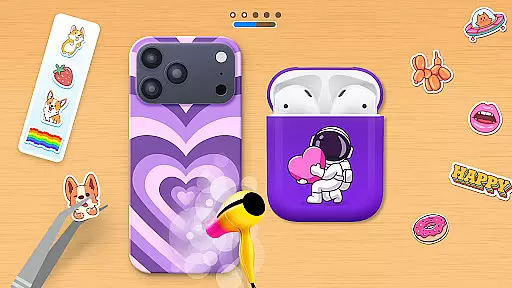
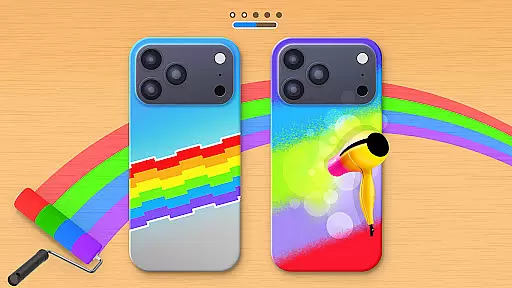
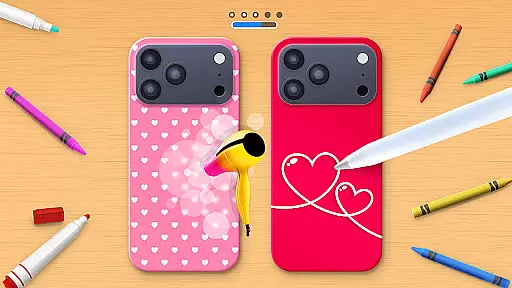
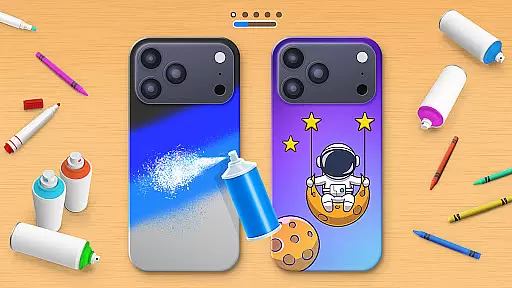
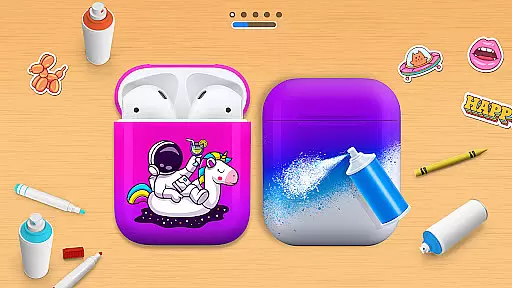
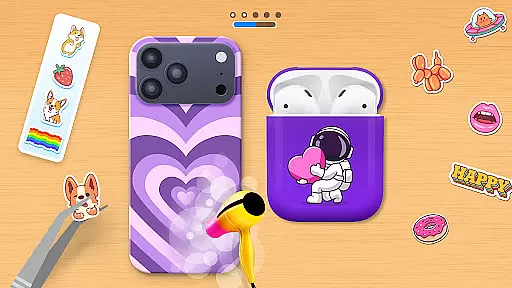
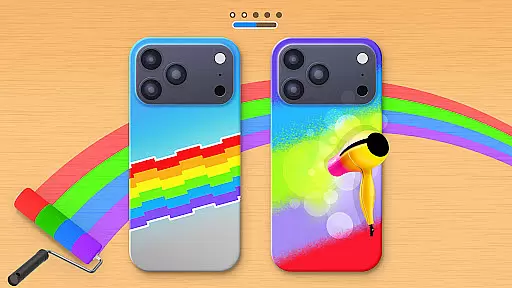
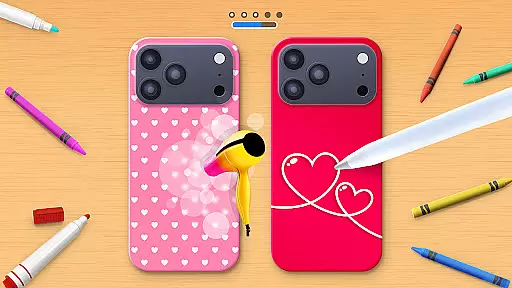
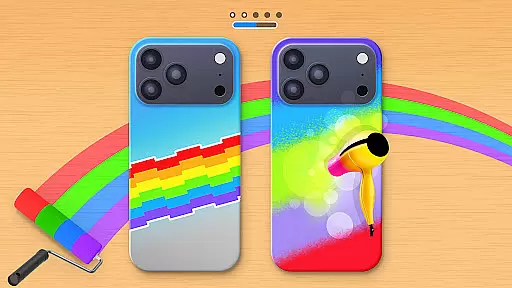
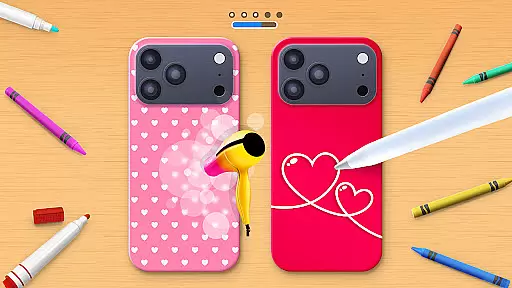
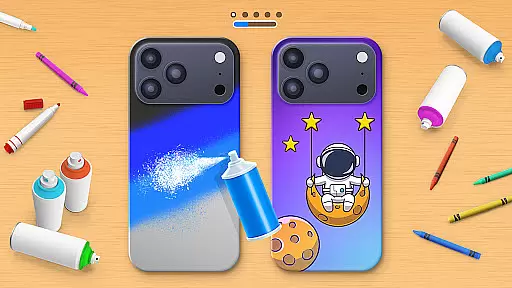
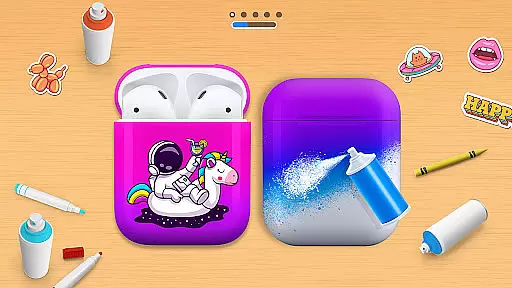
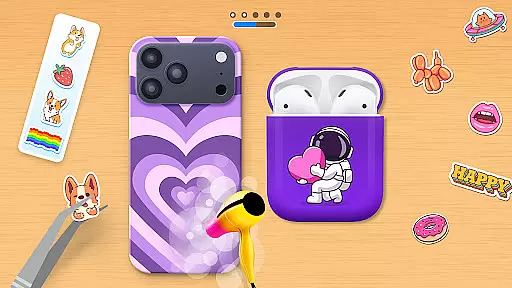
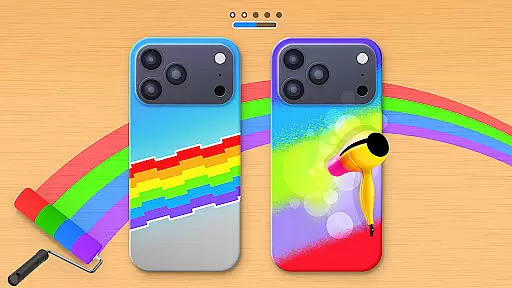
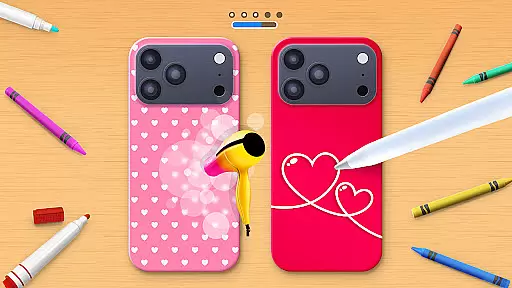
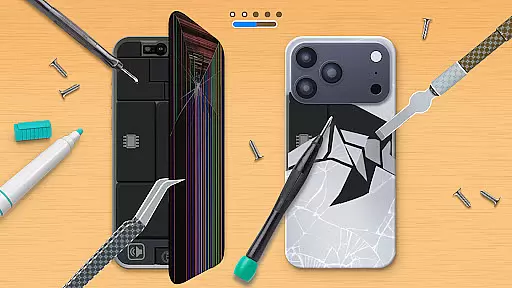
Phone Case DIY is a creative simulation game that allows users to design and customize their own phone cases, earbuds, and headphones. With endless color options and patterns, the app provides a platform for expressing personal style through digital crafting. The intuitive interface makes it easy to paint, draw, and apply stickers, while features like acrylic art and tie-dye effects add professional touches.
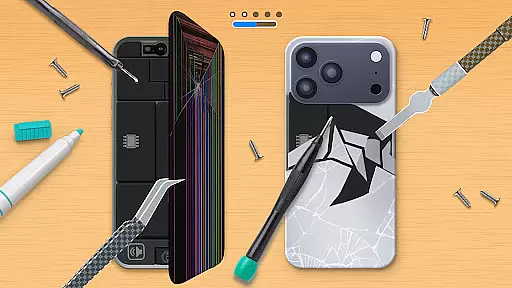
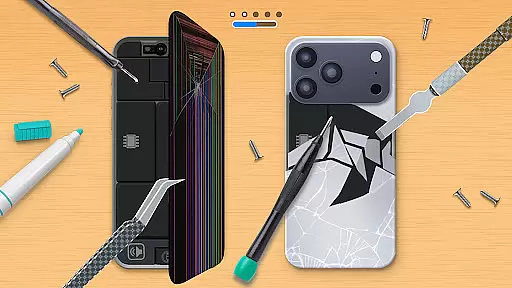
Beyond basic customization, the app includes a leaderboard for showcasing designs globally and profile customization options to display unique aesthetics. Users can also repair virtual phone cases, adding another layer of engagement. This app is perfect for those who enjoy arts and crafts or want to experiment with phone accessories in a risk-free environment.
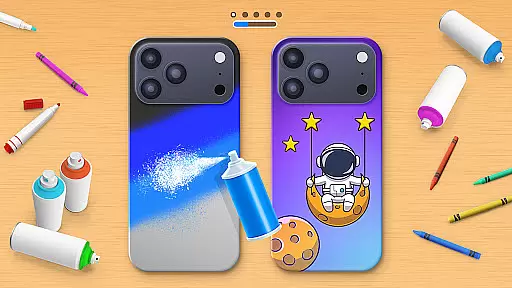
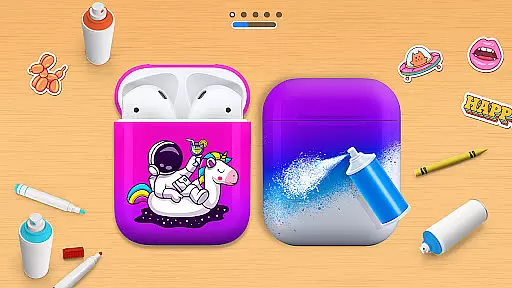
Phone Case DIY offers an impressive range of features designed to spark creativity. Users can paint phone cases with vibrant colors and intricate patterns, creating truly personalized designs. The app also extends this customization to headphones and earbuds, allowing for a fully coordinated look across all mobile accessories.
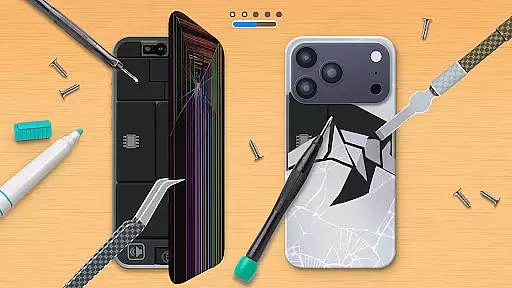
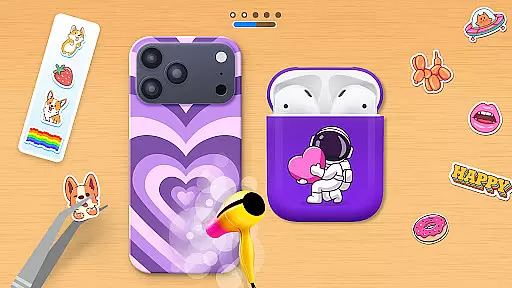
Advanced features include acrylic art effects, sticker application, and even phone cleaning simulations before decoration begins. A global leaderboard lets users compete by showcasing their best work, while profile customization adds a social element. The repair function introduces problem-solving challenges, making Phone Case DIY not just about design but also restoration.
The combination of these features creates an immersive experience that appeals to both casual players and serious craft enthusiasts. Each tool and option has been carefully implemented to provide realistic results while maintaining ease of use.
In Phone Case DIY, the economic system is designed to encourage creativity and personal expression through a rewarding mechanism. Players can unlock new colors, patterns, and stickers by completing various design tasks or challenges.
The game incorporates a virtual currency system that allows users to purchase additional customization options. This currency can be earned by creating unique designs or achieving high rankings on the global leaderboard, providing a dynamic feedback loop that motivates continuous engagement.
Players are incentivized to experiment with different combinations of colors and styles, knowing that their efforts will be recognized both aesthetically and economically within the game's ecosystem.
This approach not only enhances the gameplay experience but also fosters a sense of accomplishment as users see tangible results from their creative endeavors.
Phone Case DIY offers an impressive balance in resource management by allowing players to freely express their artistic side while maintaining strategic elements. The game provides a wide array of coloring features, including acrylic art, tie-dye effects, and spray painting options.
Users must carefully manage their resources, such as virtual paints and decorative items, to create visually appealing phone cases. The availability of these resources encourages thoughtful planning and decision-making, adding depth to the creative process.
Additionally, the inclusion of repair functions for damaged phone cases introduces another layer of resource allocation strategy. Players learn to prioritize which elements need immediate attention and which can wait, simulating real-world resource management scenarios.
This balanced approach ensures that while the game remains accessible and fun, it also offers enough complexity to keep players engaged and challenged throughout their customization journey.
User-friendly interface
Variety of customization options
Engaging gameplay elements
Social sharing capabilities
Regular updates with new content
In-app purchases can add up
Some features require premium access
Occasional performance issues
Limited offline functionality
Ads may interrupt gameplay

start a cult from your phone in this cozy idle-clicker game.
 4.3
4.3
Mystical Mixing: little alchemy meets tiny wings spiced with potion permit magic
4.80
Can you infect the world?
4.70
Start painting, match paint, merge colors and get creative in this coloring game
4.60
The most realistic digital combat flight simulator
3.40
Help your child, in a story-driven nurture game based on true events
4.80
Draw the image and color in the spaces to create the complete picture
4.50
Build your lumber logging empire: harvest & manage idle wood tycoon simulation!
3.70
Cause chaos as a mischievous kitty in this hilarious cat simulator!
4.50
A realistic horror experience of exploring a missing woman’s phone.
4.70
Farming games: Harvest crops and Grow your own farm
4.60
Pro Wrestling Team Management Sim, Face off with fearsome foes!
4.50
Advanced 3d bow simulator app for hunters, using real archery ballistics.
4.50
Family, house & life simulator - build your dream home in a virtual world!
4.50
Build rockets, airplanes, and more and explore highly detailed 3D planets.
4.30
Design airplanes in this flight sim and see how they fly with realistic physics.
4.30
Raise crops and animals in this farming simulator!
4.20
Survive, explore, and invent wild machines in a world ruled by robots!
4.4
Mine rocks, upgrade miners and earn BTC!
4.3


User Reviews