
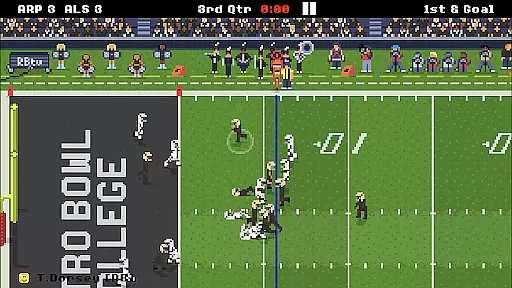
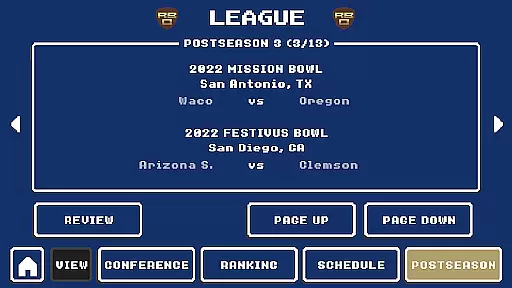
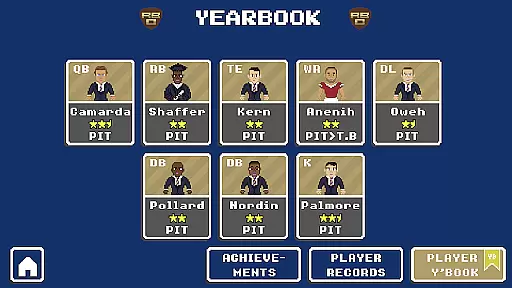
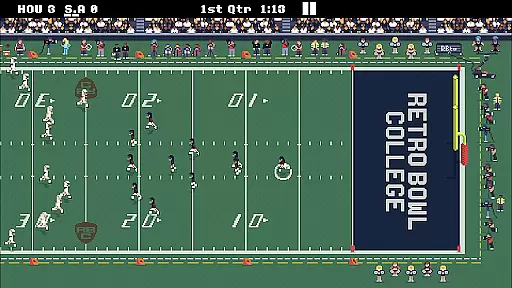
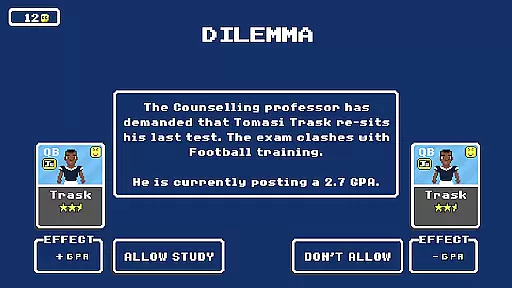
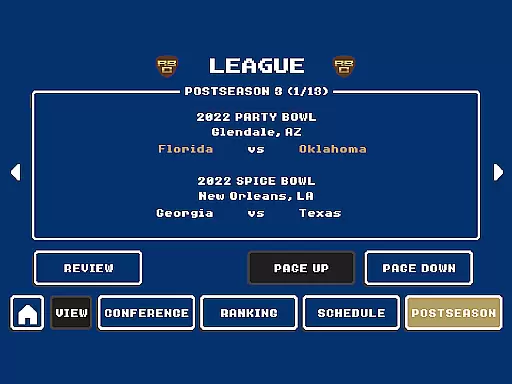
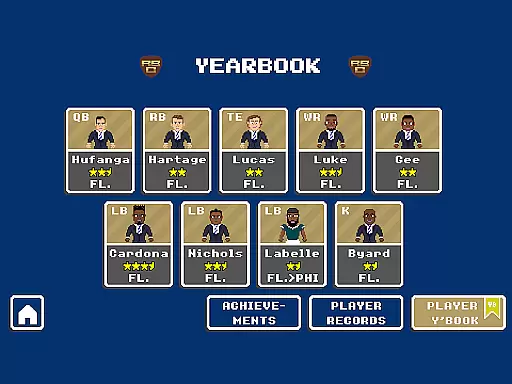
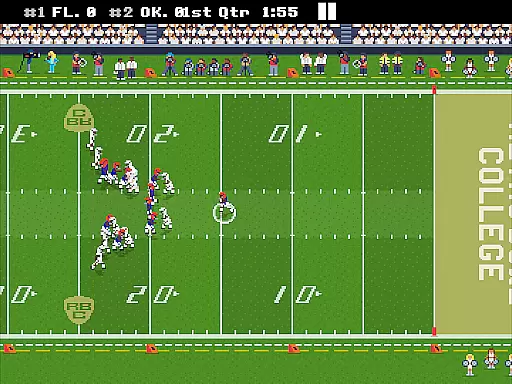
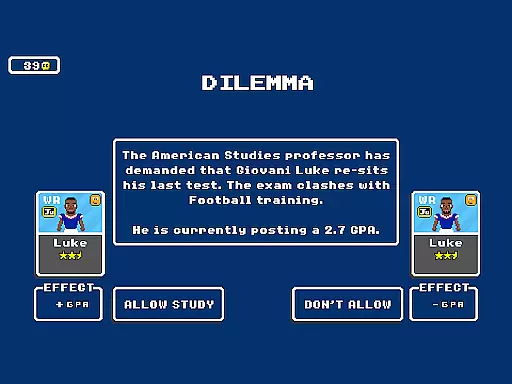
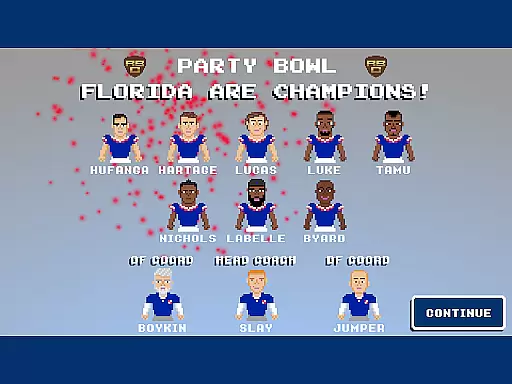
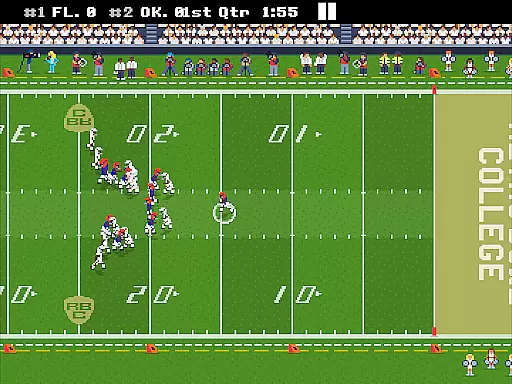
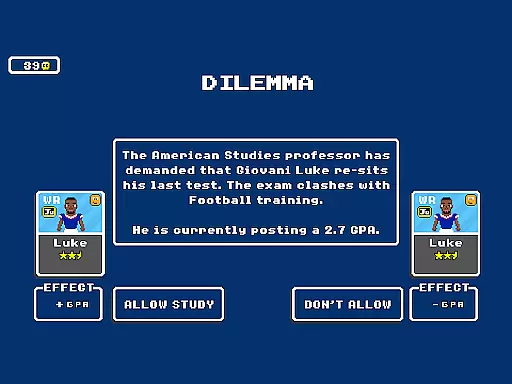
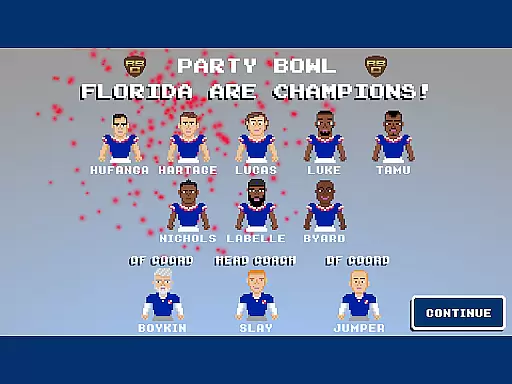
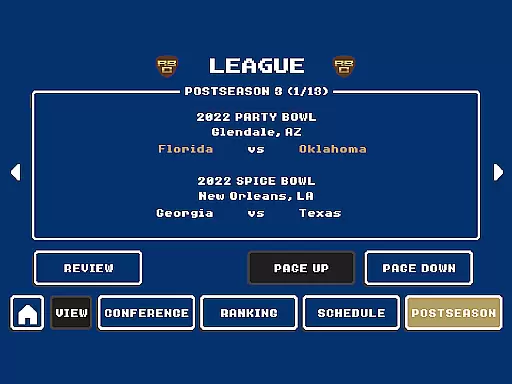
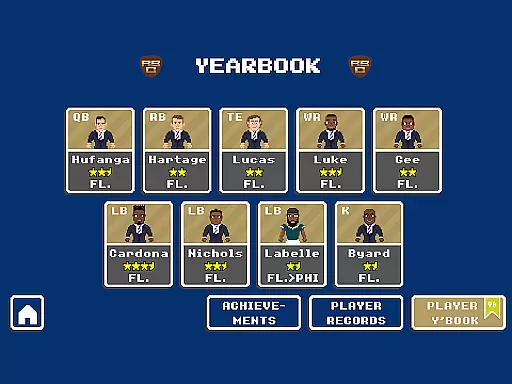
Retro Bowl College is a sports management game that puts you in charge of one of 250 college football teams. As the head coach, your mission is to manage team budgets, develop young talent, and navigate the challenges of college life. The game tests your ability to balance athletic performance with player discipline, all while striving to build a championship-winning team.
With its retro-style graphics and challenging gameplay, this spin-off of the popular Retro Bowl offers an engaging experience for sports strategy enthusiasts. You'll need to make critical decisions on and off the field, from recruiting promising players to managing their behavior. Can you create the ultimate football dynasty?
This college football simulator stands out with its unique blend of management and strategy elements. The game challenges you to not only win matches but also to develop young athletes into professional stars. You'll need to carefully manage limited resources while keeping an eye on player morale and academic performance.
The game features multiple difficulty levels, allowing both newcomers and seasoned players to enjoy the experience. Its pixel-art graphics pay homage to classic sports games, while modern mechanics like social media interactions and player development systems provide depth and realism. With 250 teams to choose from, each offering different challenges and opportunities, the replay value is immense.
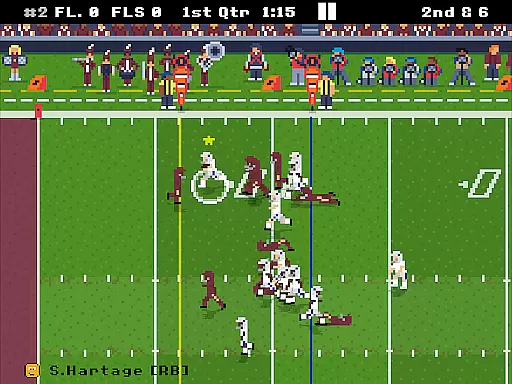
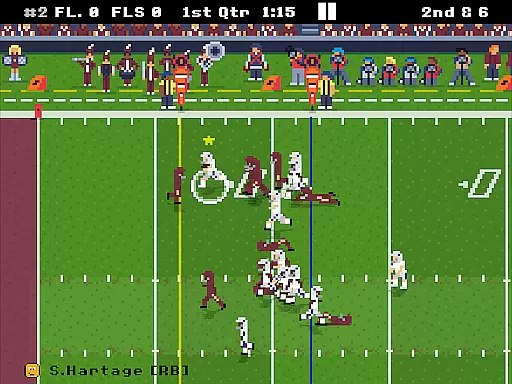
Retro Bowl College delivers an authentic football experience by combining realistic gameplay mechanics with accurate physics simulations. The developers have paid meticulous attention to detail, ensuring that every pass, tackle, and kick behaves as it would in a real college football match.
The game's physics engine captures the nuances of player movements, from the speed of the running backs to the power of defensive tackles. This level of realism extends to environmental factors such as weather conditions, which can impact gameplay and strategy.
Players will appreciate how the game replicates the challenges of managing a college team, including dealing with player attitudes, balancing budgets, and making crucial decisions during high-stakes matches. These elements work together to create an immersive experience that mirrors the unpredictability and excitement of college football.
A hallmark of Retro Bowl College is its intuitive control scheme, designed to make the game accessible to both newcomers and seasoned players. The interface is streamlined to ensure that executing plays and managing your team feels natural and responsive.
On-field actions are mapped to simple touch gestures, allowing for precise control over player movements without overwhelming complexity. This approach maintains the fast-paced nature of football while ensuring that strategic decisions can be executed quickly and effectively.
The game also offers customizable control settings, enabling players to tailor the experience to their preferences. Whether you're calling plays from the sideline or making split-second decisions during a game, the controls remain consistently intuitive and reliable.
Engaging gameplay
Challenging scenarios
Retro aesthetics
Player development
Multiple teams
Steep learning curve
Limited tutorials
Repetitive graphics
Occasional bugs
Ads between plays

Score as a Super Star in Football Strike: Action Multiplayer Online Soccer Game!
 4.70
4.70
Soccer mini games! Play career mode: Score & be the next soccer superstar!
4.70
Backflip Madness! Fast-paced, parkour-flavored extreme sports backflip game.
4.50
Rediscover the joy of the original Backyard Baseball 1997
3.70
Master the arrow art in archer duels
4.50
Play the World's Soccer Game Anywhere with Premier League, UCL & LALIGA stars.
4.60
An easy-to-use app for sports team communication and logistics
3.20
NHL scores for Wear OS. Quickly see all NHL game details, standings & schedules+
4.1
Stream Formula 1® Live and on-demand
4.40
Play darts against the world!
4.70
Online app with multiple arenas! Live PvP multiplayer grand slam sports league.
4.60
Real boxing game with PvP fights, tournaments & epic knockouts
4.60
Play the hit multiplayer Carrom Disc Pool board game and become the best!
4.60
Trampoline backflips, frontflips & trick stunts! Ultimate adrenaline rush!
4.60
Build and play your own team! Baseball at your fingertips! BASEBALL NINE!
4.60
Sports app that presents matches' details from the most important championships.
4.50
Beat against 8 ball masters from around the world.
4.40
Exploring Football from a Unique Perspective
4.10
Run the ball into the endzone in AR.
4.5


User Reviews