
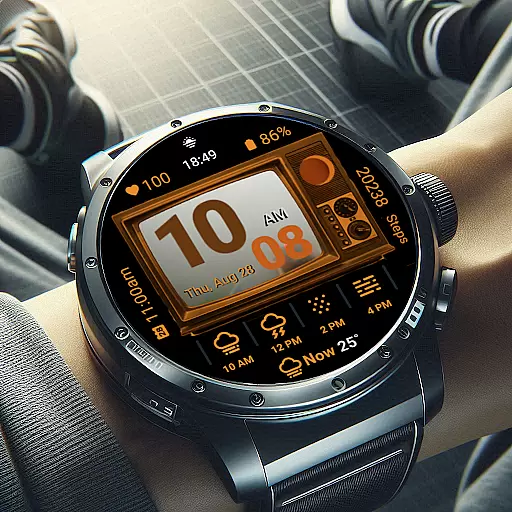
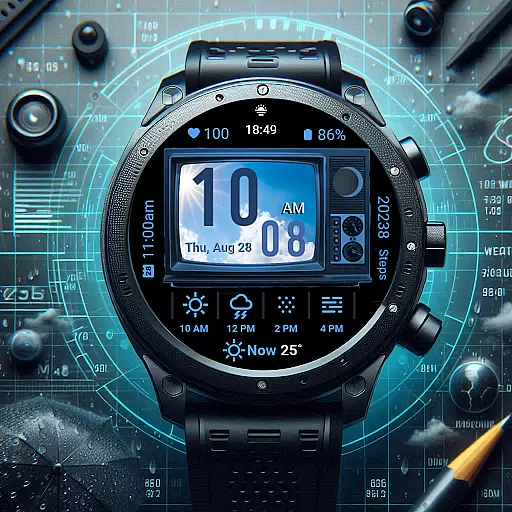
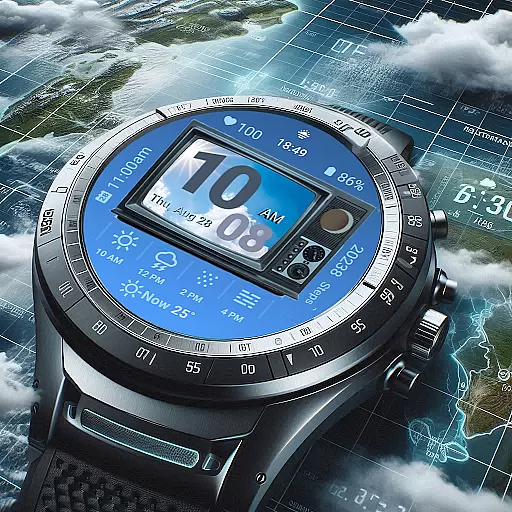
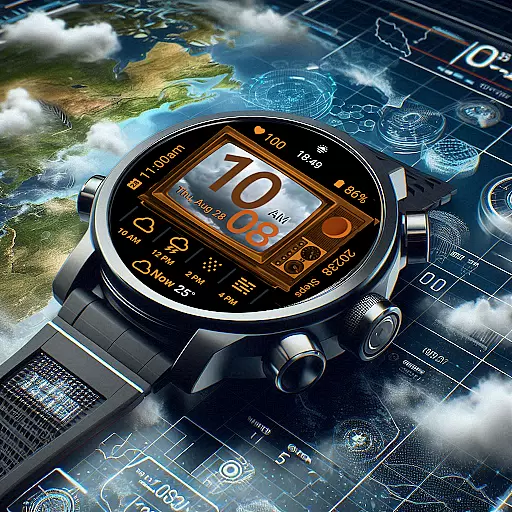
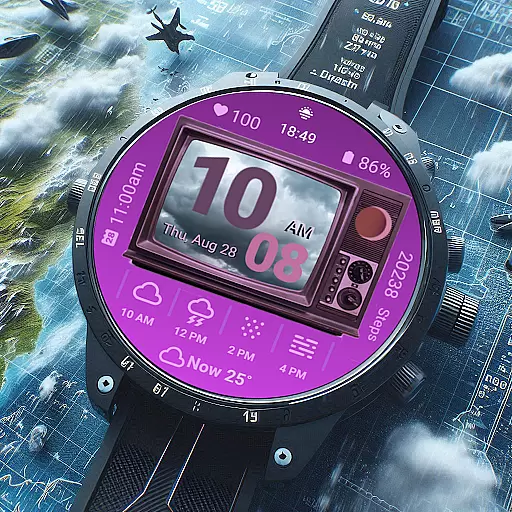
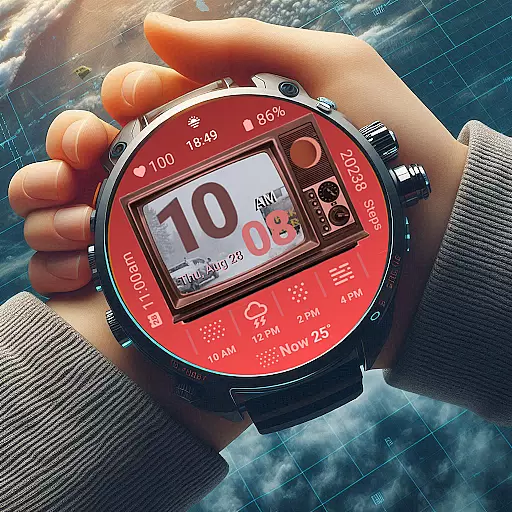
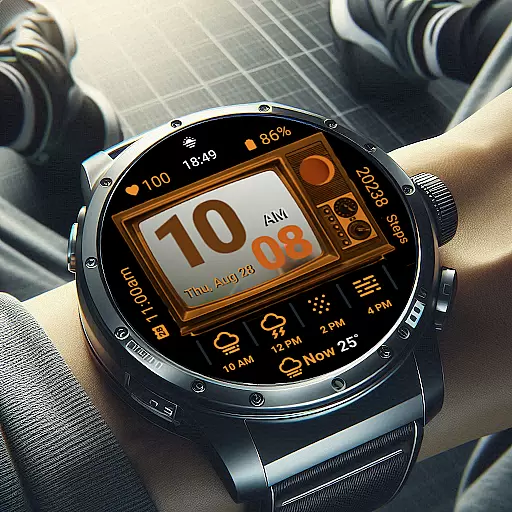
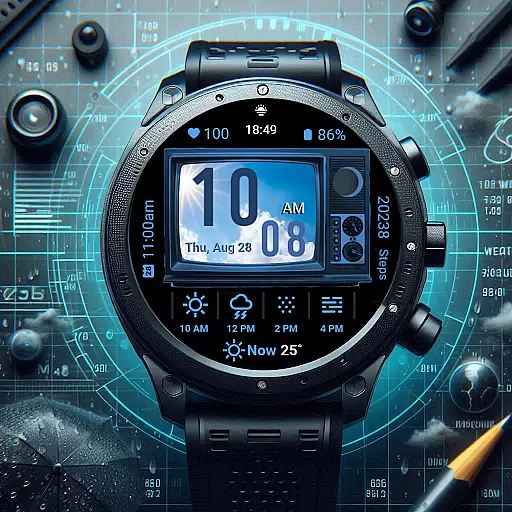
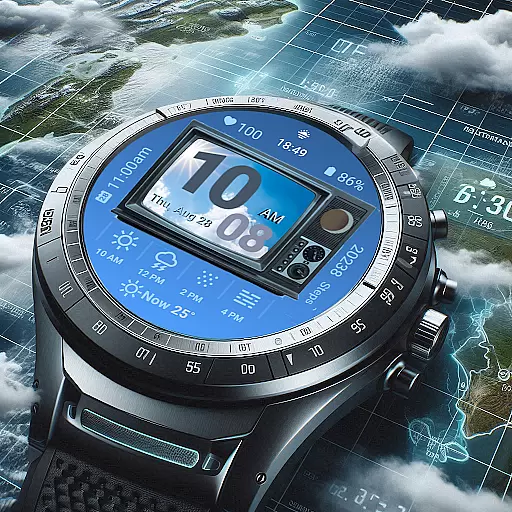
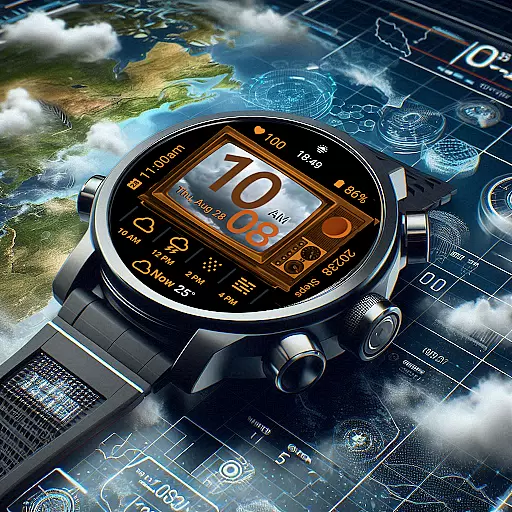
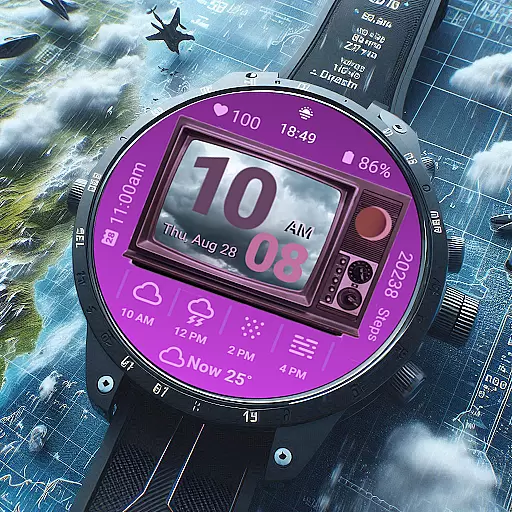
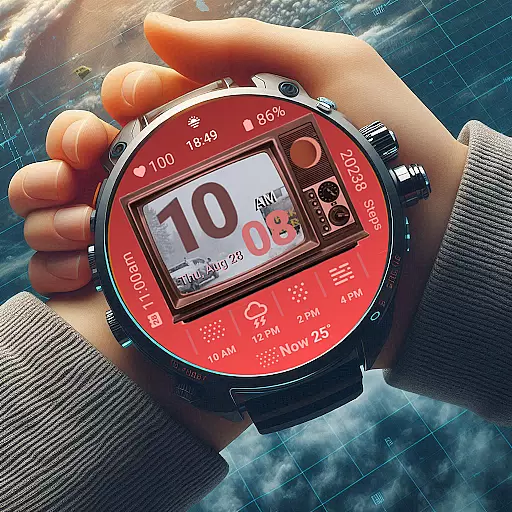
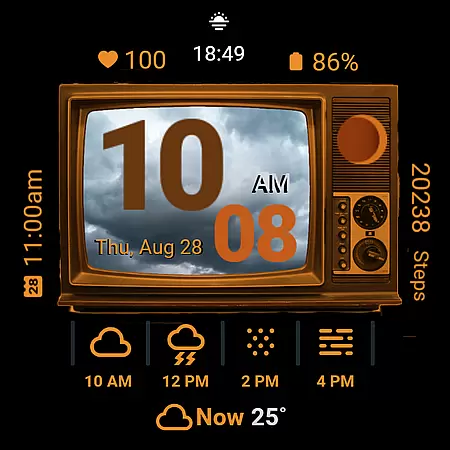
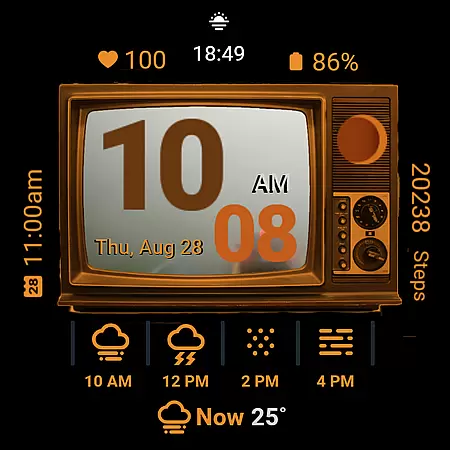
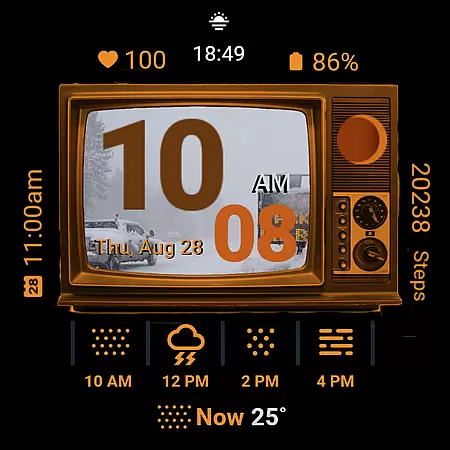
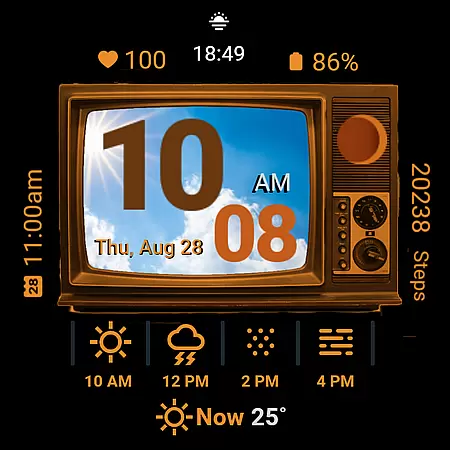
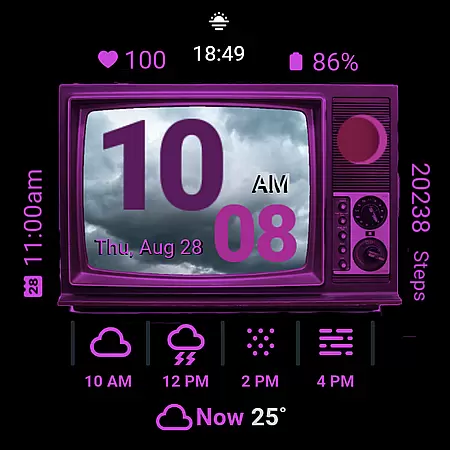
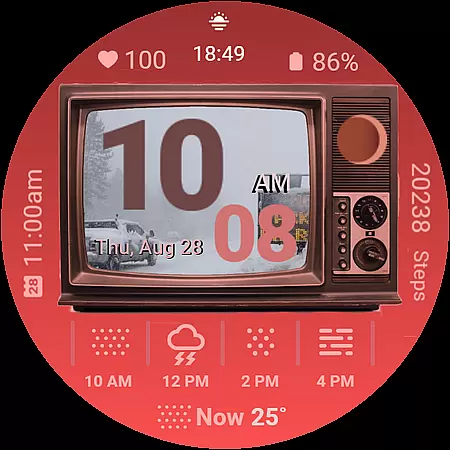
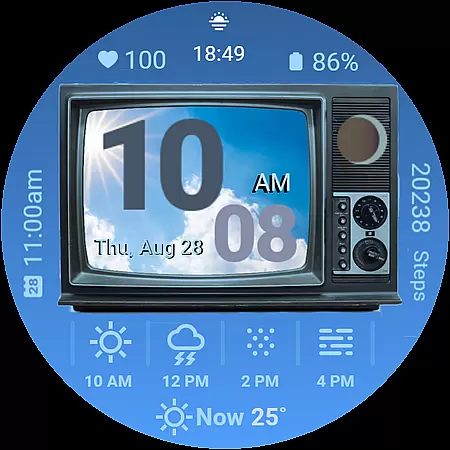
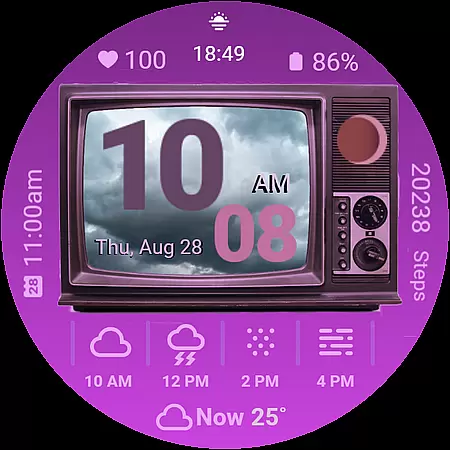
Retro Weather TV Watch Face brings a nostalgic twist to modern smartwatches with its vintage TV-inspired design. This Wear OS watch face combines classic aesthetics with essential features like real-time weather updates, heart rate monitoring, and event reminders.
Designed for both style and functionality, it offers customizable settings, ambient mode support, and displays such as moon phases and battery status. Whether you're tracking daily steps or checking the forecast, this app delivers a seamless blend of retro charm and contemporary utility.
Experience the perfect fusion of past and present with Retro Weather TV Watch Face's standout features. The app includes a unique weather photo display that shows current conditions on a retro TV screen alongside digital time in 12/24HR formats.
Additional highlights are next-event reminders, step counters, heart rate monitors, and moon phase tracking. With newly added shortcuts to settings and calendar functions, plus customizable colors and ambient mode support, this app ensures both usability and personalization for an unmatched user experience.
Forecast accuracy and data credibility are essential for any weather application, ensuring users receive reliable and trustworthy information. Retro Weather TV Watch Face excels in this area by providing real-time updates on weather conditions, temperature, and newly added features like moon phase and weather photo display.
The watch face pulls data from credible sources, delivering precise weather forecasts directly to your wrist. By integrating with Wear OS, it ensures that the displayed information is not only accurate but also timely, helping you make informed decisions about your day.
For users, this means confidence in planning outdoor activities, dressing appropriately for the weather, and staying aware of environmental changes. The inclusion of features such as ambient mode support and customizable colors further enhances the user experience without compromising the integrity of the data presented.
Understanding both temporal and spatial forecast ranges is crucial for a comprehensive weather update. Retro Weather TV Watch Face offers an extensive range of forecasts that cover various timeframes and geographic locations, ensuring you're always informed no matter where you are.
With its classic retro TV display, the watch face provides digital time in 12/24HR formats alongside detailed weather information. This includes next event reminders, steps counters, heart rate monitors, battery status indicators, and date/day displaysu2014all within a nostalgic aesthetic package.
By incorporating newly added features like calendar shortcut buttons and settings shortcut buttons, Retro Weather TV Watch Face allows quick access to additional functionalities while maintaining focus on delivering wide-ranging and accurate forecasts. This blend of vintage charm with modern technology makes it an indispensable tool for those seeking both style and substance in their smartwatch accessories.
Unique retro design
Real-time weather updates
Customizable color options
Comprehensive health tracking
Ambient mode compatibility
Limited to Wear OS
Requires frequent updates
Battery-intensive features
No advanced analytics
Interface learning curve

Nuts Weather, your ideal choice for knowing weather forecast & weather radar
 4.70
4.70
Room Temperature Thermometer meter shows indoor, outdoor temperature, humidity.
4.40
Global weather forecast, powered by layered radar & hourly weather updates
4.10
Industry leading whitetail movement predictor & hunting app.
4.60
Accurate Local Weather Forecast, let you easily understand the nearby weather!
4.20
Determine Best Hunting Times for any date, any location.
2.50
Advanced weather toolkit, providing detailed weather information for any season!
3.50
Local weather forecast app, your personal 7*24 local weather forecast assistant.
4.90
Weather Forecast, Trending News, Hurricane & Storm Tracker, Alerts & Live Radar.
4.80
Weather - Local weather forecast, weather daily & hourly, weather radar
4.80
Live Alabama weather from James Spann—forecasts, radar, alerts, Spanncams.
4.70
weather forecast, weather radar, weather widget in one local weather app
4.70
Your ultimate app for real-time weather information!
4.70
My Aurora Forecast is the app for Northern Lights and Aurora Borealis alerts.
4.60
All-in-one weather radar launcher with rain, temperature maps & local forecast.
4.30
Live weather radar, widgets & forecasts. Track rain, storms & temperature.
4.20
Know the weather earlier.
3.90
Storm Radar, Alerts & Live Weather Forecasts Right on Your Home Screen
3.70
The Weather Network TV App - Your weather when it really matters
2.90


User Reviews