
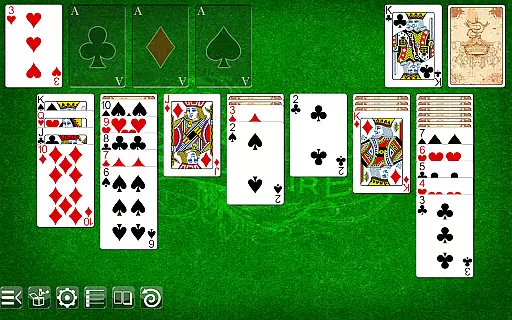
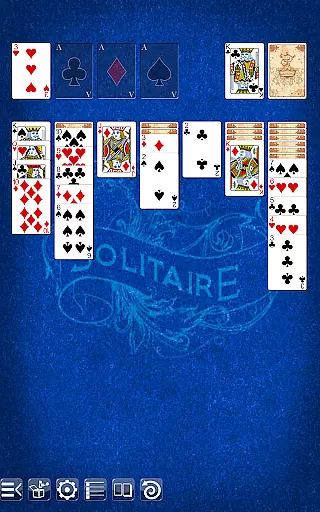
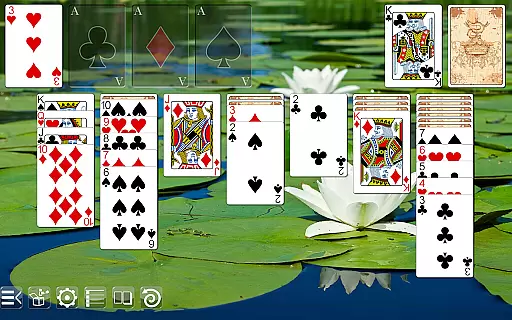
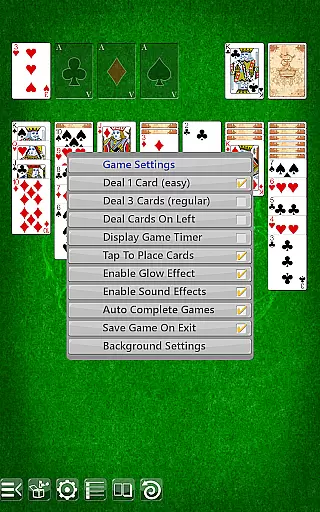
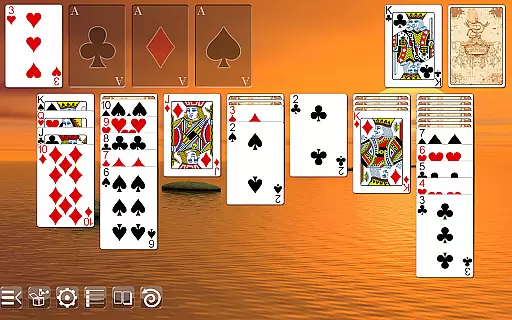
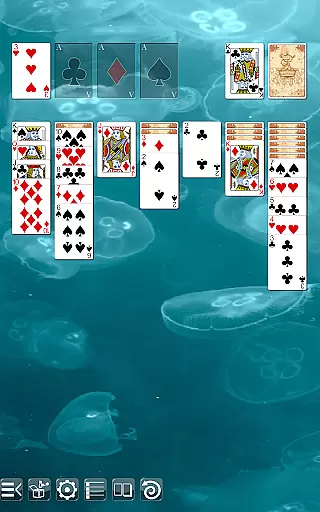
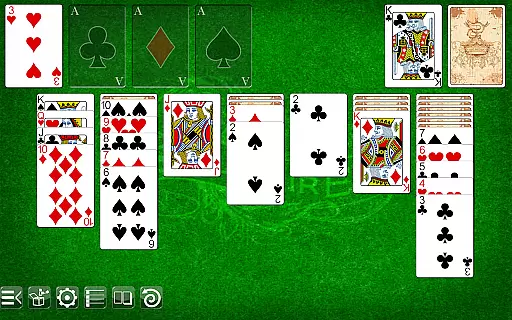
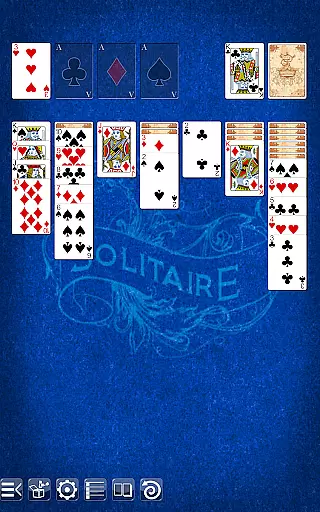
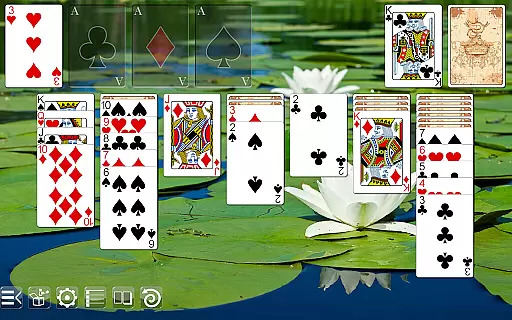
Solitaire is a classic card game that brings the timeless experience to your mobile device. With intuitive gameplay and stunning graphics, it offers an engaging experience for both casual and dedicated players. The self-adjusting layouts ensure crisp visuals across all screen sizes, from phones to high-definition tablets.
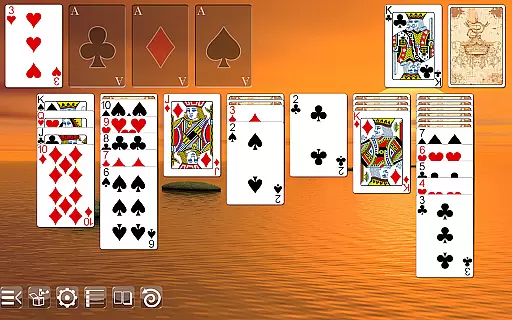
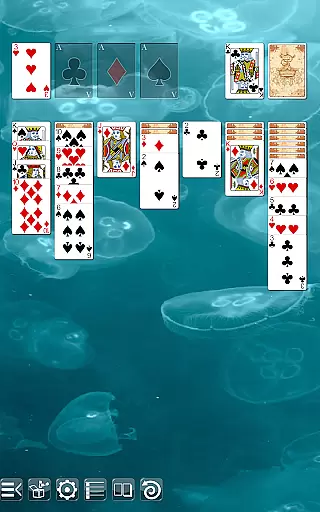
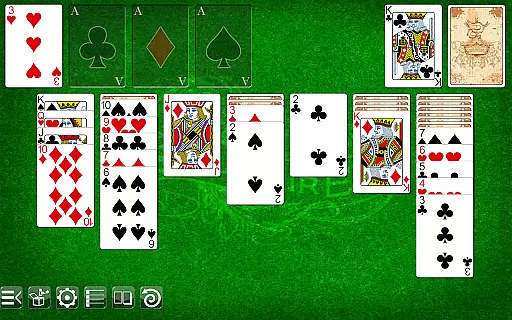
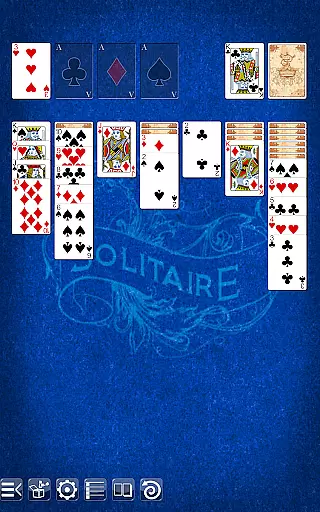
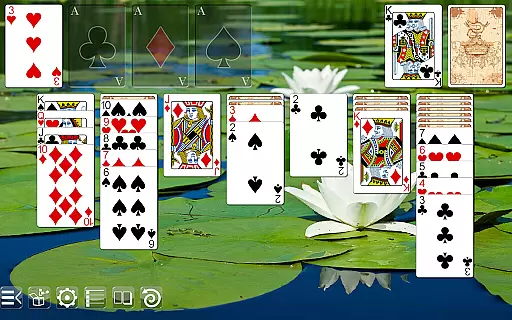
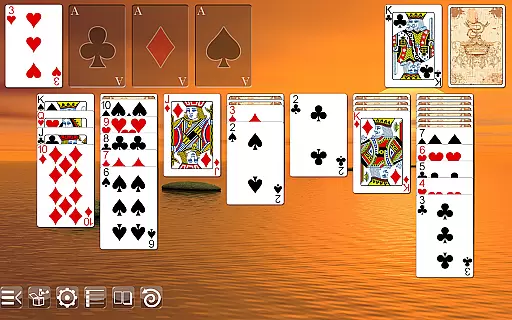
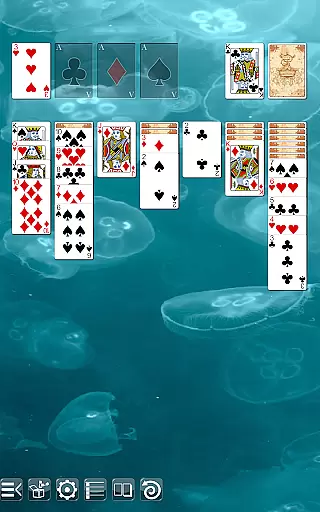
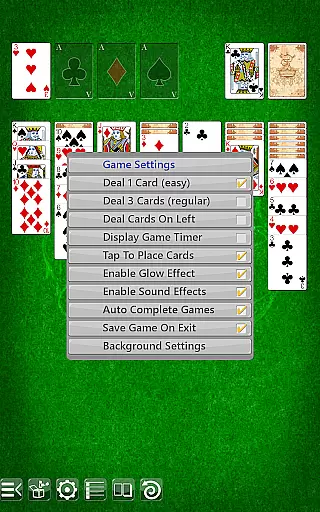
Choose from multiple table backgrounds and card backs to personalize your gaming experience. Supporting both drag & drop and tap-to-place gameplay, Solitaire caters to different play styles. Whether you call it Solitaire, Patience, or Klondike, this app delivers an exceptional card game experience without interruptions from ads.
Solitaire stands out with its versatile features designed for an optimal user experience. Enjoy playing in both portrait and landscape modes, allowing flexibility based on your device orientation preferences. The undo function provides a safety net for accidental moves, enhancing strategic planning.
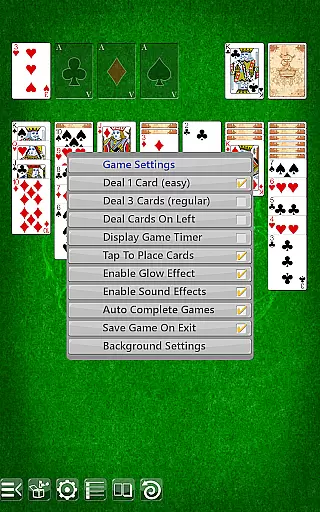
The option to draw one or three cards adds variety to each session, while dealing on either the left or right side accommodates handedness preferences. Regular and ornate face cards offer aesthetic choices, complemented by two selectable card backs and various table backgrounds for personalization.
Random Number Generation (RNG) is crucial in card games to ensure that the shuffling and dealing of cards are genuinely random and fair. Solitaire leverages advanced RNG algorithms to maintain this integrity, providing players with an authentic experience every time they play.
The game undergoes rigorous testing and certification processes to guarantee its RNG system's reliability. This meticulous attention to detail ensures that each session is unpredictable and mirrors the randomness you would expect from a physical deck of cards.
Players benefit from knowing that every game starts on an equal footing, without any pre-determined outcomes or patterns. This transparency builds trust and enhances the overall gaming experience, making each victory feel truly earned.
In card games like Solitaire, control fluidity and minimal input latency are essential for a seamless user experience. The app offers both drag & drop and tap-to-place gameplay options, ensuring smooth interactions regardless of your preferred play style.
Every action, from moving cards across the tableau to selecting new cards from the stockpile, is designed to respond instantly. This immediacy keeps players engaged and immersed, eliminating frustrating delays that can disrupt the flow of the game.
By prioritizing responsive controls and low-latency inputs, Solitaire delivers a consistently enjoyable experience. Players can focus on their strategy and enjoyment without being distracted by technical shortcomings, resulting in hours of uninterrupted gameplay.
User-friendly interface
Stunning graphics
No ads
Flexible gameplay options
Multiple customization choices
Limited social features
No multiplayer mode
Basic tutorials
Occasional bugs
Fewer updates

This classic partnership trick-taking card game is always ready to play!
 4.60
4.60
Relax, strategize, and enjoy endless card fun with vintage solitaire.
4.70
Play Solitaire card game and experience pure brain training.
4.50
Learn how to play BlackJack, when to Hit, Stand, Split, Double or Surrender.
4.60
Cloud, Rain, Fog, Ice, Fire Magic Puzzle Card Game
4.2
Swipe and be the Queen!
4.60
When Poker Meets Solitaire
4.70
Play Blackjack and and earn gift cards
4.50
Classic spider solitaire card game! Play to train your brain & sort the cards
4.80
Solitaire Games: Play fun card games and boost your IQ!
4.80
Classic Solitaire game you love! Offline, easy, and relaxing!
4.80
Sit on the Iron Throne
4.60
Play and Master the Fun Classic Card Games with Friends
4.60
Enjoy Spider Solitaire: a classic card puzzle with relaxing, strategic gameplay!
4.50
Swipe left, swipe right, be the King.
4.50
Kill the monsters & grab the loot in the classic card game!
3.70
Decked Builder is the premium deck building app for Magic the Gathering (MTG)
2.90
Strategy and luck combine in our favorite partnership card game.
4.3
Sinister solitaire. Four cards, one fate.
4.1


User Reviews