
A scientifically-proven method to help people with dementia or memory impairment
 4.2
4.2
Identify pills, search different drugs, get drug information and much more!
4.50
Beat alcohol and drug addiction with a revolutionary treatment program in an app
4.50
OKN Strips, OptoDrum, OKN
4.4
Control your hearing aids discreetly with the touch of a finger
4.30
Take your aphasia therapy to the next level with 4 evidence-based advanced apps
4.70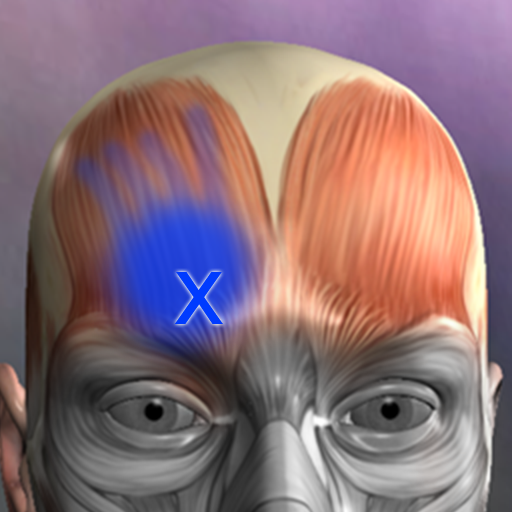
Discover the source of pain with Muscle Trigger Point Anatomy.
4.70
Continuous Glucose Monitoring
3.40
Online Doctors & Condition Management
4.40
Manage your prescriptions and pharmacy care anytime, anywhere.
4.80
Manage your healthcare through the FollowMyHealth® Universal Health Record.
4.80
The NightOwl Companion app allows you to interact with the NightOwl sensor.
4.70
Enables quick access to medical data and contacts in case of emergency (ICE)
4.70
World's largest contact lens store
4.60
The MDLIVE app makes connecting with a doctor fast, easy, and convenient.
4.60
ASCCP Management Guidelines- There’s an app for that!
4.60
One app to unlock your health
4.30
Explore human anatomy with this rich learning experience.
4.00
Update medical records, view upcoming appointments, message your provider & more
3.80


