
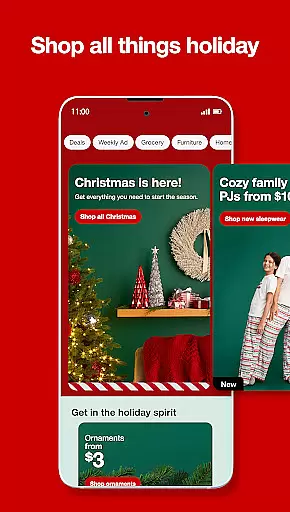
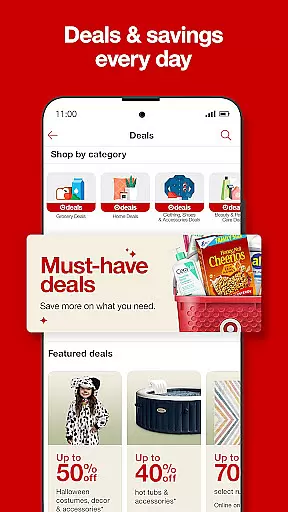
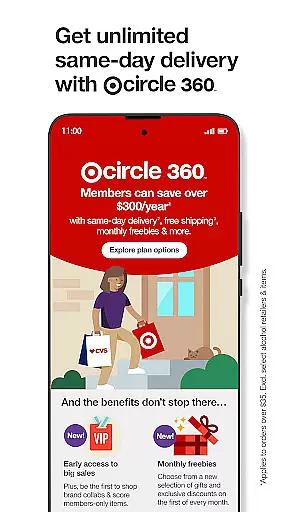
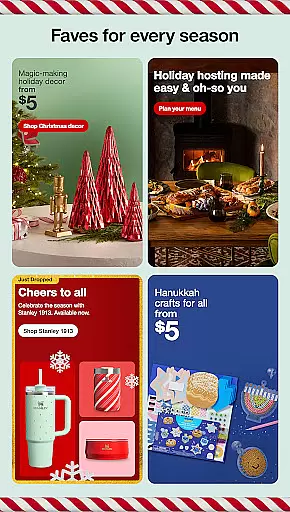
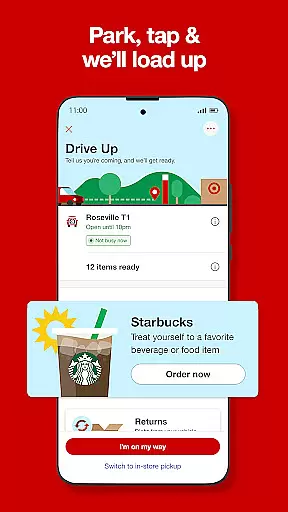
Target is a comprehensive shopping app that brings the best of Target's in-store experience to your fingertips. The app allows users to access exclusive deals, manage their Target Circle rewards, and enjoy convenient services like free Drive Up for curbside pickup. With features such as same-day delivery and easy returns, Target makes shopping seamless and efficient.
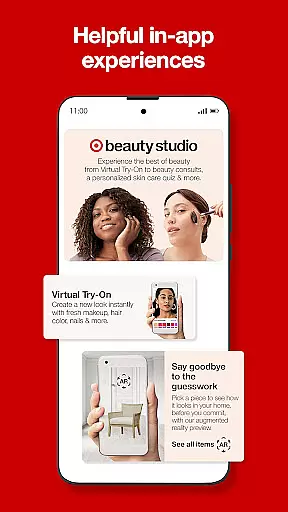
One standout feature is the ability to shop by category, whether you're looking for groceries, electronics, or home decor. The app also includes innovative tools like virtual try-on for beauty products and augmented reality to see furniture in your space before purchasing. These features not only enhance convenience but also help users make informed decisions while shopping.
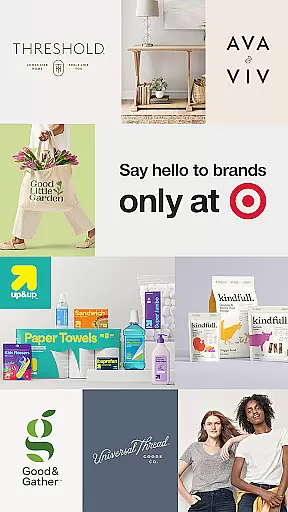
Target is ideal for busy shoppers who want to save time and money. Whether you're planning your shopping list in advance or checking stock before heading to the store, this app ensures a smarter, more organized shopping experience. Its integration with Target-owned brands and designer collections adds extra value for those seeking quality and style.
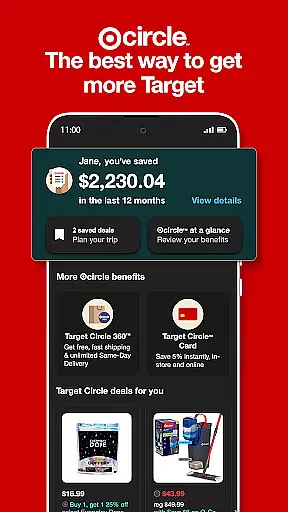
Target offers an impressive range of features designed to streamline the shopping experience. One key highlight is the Target Circle program, which provides personalized deals, exclusive offers, and reward bonuses tailored to individual preferences. This feature helps users maximize savings while enjoying a customized shopping journey.
The app also excels in convenience with services like free Drive Up, where orders are delivered directly to your car, and same-day delivery options starting at $9.99 per order. For those who prefer planning ahead, the aisle finder and stock checker tools ensure you know exactly what’s available before visiting the store. Additionally, the augmented reality feature lets you visualize furniture and decor in your home, making it easier to choose items that fit your space perfectly.
Other notable features include virtual try-on for beauty products, which boosts confidence in purchasing cosmetics online, and the ability to scan barcodes in-store for instant savings. These thoughtful additions demonstrate how Target leverages technology to create a user-friendly and engaging shopping platform.
Product variety and categorization are essential for a seamless shopping experience. The Target app excels in offering an extensive range of products neatly organized into specific categories. This organization allows users to browse through items such as food and beverages, essentials and beauty, apparel and accessories, or home and electronics with ease.
By tapping on the preferred category, shoppers can find everything they need in one spot. This intuitive design not only saves time but also enhances the shopping experience by making it straightforward to locate desired items. Whether you're planning your grocery list or looking for the latest fashion trends, the app's comprehensive categorization ensures that you won't miss out on anything.
Moreover, the ability to check stock before heading to the store adds another layer of convenience. Users can see top-rated finds and read real reviews from fellow shoppers, which aids in making informed purchasing decisions. With these features, the Target app doesn't just provide a wide array of products; it offers a smarter way to shop.
Pricing transparency is crucial for shoppers seeking the best value for their money. The Target app addresses this need by providing clear pricing information and exclusive deals. Through Target Circle offers, customers can access hundreds of discounts, ensuring they never miss an opportunity to save.
In addition to transparent pricing, the app includes personalized deals tailored to individual shopping habits. These just-for-you bonuses not only help users save more but also reward them for their loyalty. By stacking savings at checkout, including Target Circle deals and gift cards, the app maximizes the financial benefits for its users.
Furthermore, the option to earn 5% off with the Target Circle Card adds to the overall competitiveness of the pricing strategy. This approach not only fosters trust but also encourages continued engagement with the platform. Ultimately, the combination of transparent pricing and personalized rewards makes the Target app a compelling choice for savvy shoppers.
User-friendly interface
Free curbside pickup
Same-day delivery option
Personalized discounts
Augmented reality tools
Limited international use
Membership fees for perks
Occasional bugs reported
Delivery delays possible
Some features US-only

Stop overpaying. Grab coupons & deals for Walmart, Target, Amazon & more.
 4.80
4.80
With the IKEA app, you can explore, shop for furniture, and check out—simply.
4.70
Shop latest fashion trends with fast shipping & thousands of new styles weekly.
4.80
Cash back on everything you need! Join now to start earning cash back!
4.60
Scan receipts, earn gift cards & fetch rewards with CoinOut receipt scanner app.
4.30
Shop online now, pay later. Flexible payments made to fit your budget.
4.50
Access free, exclusive savings on the go thanks to Capital One Shopping!
4.70
Online shopping & digital coupons. Deals & local weekly ad in your myDG account
4.70
Shop holiday gifts, fashion & home. Save with shopping deals & discounts!
4.90
Shop for apparel: From jeans to dresses, to kids fashion and mens clothing!
4.80
Earn cash back and rewards from games, surveys, receipts and more
4.70
World’s simplest mobile payment solution for machines.
4.50
The deals you love & beyond!
4.50
Save with Kroger! Coupons, ads, rewards, find stores & shopping list in one app!
4.50
Buy shoes, apparel, and luxury items. Shop and discover the latest sneakers!
4.40
Shop, Save and Earn | Social Shopping & Savings Deals | Real Money Payouts
4.20
Get paid to shop groceries & more when you become an Instacart shopper.
4.20
Join a community of millions of members buying and selling second-hand items.
3.90
Earn Cashback and maximize your savings when you shop and book your travel plans
3.90


User Reviews