


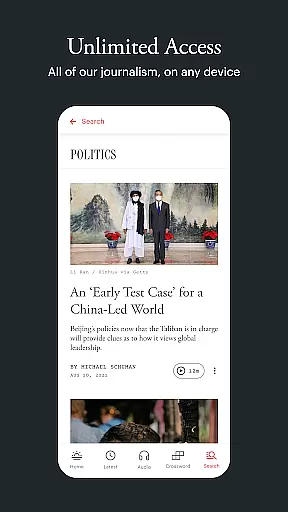
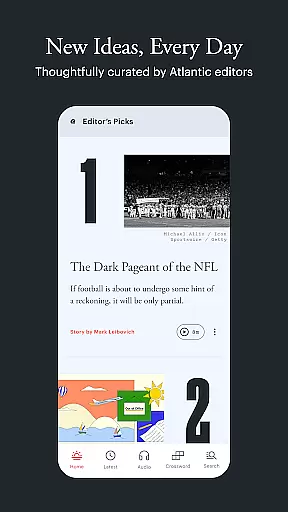
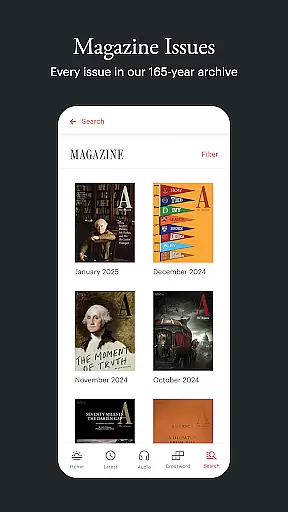
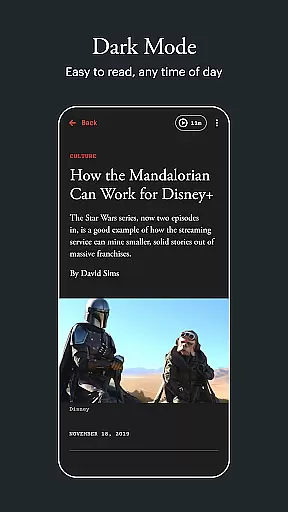




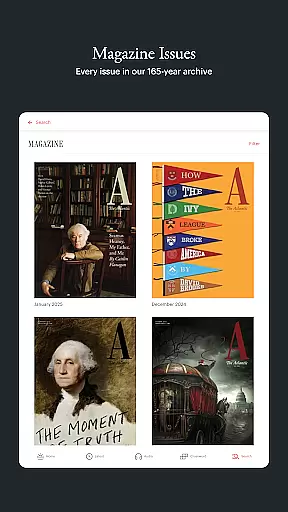




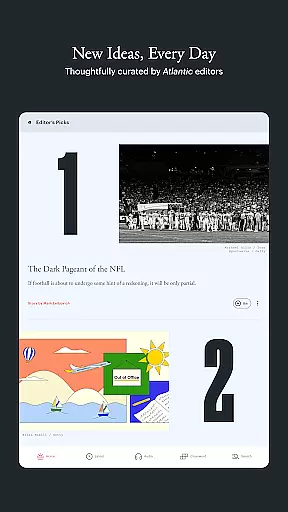

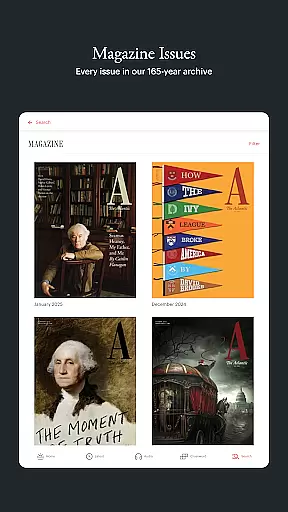

The Atlantic app provides comprehensive coverage of politics, technology, culture, and more, offering users in-depth reporting and bold perspectives from trusted journalists. Designed for curious minds, the app features a clean, distraction-free interface with options like Dark Mode for comfortable reading. Available on all devices, it ensures you stay informed wherever you are.
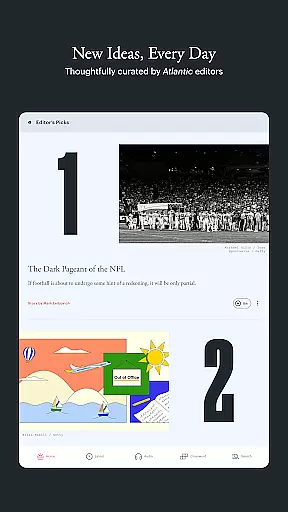
With unique sections such as TODAY, which highlights thought-provoking stories handpicked by editors, and IN-APP AUDIO HUB for narrated articles and podcasts, The Atlantic app goes beyond traditional news delivery. Whether you're looking to challenge your assumptions or explore new ideas through magazine-style deep dives, this app delivers unlimited access to quality journalism via a subscription model.
The Atlantic app stands out with its diverse features tailored for modern readers. The TODAY section offers curated content that encourages critical thinking, while LATEST provides real-time updates across various topics. For those who prefer audio, the IN-APP AUDIO HUB brings both quick listens and detailed narrations, enhancing accessibility.
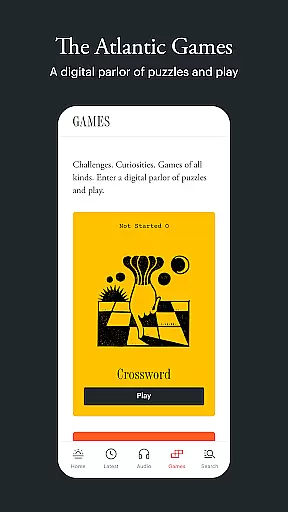
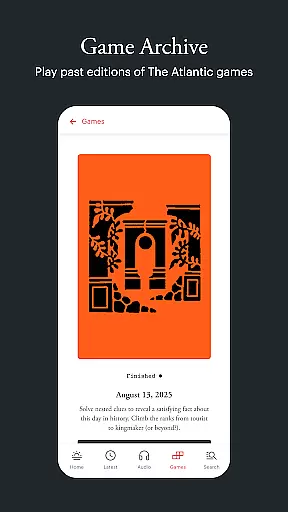
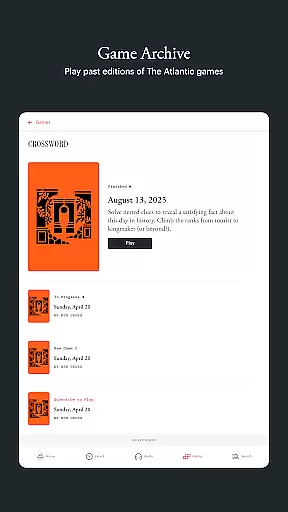
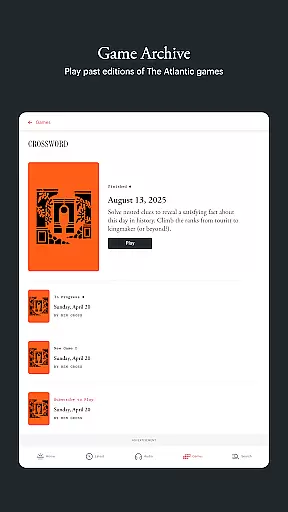
Additional highlights include OFFLINE READING, allowing users to download articles for later use, and THE ATLANTIC GAMES, featuring puzzles like Crossword and Fluxis. These engaging elements, combined with universal accessibility options such as VoiceOver support and adjustable text sizes, make the app suitable for all audiences. Its BEAUTIFUL DESIGN ensures an enjoyable reading experience day or night.
In today's digital age, the credibility and diversity of news sources are more important than ever. The Atlantic app addresses this by aggregating stories from a wide range of topics including politics, technology, and culture. This ensures that users are exposed to varied perspectives and comprehensive coverage.
The app's team of dedicated journalists and editors curate content that challenges assumptions with bold arguments and big ideas. By presenting reporting that examines the world with depth and accuracy, The Atlantic fosters an informed readership. This approach not only broadens the user's understanding but also sharpens their perspective on critical issues.
Moreover, features like the daily 'TODAY' section offer stories specifically selected to provoke thought and reconsideration. Such practices ensure that the content remains fresh and engaging while maintaining high journalistic standards. Readers can trust that they are accessing well-researched, credible information.
Accuracy in journalism is paramount, and The Atlantic app places a strong emphasis on fact-checking and content verification. Every article undergoes rigorous scrutiny by expert journalists who are committed to delivering truthful and reliable information. This dedication to precision helps maintain the integrity of the publication.
Users benefit from this meticulous approach as they can engage with narrated articles and podcasts knowing that each piece has been thoroughly vetted. Whether itu2019s through quick listens or deeper dives, the factual consistency across different formats reinforces the reliability of the content provided.
Additionally, the app supports accessibility features such as VoiceOver and large text sizes, making accurate information available to all readers regardless of their needs. With these measures in place, The Atlantic guarantees that its audience receives nothing less than top-tier, dependable journalism every time they use the app.
Unlimited article access
Clean, ad-free design
In-app audio hub
Offline reading mode
Daily curated content
Paid subscription required
Limited free content
No live news updates
Some features are niche
Occasional bugs reported

Stream Action News and get customized breaking news and AccuWeather alerts.
 4.00
4.00
National, local and world news
4.10
Discover Taiwan Through News, Entertainment & Culture
4.50
The latest news, weather, and sports from Detroit's news leader, ClickOnDetroit.
4.40
Local stories, live news coverage, weather forecasts, radar, and daily updates
4.10
Get Personalized Updates on Your Latest and Breaking News Feeds!
4.20
See every side of every story
4.70
Local and latest news near you! Stay informed with live updates.
4.20
Follow the latest world news, headlines and developing stories with live alerts.
4.80
Read millions of expert stories on business, tech, design, and current events
4.70
Reconnect with your neighborhood! Daily news alerts for local news headlines!
4.60
Live local weather + breaking news in one app. Plan your day and stay informed!
4.40
Stay informed. Get all your world and local news with AP News!
4.30
400+ News Channels. Local, Live & World Coverage. All the News in Just One Click
4.30
Quora is a place to share knowledge and better understand the world
4.20
Local NYC news and weather alerts. Watch NBC 4 New York live 24/7.
4.00
Celebrity news, entertainment buzz, true crime, free crosswords & daily games.
3.80
Watch the CBS News 24/7 live stream for breaking news & in-depth reporting.
3.20
Get daily news & live updates on US breaking news stories & global headlines
3.20


User Reviews