
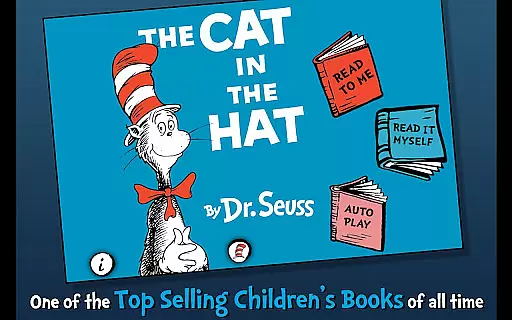
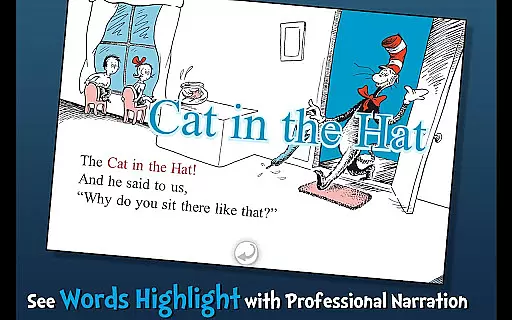
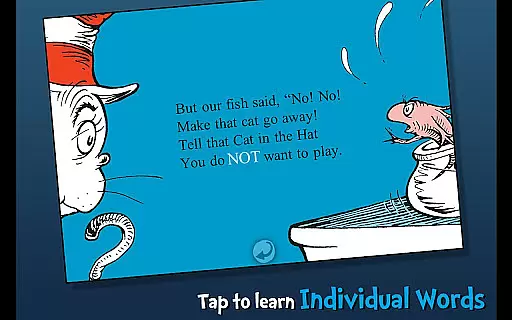
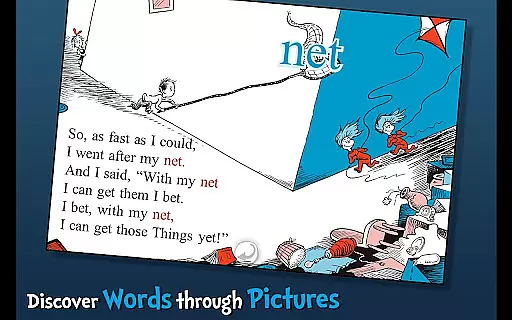
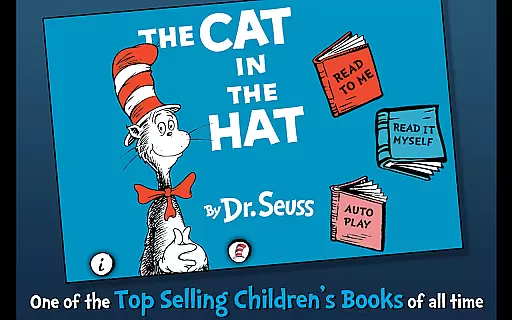
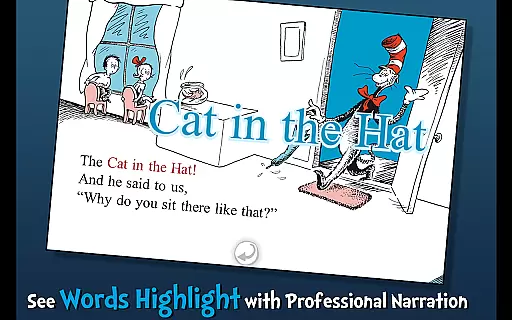
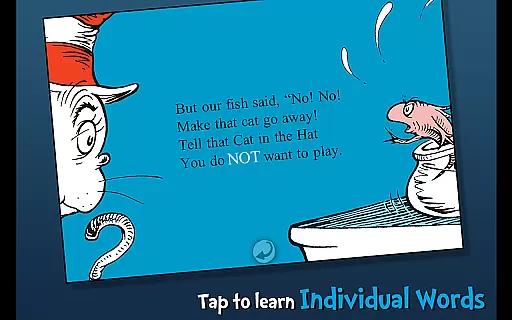
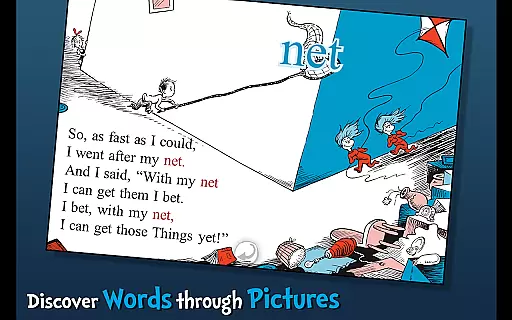
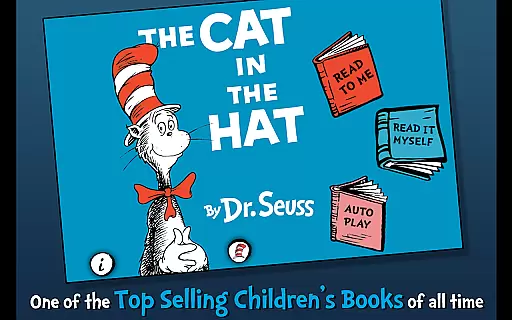
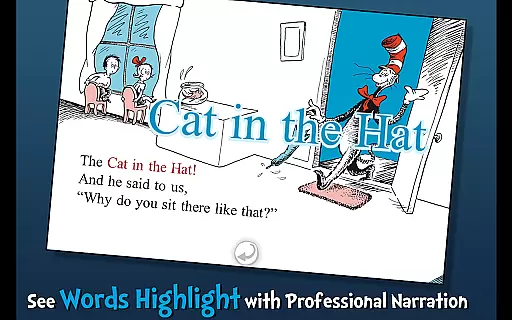
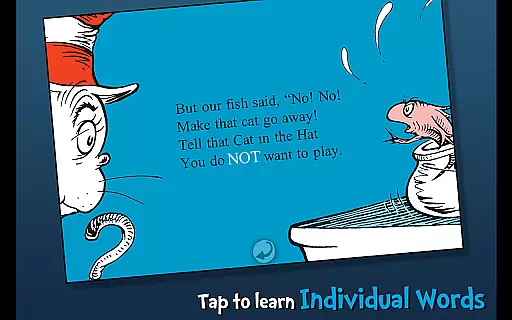
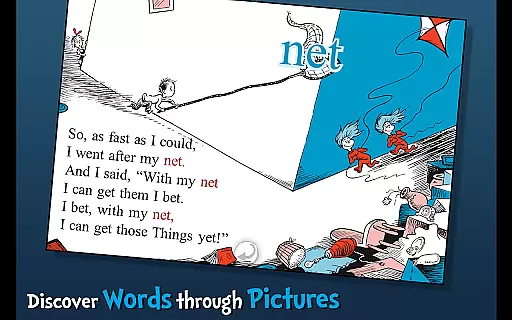
The Cat in the Hat - Dr. Seuss is an interactive book app designed to engage young readers and promote literacy skills. This app brings Dr. Seuss's classic story to life through highlighted narration, tappable words, and interactive elements that allow users to tap objects and hear their names read aloud.
With three fun ways to read, this app caters to children aged 3-6, making it an ideal educational tool for early learners. Whether used at home or in educational settings, The Cat in the Hat app provides a rich reading experience that combines entertainment with learning.
This app offers a range of features that enhance the reading experience. Users can follow along with highlighted narration, which helps build literacy skills by associating spoken words with written text. The app also includes a vocabulary-building feature, where tappable words reveal their meanings, helping children expand their language skills.
Interactive elements allow children to engage with the story by tapping on objects to hear them named aloud. Designed specifically for young learners, these features create an immersive environment that makes reading both educational and entertaining. The combination of Dr. Seuss's timeless story and modern interactive elements results in an app that effectively promotes early childhood literacy.
When it comes to digital libraries, the size and authenticity of the content are crucial factors for readers. The Cat in the Hat app offers a rich selection of Dr. Seuss's classic works, ensuring that users have access to legitimate and high-quality e-books. This app includes not only the beloved story of The Cat in the Hat but also interactive features that enhance the reading experience.
The app provides a fully interactive version of the book, complete with highlighted narration that helps young readers follow along and improve their literacy skills. Each page is brought to life with vibrant illustrations and engaging narration, staying true to Dr. Seuss's original vision while offering an enhanced digital experience.
Copyright authenticity is at the core of this app's offerings. As an official Dr. Seuss licensed product, users can trust that they are accessing genuine content that respects intellectual property rights. This ensures a safe and legal reading environment for children and peace of mind for parents.
For any e-book application, format compatibility plays a significant role in user satisfaction. The Cat in the Hat app excels in providing a seamless reading experience across various devices without compromising on quality or performance. Whether accessed on a tablet or smartphone, the app maintains its interactive features and visual appeal.
This app supports standard e-book formats, allowing for easy updates and maintenance. Its compatibility extends beyond just format support; it ensures that interactive elements like tappable words and audio narration function flawlessly regardless of the device being used.
Moreover, the developers have prioritized user experience by optimizing the app for both Android and iOS platforms. This cross-platform functionality means that families can enjoy the story of The Cat in the Hat on multiple devices, making it a versatile addition to any digital library. Such flexibility enhances accessibility and convenience for all users.
Engaging interactive content
Highlighted narration feature
Vocabulary building tools
Official Dr. Seuss license
Multiple reading options
Limited to Dr. Seuss fans
Age range is restrictive
Premium price point
No offline functionality
Single story offering

Essential Technical Rescue Field Operations Guide 6, the Industry Standard Guide
 4.20
4.20
Read the KJV Bible with Strong’s offline: reading plans, audio Bibles, and more.
4.70
Improve your vocabulary and grammar with the 15 biggest Oxford Dictionaries.
4.30
WebNovel - Read Solo Leveling novel and comic
4.10
Enjoy your favorite books
3.50
A story reading app: Read stories, novels and books, or write your own.
3.90
Fast loot guide for ARC Raiders. Simple tips, stats, maps, and item details.
4.5
Premium reader for ePub, PDF, and more. TTS and translation. Great on any screen
3.50
Learn to tie more than 200 knots in 3D!
4.90
Flora of Virginia Project (www.floraofvirginia.org)
5.00
The Original Tropical Freshwater Aquarium Fish And Plant Care Guide
4.80
Watch real short episodes in just minutes— addictive, you won't be able to stop!
4.70
Read the Quran in Arabic alongside its translation, with color coded Tajweed.
4.50
The ultimate military vehicle identification (Equipment ID) guide.
4.40
Read the romance stories on the go. Take my breath away, The Spoiled Girl
4.30
Holy Bible with verses and audio for studying and prayer
4.30
Knots 360 Pro ( 3D ) shows you animated 192 knots in 3D perspective
4.10
Sea tide predictions for all coastal U.S. locations.
4.1
The Psalms for singing
4.3


User Reviews