

Modivcare members can book and manage trips.
 4.50
4.50
Amplify surrounding sounds, conversations, TV or lectures for louder hearing.
4.70
Molina Members: My Molina. Manage your health anytime, anywhere!
4.30
The Better Pharmacy Experience
4.90
Search by insurance, see real-time openings & verified reviews, get care fast.
4.80
Donating plasma just got easier with the BioLife Plasma Services mobile app.
3.90
Secure video appointments
4.50
Access health information and communicate with your care team anytime, anywhere.
4.80
Online Doctors & Condition Management
4.40
A comprehensive medical disease app.
5.00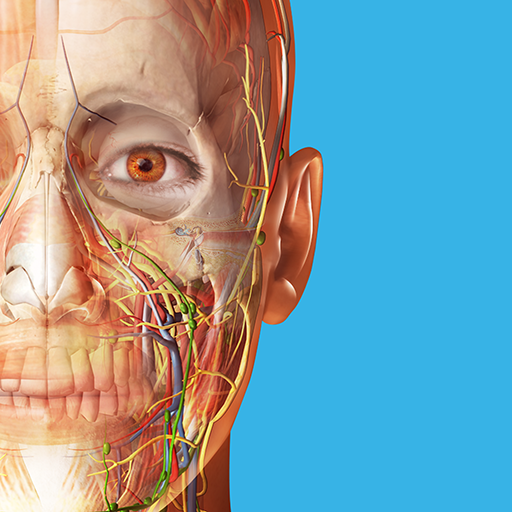
A comprehensive 3D atlas of the human body
4.80
Save up to 80% on your pharmacy prescriptions & medications with free Rx coupons
4.70
Health Care at Your Fingertips
4.60
Control your hearing aids discreetly with the touch of a finger
4.30
Voice pitch monitor for speech therapy, LSVT, Parkinson's, singing & trans
4.30
Explore human anatomy with this rich learning experience.
4.00
Update medical records, view upcoming appointments, message your provider & more
3.80
MySafeRide simplifies booking and managing rides for health plan members.
3.50
Continuous Glucose Monitoring
3.40


