
This application is for the Luvme Hair official website: shop.luvmehair.com .
 4.30
4.30
Beauty camera for perfect selfie with makeup, sticker and filter
4.50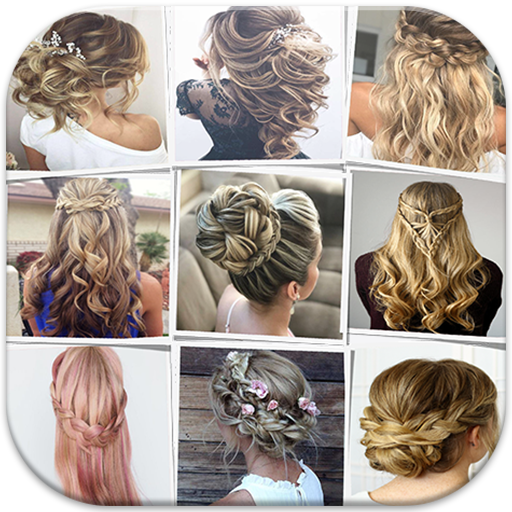
Make beautiful Hairstyles for girls with your own hands in little bit of time
4.00
Crown Heart Emoji Photo Editor has given you the chance to look cute girl
4.40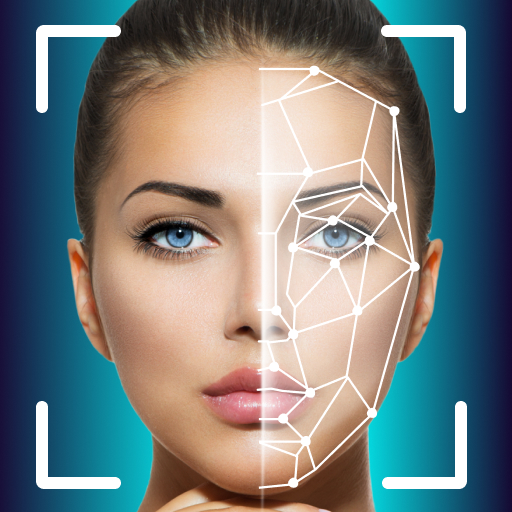
Intelligent Beauty calculator tool! Face scale and face symmetry in one app!
3.80
Beauty Camera - Selfie Camera with beauty editing tool, makeup, filter, sticker
4.60
Manage your daily skin care beauty regimen & track your skin's progress.
4.70
Beauty Camera & Selfie Camera snap Beauty selfie with filter, makeup, stickers
4.80
DSLR Hd camera capture high quality 4k hd picture with filters and blur editor
4.50
Face Makeup Camera: Photo makeup app and perfect Lipstick app, beauty lip filler
4.70
Selfiechat Filters for amazing photos with Funny face filters
4.60
Transform your sweet selfies with Selfie Beauty Camera Filters And Effects!
4.60
The mirror app you were looking for, simple and easy to use. Try Mirror now.
4.60
For businesses, Booksy Biz allows you to manage your schedule & more on the go.
4.60
Winter picture editor: Christmas stickers, frames for photos & Christmas cards.
4.40
True mirror app with zoom, LED light, for makeup & shaving anywhere!
4.20
Try On Style with AI: Virtual Dressing Room & Personal Fashion Stylist App
4.00
Enhance Your Look with Face Analysis, Hair Style Changer, Beauty Score, Rating
3.90
Design your nails, manicure and pedicure with nail paint art and nail idea app
3.90


