
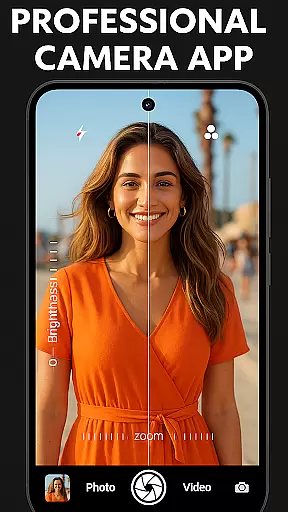
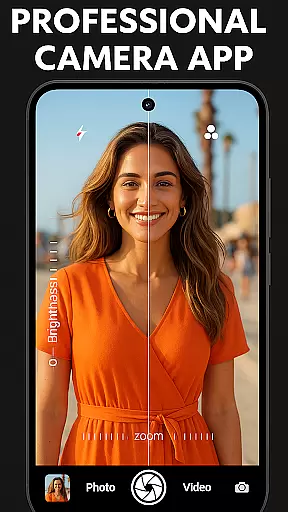
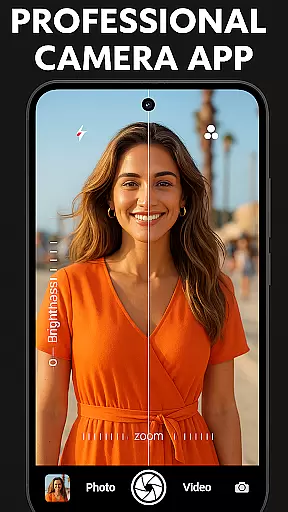

DSLR HD Camera is a professional-grade mobile photography app designed to elevate your smartphone photography experience. This application offers advanced features typically found in DSLR cameras, allowing users to capture stunning high-resolution images and videos. With support for 4K resolution and an ultra blur effect, the app ensures crisp, clear shots with beautifully blurred backgrounds.
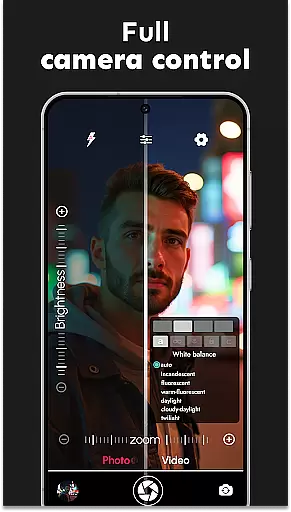
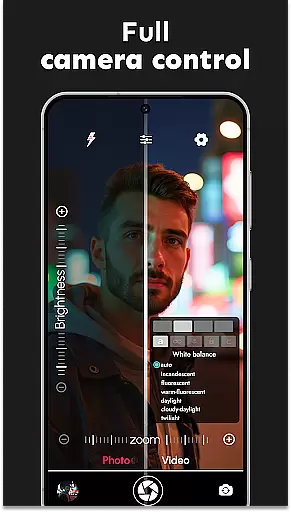
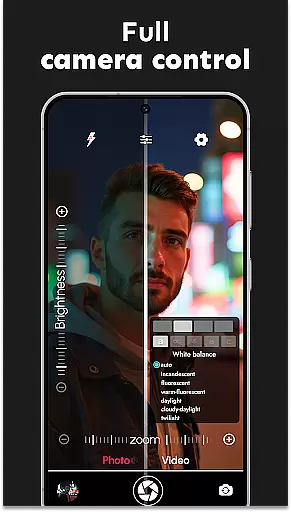
The app provides complete control over photography settings, including adjustable zoom, white balance, exposure compensation, and various scene modes. Its intuitive interface makes it suitable for both amateur photographers looking to enhance their skills and professionals seeking a portable solution. Whether capturing quick selfies or breathtaking landscapes, DSLR HD Camera delivers exceptional image quality and creative flexibility.
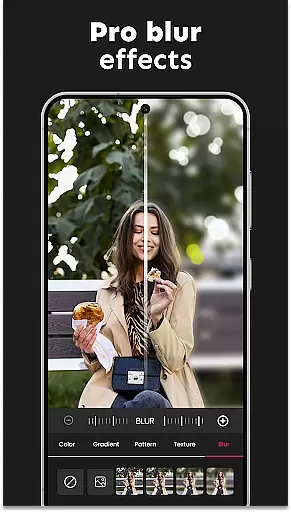
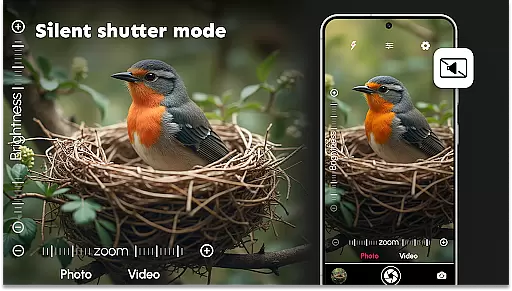
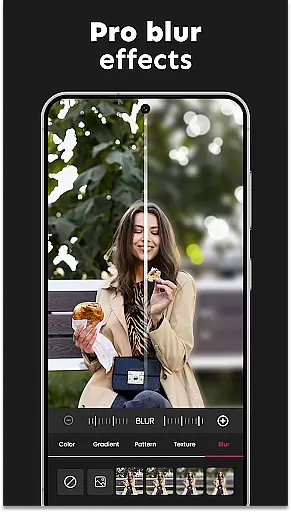
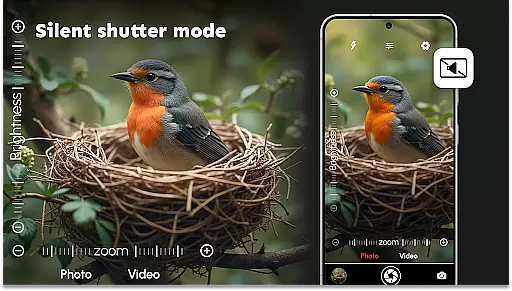
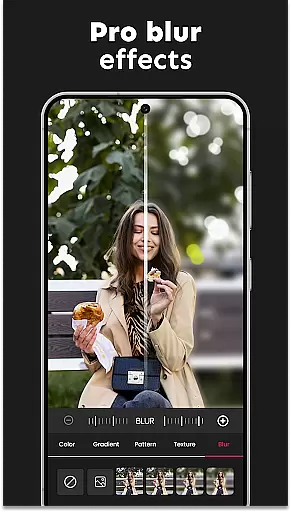
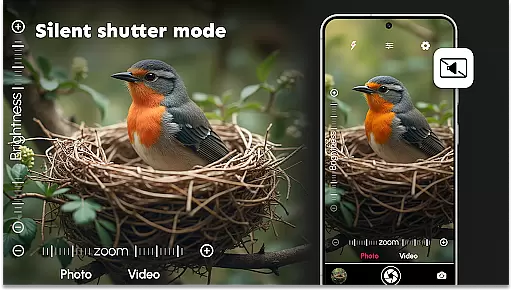
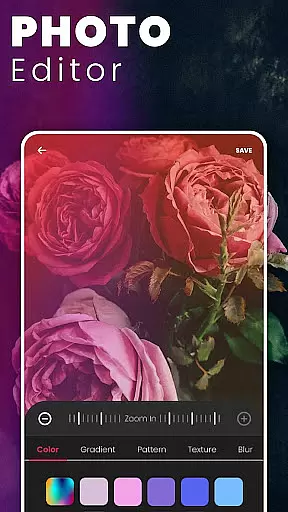
One of the standout features is the pro-level editing tools, particularly the background blur editor, which allows detailed adjustments to create artistic portraits. The app also supports multi-touch gestures for smooth zooming and includes a silent shutter option for discreet shooting. These capabilities make it an ideal tool for anyone wanting to take their mobile photography to the next level.
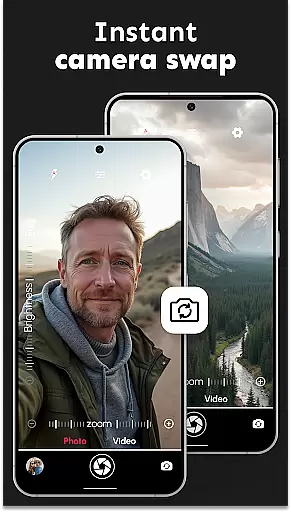
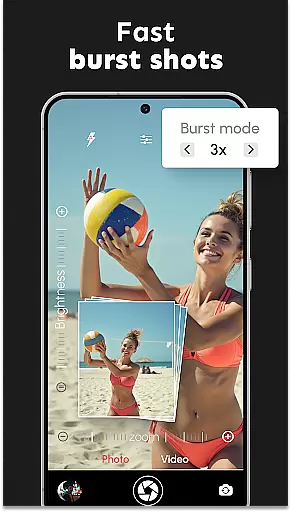
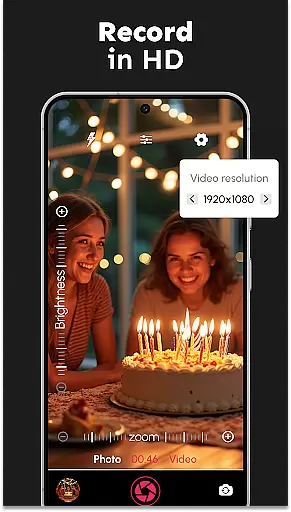
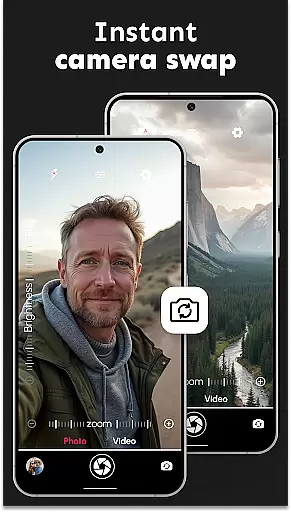
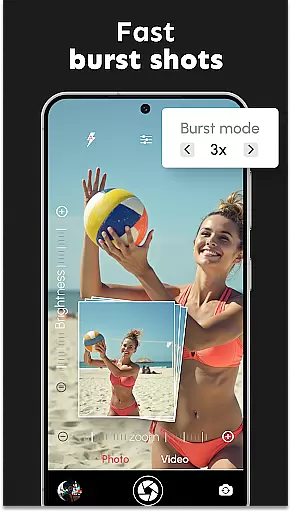
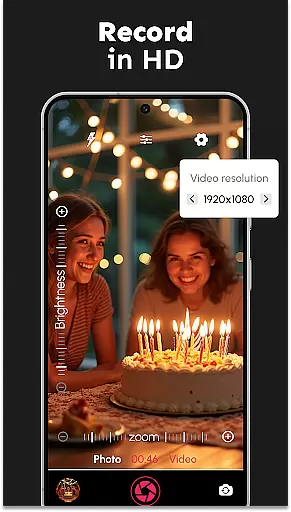
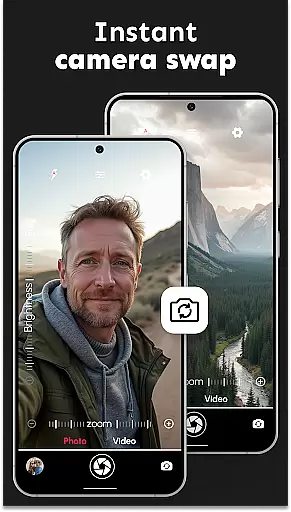
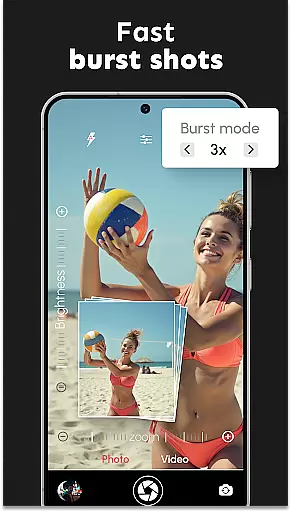
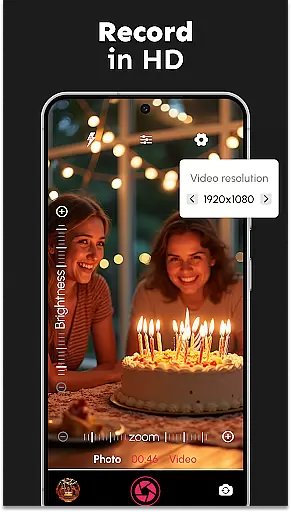
DSLR HD Camera stands out with its comprehensive suite of professional photography features. The app supports both front and rear cameras, allowing seamless switching between lenses. It offers multiple video resolutions, including ultra-HD quality, making it perfect for capturing action-packed moments in stunning detail. The burst mode feature lets users configure delays to capture fast-moving subjects without missing a moment.
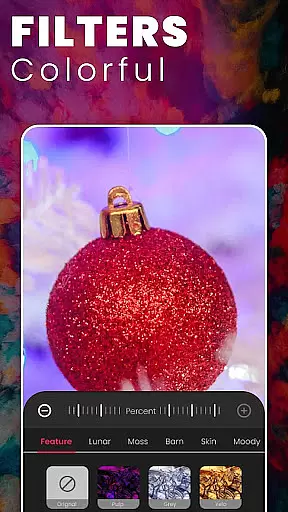
Photography enthusiasts will appreciate the precise control over camera settings. Users can adjust color effects, white balance, scene modes, and exposure compensation to match their creative vision. The app's innovative digital camera filters provide professional-grade effects that enhance photo quality significantly. Additionally, the remote control timer with automatic repeat and audio countdown options adds convenience to group photos and self-portraits.
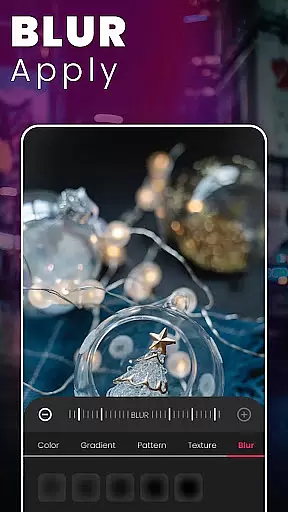
The ultra blur effect is another highlight, offering intuitive blur editing capabilities. Users can adjust the intensity of the blur and control brush sizes for detailed edits, ensuring the subject remains in sharp focus while the background is artistically blurred. Combined with multi-touch gesture controls for smooth zooming and adjustable DSRL Camera HD settings, these features deliver a polished, professional look to every photograph.
DSLR HD Camera offers an extensive product database that caters to all your photography needs. This app provides detailed information on a wide array of features, ensuring users can fully understand the capabilities at their disposal.
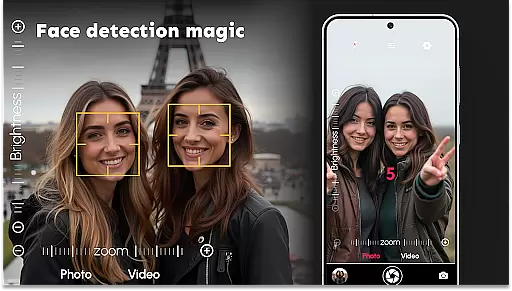
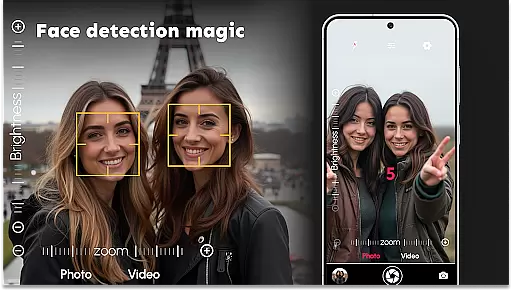
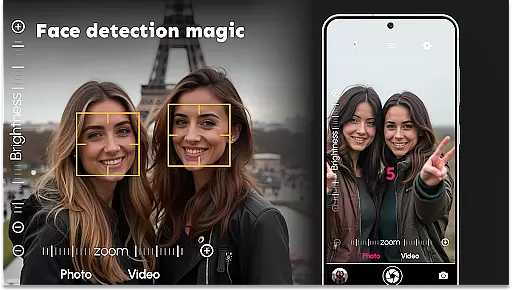
The application includes comprehensive details about its functionalities such as face detection, adjustable resolutions, and various photo effects. Users can easily navigate through these options to tailor their camera settings according to specific requirements.
With precise descriptions of each tool and setting available within DSLR HD Camera, photographers are empowered to make informed decisions while capturing images or videos. This depth in product information enhances user experience by offering clarity and control over every aspect of photography.
One of the standout aspects of DSLR HD Camera is its exceptional personalization precision, allowing users to customize their photography experience extensively. The app provides multiple ways to adjust settings like white balance, exposure compensation, and scene modes.
Photographers can fine-tune their shots using advanced features such as ultra-blur effects and multi-touch gesture controls for zooming. These options ensure that every picture taken reflects the photographer's unique style and vision accurately.
This level of personalization not only improves photo quality but also makes the process more engaging and enjoyable. By leveraging these customization options effectively, users can achieve professional-grade results tailored specifically to their preferences.
User-friendly interface
High-quality 4K support
Professional blur effects
Comprehensive camera controls
Versatile scene modes
May drain battery quickly
Requires high storage space
Some features need premium access
Occasional performance lags
Complex for beginners

Winter picture editor: Christmas stickers, frames for photos & Christmas cards.
 4.40
4.40
Your future self face age old or young from camera selfie into beautify videos
4.5
Design your nails, manicure and pedicure with nail paint art and nail idea app
3.90
Get Smart About Your Skin with Fully Personalized Beauty Tech!
4.80
Healthier, more beautiful with Medicube Digital Clinic AGE-R!
4.10
The mirror app you were looking for, simple and easy to use. Try Mirror now.
4.60
Beauty Camera AI Photo Editor with effect, filter, makeup tools for photo editor
4.30
HD Camera, Selfie Camera, Camera filters, is a fully featured 4K camera
4.60
Top brand haircare & fragrance
4.60
Photo enhancer 360, image enhancement, restore old photos, colorize photo ai
4.70
Enhance your selfies with face beauty makeup tool and an easy background remover
4.70
Selfiechat Filters for amazing photos with Funny face filters
4.60
For businesses, Booksy Biz allows you to manage your schedule & more on the go.
4.60
Professional HD Camera App: Capture Bright HD Selfie & Record Stunning Moments
4.40
Download Today
4.40
This application is for the Luvme Hair official website: shop.luvmehair.com .
4.30
All-in-one solution for independent beauty pros to manage & grow their business
4.30
This barber game allows you to create and design hair styles on diverse people
3.80
Design unique tattoos and preview them on your body image using Tattoo Maker App
3.30


User Reviews