

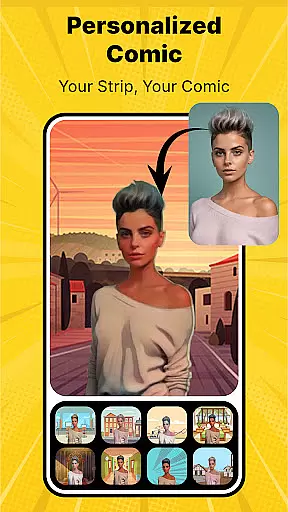
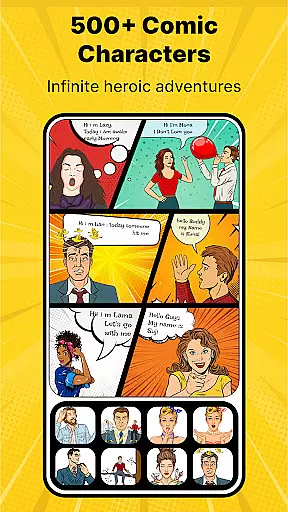
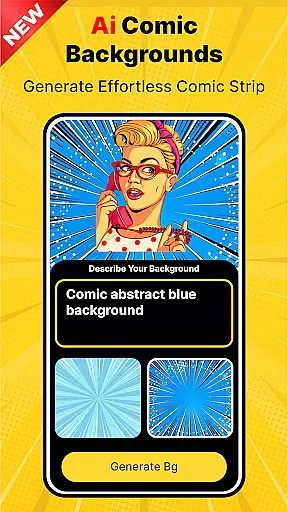
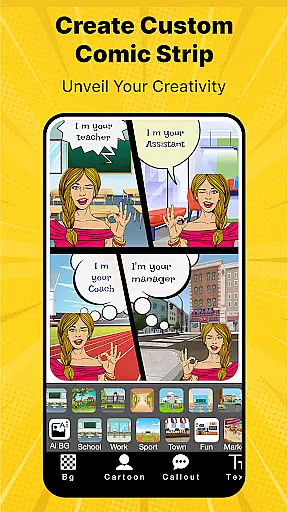
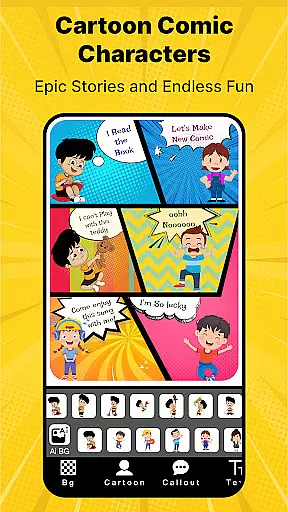
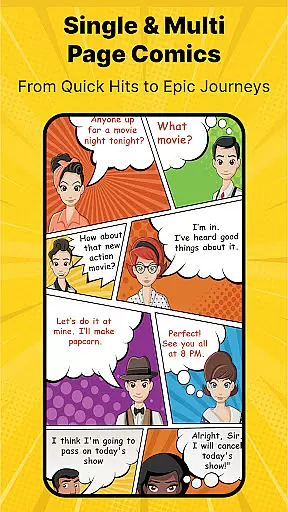

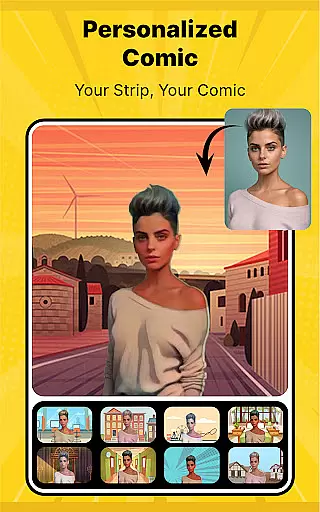
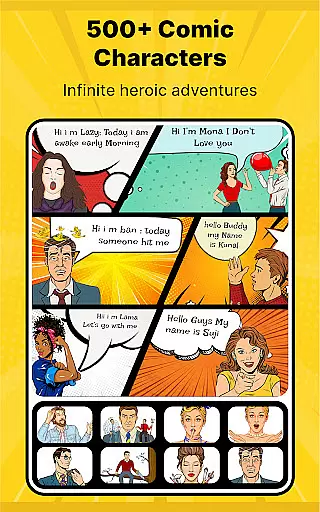
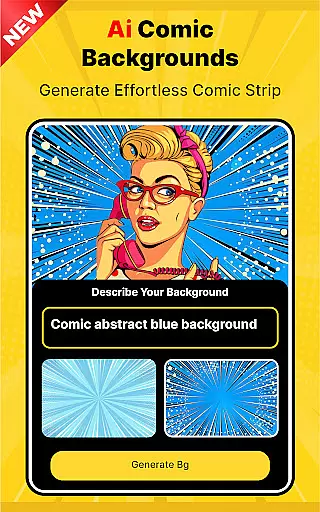
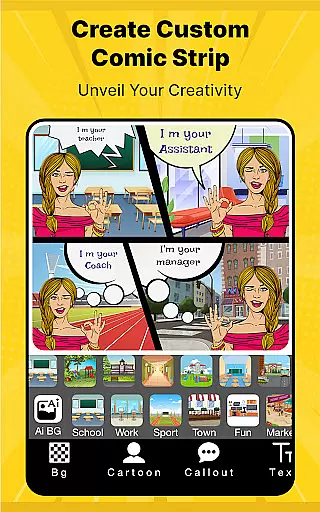
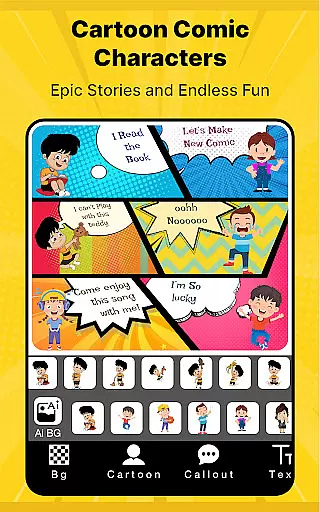
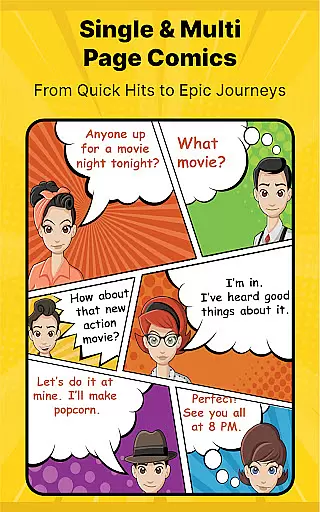

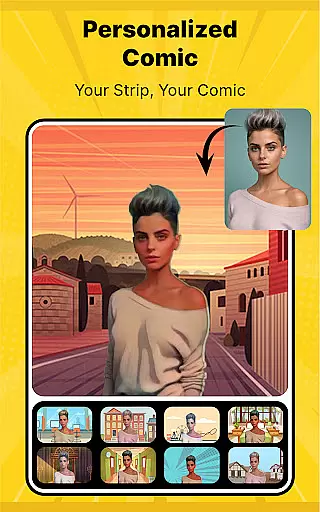
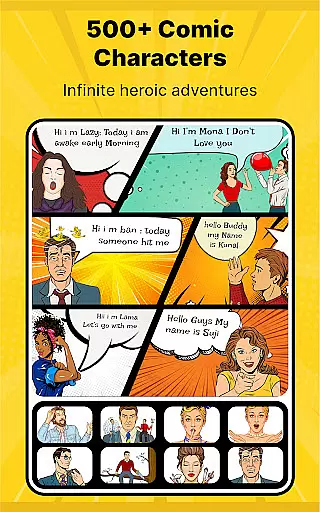
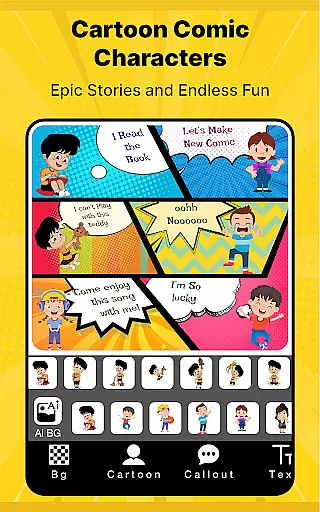
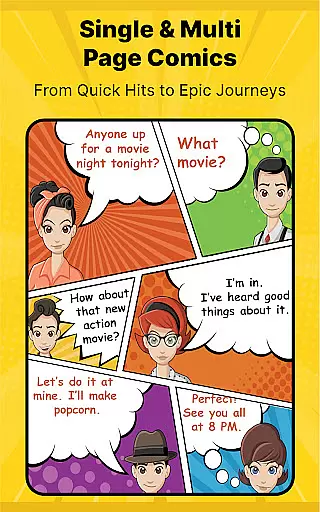
Cartoon Comic Strip Maker is a creative tool designed for comic enthusiasts and storytellers to craft their own comic strips, storyboards, and memes. The app offers an extensive library of over 100 anime, avatar, and superhero characters, each available in various emotional states, allowing users to vividly express different scenarios. With customizable speech bubbles and high-definition backgrounds, this app provides a rich canvas for both fun and educational storytelling.
The app's intuitive interface enables users to seamlessly create comics for various purposes, including storyboarding, educational explanations, or simply entertaining friends and family. Whether you're aiming to tell complex stories through visuals or seeking a playful way to engage with your kids, Cartoon Comic Strip Maker equips you with professional-grade tools to produce artwork that you can proudly share on social media platforms like Facebook and Twitter.
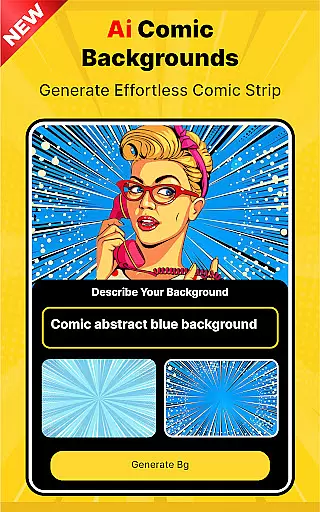
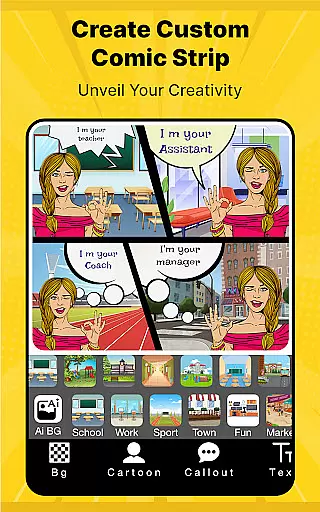
Cartoon Comic Strip Maker stands out with its diverse features tailored for comic creation. Users can choose from multiple storyboard layouts, select characters from a wide range of categories including anime and superheroes, and pick from professionally crafted HD backgrounds to set the scene. The app also includes various types of speech bubbles, catering to all forms of dialogue and expressions needed for dynamic storytelling.
One of the key highlights is the ability to save creations as PDFs or images, making it easy to share or print your work. Additionally, the app is designed by professional cartoonists and artists, ensuring that the strip pages have a polished and authentic feel. These features collectively offer a comprehensive toolkit for unleashing creativity and producing high-quality comic content suitable for both personal and professional use.
Cartoon Comic Strip Maker offers an extensive library of over 100 characters, including anime, avatars, and superheroes, ensuring a wide variety to suit any creative need. The app provides diverse backgrounds and speech bubbles that allow users to craft unique stories across multiple genres and themes.
The sheer variety of character emotions available in the app enables creators to express complex narratives and concepts through engaging visuals and dialogues. Whether you're aiming for humor, drama, or educational content, this range supports all forms of storytelling.
Users benefit from professional cartoonist and artist-made strip pages, which enhance the quality of their creations. This vast selection empowers storytellers to produce high-quality comics, storyboards, and memes that are both visually appealing and rich in content.
Authenticity is at the core of Cartoon Comic Strip Maker, with every character and background image licensed and verified to ensure compliance with copyright laws. Creators can confidently use these resources knowing they are legally authorized for use in personal and shared projects.
The app educates users on how to effectively convey complex stories and ideas using properly licensed images and dialogues. This focus on legal compliance not only protects creators but also enhances the credibility of their work when shared on social media platforms like Facebook and Twitter.
By providing HD backgrounds and professional templates, the app ensures that all content produced maintains a high standard of quality and authenticity. Users can save their creations as PDFs or images, ready to be proudly shared with friends, family, or professional networks.
User-friendly interface
Extensive character library
High-definition backgrounds
Versatile speech bubbles
Professional design templates
Limited free content
In-app purchases required
Occasional ads
Advanced tools locked
Export quality constraints

Joke book collection with the funniest dad jokes and riddles for you to enjoy!
 4.60
4.60
Goat sound simulator. This app makes for fun.
4.5
Webtoons, comics, web novels, and e-books are all here! RIDI, my own space to enjoy stories
4.30
Pocket Toons: Free Webtoons, Comics, & Manga - New Chapter Drops Everyday
4.30
The ultimate app for comic lovers
4.50
The fastest and most convenient comic book reader - comics of all formats
4.40
Comic Book Identifier Value - Scan comics & prices. Your comic book price guide!
4.50
Read comics & manga
4.70
Official from Japan
4.80
Catalog your collection. Just scan covers with your device camera. (US $20/yr)
4.80
File management and show images, comics and pictures in compressed cbr, pdf file
4.70
Scan comics instantly! Find comic value, price, and key collector details fast.
4.50
Read Manga, Comics & Manhwa of Romance, Action, Fantasy, Drama, BL and more!
4.40
Anime TV App: Watch all anime online,anime tv subtitles online with big anime tv
3.80
+Not your everyday comic. Everyday.
3.50
Experience the largest selection of DC comics anywhere with DC UNIVERSE INFINITE
3.40
The best app for digital comics - Welcome to Lezhin!
3.10
Get the latest manga chapters daily, released simultaneously with Japan.
3.10
A free paradise specially built for comic lovers. When you step into this comic universe full of surprises, it is like opening a door to endless joy. You are immediately immersed in the wonderful world brought by reading and enjoy the infinite charm of reading.
4.3


User Reviews