
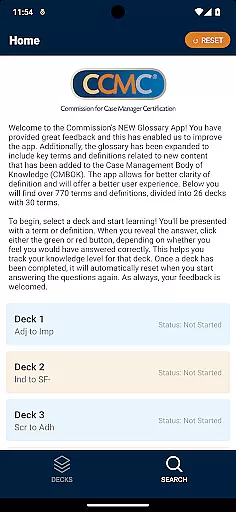

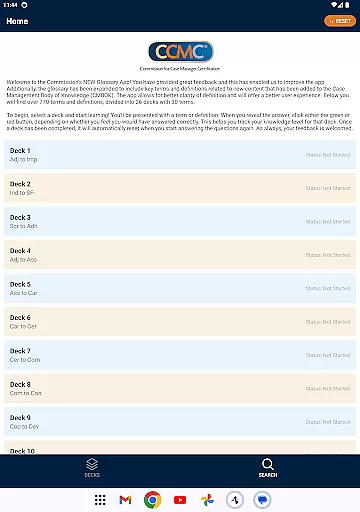

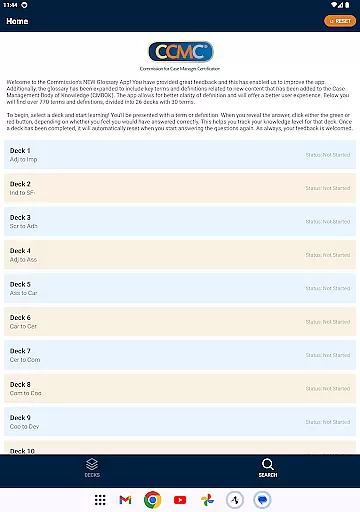

CCM Glossary App is an educational tool designed to enhance understanding of key terms and definitions in case management. With over 770 terms divided into 26 decks, each containing 30 terms, the app provides a structured learning experience for users. The content has been expanded based on user feedback and now includes new material from the Case Management Body of Knowledge (CMBOK).
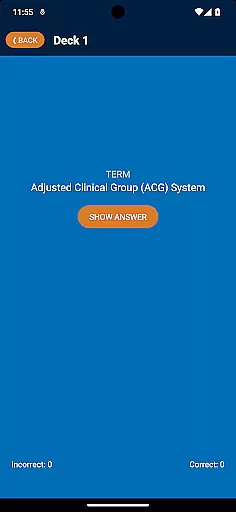
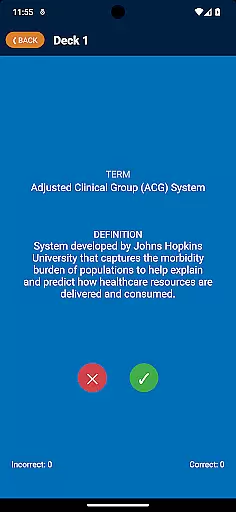
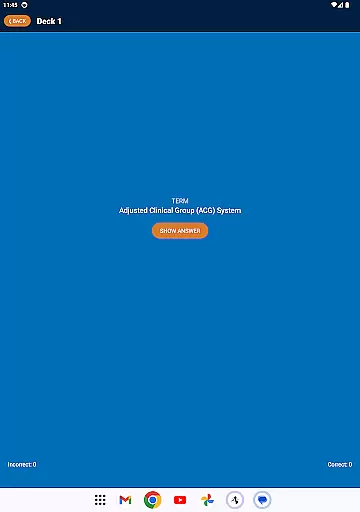
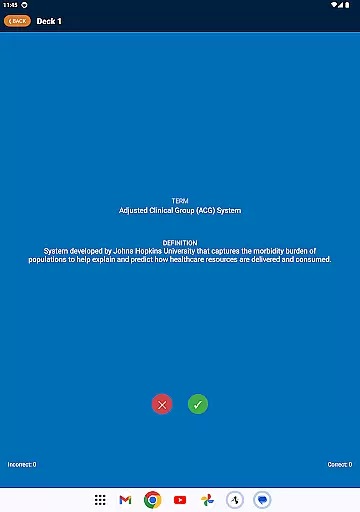
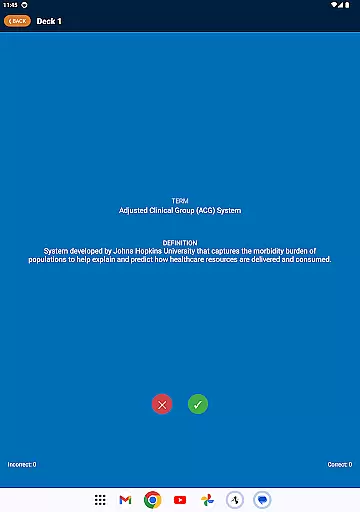
The app's interactive flashcard system allows users to test their knowledge by presenting terms or definitions, which can be marked as correct or incorrect. This feature helps track individual progress and mastery of the material. Whether you are a student or a professional in the field, this app offers valuable resources to improve your expertise in case management.
One of the standout features of CCM Glossary App is its comprehensive collection of over 770 terms and definitions, carefully curated and divided into manageable decks. Each deck focuses on specific areas of case management, providing users with targeted learning opportunities. The app also incorporates an intuitive review system where users can indicate whether they answered correctly, helping them monitor their progress.
In addition to its extensive glossary, the app offers a seamless user experience with easy navigation and clear presentation of information. Users can reset completed decks and retake quizzes to reinforce their learning. The incorporation of user feedback ensures that the app remains up-to-date and relevant, making it an indispensable tool for anyone looking to deepen their understanding of case management terminology.
In the realm of educational applications, content accuracy is paramount. The CCM Glossary App offers over 770 terms and definitions, ensuring that users have access to a comprehensive and precise knowledge base. This app meticulously incorporates key terms from the Case Management Body of Knowledge (CMBOK), enhancing clarity and understanding.
Each term in the app has been carefully reviewed and defined, reflecting the most current and reliable information in the field. By dividing these terms into 26 decks, the app streamlines the learning process, allowing users to focus on specific areas of interest or need. This structured approach not only aids in better retention but also ensures that learners can trust the authenticity of the content they are engaging with.
The authority of the content is further reinforced by user feedback mechanisms. As users interact with the terms and definitions, they can assess their own knowledge, marking their confidence in knowing each term. This interactive element not only solidifies learning but also contributes to the continuous improvement of the app's content based on real user experiences.
One of the standout features of the CCM Glossary App is its ability to offer personalized learning paths. By presenting terms in decks of 30, users can tailor their learning journey according to their specific needs or areas they wish to improve. This customization empowers learners to take control of their education, focusing on mastering one deck at a time.
The app employs an intuitive self-assessment system where users indicate their familiarity with each term. Clicking either the green or red button provides immediate feedback on their knowledge level, effectively tracking progress and highlighting areas for review. This personalized tracking fosters a more engaging and efficient learning experience, as users can concentrate on terms they find challenging.
Furthermore, the adaptive nature of the app ensures that once a deck is completed, it resets, allowing for repeated practice and mastery. This cyclical learning approach supports long-term retention and understanding, making the CCM Glossary App an invaluable tool for anyone looking to deepen their expertise in case management terminology.
User-friendly interface
Comprehensive glossary
Interactive learning
Progress tracking
Regular updates
Limited to case management
No offline mode
Occasional bugs
Ads present
Requires registration

An animated storybook app to help ease your child through toilet training.
 3.70
3.70
scanner body part for fun Prank friends realistic scan effects
3.00
An aviator’s preparation, study and test tool for FAA Knowledge Exams.
3.90
A magical world of fun, building, and learning with Mickey Mouse and more!
4.20
An easy to use yet powerful and full-featured flashcard study app.
4.50
Quiz App to help case managers studying for CCMC Certification, 200+ Questions
3.40
Memorize anything efficiently with AnkiDroid! Many pre-built decks available.
4.80
Your Arts+Culture Guide
4.00
Train, track, and reward potty training using Potty with Pull-Ups® ft. Disney®
4.70
Explore myths and gods across cultures with in-depth insights and stories.
5.00
Discover Your Place in the Universe
4.70
SkyView®, an augmented reality space app, brings stargazing to everyone!
4.40
Monkey Preschool Lunchbox: 7 exciting educational games for your preschooler.
4.30
Nighty Night Circus - Bedtime story for kids
4.10
Learn to make peaceful contact with extraterrestrial civilizations
4.10
An aviator’s preparation, study and test tool for FAA Knowledge Exams.
4.00
Make your own game and world. Draw and animate characters
3.70
Bebefinn and Baby Shark educational, animated videos & games for kids
3.40
A 2024 digital study guide for the Expert Infantryman and Expert Soldier's Badge
4.5


User Reviews