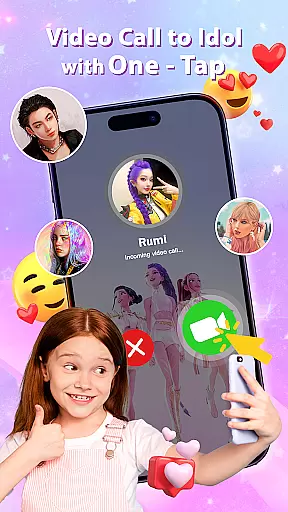
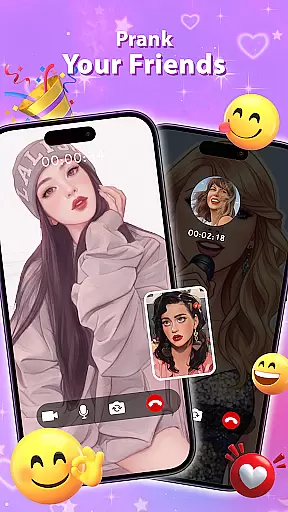
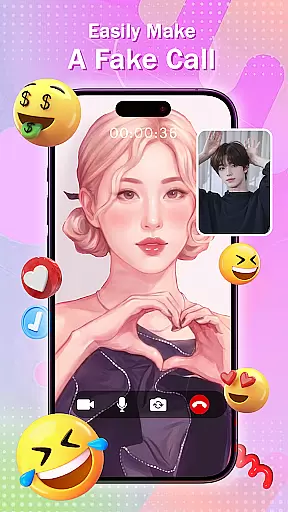
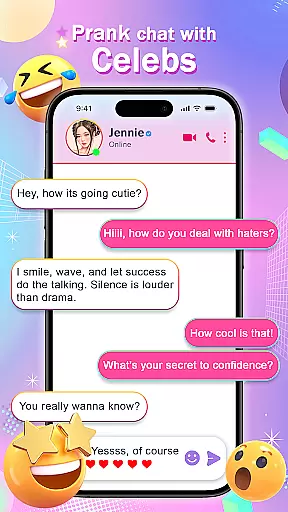
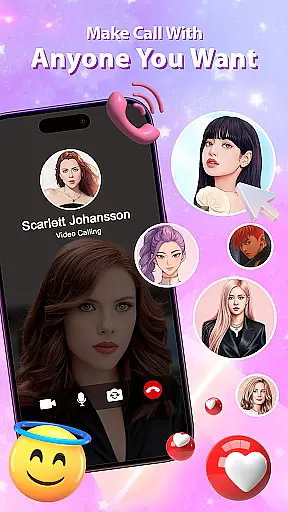
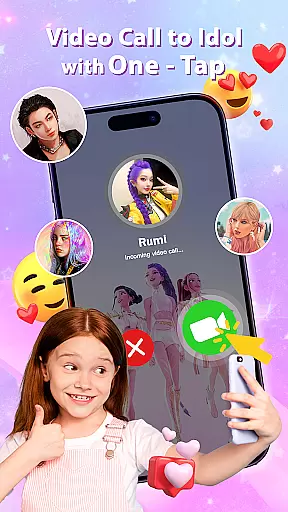
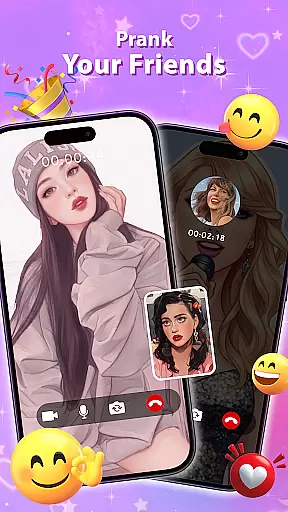
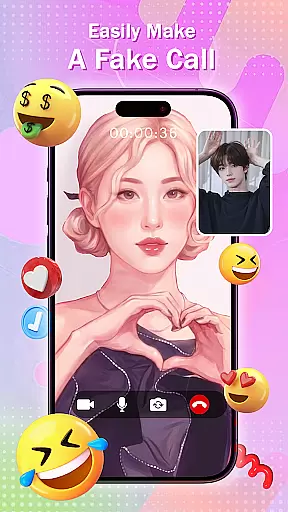
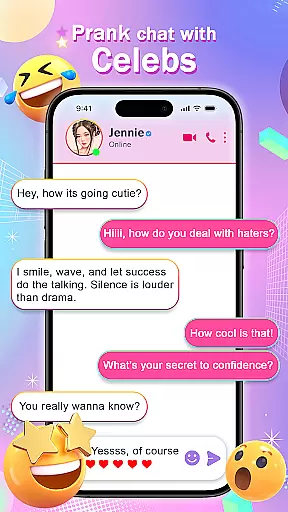
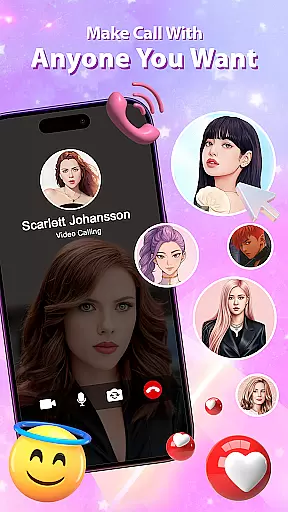
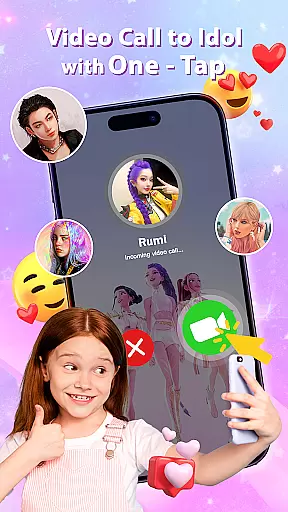
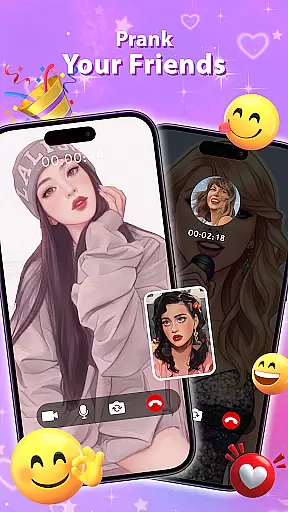
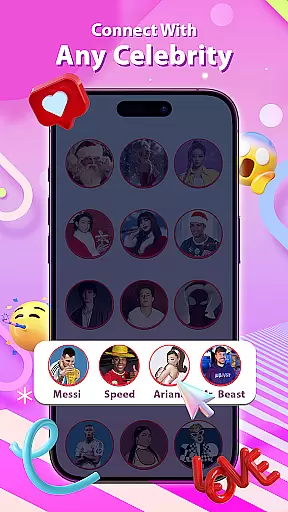
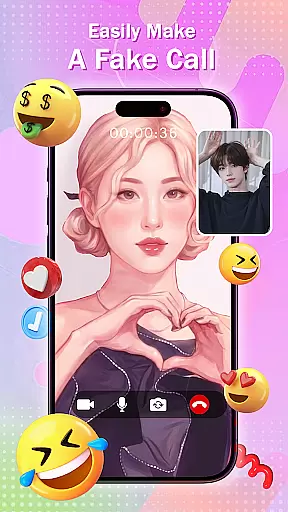
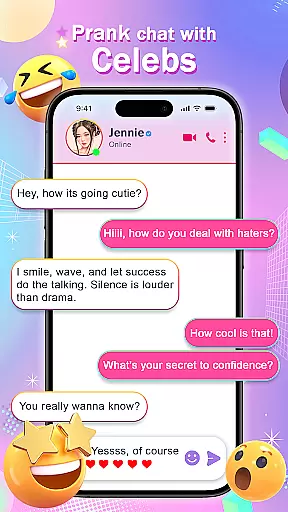
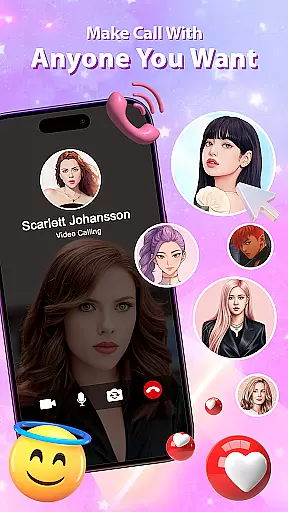
Celeb Prank: Fake Call & Chat is a casual app designed for users who want to have fun by simulating interactions with their favorite celebrities. The core function of this app allows users to create realistic fake chats, video calls, and voice calls that mimic real-life communication. These simulated interactions are perfect for pulling harmless pranks on friends or creating entertaining social media content.
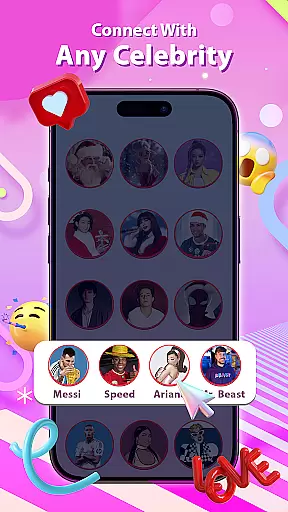
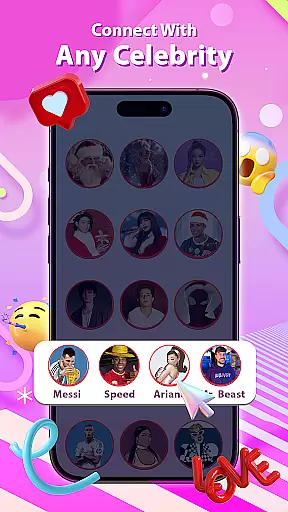
One standout feature is the ability to customize conversations with popular stars, idols, and influencers using pre-made templates. Whether it's a fake chat with a pop star or a mock video call from a famous actor, the app provides an immersive experience that sparks laughter and surprise. This makes it especially useful for content creators looking to engage their audience with creative celebrity-themed content.
The true value of Celeb Prank lies in its ability to bring imagination to life. Users can simulate scenarios they've always dreamed of, such as receiving a text from their favorite idol or having a "late-night call" from their crush. With its user-friendly interface and high level of realism, this app offers endless entertainment possibilities while maintaining a lighthearted approach.
Celeb Prank: Fake Call & Chat stands out due to its rich set of features tailored to enhance user experience. One key aspect is the ultra-realistic simulation of chats and calls. The app allows users to type, send, and receive messages that closely resemble direct messages (DMs) from celebrities. This attention to detail extends to both incoming and outgoing video and voice calls, which appear completely authentic when viewed by others.
Another notable feature is the inclusion of celebrity templates. These templates cover a wide range of popular personalities, including singers, actors, and influencers. By selecting a template, users can quickly generate convincing conversations without needing to design each interaction from scratch. Each template is crafted to reflect the unique style and tone associated with the chosen celebrity, adding another layer of authenticity to the prank.
For those interested in content creation, the app provides tools to produce engaging videos and images suitable for platforms like TikTok, Instagram, or YouTube. Its versatility ensures that whether you're pranking friends or building an online following, Celeb Prank delivers consistent quality and creativity. Overall, these features combine to offer a unique blend of humor, personalization, and technical excellence.
At the heart of Celeb Prank: Fake Call & Chat lies its straightforward and accessible core gameplay, designed for users of all ages and tech-savviness levels. The app simplifies the prank concept into an intuitive interface where users can easily create fake chats and calls.
The application provides a streamlined process to design realistic interactions without any complicated steps. Users can craft fake text conversations or simulate incoming and outgoing video and voice calls with just a few taps, closely mimicking real-life communication platforms.
This simplicity in functionality ensures that anyone can quickly grasp how to execute a prank effectively. It removes any unnecessary features that might complicate the user experience, making it possible to jump right into the fun without a steep learning curve.
By focusing on ease-of-use, Celeb Prank empowers its users to concentrate on the creativity and humor of their pranks rather than getting bogged down by complex mechanics. This approach significantly enhances the overall enjoyment and satisfaction derived from using the app.
Celeb Prank: Fake Call & Chat offers remarkable session length flexibility, catering to users who prefer quick, intermittent usage as well as those who enjoy longer, more immersive experiences. The app accommodates various user preferences, making it versatile for different types of prank scenarios.
Whether you have only a few minutes to set up a quick laugh with a short fake text exchange or want to orchestrate an extended prank involving multiple fake calls and chat messages over a period, the app is designed to adapt. There are no time constraints or session limits imposed, allowing for creative freedom.
This flexibility is one of the standout features of Celeb Prank, as it understands that humor doesn't always follow a schedule. Users can customize their prank duration according to their needs and available time, ensuring they never miss an opportunity to inject some fun into their day.
Ultimately, this adaptability enhances user engagement by providing options that fit seamlessly into busy lifestyles while still delivering the full potential of what Celeb Prank has to offer in both brief and extended usage sessions.
User-friendly interface
Highly realistic simulations
Variety of celebrity templates
Great for social media content
Fun and entertaining concept
Limited practical use cases
Premium features may require payment
Some templates could feel repetitive
Occasional ads might disrupt experience
Dependent on internet connection

Go exploring with Duggee!
 4.20
4.20
How does a p fall?
3.70
Aim-Shoot-Blast: Perfect Shot
4.5
Fast, fun, and relaxing tap minigame challenges – anytime, anywhere!
4.70
A game where you swipe various objects to send them to the desired location
4.3
Be the coolest person when prank video call and chat with idols.
4.40
Sort colorful balls in this relaxing puzzle game. Train your brain & have fun!
4.80
No internet. Play Fun Mini Puzzles, Color Blocks & Cards, 2 Player, Boys & Girls
4.50
Sam is ready to face his fear of the dark!
4.40
Start with a simple lemon stand and grow into a business tycoon!
5.00
Black hole games - eat tiles, grow bigger, and master the fun
4.80
Unfurl tent flaps, cut through bushes, slam doors, and poke some crocodiles!!!
4.70
FPse : The best and smoothest PSone Emulator available now!!
4.50
Style your hair with Hair salon, Spa Beauty salon - Make up doll game
4.50
Merge numbers on the balls and run to aim for 2048!
4.20
11 classic games featuring Freddi Fish, Pajama Sam, Putt-Putt, and Spy Fox.
3.80
The classic Snake with vibrant neon colors for just 5 cents!
4.1
Just shoot and drop blocks.
4.4
Epic air battles, jet upgrades, and boss fights await.
4.5


User Reviews