
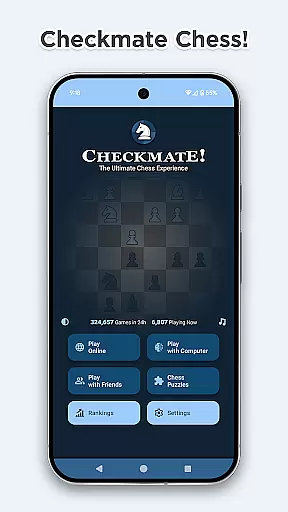
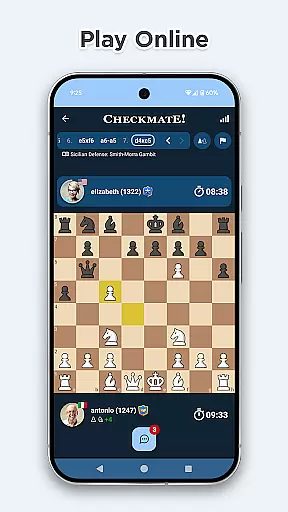
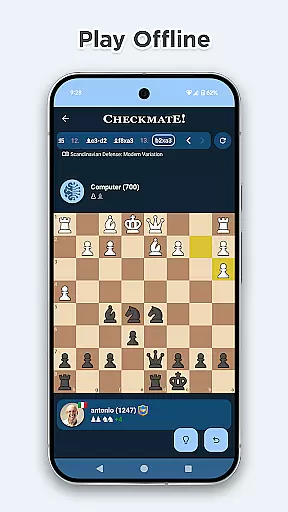
Chess Online & Offline is a feature-rich chess application that caters to both casual players and serious enthusiasts. The app allows users to engage in online matches with opponents worldwide, offering various time-limited game modes such as Classic, Blitz, and Bullet. For offline practice, players can challenge a sophisticated computer AI with adjustable difficulty levels ranging from beginner to expert.
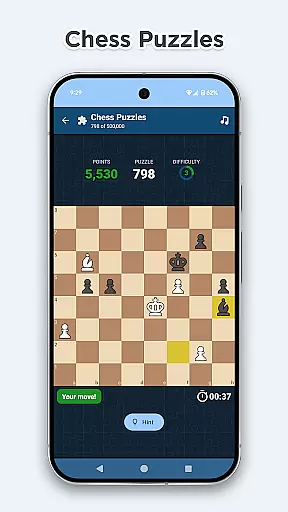
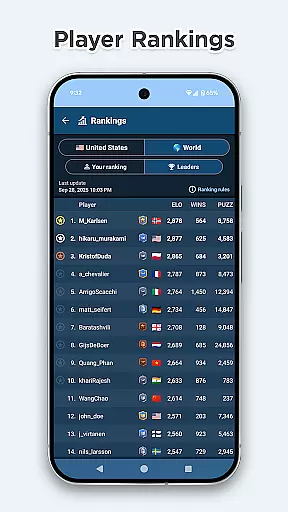
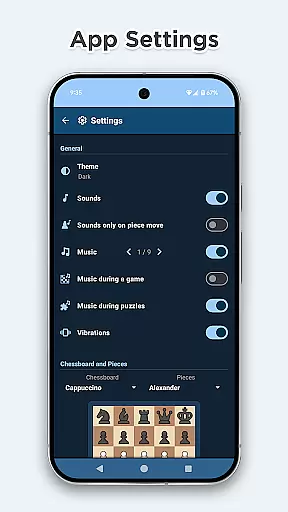
Beyond standard gameplay, the app provides an immersive experience through advanced haptics, sound effects, and customizable chessboard styles. Players can also solve over 300,000 tactics puzzles to sharpen their skills while enjoying classical music. With global and country-based rankings, detailed game statistics, and helpful move markers, this app ensures a comprehensive and enjoyable chess experience.
The app boasts an impressive array of features designed to enhance the chess-playing experience. Users can compete in online games using different time controls or practice offline against a strong computer opponent with 16 strength levels. The inclusion of helpful markers for legal moves, last move, and possible captures ensures players can focus on strategy without missing critical details.
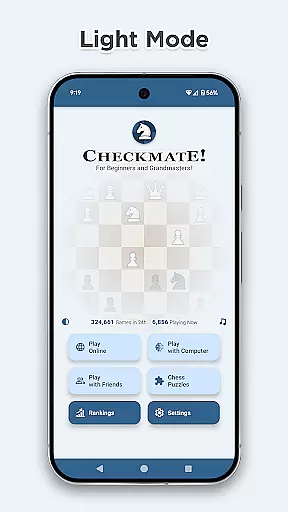
Chess Online & Offline stands out with its vast library of over 3000 game openings and variations, providing insights into famous strategies like Sicilian Defense and Queen's Gambit. Additionally, the app offers a unique pending move feature, allowing players to premove and save valuable time during fast-paced games. Its modern design includes light and dark theme support, Material Design 3 interface, and utilizes Google's Firebase Firestore for reliable performance.
Rule authenticity in chess applications is crucial for maintaining the integrity of gameplay. Checkmate ensures that all standard chess rules are accurately implemented, from basic moves to complex regulations like castling and en passant. This attention to detail guarantees players an authentic chess experience.
The app also offers flexible rule adaptations for different play styles. Players can choose from various time controls, including Classic, Blitz, and Bullet modes, each with specific timing rules. This flexibility allows users to customize their games while still adhering to official chess guidelines.
Checkmate's implementation of advanced features like premove and move markers enhances the traditional rules without compromising their authenticity. These additions provide modern conveniences while maintaining the core principles of chess, making the game more accessible to both casual and serious players.
The quality of AI opponents in chess apps significantly impacts the user experience. Checkmate offers a sophisticated computer opponent with 16 strength levels, ranging from beginner (600 ELO) to expert (2100 ELO). This wide range ensures players of all skill levels can find suitable challenges.
Utilizing the Arpad Elo formula, the app accurately calculates and adjusts AI strength based on player performance. The computer opponent demonstrates human-like decision-making patterns, creating realistic and engaging matches. Advanced algorithms ensure that each AI move is both challenging and educational.
For offline practice, the AI opponent provides consistent availability without internet connection. Players can improve their skills at their own pace while receiving accurate feedback on their performance. This combination of accessibility and challenge makes Checkmate's AI opponent a valuable training tool for chess enthusiasts.
User-friendly interface
Extensive puzzle library
Global player rankings
Customizable chessboards
Classical music ambiance
No voice commands
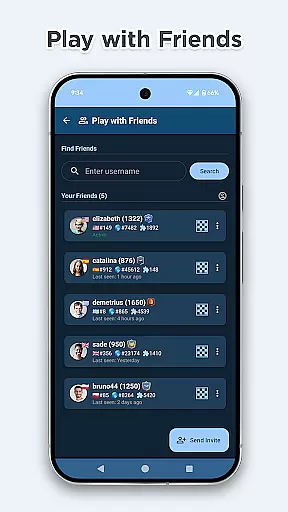
Limited social features
Premium content locked
Occasional bugs
High system requirements

Play free Bingo with millions worldwide, enjoy nonstop fun and win great prizes!
 4.80
4.80
Domino Frenzy - Tile board game.
4.70
Enhance your brain with vibrant visuals, enjoy 20,000+ stunning pics & puzzles!
4.50
Chose clever, score better!
4.60
The popular roll & write game by Paolo Mori
3.90
The official digital version of the world's favourite explosive cat-based game!
4.60
The iconic murder-mystery. Six suspects, six weapons, nine rooms, one culprit.
4.60
A Digital Board Game of Woodland Warfare
4.90
Color to relax with tons of zen coloring pages in Color Oasis coloring game.
4.80
Enjoy tile matching puzzles and unlock fun stories!
4.90
Enjoy Mahjong Mingle: Large Tiles and Relaxing Puzzles for Seniors!
4.90
Mahjong match game with large tiles, senior-friendly design, and offline play.
4.90
Control a team of heroes battling evil villains across dynamic environments!
4.70
Trade stickers & Get dice
4.70
Relive your favourite childhood game, now on mobile and tablet.
4.60
Become the best merchant in Istanbul!
4.60
Solo RPG Engine & GM Emulator
4.50
Build an empire in around eight minutes!
4.20
Second Dawn for the Galaxy
3.90


User Reviews