
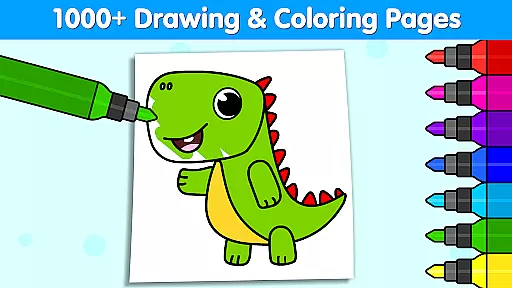
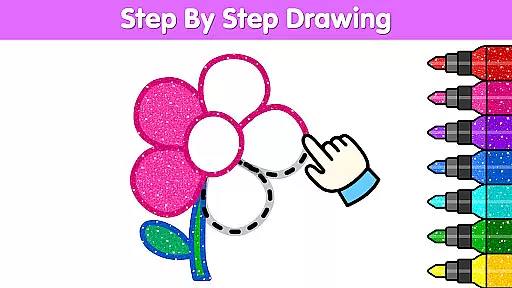
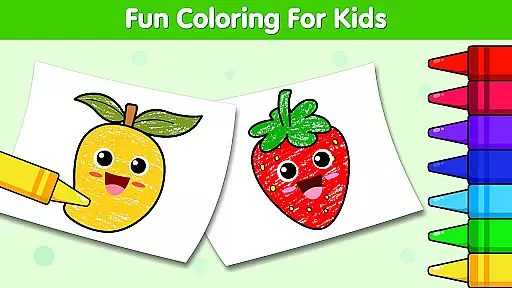
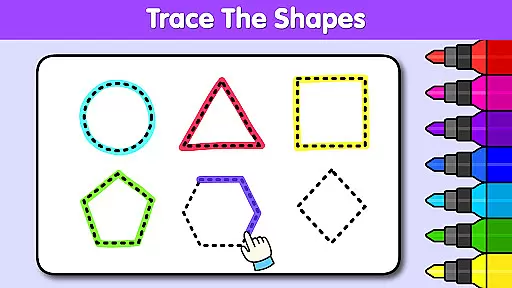
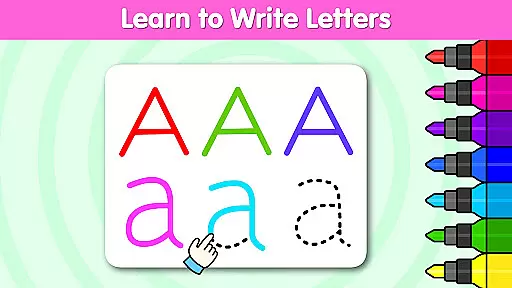
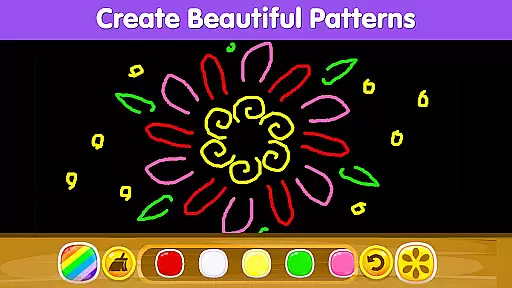
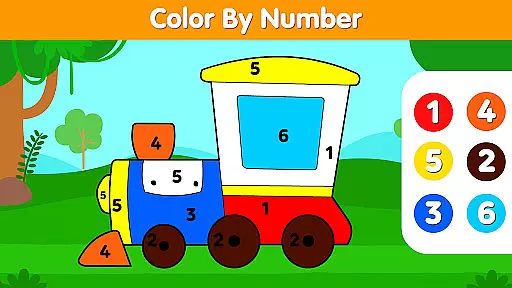
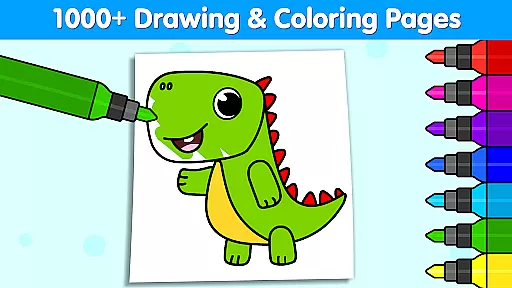
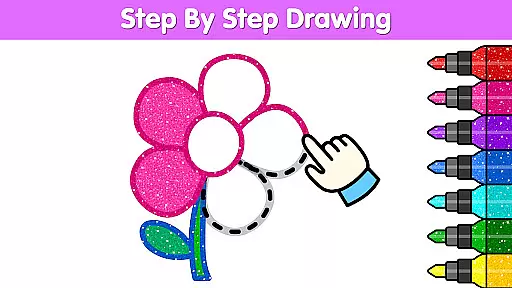
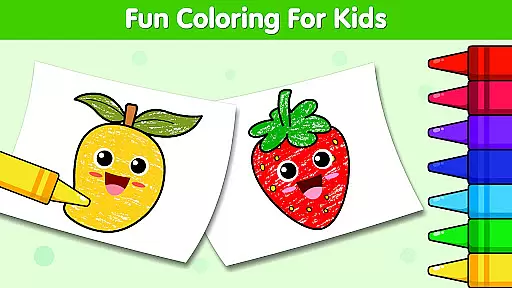
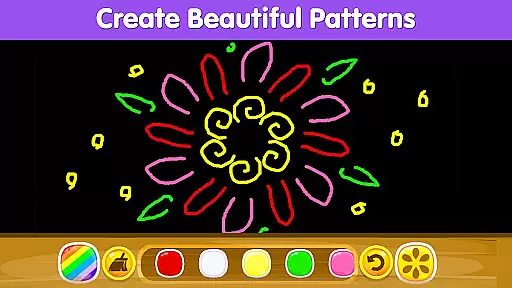
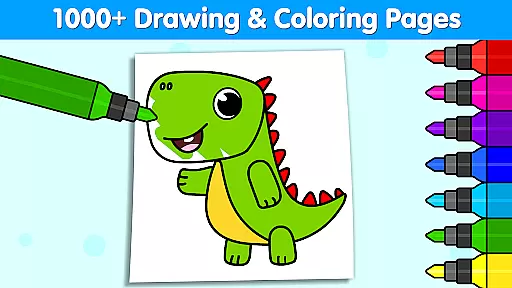
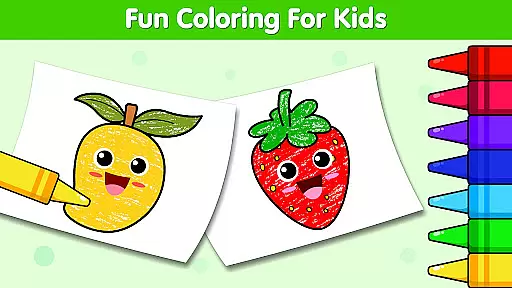
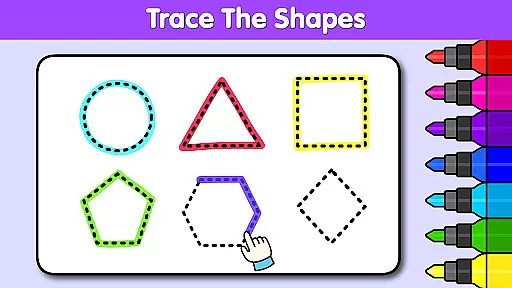
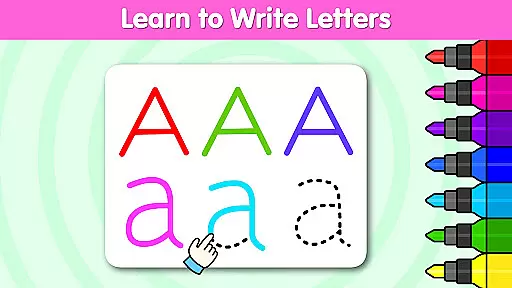
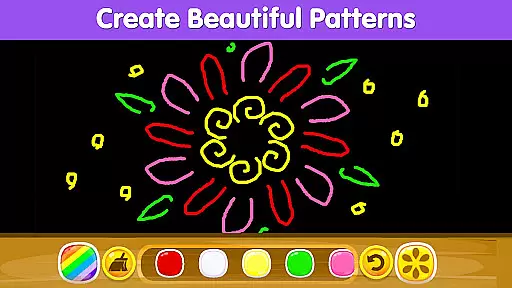
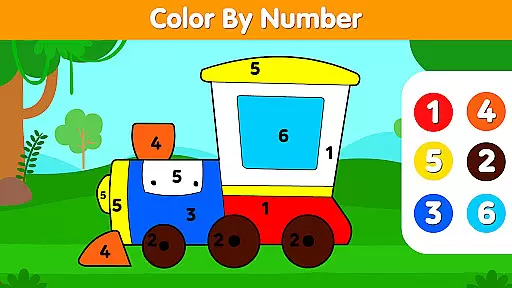
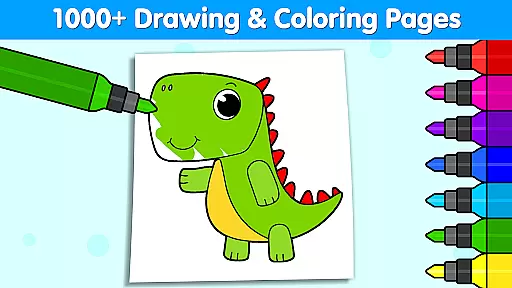

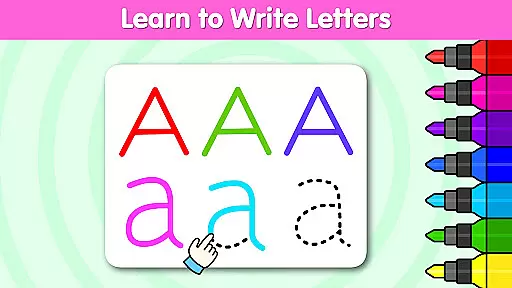
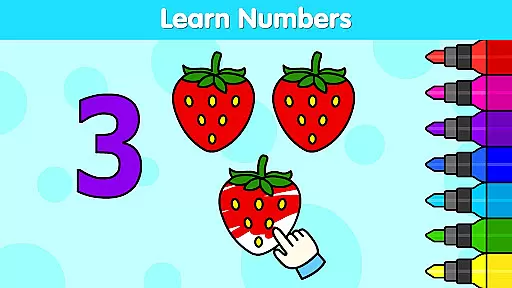
Coloring Games for Kids: Color is an educational app designed to spark creativity and imagination in children through a wide variety of coloring and drawing activities. With over 1,000 interactive coloring pages and drawing games, this app helps kids develop essential skills while having fun. Suitable for toddlers and children aged 1 to 6, it offers themed coloring pages for holidays like Christmas, Halloween, and Easter, as well as popular themes such as princesses, unicorns, and vehicles.
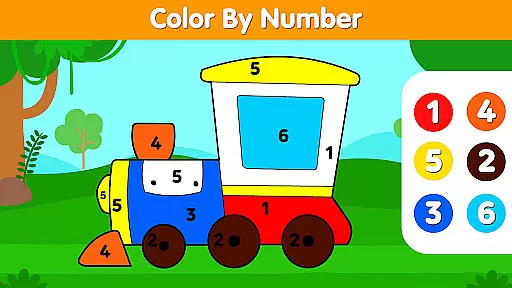
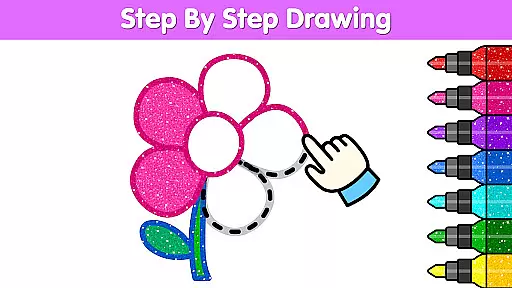
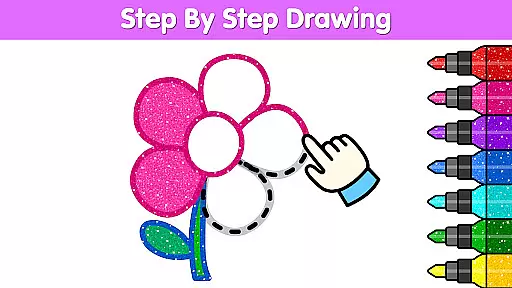
The app's award-winning design has earned recognition from prestigious organizations, including the Mom's Choice Gold Award and Academics' Choice Smart Media Award. It provides a safe and engaging environment where young users can explore colors, shapes, and patterns while developing cognitive abilities. Parents will appreciate how Coloring Club nurtures their child's artistic journey while offering educational value through features like color-by-number and step-by-step drawing tutorials.
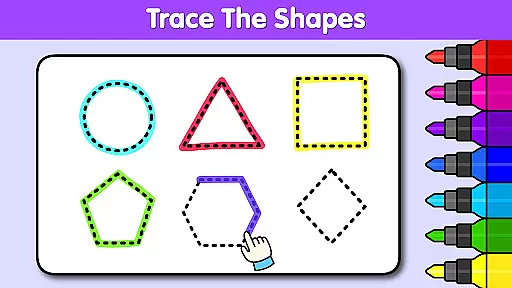
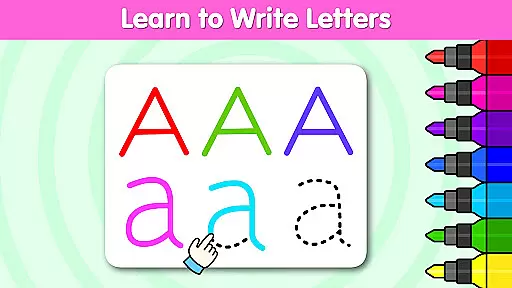
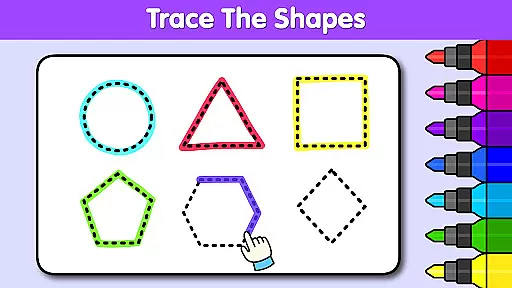
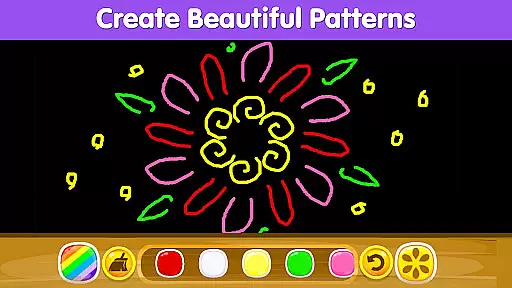
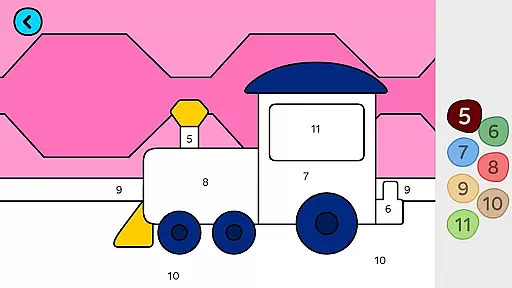
Coloring Games for Kids: Color stands out with its rich feature set tailored specifically for young learners. The app includes diverse activities such as color by number, alphabet coloring, mandala designs, pixel art, and more. These features not only entertain but also educate, helping children understand concepts like numbers, letters, and shapes while honing fine motor skills.
One of the key highlights is the vibrant toolkit available to users. Children can experiment with countless color combinations, glitter effects, patterns, and brushes to bring their creations to life. Additionally, the ability to save artwork directly to the device allows parents to preserve their child’s masterpieces easily. This functionality adds a personal touch, enabling families to share these creations on social media or print them for display at home.
When it comes to educational apps for children, content authority and curriculum alignment are crucial factors that determine the app's effectiveness in aiding a child's learning journey. Coloring Games for Kids: Color by KidloLand Coloring Club stands out as an award-winning app recognized for its excellence in early childhood education. The app has garnered prestigious accolades such as the Mom's Choice Gold Award and Academics' Choice Smart Media Award, affirming its authoritative content.
The app offers over 1,000 coloring games and drawing activities that align with educational curricula by incorporating elements like color by number, alphabet, and shapes. These features not only entertain but also educate, helping children learn essential skills through play. With specialized holiday-themed pages and diverse coloring options, the app ensures that learning is both fun and aligned with developmental milestones.
Parents can trust Coloring Games for Kids to provide their children with an educational experience that is both comprehensive and enjoyable. By engaging with the app's wide range of activities, kids develop creativity, cognitive skills, and knowledge about colors, shapes, and characters. This harmonious blend of entertainment and education makes the app a valuable tool in a child's learning arsenal.
Gamification in learning transforms the educational experience into an engaging and interactive journey, and Coloring Games for Kids excels in this area. By integrating game-like features into educational content, the app captivates children's attention and motivates them to learn through play. Its vast collection of coloring pages and drawing games keeps kids entertained while subtly introducing them to fundamental concepts such as colors, numbers, and shapes.
The app cleverly uses gamification elements such as surprise coloring, decoration games, and step-by-step drawing tutorials that make learning seamless and natural. Children can experiment with vibrant colors, patterns, and tools, which enhances their creative skills while they enjoy the process. This method of learning ensures that kids are not just passive recipients of information but active participants in their educational journey.
Furthermore, the ability to save and share their artwork adds an element of pride and accomplishment, encouraging kids to continue exploring and learning. The app's dedication to providing a free, expansive toolkit for creativity underlines its commitment to effective gamification-learning integration. This approach not only fosters essential skills but also nurtures a love for learning that can last a lifetime.
User-friendly interface
Variety of creative tools
Educational content included
Free access to all features
Parental peace of mind
Limited advanced options
In-app purchase prompts
Occasional ads displayed
Basic tutorial guidance
Device compatibility issues

The Squirrels have been learning how to look after animal, now it's your turn!
 3.90
3.90
This will quickly become your kids' favorite animals game!
4.40
Learn and practice multiplication and division
4.1
Create stories and build your own virtual world for your avatar!
3.00
Play the fun princess party game for kids with Cocobi the little dinosaurs.
4.10
Fun drawing games with coloring book, glow and paint by numbers! Color for kids.
4.20
Creative beauty & fashion
4.50
Preschool learning games: 123 numbers game for kids, abc learning for toddlers
4.70
Companion app for Cozmo, the educational toy robot who’s got a mind of his own.
3.30
Puzzles, Cats and Programming
4.80
Epic battles, interactive quests and exotic pets. Learn math with Prodigy today!
4.70
Play educational games for preschool toddlers—plus more to discover ►AdsFree◄
4.60
Fun baby games for kids. Play baby piano, musical instruments & nursery rhymes.
4.50
Build your own BRIO railway!
4.30
Find Carmen - Play the classic detective game, stop VILE and find Carmen
4.10
Where the beloved world of Peppa Pig meets the creativity of LEGO DUPLO!
4.00
Spark your little ones’ imagination!
3.80
A game to memorize
4.2
A logic puzzle game for 1 - 3 players
4.3


User Reviews