
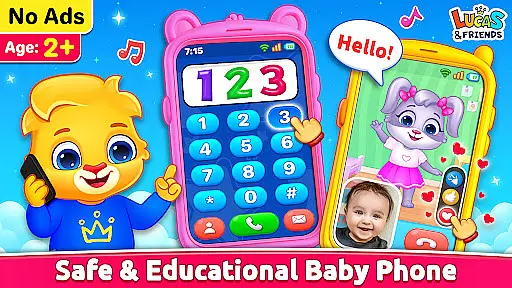
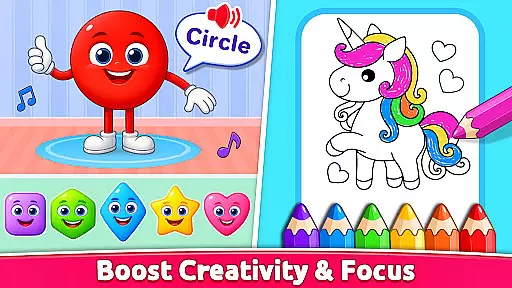
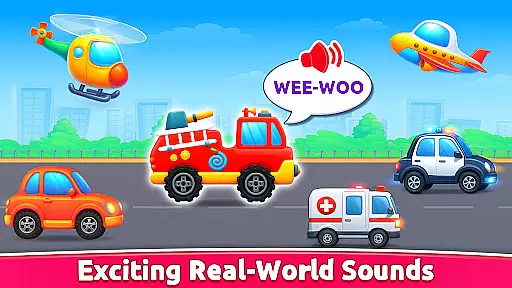
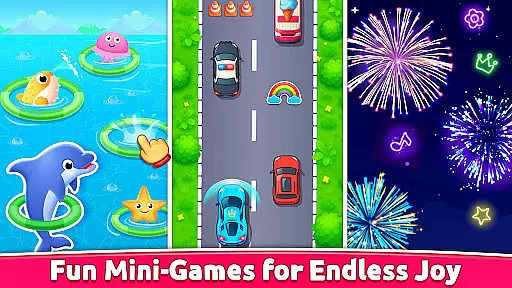
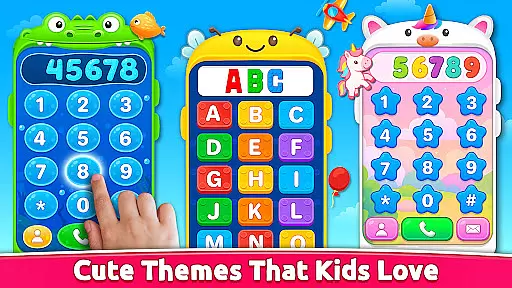
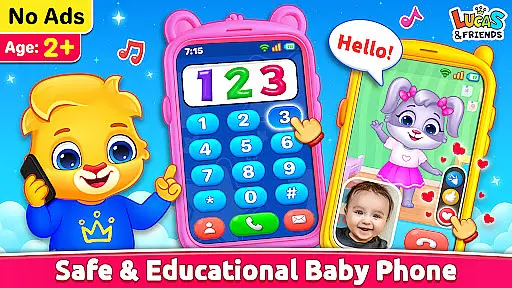
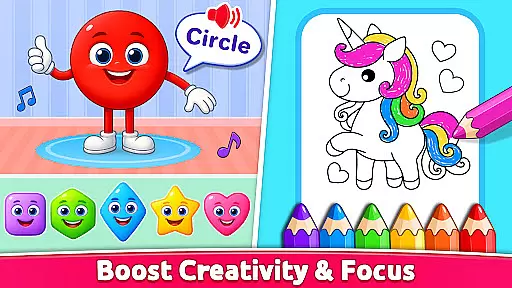
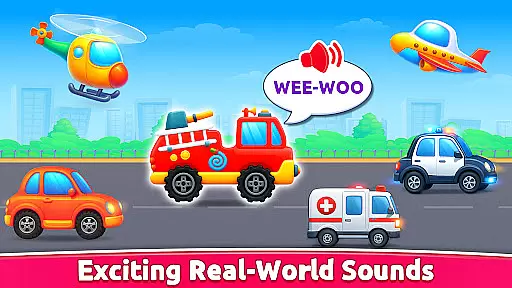
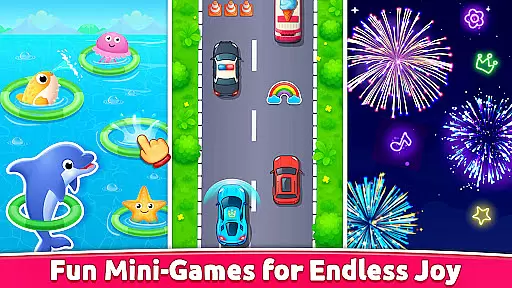
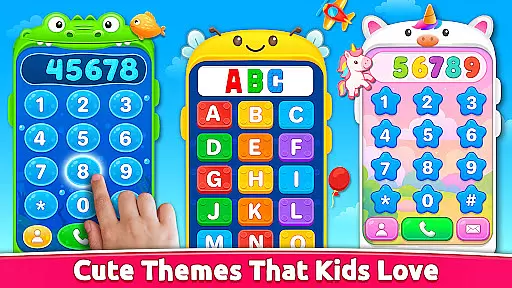
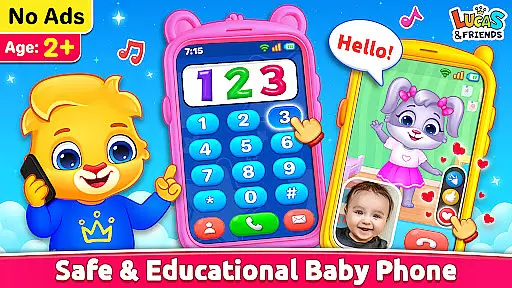
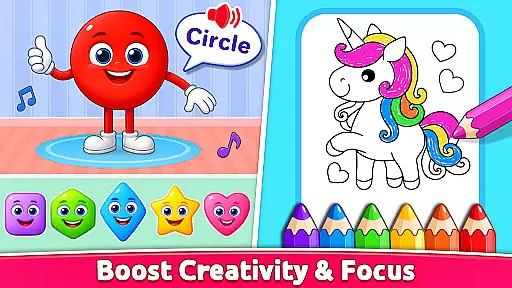
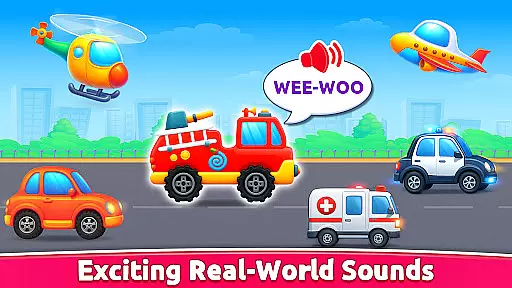
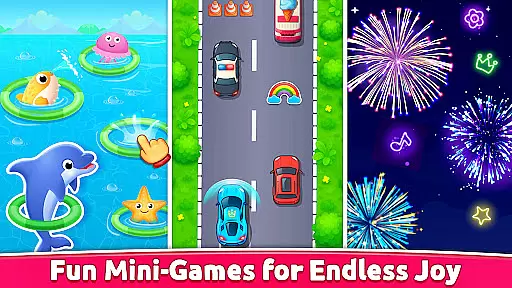
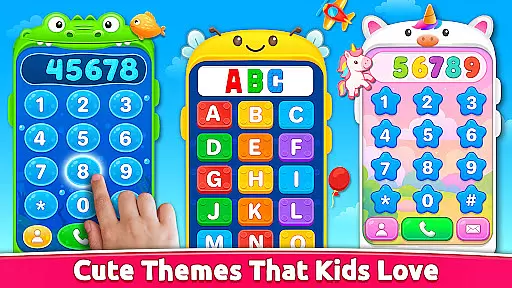
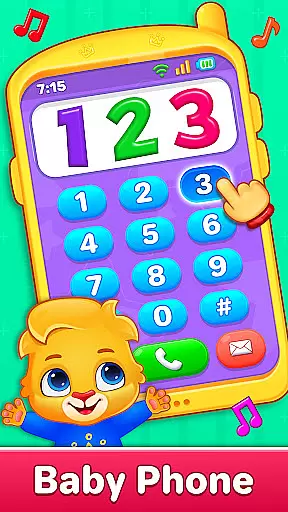
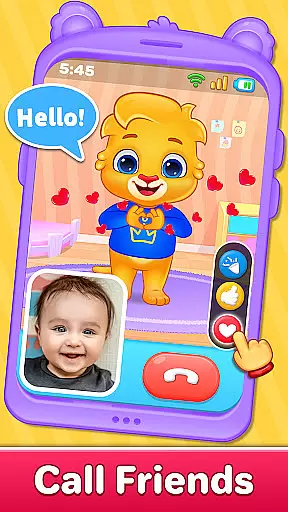
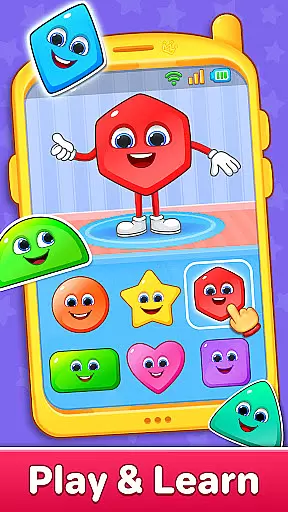
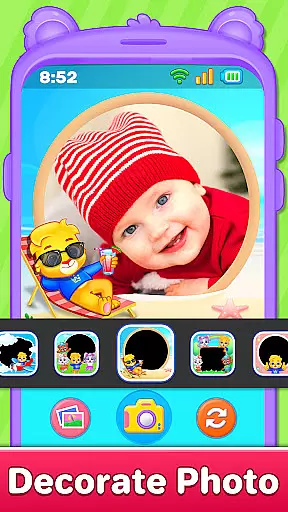
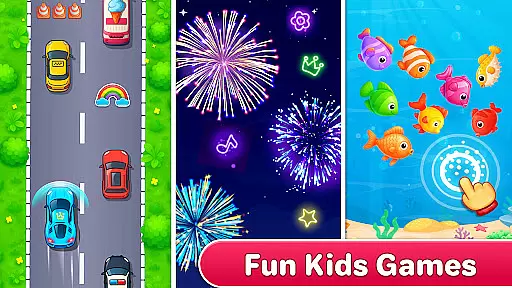
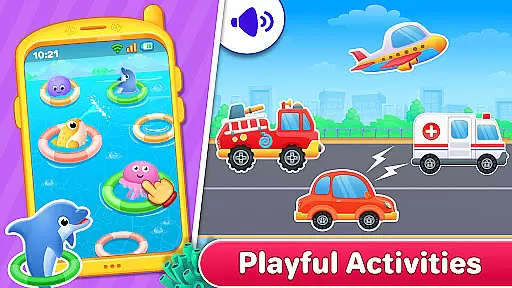
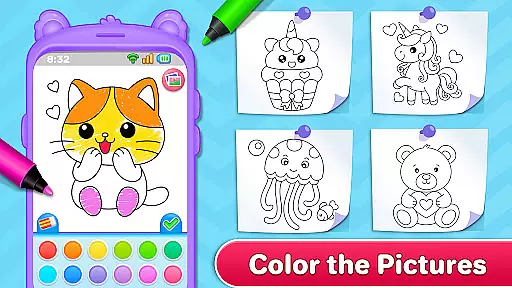
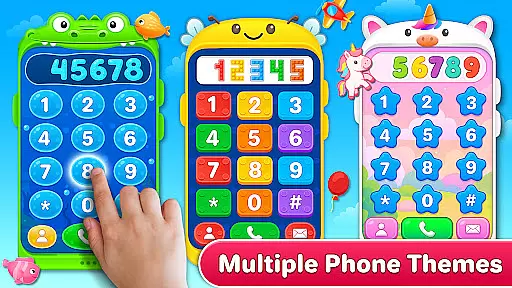
Baby Phone & Kids Games is an innovative educational app designed specifically for toddlers aged 1 to 5, turning screen time into a meaningful learning experience. The app features interactive phone calls and video chats with adorable characters like Lucas, Ruby, Lilly, and Brody, providing both entertainment and social interaction. With built-in coloring activities, ABC and 123 phonics learning modules, and engaging vehicle sounds, it creates a complete learning environment that promotes cognitive development while having fun.
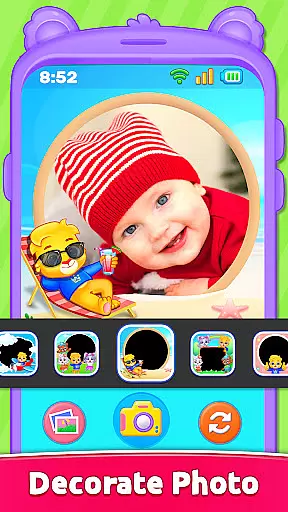
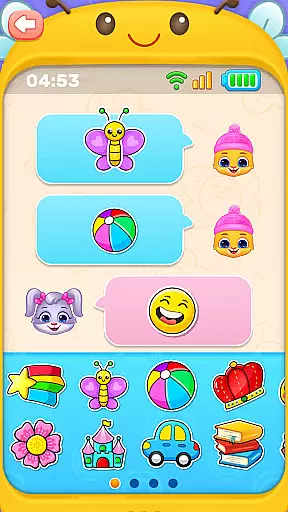
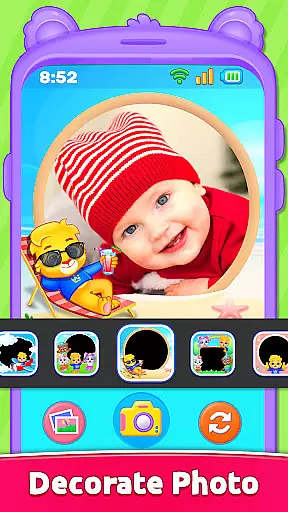
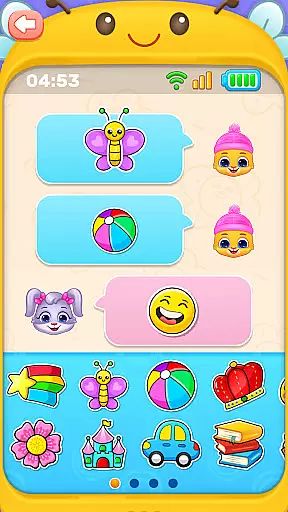
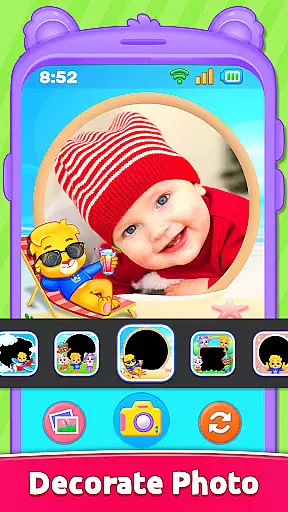
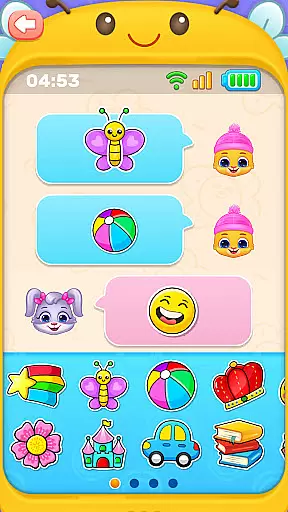
This toddler-friendly app offers a safe and ad-free space where young children can explore various activities such as sending emojis and stickers, decorating photos with frames, and enjoying curated videos featuring their favorite characters. Each feature is carefully crafted to be intuitive, using large buttons and bright visuals to ensure ease of use. Whether it's their first baby game or a familiar kids' phone game, Baby Phone & Kids Games transforms your smartphone into a vibrant toy full of joy and discovery.
Baby Phone & Kids Games stands out with its diverse range of interactive features tailored for young learners. One of the key highlights is the virtual phone call feature, allowing kids to engage in pretend conversations with animated characters who respond with cute voices and playful expressions. This not only sparks imagination but also helps develop communication skills in a fun way. Additionally, the app includes an interactive video call mode where characters come to life through dynamic animations and reactions, creating an immersive play experience.
The app also incorporates early learning tools such as ABC and 123 phonics modules, which teach letters and numbers through sound-based interactions. Another unique feature is the toddler coloring section, offering various templates including animals and shapes, promoting creativity and fine motor skills. Parents will appreciate the app's focus on safety, with no ads or in-app purchases, ensuring uninterrupted, wholesome playtime. With its combination of sensory play elements like fireworks mode and vehicle sounds, Baby Phone & Kids Games provides endless opportunities for exploration and growth.
In the realm of educational applications, content authority and curriculum alignment are paramount. Baby Phone & Kids Games excels in this area by offering a suite of activities that align with early learning standards. The app's ABC & 123 Phonics Learning section provides a structured approach to literacy and numeracy, ensuring that toddlers are introduced to essential concepts through sound pedagogical methods.
Furthermore, the Learn Colors & Shapes Through Play feature is meticulously crafted to aid cognitive development. By engaging in hands-on activities, children can explore and identify various colors and shapes, which lays a solid foundation for their understanding of the world around them. This careful design ensures that each interaction within the app contributes positively to a child's developmental milestones.
The app also includes toddler-friendly video content featuring Lucas and Friends, which has been curated to be age-appropriate and free from advertisements. These videos not only entertain but also educate, reinforcing the lessons learned through play. Parents can rest assured that their children are engaging with content that is both enriching and aligned with educational goals.
Gamification-learning integration represents the fusion of game mechanics with educational content, creating an engaging and effective learning environment. Baby Phone & Kids Games leverages this approach by incorporating playful elements such as pretend calls, emoji chats, and interactive coloring activities. These features transform traditional learning into an enjoyable experience that captivates young minds.
One standout aspect is the Phone Call with Lucas & Friends, where children can engage in simulated conversations with animated characters. This feature encourages social interaction and communication skills while maintaining the fun aspect of play. Similarly, the Tap-to-Chat with Emojis & Stickers function introduces basic digital communication in a safe and entertaining manner, promoting technological literacy from an early age.
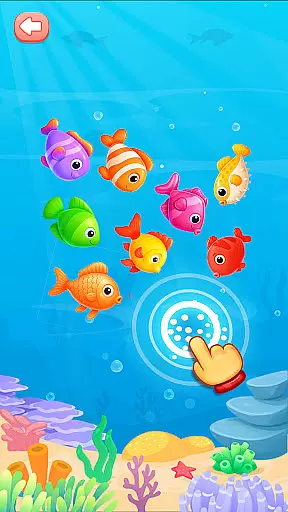
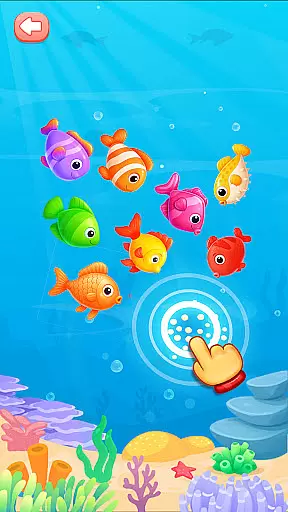
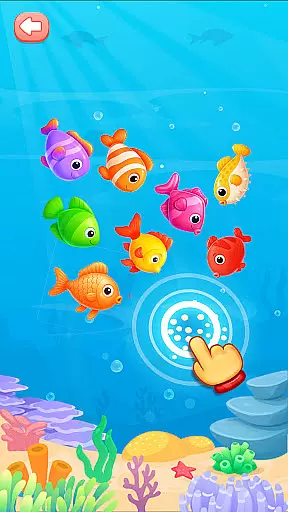
Additionally, the Exciting Vehicle Sounds and Fireworks Mode offer sensory-rich experiences that stimulate curiosity and exploration. By integrating these gamified elements, the app ensures that every tap and interaction serves a dual purpose: delighting the child while simultaneously fostering key developmental skills. Such thoughtful design makes Baby Phone & Kids Games a valuable tool in a parent's educational arsenal.
Interactive learning
Ad-free environment
Engaging characters
Easy navigation
Creative activities
Limited advanced options
No multi-language support
Basic parental controls
Offline-only content
Few customization settings

A world to build at the tip of your fingers!
 3.80
3.80
Explore the world of reading and writing with Booker!
4.2
Creating emotional connections
4.1
Play educational games for preschool toddlers—plus more to discover ►AdsFree◄
4.60
Creative beauty & fashion
4.50
Math Games For Kids To Learn Addition, Subtraction, Multiplication and Division.
4.30
Join Rus and his friends to save Pear Island!
4.3
Where Little Healers can Make a Big Difference!
4.00
Create, Style, Repeat!
3.70
Puzzles, Cats and Programming
4.80
Fun baby games for kids. Play baby piano, musical instruments & nursery rhymes.
4.50
Monkey Preschool Fix-It is an early learning game for ages 2 to 5.
4.40
Kids letter tracing technique, which is the first step in learning how to write.
4.30
Endless runner fun packed with animal facts, exciting wildlife, & adventure.
4.10
Games, music, crafts and coloring with cats
4.10
The Squirrels have been learning how to look after animal, now it's your turn!
3.90
Clean the messy house & play with cute kitty in this fun cleaning game for kids!
3.70 2.80
2.80
A logic puzzle game for 1 - 3 players
4.3


User Reviews