

Want to make it easier to manage your health? We’re with you, wherever you are.
 4.70
4.70
Identify pills, search different drugs, get drug information and much more!
4.50
An easy way to earn money donating plasma. Book a visit, sit back, and get paid.
3.80
Live vet support by text/video
4.80
A rapid reference for prehospital providers caring for pediatric patients.
4.3
Search by insurance, see real-time openings & verified reviews, get care fast.
4.80
Assess and treat left neglect more effectively in stroke and brain injury rehab.
4.30
Over 1,200 review questions and 5 exams—pass the NREMT with EMT Review Plus!
4.10
Tap & save. Coupons that fit in your pocket. Find low prices on prescriptions.
4.80
This app is simply 1 book (also large app) and 17 other apps combined into 1
4.70
Coaches you through labour using hypnobirthing techniques & tracks contractions
4.70
Sync your blood glucose device, log values automatically and tame your diabetes!
4.60
Anthem/Wellpoint and other health insurance plans
4.60
Patient Health Portal
4.20
Crush your paramedic exam with NREMT-style tests, ECGs, and top-tier prep!
3.90
Care Simplified by MyChart
3.40
HealtheLife lets you easily manage your health online.
3.20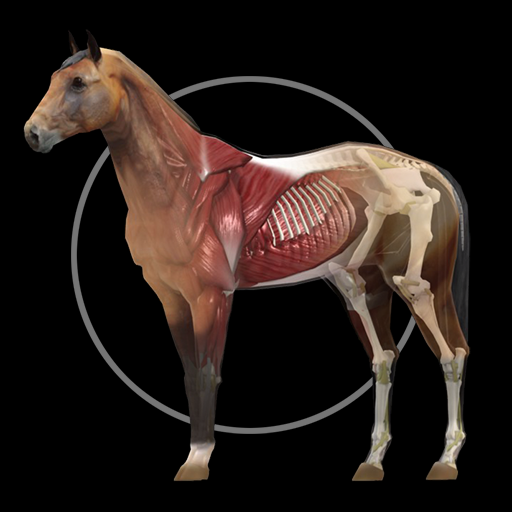
A fantastic 3d reference that includes over 300 structures and a quiz function.
3.00
ECG modules improve rhythm ID. ACLS is a simulator for cardiac arrest scenarios.
4.4


