
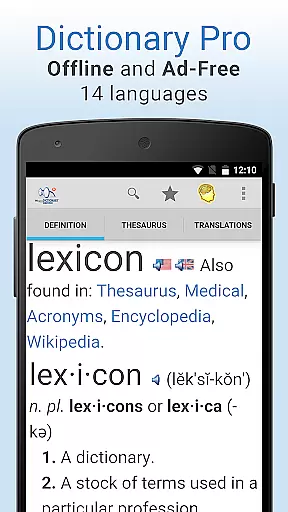
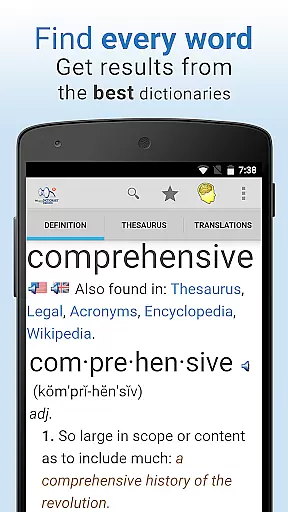
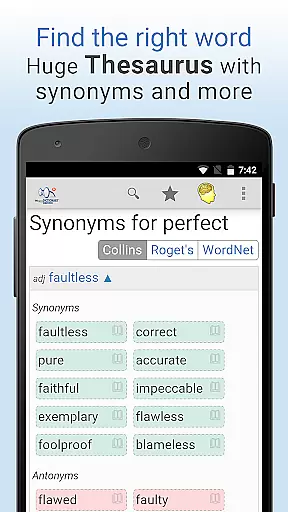
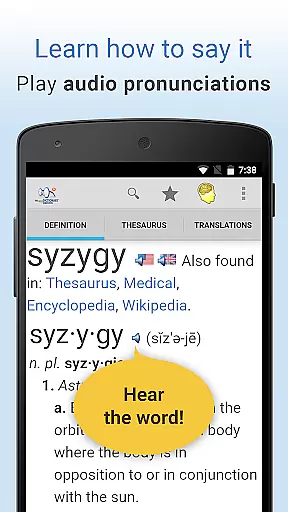
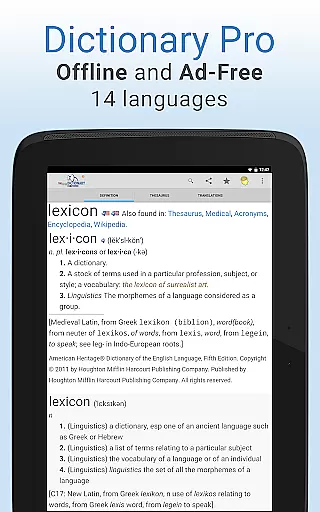
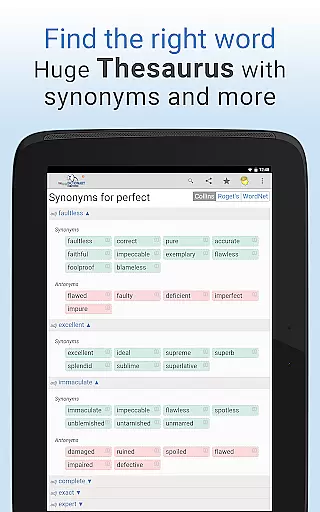
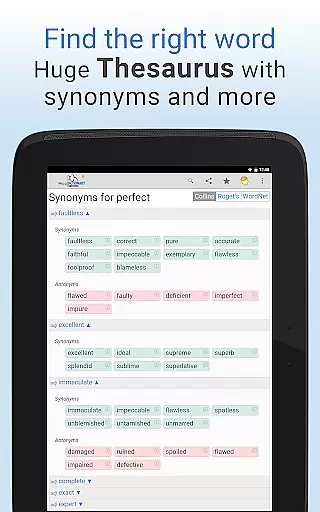
Dictionary Pro is a premium reference application designed for users who require comprehensive language resources at their fingertips. This app offers an expansive offline dictionary and thesaurus, supporting not only English but also 13 other languages, with translations into over 40 languages. Users can access content from top publishers like Webster's, Roget's, and The American Heritage Dictionary without any advertisements.
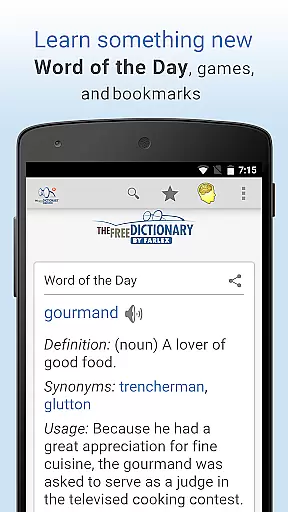
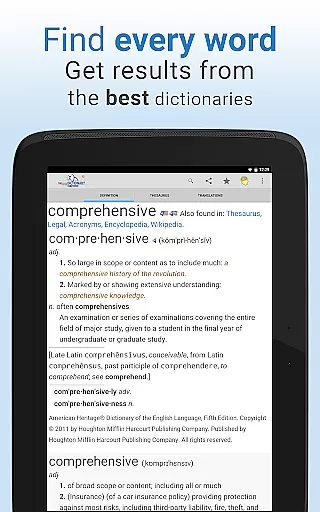
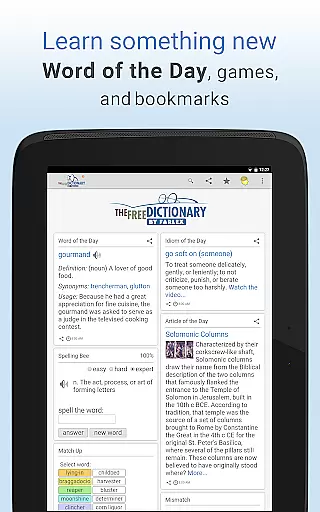
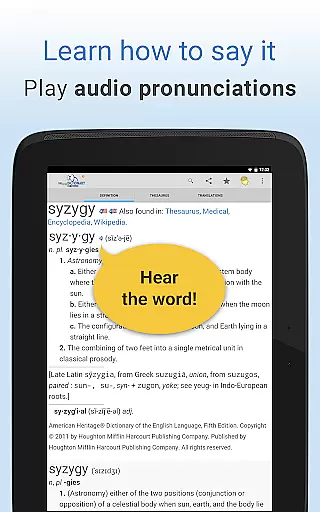
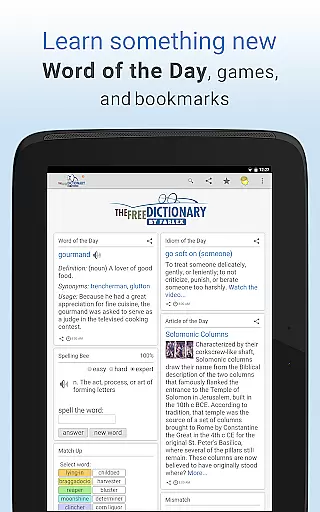
The app goes beyond basic definitions by providing detailed entries that include etymologies, example sentences, and audio pronunciations. It also features specialty dictionaries covering medical, legal, financial, and scientific terminology. With additional tools such as word games, idioms videos, and daily educational content, Dictionary Pro serves as an all-in-one linguistic resource.
Designed for both casual learners and professionals, Dictionary Pro enhances productivity by allowing users to customize their experience through adjustable font sizes, voice search, and personalized homepages. Its seamless integration across devices via bookmark syncing makes it ideal for those who need reliable reference materials on the go.
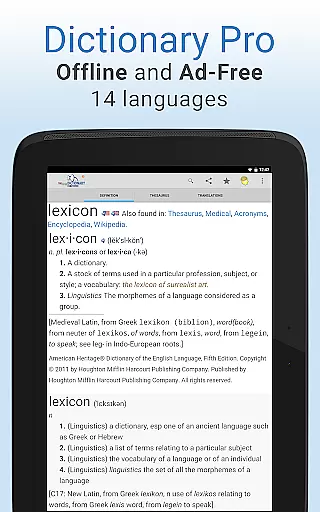
Dictionary Pro stands out with its robust set of features tailored for language enthusiasts and professionals alike. One of its key strengths is the extensive offline functionality, which includes a massive English dictionary and thesaurus along with support for multiple international languages. This ensures uninterrupted access to crucial information regardless of internet connectivity.
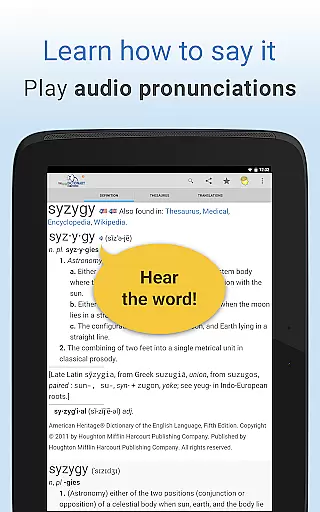
The app provides advanced search capabilities, enabling users to look up words using voice commands or by highlighting text within other apps. Each entry is enriched with multimedia elements such as audio pronunciations and illustrative examples. Furthermore, the inclusion of specialized dictionaries allows users to explore complex terms in fields like medicine, law, and finance with precision.
Additional noteworthy features include interactive word games, customizable homepage layouts, and the ability to share content across social platforms. These aspects not only make learning engaging but also cater to individual preferences, ensuring a personalized and efficient user experience.
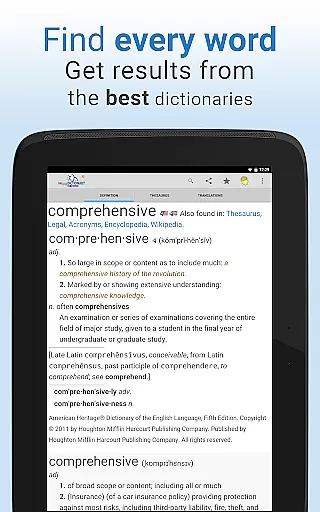
Dictionary Pro offers an extensive e-book library that includes a vast array of authoritative sources, making it a reliable tool for reference and learning. With content from over 100 dictionaries and encyclopedias provided by trusted publishers such as McGraw-Hill and Cambridge University Press, users have access to a wealth of knowledge at their fingertips.
The app's commitment to copyright authenticity is evident in its partnerships with reputable publishers and inclusion of well-known references like Webster's Dictionary and Roget's Thesaurus. This ensures that all the information accessed within the app is legitimate and respects intellectual property rights.
For users, this means they can trust the quality and legality of the content they are using. Whether they are looking up simple definitions or conducting in-depth research across specialty dictionaries in medical, legal, and financial fields, Dictionary Pro provides accurate and authorized information.
Moreover, the offline functionality allows users to access this comprehensive library without an internet connection, providing flexibility and convenience. The availability of dictionaries in 13 languages and translations into 40+ languages further enhances its value as a versatile and indispensable reference tool.
One of Dictionary Pro's standout features is its exceptional format compatibility, which ensures that users can enjoy a seamless experience regardless of their device or preferred method of interaction. The app supports voice search, allowing users to simply say the word they want to look up, thus catering to those who prefer hands-free operation.
Additionally, Dictionary Pro facilitates easy sharing of favorite words through various channels including social networks, email, and text. This cross-platform compatibility extends its utility beyond just a dictionary app, integrating smoothly into users' daily digital activities.
The app also allows for advanced searches and quick navigation to definitions, thesaurus entries, or translations with one button, streamlining the user experience. Its multilingual interface, available in more than a dozen languages, makes it accessible to a global audience, breaking down language barriers.
Furthermore, Dictionary Pro's ability to be accessed by other apps via API calls opens up possibilities for developers to integrate its rich content into their own applications. This interoperability underscores the app's adaptability and positions it as a pivotal resource in the realm of digital reference materials.
Comprehensive offline access
Ad-free environment
Voice search functionality
Customizable homepage
Multilingual support
Premium subscription required
Large app size
Limited free features
No live chat support
Occasional bugs

Shop over 13 million new and used books at up to 80% off list price
 4.20
4.20
Find, discuss, and organize your world of books and shows.
4.60
“It is fun to have fun, but you have to know how!”
4.40
Learn Thai with 195,000+ entries, crisp Thai sounds, big text; works offline.
4.80
"Do you like green eggs and ham?"
4.70
America's best dictionary and thesaurus - with premium content and no ads
3.40
Read unlimited novels, audiobooks, stories & Unlock ebooks, fanfiction and more!
4.70
A companion for prayer, with Azan alarm, Quibla direction, and Holy Quran book
4.10
Learn to tie more than 200 knots in 3D!
4.90
Daily thoughts, meditations, and prayers for living a sober life in recovery.
4.90
The Bible Audio Guide
4.80
Full text, sheet music, and recordings of the print edition
4.60
Build family tree & discover DNA, family history heritage, origins and ancestors
4.60
Bible Spiritual Companion
4.40
Learn Electricians' Handbook PRO complete guide beginners to advance.
4.40
Provides location information of vehicle Shift Interlock releases.
4.30
Essential Technical Rescue Field Operations Guide 6, the Industry Standard Guide
4.20
Prime novels await! Fantasy & Romance on JoyRead. Immersive reads!
4.20
CleverBook Pro makes the popular guide for the game even better!
4.00


User Reviews