
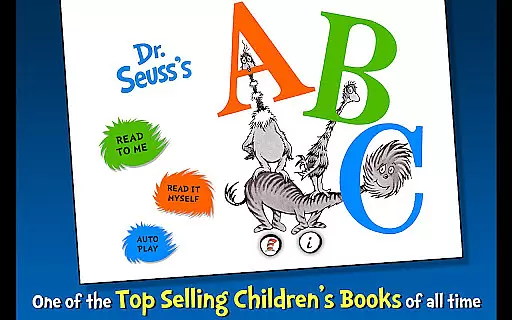
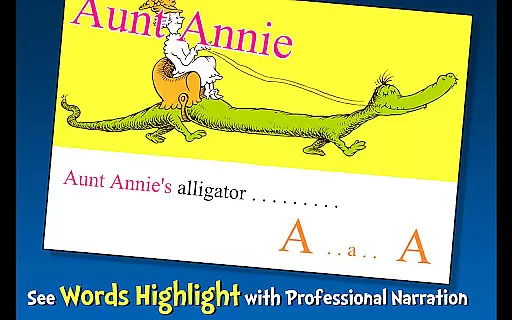
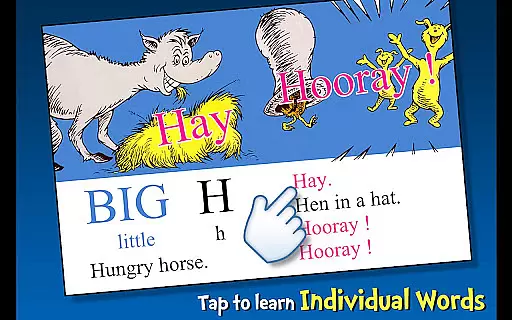
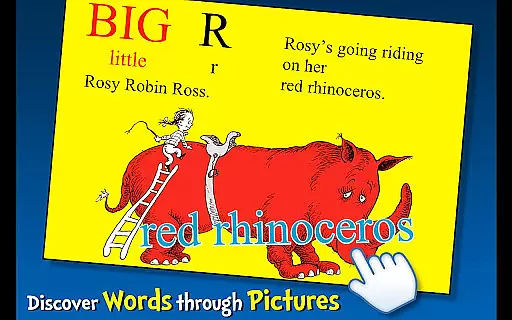
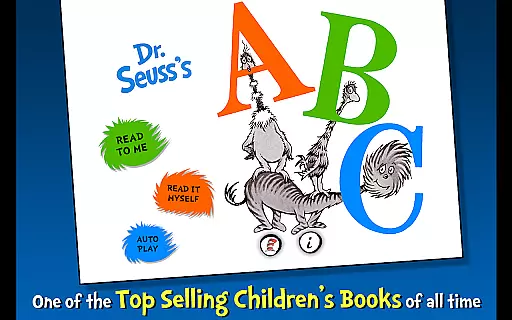
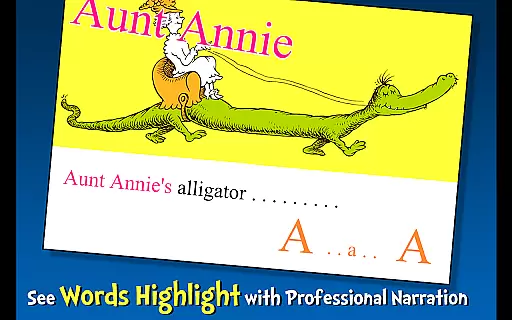
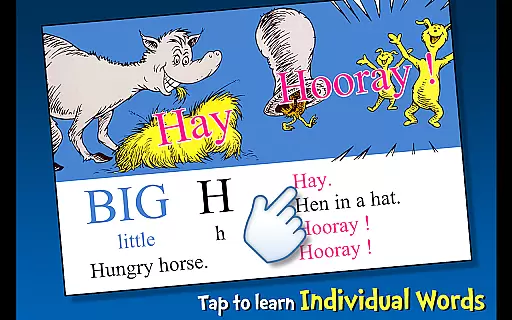
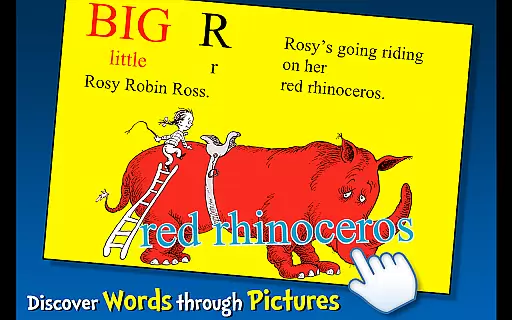
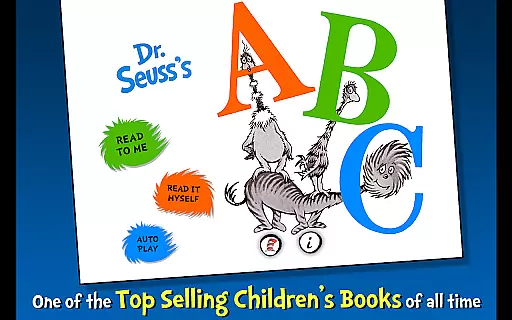
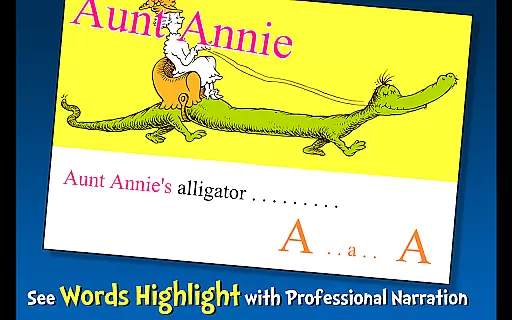
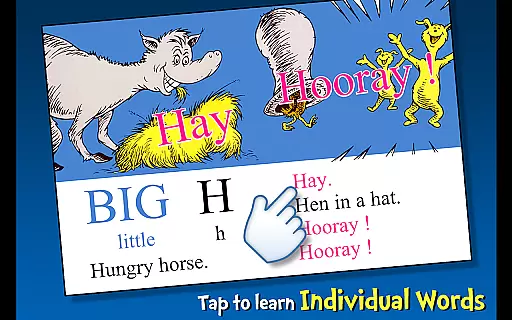
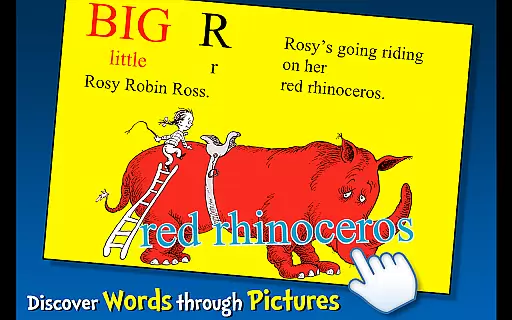
Dr. Seuss's ABC is an interactive book app designed to help young readers learn their ABCs through engaging storytelling and vibrant illustrations. The app offers three unique reading modes that cater to different learning styles, making it a versatile tool for early literacy development.
Key features include highlighted narration that promotes literacy skills, tappable words for expanding vocabulary, and interactive elements where objects can be tapped to hear their names read aloud. With content crafted specifically for children aged 2-6, this app provides an unforgettable first reading adventure with classic Dr. Seuss characters and stories.
Perfect for both independent exploration and guided learning with parents or educators, Dr. Seuss's ABC app turns the process of learning the alphabet into an enjoyable journey. Its official licensing ensures authentic Dr. Seuss content that families know and love, making it a valuable addition to any child's digital library.
This educational app stands out with its variety of interactive features designed to engage young learners. Highlighted narration helps children follow along as they listen, improving word recognition and reading fluency. The three distinct reading modes - Read to Me, Read It Myself, and Auto Play - provide flexibility for different stages of reading development.
Vocabulary building is made fun through tappable words that reveal their meanings, while interactive illustrations encourage exploration and language acquisition. Each page is filled with touchable elements that respond with audio cues, creating an immersive environment that promotes active learning.
The app's design caters specifically to early childhood education, with age-appropriate content that aligns with developmental milestones for children ages 2-6. Its intuitive interface requires minimal instruction, allowing young users to navigate independently. The combination of educational value and entertainment creates an optimal learning experience that keeps children engaged while developing crucial literacy skills.
Dr. Seuss's ABC offers a focused selection of content that guarantees both educational value and legal integrity. This app includes the complete text and illustrations from the original Dr. Seuss book, ensuring an authentic experience for young readers. The developers have secured proper licensing for Dr. Seuss properties, demonstrated by their official trademark and copyright acknowledgments. This attention to legal detail provides users with assurance that they are accessing legitimate content while supporting the author's intellectual property rights.
The application maintains a specialized focus on alphabet learning through its single-book offering. While some may look for a larger collection, this targeted approach allows for deep engagement with Dr. Seuss's distinctive method of teaching letters and vocabulary. Each page is carefully reproduced to preserve the original artwork and text, maintaining the quality expected from this renowned children's author. The permanent availability of this content ensures consistent access to this valuable educational resource.
Parents and educators can trust in the app's commitment to authentic content delivery. The maintained copyright standards help ensure that future updates will continue to provide reliable educational material. This dedication to proper licensing serves as a model for other educational applications in the children's learning space.
Dr. Seuss's ABC demonstrates excellent format compatibility across various devices, making it accessible to a wide range of young learners. The app supports both Android smartphones and tablets, automatically adjusting its display to optimize reading experiences on different screen sizes. This responsive design ensures that children ages 2-6 can enjoy the interactive features regardless of their device type, promoting greater accessibility to early literacy education.
The application incorporates multiple reading formats to accommodate different learning styles and preferences. Users can choose from three distinct reading modes: read to me, read it myself, and auto-play. These options cater to various stages of reading development, from those just beginning to recognize letters to more confident young readers. The inclusion of highlighted narration further enhances format flexibility by connecting spoken words with written text.
Technical compatibility extends beyond basic display adjustments. The app integrates interactive elements such as tappable words and objects that respond consistently across supported devices. These features maintain their functionality regardless of whether the child is using an older or newer Android device. The developers' attention to technical performance ensures smooth operation and reliable access to all educational features, contributing to a frustration-free learning environment for young users.
Engaging interactive elements
Three flexible reading modes
Official Dr. Seuss content
Highlighted narration feature
Vocabulary expansion tools
Limited to basic alphabet learning
Additional content requires purchase
No advanced reading levels
Some features feel repetitive
Interface may seem outdated

Guide for dōTERRA® Products
 3.60
3.60
A guide for the Court of Atonement spiritual healing process.
4.5
This is the pro version King James bible Offline that we have
4.70
Read the romance stories on the go. Take my breath away, The Spoiled Girl
4.30
Bible Study App with Audio Book, Verse of the Day, and Devotionals.
4.80
Enjoy your favorite books
3.50
Read unlimited novels, audiobooks, stories & Unlock ebooks, fanfiction and more!
4.70
Read the Quran in Arabic alongside its translation, with color coded Tajweed.
4.50
Liturgy of the Hours and Mass for every day of every year. No Internet needed!
5.00
Flora of Virginia Project (www.floraofvirginia.org)
5.00
Daily Prayer, personalized Bible Study, AI-guided Insights, and Spiritual Growth
4.80
Contains the 365 daily readings and everything other thing needed for catholics
4.70
Discover, track, and share your reading with friends & our community of readers
4.60
Offline translator from english to spanish, and from spanish to english.
4.50
The ultimate military vehicle identification (Equipment ID) guide.
4.40
Bilingual dictionary with English translations of Modern Standard Arabic words.
4.30
A wonderful reader for good time spend.
4.20
A story reading app: Read stories, novels and books, or write your own.
3.90
Battle Royale Chapter 5 Season 2 HD Wallpapers Emotes Skins and BattlePass
3.00


User Reviews