
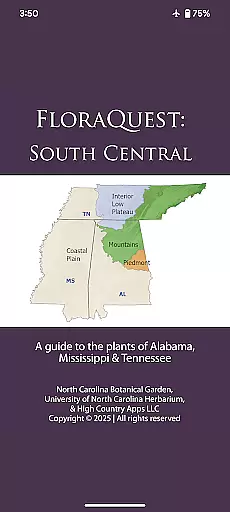
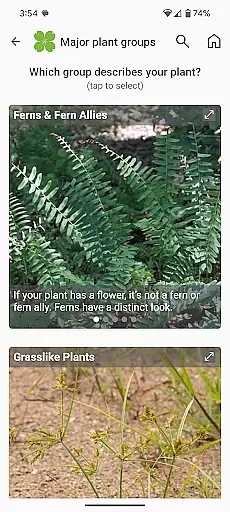
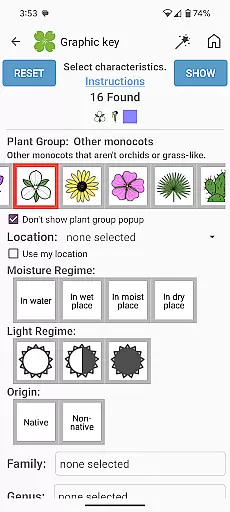
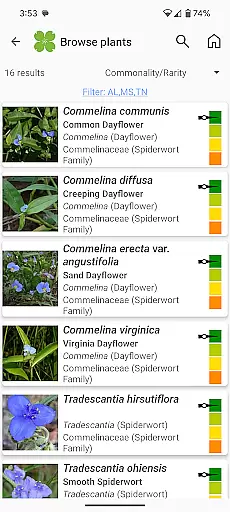
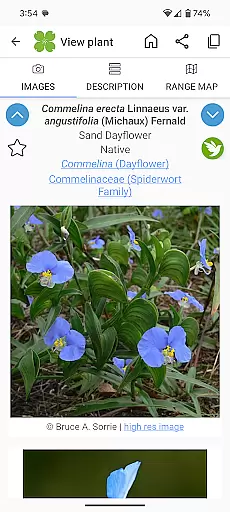
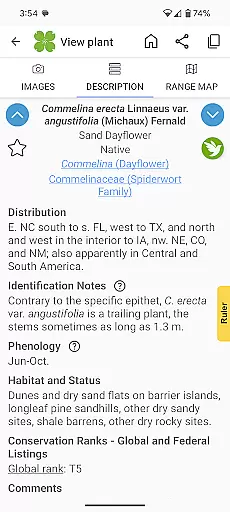
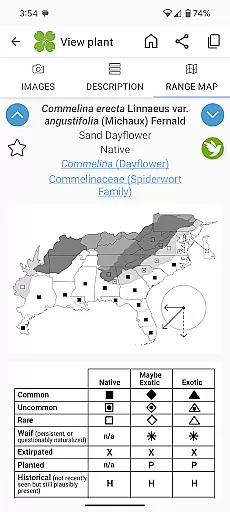
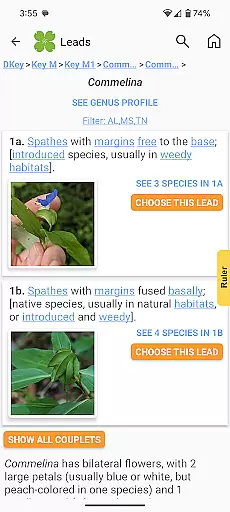
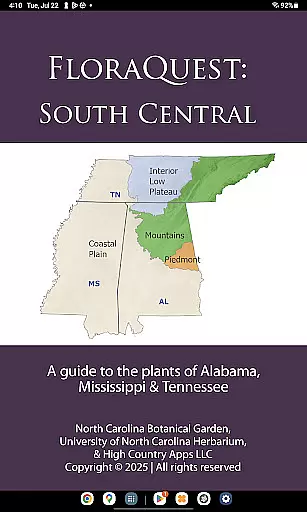
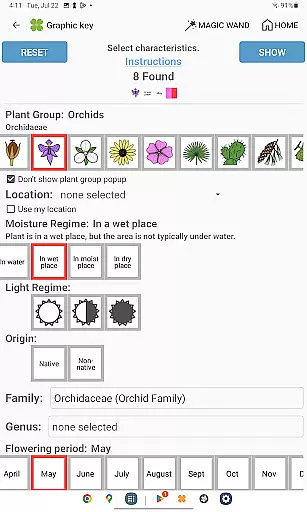
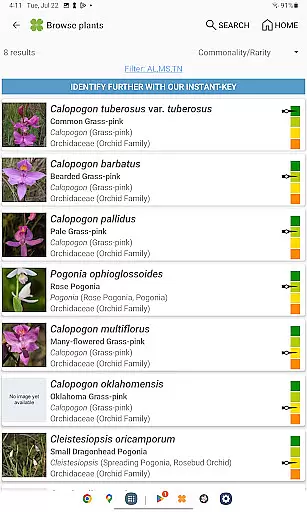
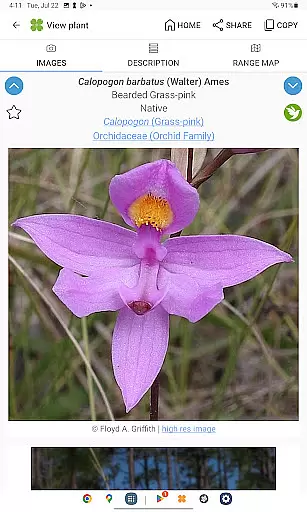
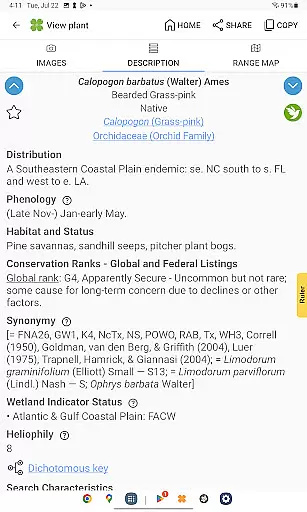
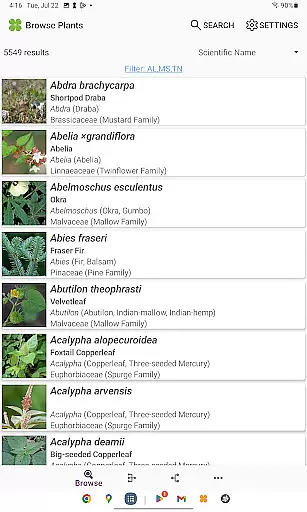
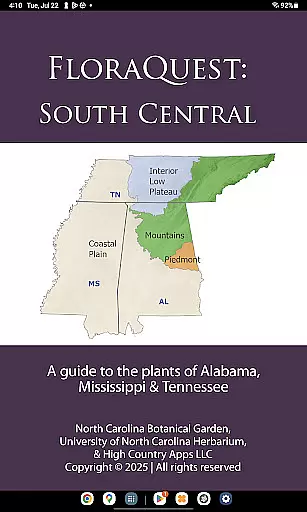
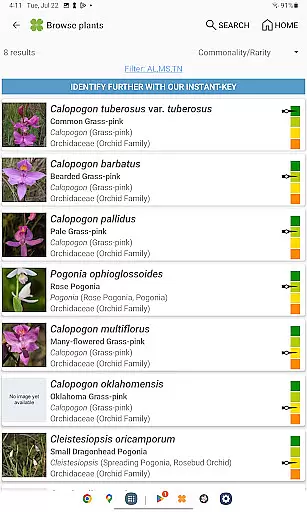
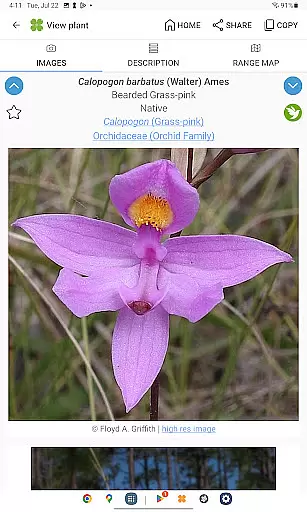
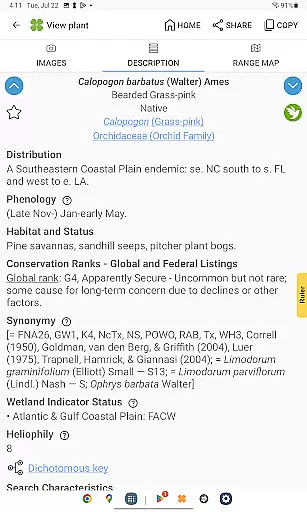
FloraQuest: South Central is an extensive plant identification app developed by the University of North Carolina's Southeastern Flora Team. This comprehensive guide covers 5,549 plant species across Alabama, Mississippi, and Tennessee, making it an essential tool for botanists, ecologists, and nature enthusiasts. The app features easy-to-use graphic keys, detailed habitat descriptions, and a vast library of over 38,000 diagnostic photographs.
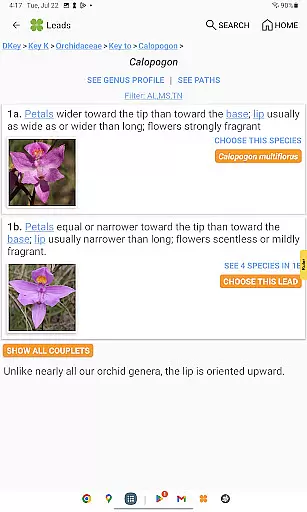
One of the standout features is its offline functionality, allowing users to identify plants without an internet connection. The app also includes powerful dichotomous keys, comprehensive range maps, and illustrated glossary terms. These tools make plant identification more accessible and accurate than ever before. Whether you're a professional botanist or a curious nature lover, FloraQuest provides valuable information in a user-friendly format.
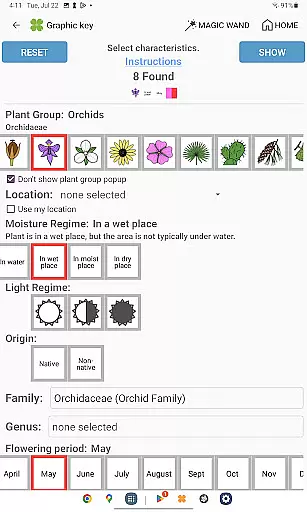
The app's enhanced search functionality and 'Great Places to Botanize' feature help users discover recommended botanical exploration sites across the region. With dark mode support and improved graphic keys, FloraQuest offers both practical utility and user comfort. This makes it particularly valuable for field research and educational purposes, providing a complete package for plant identification and study.
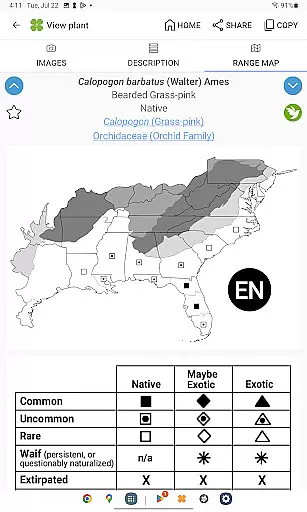
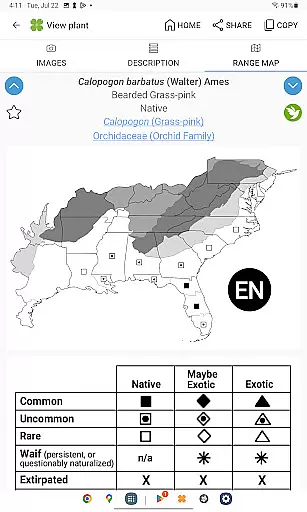
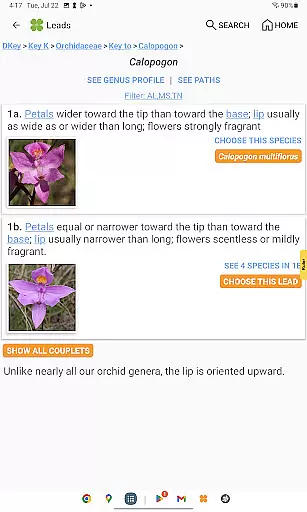
FloraQuest: South Central stands out with its array of advanced features designed for optimal plant identification. The app includes illustrated glossary terms and image-enhanced dichotomous keys, which significantly improve the accuracy and ease of identifying plant species. These features are complemented by detailed habitat descriptions and comprehensive range maps, offering users a holistic understanding of each plant's ecological context.
Another remarkable feature is the offline capability, enabling users to access the app's full functionality without an internet connection. This is particularly useful for fieldwork in remote areas. The app also supports plant sharing capabilities, allowing users to exchange information easily. Enhanced search functionality with base 2 and base 3 codes ensures quick and precise results, streamlining the identification process.
Additionally, FloraQuest offers a 'Great Places to Botanize' section, guiding users to prime botanical exploration sites across Alabama, Mississippi, and Tennessee. Dark mode support and improved graphic keys enhance user experience, especially during extended use. These features collectively make FloraQuest an indispensable tool for anyone interested in botany, from students to professional researchers.
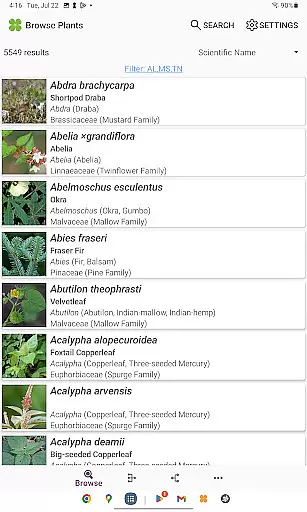
FloraQuest: South Central offers an extensive e-book library comprising detailed information on 5,549 plant species found across Alabama, Mississippi, and Tennessee. This vast collection ensures that users have access to a comprehensive database of flora, making it an essential tool for both enthusiasts and professionals in the field.
The app guarantees copyright authenticity by working directly with the University of North Carolina's Southeastern Flora Team, ensuring all content is credible and authorized. With over 38,000 high-quality diagnostic photographs included, users can trust the accuracy and legitimacy of the information provided.
By providing such a rich repository of botanical data, FloraQuest: South Central supports offline identification without requiring an internet connection. This feature not only enhances user convenience but also assures that the library remains accessible regardless of connectivity issues.
One of the standout features of FloraQuest: South Central is its superior format compatibility, accommodating various types of media within its platform. Users can seamlessly interact with graphic keys, dichotomous keys, habitat descriptions, range maps, and a multitude of diagnostic images, enhancing their overall experience.
The app supports illustrated glossary terms and image-enhanced dichotomous keys, which cater to different learning styles and preferences. These formats make complex botanical information more digestible and engaging for users at all levels.
Additionally, FloraQuest: South Central includes enhanced search functionalities using base 2 and base 3 codes, allowing for precise and efficient navigation through its expansive content library. Such robust format compatibility ensures that every user can find and utilize the resources they need effectively.
User-friendly interface
Offline functionality
Comprehensive plant database
High-quality images
Enhanced search options
Limited to specific regions
Large app size
Advanced features may overwhelm beginners
Occasional updates needed
Some features locked behind paywall

"BIG A, little a. What begins with A?"
 4.10
4.10
Sea tide predictions for all coastal U.S. locations.
4.4
Offline dictionary for learning Cantonese as a second language
4.90
Read the KJV Bible with Strong’s offline: reading plans, audio Bibles, and more.
4.70
Battle Royale Chapter 5 Season 2 HD Wallpapers Emotes Skins and BattlePass
3.00
The dynamic dictionary/reference app for piano chords and scales!
4.80
F9 Cookbook Mobile App
4.60
Learn to tie more than 200 knots in 3D!
4.90
Follow complex state CCW permit laws and lawfully carry firearms in each state.
4.80
Daily rosary and gospel reflections for catholic
4.90
Holy Bible, a KJIV Bible study, audios & daily verses, talk with God now.
4.80
The Bible Audio Guide
4.80
Find, discuss, and organize your world of books and shows.
4.60
Bible Spiritual Companion
4.40
Bilingual dictionary with English translations of Modern Standard Arabic words.
4.30
Prime novels await! Fantasy & Romance on JoyRead. Immersive reads!
4.20
Zerobooks Light Novel Reader by GOLDENAGATO
4.20
“There was one last piece of cake. My little sister said ‘Me too!’”
4.00
Novels, audiobooks, ebooks & fanfiction. Read anytime, anywhere!
3.40


User Reviews