
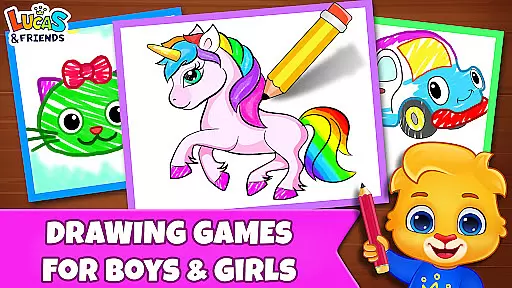
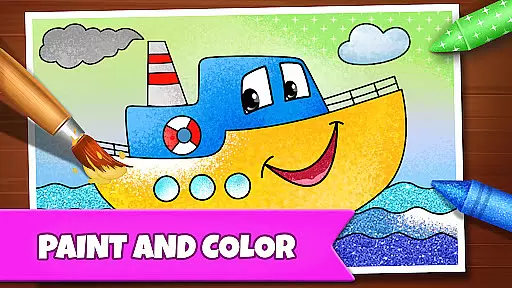
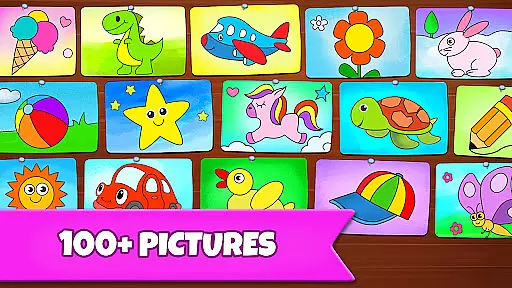
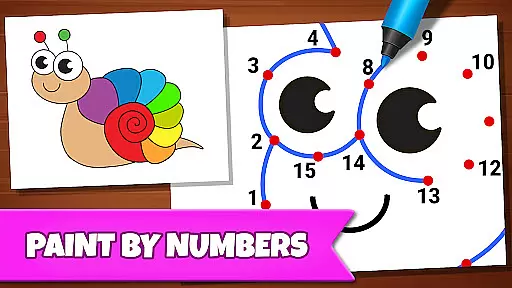
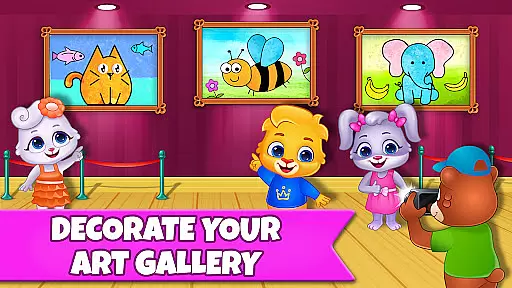
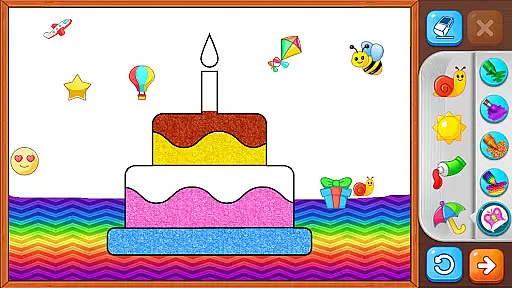
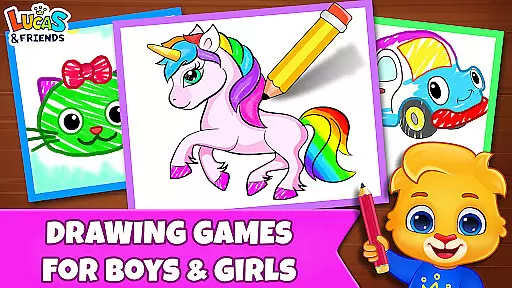
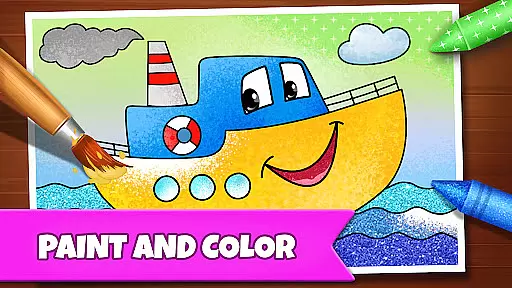
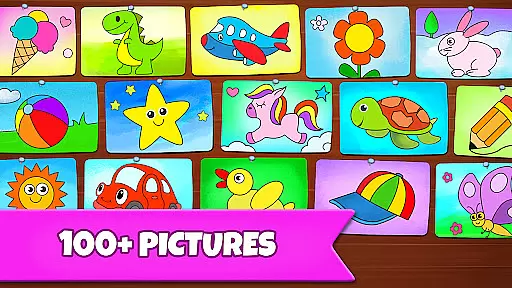
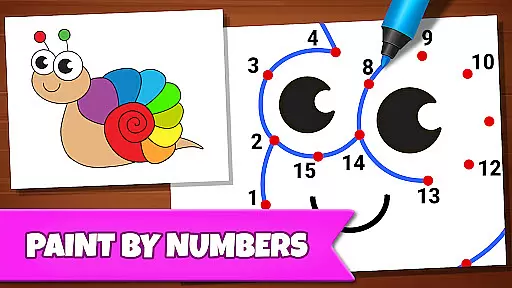
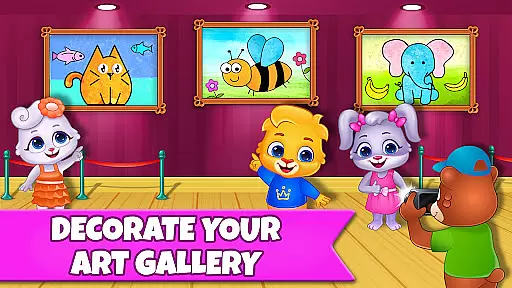
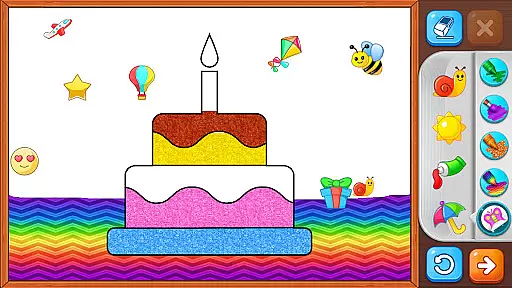
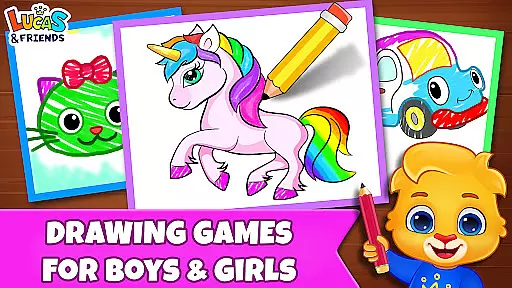
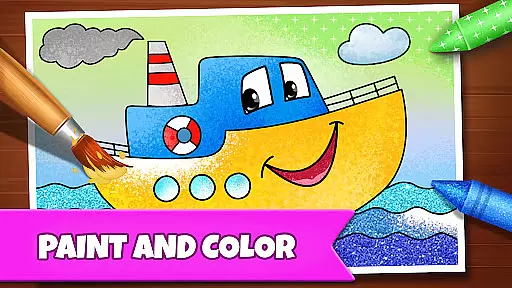
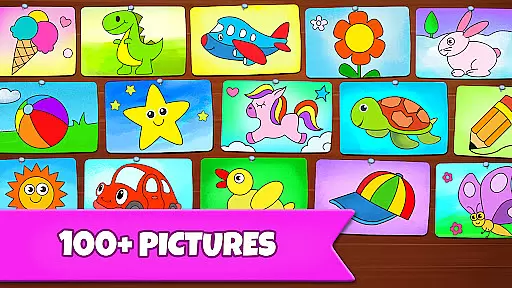
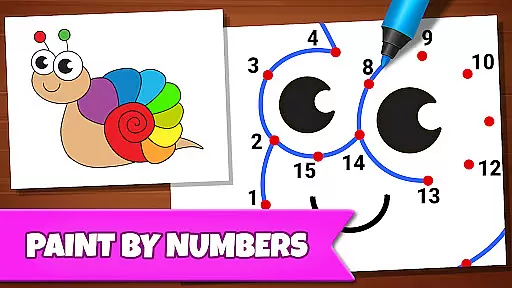
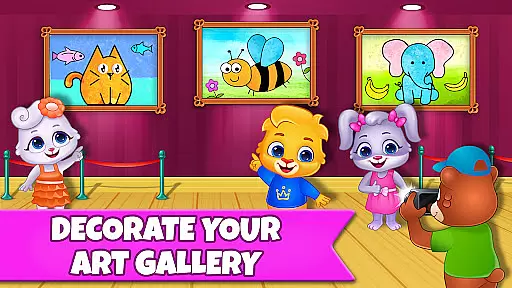
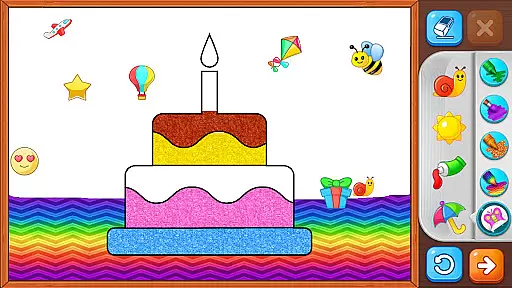
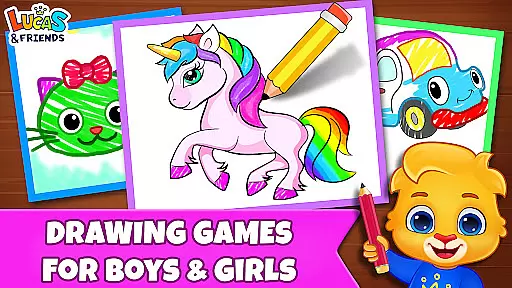
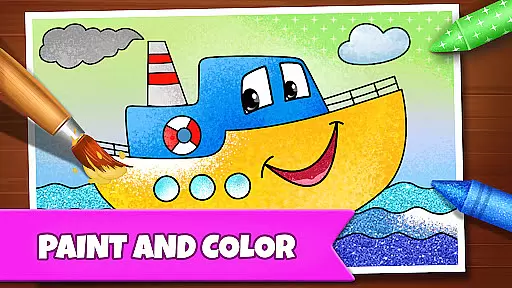
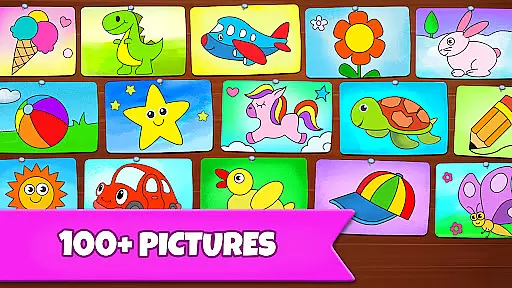
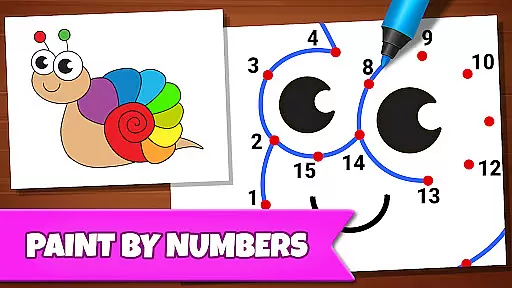
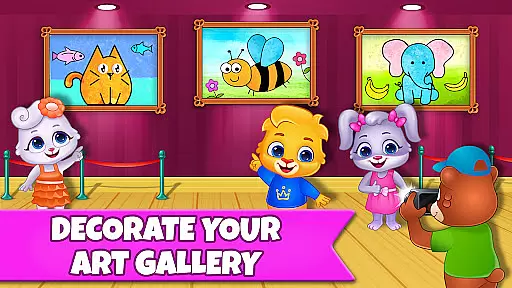
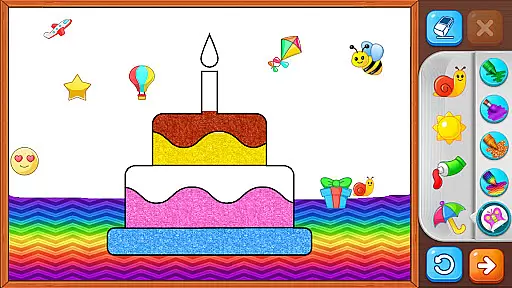
Drawing Games: Draw & Color is an educational app designed to engage children in creative drawing and coloring activities. The app offers a variety of modes that teach kids how to draw, connect the dots, and even use glow paint in a digital coloring book. With interactive features like Learn to Draw, Auto Draw, and Connect & Color, children can develop their artistic skills while having fun.
This app is perfect for parents who want their kids to learn through play. It combines entertainment with education by helping children recognize shapes, numbers, and pictures through enjoyable drawing exercises. The app provides a safe environment where toddlers, preschoolers, and kindergartners can express themselves creatively without any distractions from ads or in-app purchases.
The Drawing Games app boasts several unique features that make it stand out among other educational apps. One key feature is its diverse range of drawing modes, including Learn to Draw, which guides children step-by-step through the drawing process, and Memory Drawing, which challenges them to replicate lines from memory. These modes not only entertain but also enhance cognitive skills such as memory retention and hand-eye coordination.
Another notable aspect is the app's commitment to providing a distraction-free experience. There are no in-app purchases or advertisements, ensuring that children remain focused on their artistic endeavors. Additionally, the inclusion of glowing pens and vibrant stickers keeps kids engaged for hours, making learning an enjoyable experience. Each feature is designed to foster creativity while subtly teaching important developmental skills.
In educational apps, content authority and curriculum alignment are crucial for ensuring that children receive accurate and relevant learning experiences. Drawing Games: Draw & Color takes this responsibility seriously by offering a variety of modes that teach essential skills such as shapes, numbers, and picture recognition.
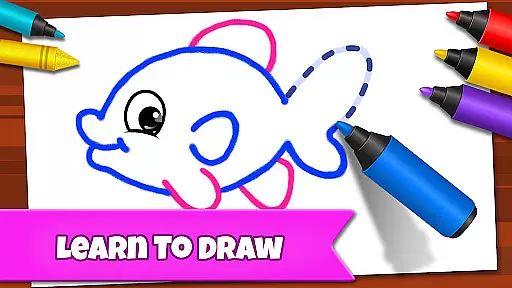
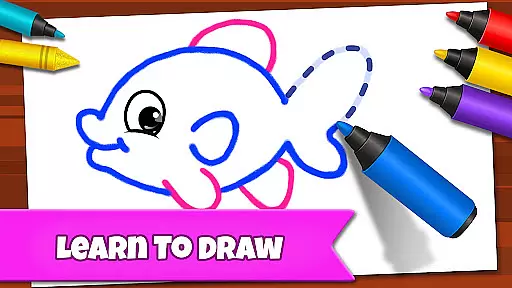
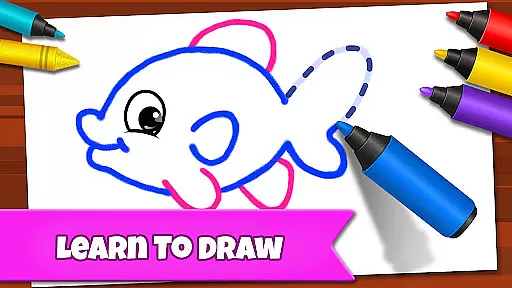
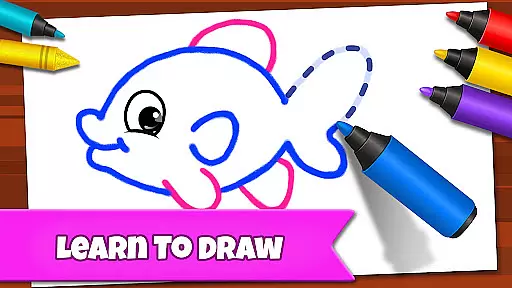
The app's Learn to Draw mode provides step-by-step guidance, allowing kids to understand the process of drawing while aligning with basic art curricula. The Connect the Dots feature not only entertains but also educates by helping children grasp number sequences and spatial awareness, which are often part of early childhood education standards.
Parents can trust that their children are engaging with a reliable educational tool that has been thoughtfully designed to match developmental milestones. By integrating play with learning objectives typically found in preschool and kindergarten settings, Drawing Games ensures that every activity is both enjoyable and enriching.
Gamification in learning transforms traditional educational content into interactive experiences that captivate young minds. Drawing Games: Draw & Color excels in this area by incorporating game-like features such as Auto Draw, Glow Paint, and Memory Drawing, which make learning an adventure.
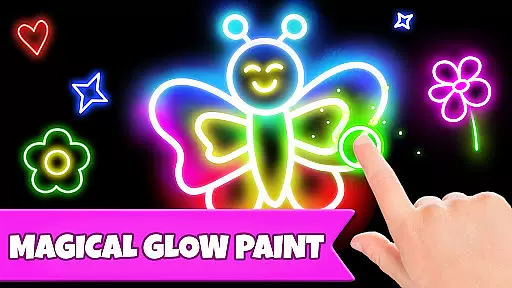
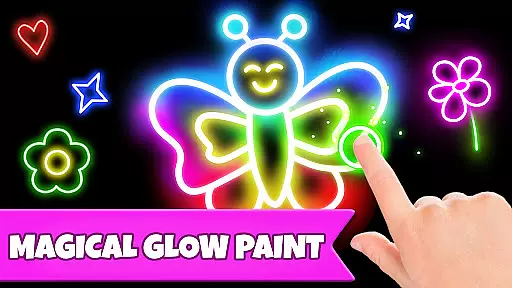
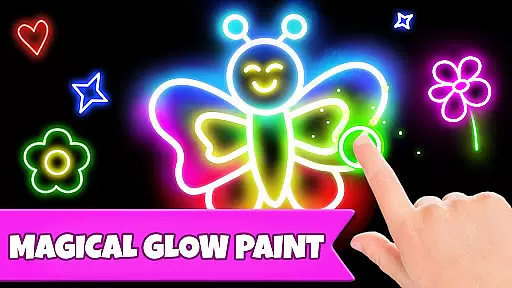
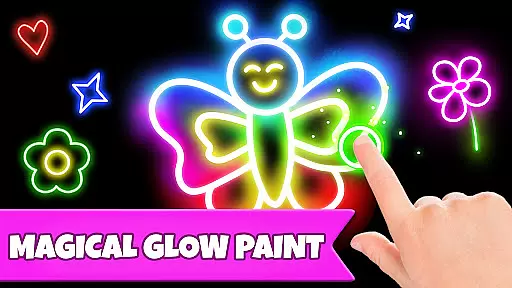
Each mode within the app is crafted to maintain a balance between fun and educational value. For instance, the Memory Drawing feature challenges kids to recall and replicate lines from memory, enhancing cognitive abilities through playful interaction. Similarly, Glow Paint adds an element of excitement with vibrant colors, encouraging creativity while subtly reinforcing fine motor skills.
This seamless blend of gaming elements with educational content keeps children engaged longer, promoting deeper learning. With no in-app purchases or ads, Drawing Games offers a focused environment where kids can explore, learn, and grow at their own pace, making it an ideal choice for parents seeking quality educational entertainment.
User-friendly interface
Educational content
No in-app purchases
Engaging activities
Safe environment
Limited advanced tools
Basic color options
Fewer updates
Simple graphics
Offline only

Explore & build the cute kitty city, create fun stories & discover surprises!
 4.4
4.4
Woof! The very first official Hey Duggee app for CBeebies' new favourite show.
3.70
Fun educational games for kids that teach number tracing, counting with modes!
4.50
Play the fun princess party game for kids with Cocobi the little dinosaurs.
4.10
Play the fun healthy habits game for kids with Cocobi the little dinosaurs.
3.40
Fun educational jigsaw puzzles for kids and preschoolers.
4.50
Dress up, Makeover, and Party! Design a Wonder World!
3.90
Master your phonics letters and sounds with the Alphablocks!
3.80
Enjoy coloring with wide variety of 1000+ coloring games for kids & drawing game
4.50
Learn numbers, letters, and shapes playing toddler balloon pop games ►NoAds◄
4.60
Monkey Preschool Fix-It is an early learning game for ages 2 to 5.
4.40
A cube building game for small (and large) builders.
4.40
Animal games! Adopt virtual pet dog, cat & rabbit to create your pet world!
4.10
Welcome to the dollhouse! Unboxing, doll games, dress up & cute pets await!
4.00
Daycare full of baby games! Take care of cute toddlers & play fun mini-games!
3.90
Practice Early Literacy Skills and Build Vocabulary with Elmo & Cookie Monster!
3.90
Create, design & explore Mia’s avatar game world! Dress up a dreamhouse you love
3.80
A game to memorize
4.3
Discover the infinite cycles of the universe
4.1


User Reviews