
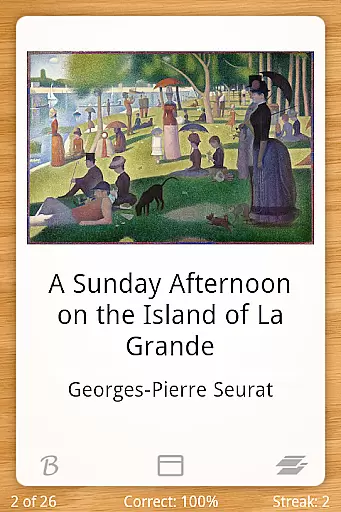
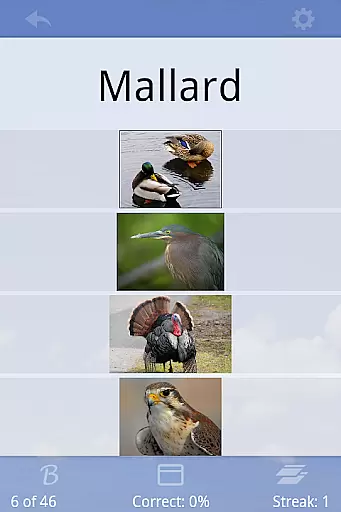
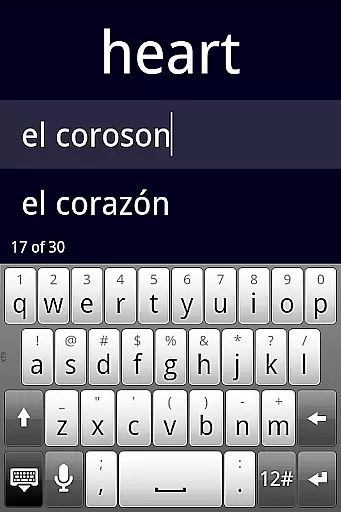
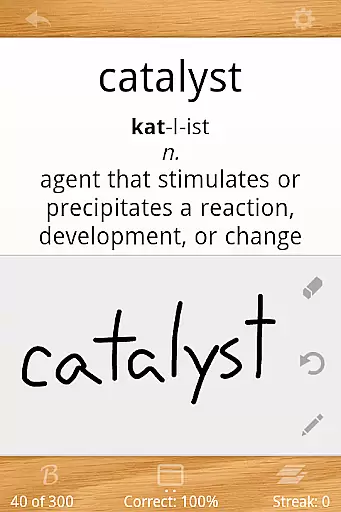
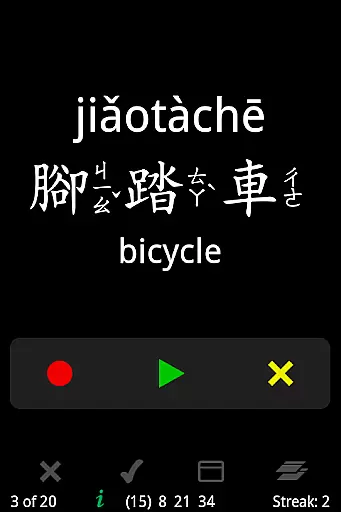

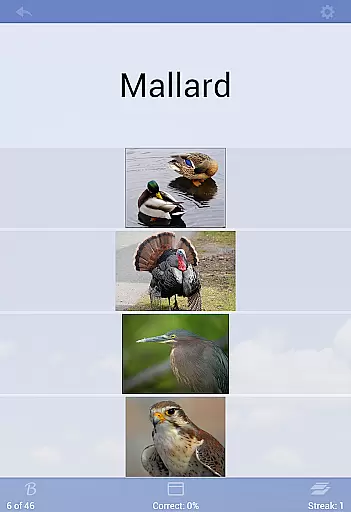
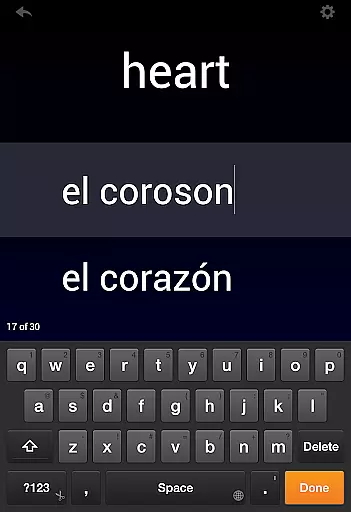
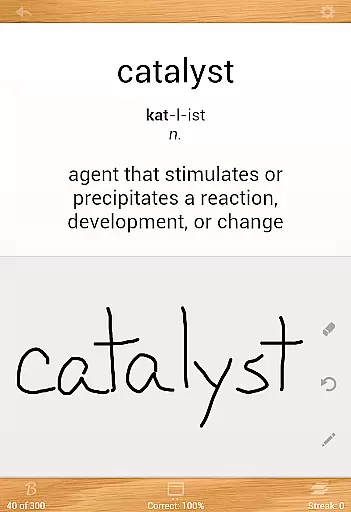
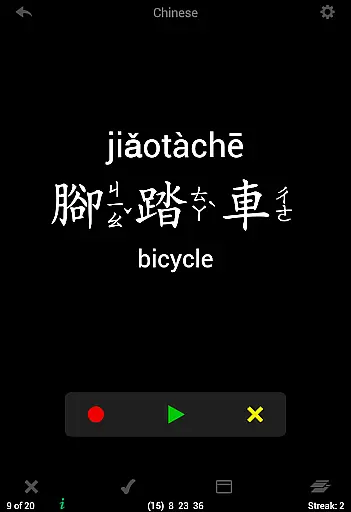
Flashcards Deluxe is a comprehensive flashcard app designed to help users study various subjects effectively. The app offers two smart study modes, Leitner and Spaced Repetition, which prioritize cards based on user performance, ensuring efficient learning. With support for text-to-speech in 18 languages, users can study without an internet connection, making it versatile for different environments.
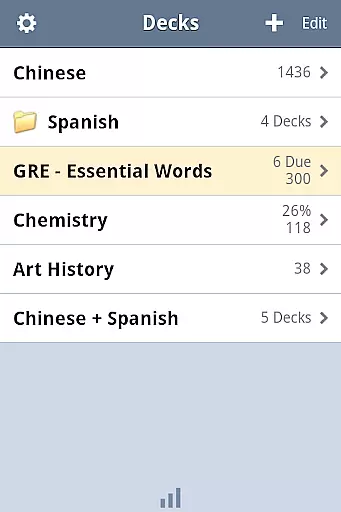
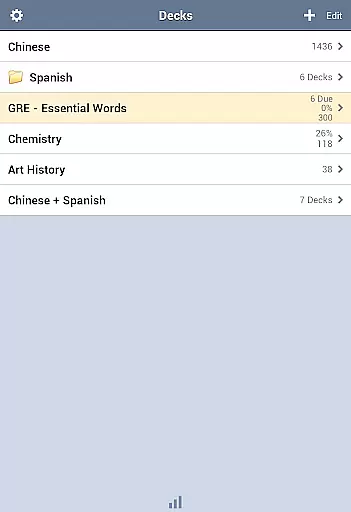
The app allows for extensive customization, including multiple choice options, spelling tests, and the ability to include pictures and sounds. Users can organize their decks into folders, categorize cards, and choose from several color themes. Flashcards Deluxe also supports features like automatic card disabling after mastery, slideshow mode, and easy navigation, providing a robust studying tool suitable for both casual learners and advanced users.
Whether you are studying for exams or expanding your knowledge in a particular area, Flashcards Deluxe serves as a valuable resource. Its combination of powerful features, ease of use, and adaptability makes it an essential tool for anyone looking to enhance their learning experience through digital flashcards.
Flashcards Deluxe stands out with its array of features tailored to optimize the learning process. One of its key features is the implementation of two intelligent study modes: Leitner and Spaced Repetition. These modes automatically emphasize cards that users struggle with, enhancing memory retention over time. Additionally, the app includes text-to-speech functionality in 18 languages, enabling offline study sessions and catering to auditory learners.
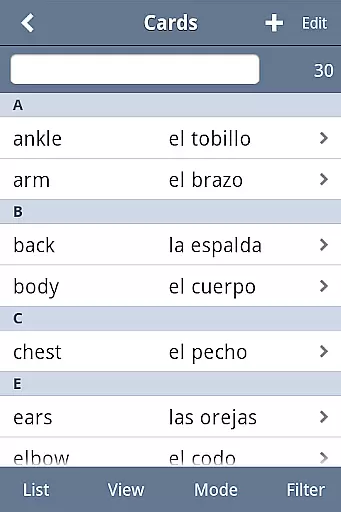
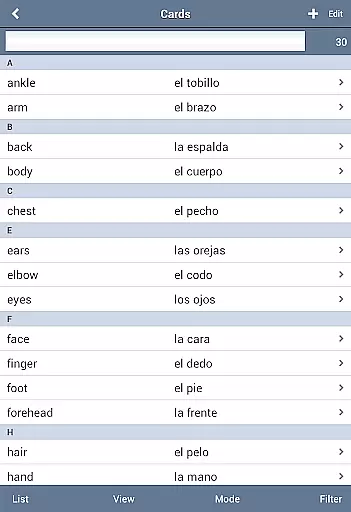
The app provides diverse study options such as multiple choice quizzes, spelling tests, and the ability to incorporate multimedia elements like images and audio. Users can customize their experience by organizing cards into categories, selecting from various color themes, and adjusting settings to suit their preferences. Advanced features include three response levels for more nuanced feedback, automatic card disabling upon mastery, and drawing self-graded answers directly on the screen.
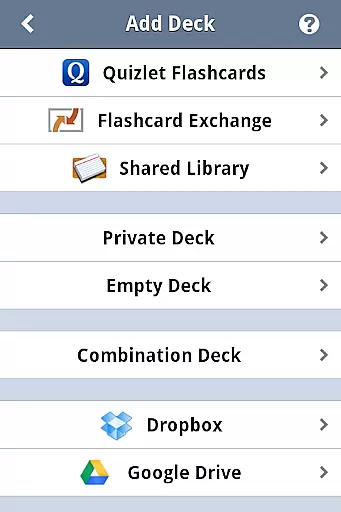
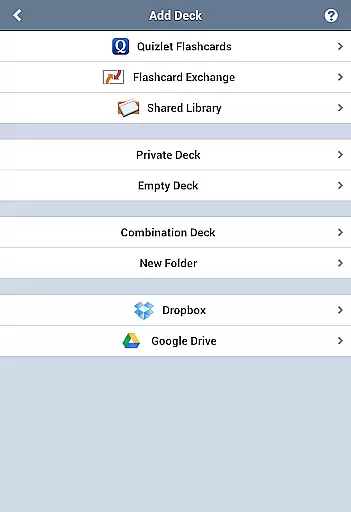
With support for Dropbox and Google Drive, Flashcards Deluxe ensures users can back up their data and access it across devices. The app's clean interface, full-screen mode, and landscape viewing further enhance usability. Whether importing large decks or browsing shared libraries, this app equips users with everything needed to create, manage, and study flashcards efficiently.
Flashcards Deluxe ensures content accuracy and authority by providing users with a robust platform to create, manage, and study flashcards. The app supports the inclusion of text, pictures, and sounds, allowing for rich, multimedia learning experiences that cater to various educational needs.
The app offers two smart study modes, Leitner and Spaced Repetition, which are grounded in established learning theories. These modes automatically prioritize cards that users struggle with, enhancing the efficiency and effectiveness of study sessions. This methodological approach underpins the app's commitment to delivering authoritative and pedagogically sound content.
Furthermore, Flashcards Deluxe allows users to import large decks of up to 10,000 cards easily, ensuring comprehensive coverage of subjects. With Dropbox and Google Drive support, users can back up their flashcards, safeguarding their study materials against loss and ensuring that their learning content remains accurate and up-to-date over time.
One of the standout features of Flashcards Deluxe is its ability to offer personalized learning paths tailored to individual user needs. By supporting 1 to 5 sided cards and including options for text-to-speech in 18 languages, the app caters to diverse learning styles and preferences, making it an invaluable tool for learners worldwide.
The app also includes multiple choice and spelling test options, enabling users to engage with content in varied ways that suit their unique learning strategies. Additionally, the three response levelsu2014Wrong, I kind of know, I know really wellu2014allow for nuanced self-assessment, facilitating more personalized and adaptive learning experiences.
Moreover, the ability to divide cards into categories and organize decks in folders empowers users to structure their learning materials in a way that aligns with their specific educational goals. This organizational flexibility, combined with advanced study modes, ensures that each user can craft a bespoke learning journey that maximizes their academic potential.
User-friendly interface
Powerful study modes
Extensive customization
Offline functionality
Multimedia support
Premium version cost
Complex for beginners
Limited free features
Occasional bugs
Heavy on resources

scanner body part for fun Prank friends realistic scan effects
 3.00
3.00
Learning the ancient Viking language made simple
4.70
Explore myths and gods across cultures with in-depth insights and stories.
5.00
AI Language tutor: Speak fluently with Lucy’s personalized coaching
4.70
Perform physics experiments with your phone. (by the RWTH Aachen University)
4.70
Astronomy Guide to the Night Sky
4.40
Age-Related Child Developmental Milestones
4.80
Practice Casino Roulette Payouts for Table Game Dealers and Croupiers
4.40
Courses, certificates, degrees
4.50
Guitar chord finder, analyzer, smartly visualized theory, progressions, quizzes.
4.70
Engage in learning science and math with the award-winning PhET simulations!
4.70
Study for your 608 certification.
4.50
Monkey Preschool Lunchbox: 7 exciting educational games for your preschooler.
4.30
The "Go To" app for Airmen studying for promotion to SSgt and TSgt
4.30
Break Language Barriers with AI—Learn Language Anytime, Anywhere!
4.00
Explore numbers the Starfall way!
4.00
Make your own game and world. Draw and animate characters
3.70
A collection of favorite stories from Daniel Tiger's Neighborhood
2.00
Animals pop up and make sounds—learn names and noises in Peekaboo Barn!
4.3


User Reviews