
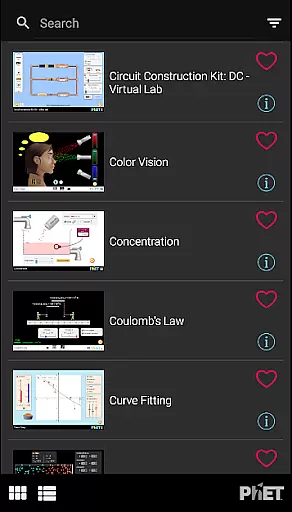
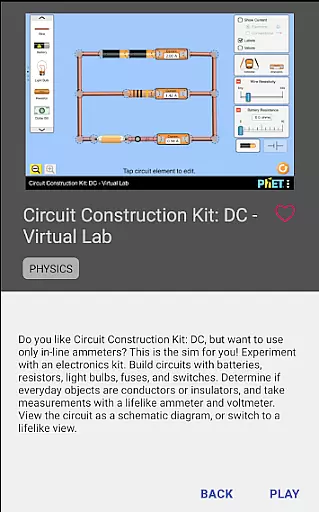
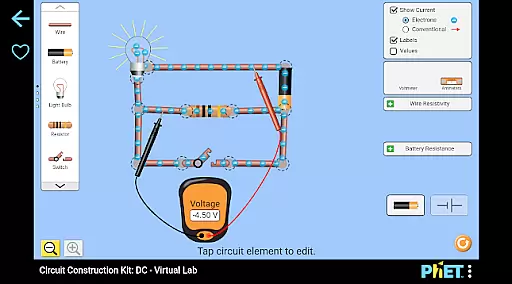
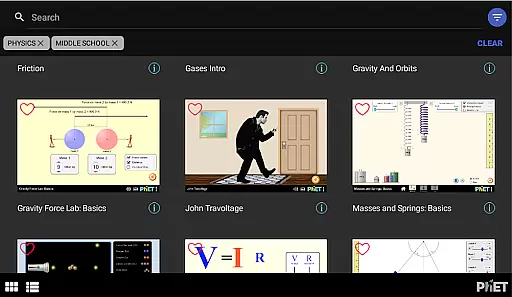
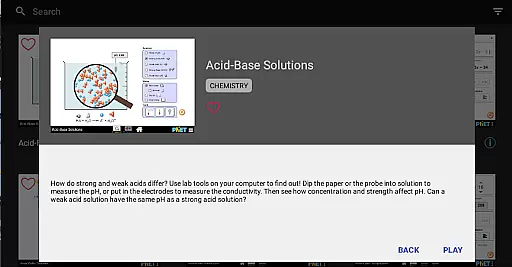
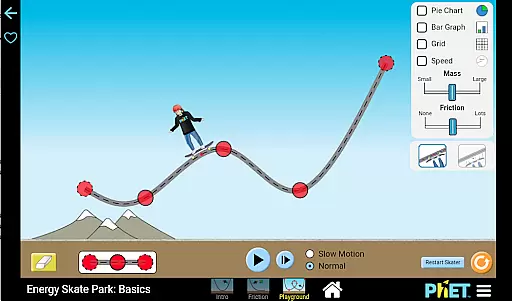
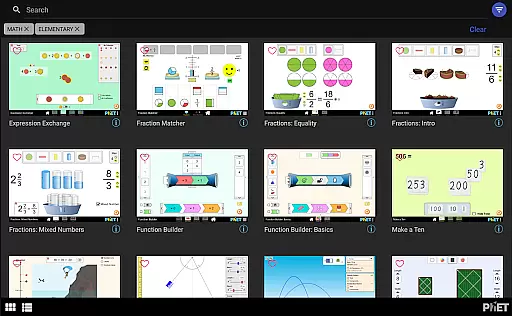
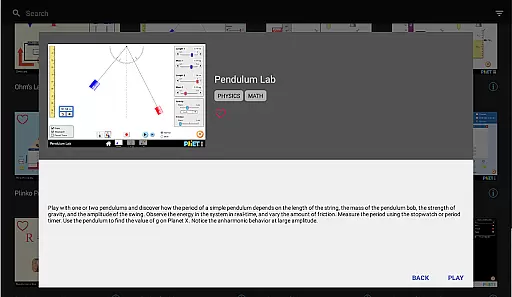
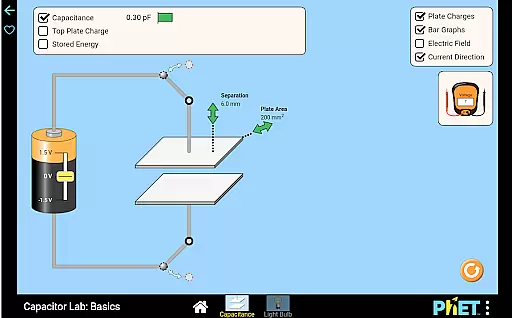
PhET Simulations is an educational app that provides access to over 85 interactive HTML5 simulations, designed for learning science and math. Developed by experts at the University of Colorado Boulder, this app caters to various learners, whether they are understanding atoms, exploring energy, or mastering multiplication.
The app offers offline play, multiple language support, favorites collection, automatic updates, easy sorting, and fullscreen options. It's suitable for parents who want to engage their children in educational discovery, teachers seeking accessible teaching tools, administrators ensuring seamless school use, and students eager to learn on the go.
PhET Simulations stands out with its comprehensive suite of features tailored for diverse educational needs. The app includes offline functionality, allowing uninterrupted learning without a WiFi connection, which is perfect for commuting or outdoor use.
It supports multiple languages, catering to bilingual learners and international users. Users can curate their favorite simulations into custom collections, while automatic updates ensure access to the latest content. Easy sorting and fullscreen modes enhance usability, making it an essential tool for modern education.
In the realm of educational tools, content accuracy and authority are paramount. PhET Simulations delivers on both fronts by providing over 85 HTML5 simulations developed by experts at the University of Colorado Boulder.
These simulations cover a wide range of subjects from understanding atoms to mastering multiplication, ensuring that each sim is not only accurate but also pedagogically sound. The expertise behind these sims guarantees that learners receive information that aligns with current scientific and mathematical knowledge.
Furthermore, the app's automatic update feature ensures users always have access to the latest versions of these authoritative simulations. This means educators can trust that their teaching materials remain up-to-date without manual intervention.
For students, teachers, and parents alike, this commitment to precision and reliability in educational content provides peace of mind knowing they are engaging with top-tier learning resources.
PhET Simulations offers personalized learning paths through its diverse collection of interactive simulations tailored for every type of learner. Whether you're a student eager to explore complex concepts or a teacher looking for dynamic classroom resources, customization is key.
The Favorites feature allows users to curate their own selection of sims, creating a personalized library that caters specifically to individual learning needs and interests. This empowers learners to focus on areas where they need more practice or wish to delve deeper into subject matter.
Additionally, multiple language options make it easier for bilingual learners to engage with content in their preferred language, further enhancing personalization. By removing linguistic barriers, PhET ensures an inclusive environment conducive to learning.
With easy sorting capabilities and fullscreen mode for optimal exploration, each useru2019s journey through science and math becomes uniquely theirsu2014fostering engagement and mastery at one's own pace.
User-friendly interface
Offline access
Multilingual support
Regular updates
Interactive simulations
Limited accessibility
No Java simulations
Occasional bugs
Heavy on storage
Requires frequent updates

Gain new skills in 10 minutes
 4.70
4.70
THE MOST COMPREHENSIVE JUMPMASTER STUDY RESOURCE AVAILABLE.
3.40
Pass your FAA written with flying colors - Study Buddy can help.
4.30
Explore numbers the Starfall way!
4.00
Explore the City of the Sun in Augmented Reality
3.70
Our most popular app series returns, better than ever!
3.90
Stack the Countries makes learning world geography fun!
4.50
The FE Clock is a way to track sun & moon around the circle of the earth.
4.30
Cool math games & learn to read activities- loved by kids, approved by teachers.
4.50
The best way to study for your amateur radio license exam.
4.90
AI Language tutor: Speak fluently with Lucy’s personalized coaching
4.70
2026 DVSA Driving Theory Test revision with Hazard Perception + Highway Code
4.60
An easy to use yet powerful and full-featured flashcard study app.
4.50
Ignite curiosity, spark learning: All babybus videos &games
4.30
One of the most engaging and innovative ABC apps on the market.
4.30
Designed for Calculator 84 users
4.20
Break Language Barriers with AI—Learn Language Anytime, Anywhere!
4.00
Flashnote Derby is the fun way for kids to learn music notes and memorize them.
3.40
Study the questions most likely to be asked during the Oral & Practical Exams.
2.80


User Reviews