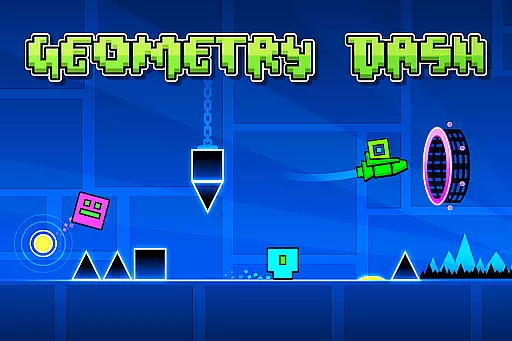
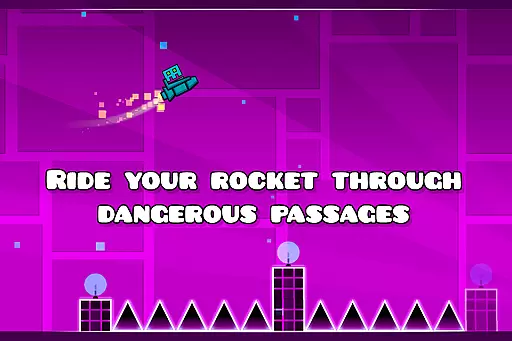
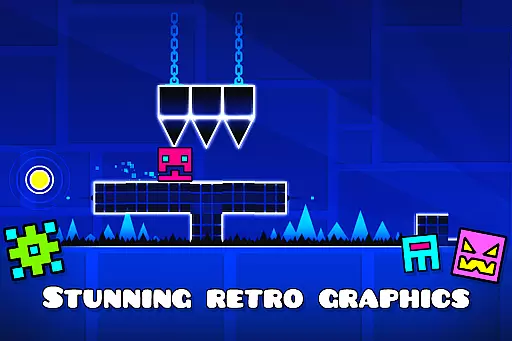
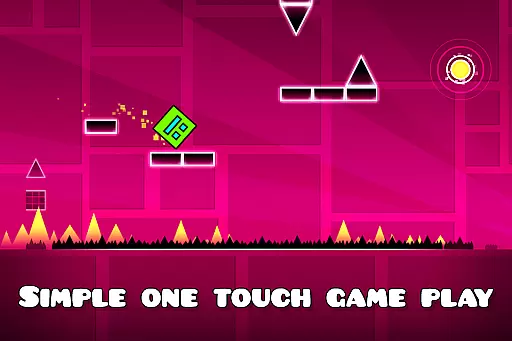
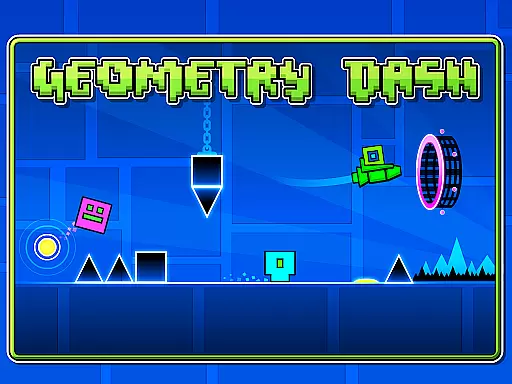
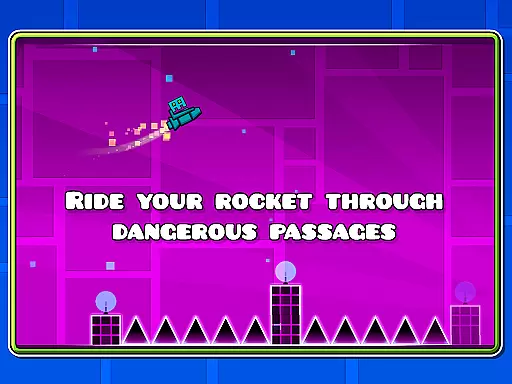
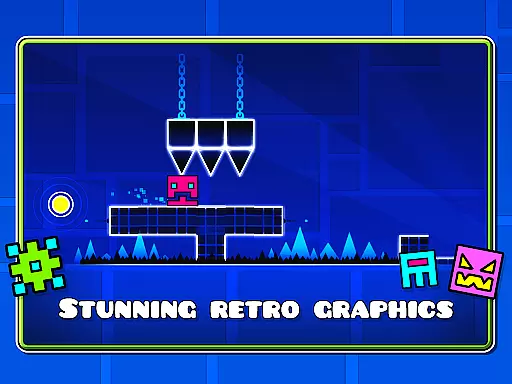
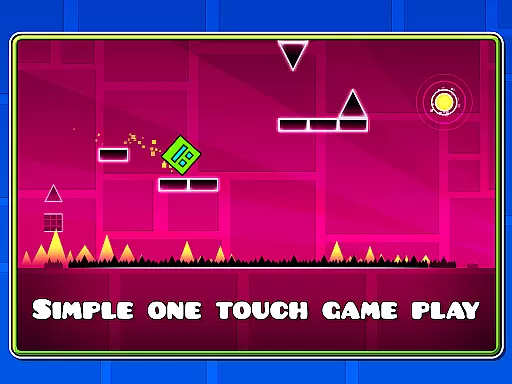
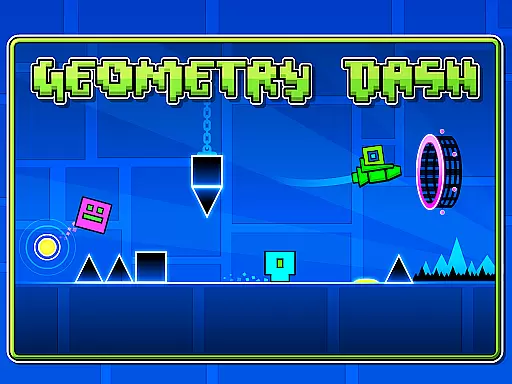
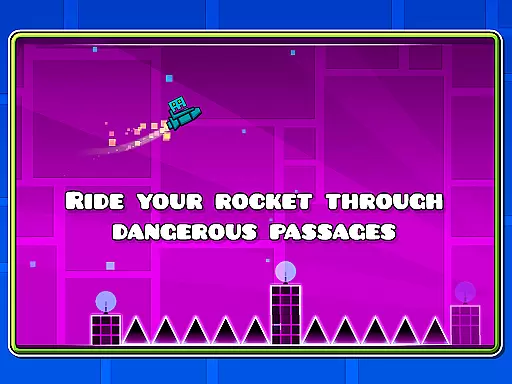
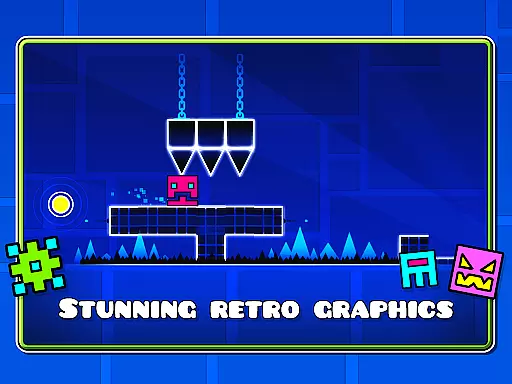
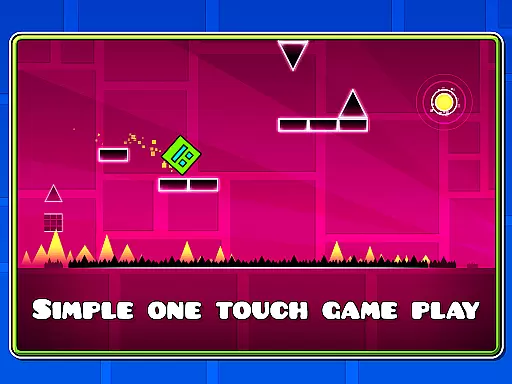
Geometry Dash Lite is a rhythm-based action platformer that challenges players to jump, fly, and flip through dangerous passages filled with spiky obstacles. The game's simple one-touch gameplay offers an engaging experience that can entertain for hours while pushing players' skills to their limits.
Although this is the lite version, it still provides a near-impossible challenge characteristic of the Geometry Dash series. Players can enjoy unlocking new icons and colors to customize their characters, as well as experiencing various features like flying rockets and flipping gravity. For those seeking more content, the full version offers additional levels, soundtracks, achievements, and even an online level editor.
Geometry Dash Lite boasts several notable features that enhance its gameplay experience. One key aspect is its rhythm-based action platforming, which requires precise timing and quick reflexes as players navigate through complex obstacle courses.
The game also allows players to unlock new icons and colors, providing customization options for personalizing their characters. With elements such as flying rockets and gravity flips, it adds variety to the gameplay mechanics. Additionally, a practice mode is available for players looking to hone their skills before tackling the main challenges.
While this lite version offers substantial entertainment value on its own, users are encouraged to explore the full version for access to more advanced features including new levels, soundtracks, achievements, and an innovative online level editor where creativity knows no bounds.
Arcade authenticity represents how closely a game mirrors the classic arcade experience in its gameplay mechanics and design. Geometry Dash Lite excels in this area by offering rhythm-based action platforming that captures the thrill of traditional arcade games while integrating modern touches.
The game challenges players with near-impossible levels filled with spiky obstacles and dangerous passages, reminiscent of the unforgiving nature of classic arcade games. This difficulty curve is designed to test player skill and perseverance, delivering an authentic arcade-style challenge.
Players can appreciate the nostalgic value as they jump, fly, and flip their way through levels that demand precision and timing, much like classic arcade hits. The simple one-touch gameplay ensures accessibility while maintaining the hardcore appeal that arcade enthusiasts crave.
Control responsiveness refers to how accurately and swiftly a game translates player inputs into actions. In Geometry Dash Lite, responsive controls are crucial for navigating the fast-paced, rhythm-driven levels successfully.
The game employs intuitive one-touch controls that allow players to jump and maneuver through intricate level designs seamlessly. This simplicity ensures that players can focus on timing their moves perfectly without being bogged down by complex control schemes.
With practice mode available, users can refine their skills and get accustomed to the tight control feedback loop. This feature enhances user experience by allowing them to acclimate to the demanding yet rewarding control system at their own pace.
Engaging gameplay
Variety of obstacles
Customizable characters
Practice mode included
Simple controls
Limited free content
Repetitive over time
No multiplayer
Ads present
Challenging difficulty

Neogeo MVS/AES Emulator
 3.30
3.30
Machine Gun Fire Rumbles in the Jungle
4.2
PC Engine/TurboGrafx-16 Emulator
4.50
Meet Snake Run Race! Slither through an obstacle course in our fun running game!
4.70
Join the breathtaking chase!
4.80
A fast, full-featured GB/GBC emulator with link cable emulation.
3.80
This is an emulator for a certain 64 bit console with online cloud backup.
4.80
A fast, full-featured GBA emulator with link cable emulation.
3.90
Save the galaxy from alien shooter in classic galaxy shooter-classic arcade game
4.80
Venture into the galaxy to fight against the invasion of space invaders.
4.60
Fruit is waiting to be sliced, ninja. Play the hit mobile game !
4.50
Challenge your friends across the world to see who can jump the farthest!
4.50
Play all your favorite Playstation games in your android device!!
4.50
Outrun cops, ignite the thrill of a high-speed chase!
4.50
Millions of crafters have smashed billions of blocks! Now you can join the fun!
4.40
Running game: dance in a twerk battle and become the twerk hero in our fun race!
4.30
Collect layers in running game & build the biggest slinky toy to beat the giant!
4.30
Turn-based pixel game where jumping is the only weapon!
4.5
Play retro games with ease – NES, SNES, PSX, PSP & more supported
4.5


User Reviews