
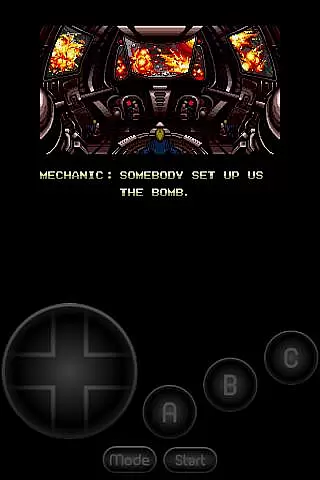
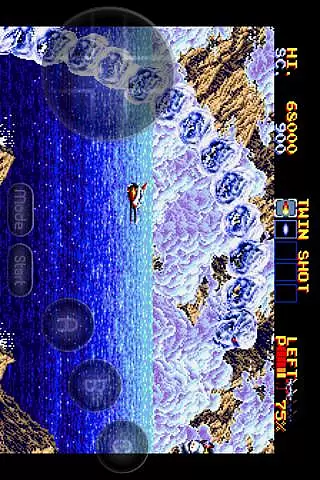
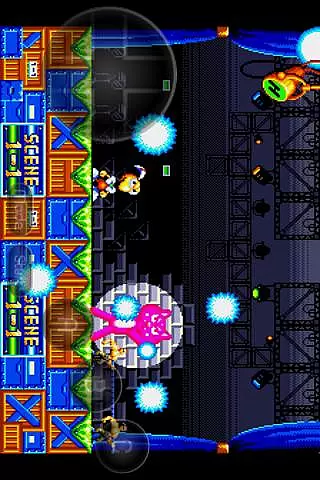
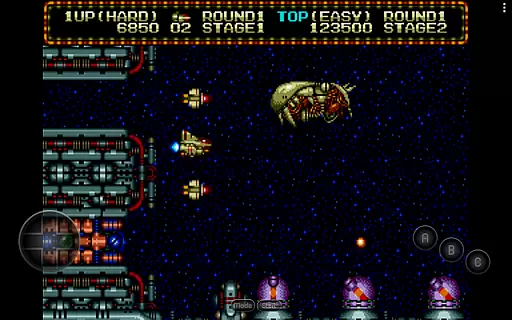
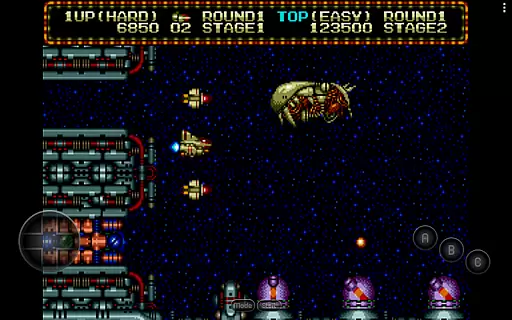
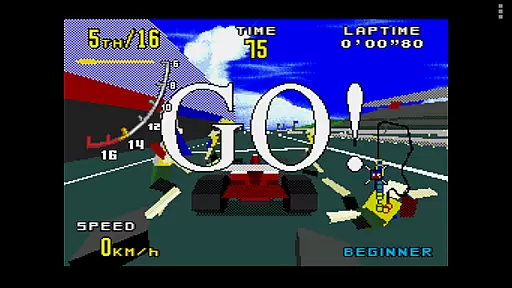
MD.emu is an advanced emulator for Sega Genesis/Mega Drive, Sega CD, and Master System/Mark III gaming systems. It offers a minimalist UI with a focus on low audio/video latency, making it suitable for a wide range of devices from the original Xperia Play to modern devices like the Nvidia Shield and Pixel phones.
The app supports various file formats including .bin, .smd, .gen, and .sms, optionally compressed with ZIP, RAR, or 7Z. It also features SVP chip support for Virtua Racing, CD emulation via loading .cue or .bin files, and supports FLAC, Ogg Vorbis, and Wav audio track formats. Additionally, users can enjoy 6-button controller and 4-player multitap support, gun support (Menacer and Justifier), and cheat code support using .pat file format.
This emulator is ideal for gamers who want to relive classic Sega console experiences on their Android devices with minimal latency and high compatibility.
MD.emu stands out with its comprehensive feature set tailored for Sega gaming enthusiasts. The app supports multiple file formats such as .bin, .smd, .gen, and .sms, which are optionally compressed with ZIP, RAR, or 7Z, ensuring broad compatibility with user-supplied ROMs.
One of the key highlights is its SVP chip support for Virtua Racing and CD emulation via loading .cue or .bin files, requiring USA/Japan/Europe BIOS. The emulator also supports various audio track formats including FLAC, Ogg Vorbis, and Wav, providing an authentic audio experience.
Additional features include 6-button controller and 4-player multitap support, gun support (Menacer and Justifier), cheat code support using .pat file format, configurable on-screen controls, and Bluetooth/USB gamepad & keyboard support compatible with any HID device recognized by the OS like Xbox and PS controllers.
Arcade authenticity and nostalgia are crucial elements for any gaming emulator, ensuring that the experience remains true to the original games while evoking fond memories of classic gameplay. MD.emu (Genesis Emulator) excels in this area by providing support for a wide range of Sega Genesis/Mega Drive, Sega CD, and Master System/Mark III game formats.
The emulator supports .bin, .smd, .gen, and .sms file formats, optionally compressed with ZIP, RAR, or 7Z, allowing users to relive their favorite arcade moments without compromise. With features like SVP chip support for Virtua Racing and gun support for Menacer and Justifier, MD.emu captures the essence of arcade gaming from yesteryears.
Users benefit from an authentic arcade experience on their modern devices, including Nvidia Shield and Pixel phones. The minimalist UI ensures that the focus remains on the game itself, offering low audio/video latency which is vital for maintaining the fast-paced nature of arcade classics.
Control responsiveness is a key factor in delivering an immersive and enjoyable gaming experience. For MD.emu (Genesis Emulator), control responsiveness is achieved through its support for a variety of input methods, ensuring that every action is registered accurately and instantly.
The emulator offers configurable on-screen controls, allowing users to customize their interface for optimal performance. Additionally, it provides Bluetooth/USB gamepad & keyboard support compatible with any HID device recognized by the OS, such as Xbox and PS controllers, enhancing the precision and responsiveness of user inputs.
This level of control responsiveness not only improves gameplay but also allows players to fully immerse themselves in the nostalgic world of Sega Genesis games. By supporting multiple controller options, MD.emu caters to different preferences, making it accessible and enjoyable for all types of gamers.
Wide device compatibility
Low audio/video latency
Comprehensive file format support
Authentic Sega gaming experience
Active development and support
No included ROMs
Beta-level Sega CD support
Requires technical knowledge
Device-specific issues
Dependent on external storage

Dig yourself a way to gold, diamonds and success with this addictive mining game
 3.90
3.90
Flip the bottle! Do tricks and don't let the bottle fall!
4.50
M64Pro FZX Classic Emulator for Android
4.2
Slice up a juicy storm!
4.20
Bounce through platforms. Avoid obstacles. Get the bouncing ball to the finish.
4.00
The only Sega Saturn emulator for Android
4.40
Join the breathtaking chase!
4.80
A fast, full-featured GB/GBC emulator with link cable emulation.
3.80
Outrun cops, ignite the thrill of a high-speed chase!
4.50
Bomb the communists back to 1916!
4.70
Cool car builder & racing simulator: make a car to win the obstacle course race!
4.60
Venture into the galaxy to fight against the invasion of space invaders.
4.60
Motorcycle racing games! Prove your paperboy can win in the bike race 3D!
4.50
Eat & evolve your shark in the ultimate shark survival game!
4.50
Play all your favorite Playstation games in your android device!!
4.50
Millions of crafters have smashed billions of blocks! Now you can join the fun!
4.40
Three awesome new levels for The Impossible Game.
4.30
NEOGEO's masterpiece game is now available in the app!
4.10
A fast, full-featured GBA emulator with link cable emulation.
3.90


User Reviews