
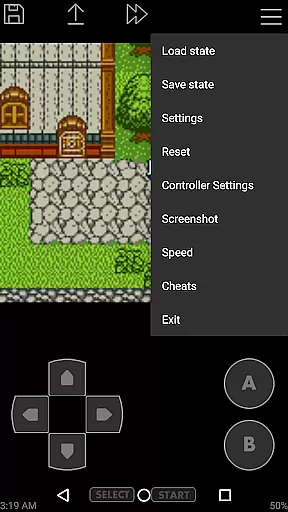
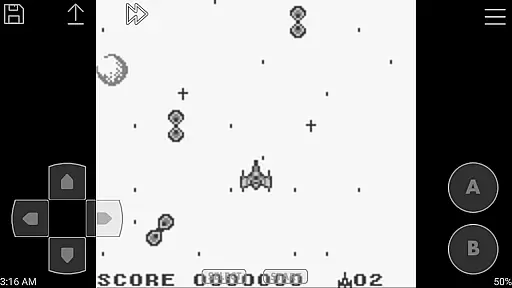
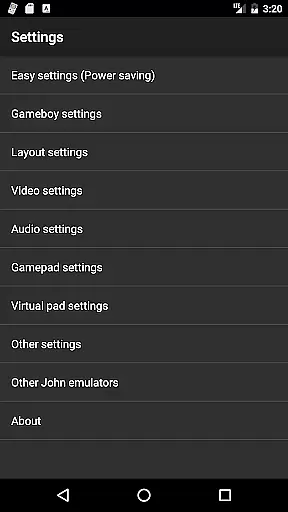
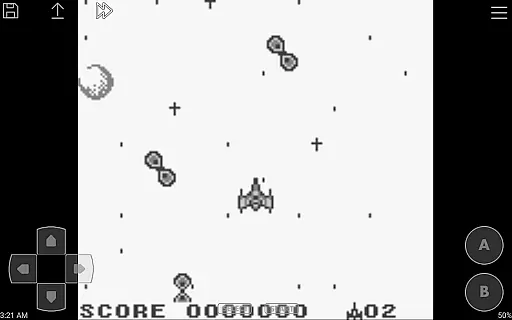
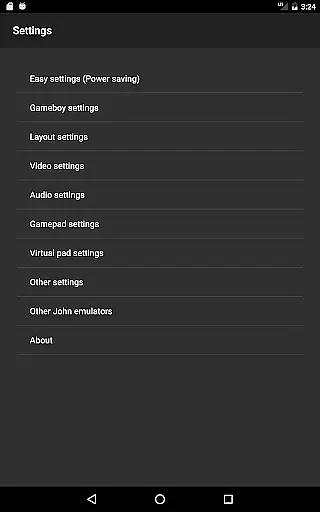
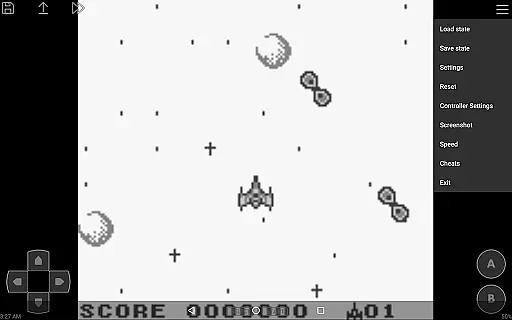
John GBC is a high-performance Game Boy/Game Boy Color emulator designed for Android 6.0 and above. This arcade app allows users to relive classic gaming experiences with advanced features like original GBC engine support, high-quality rendering, and customizable controls. It offers seamless gameplay through zipped file support, save states with previews, and turbo buttons. The app also supports external controllers via Bluetooth/MOGA, making it versatile for different gaming preferences.
One of the standout aspects of John GBC is its ability to integrate with cloud services such as Dropbox (via John DataSync), ensuring that users can access their game files from anywhere. With no ads or internet connection required, this emulator provides an uninterrupted gaming experience. Whether you're a retro gaming enthusiast or someone looking to explore classic games, John GBC delivers both performance and convenience in one package.
John GBC stands out in the Arcade category due to its comprehensive feature set tailored for retro gaming enthusiasts. The app includes an original GBC engine that ensures authentic emulation of classic games. Its high-quality rendering capabilities make every pixel crisp and clear, while the fast forward/slow down functionality (ranging from x0.25 to x16 speed) gives users complete control over their gaming pace. Additionally, the virtual on-screen keypad and customizable keys provide flexibility in how users interact with their favorite games.
Another key feature is the app's support for save states with previews, allowing gamers to pick up exactly where they left off. The inclusion of cheats (Game Genie/Game Shark/PAR) adds another layer of customization, enabling unique gameplay experiences. With added functionalities like screenshot capture, zipped file support, and Super Gameboy borders, John GBC caters to both casual players and hardcore collectors. Furthermore, its compatibility with Bluetooth/MOGA controllers enhances the overall user experience by providing more control options.
Arcade authenticity is a crucial aspect of any gaming emulator, and John GBC delivers an experience that stays true to the original Game Boy Color system. The app features an original GBC engine that ensures games run as they were intended, preserving the nostalgic feel of classic titles.
With high-quality rendering and support for Super Gameboy borders, John GBC enhances the visual experience while maintaining the retro aesthetic. This attention to detail extends to its emulation of gameplay mechanics, ensuring that each button press feels like playing on the original hardware.
The inclusion of features such as zipped file support, save states with previews, and customizable keys adds modern convenience without compromising the authentic arcade experience. These thoughtful additions make game management easier while respecting the traditional gaming process.
By offering a seamless blend of original hardware emulation and user-friendly enhancements, John GBC creates an authentic arcade atmosphere that allows players to relive their favorite gaming moments from the past.
Control responsiveness is vital for an optimal gaming experience, and John GBC excels in delivering precise and immediate feedback. The virtual on-screen keypad is designed for intuitive interaction, allowing players to engage with their games effortlessly.
For those who prefer physical controls, John GBC supports Bluetooth and MOGA controllers, providing options for enhanced tactile feedback. This flexibility caters to different play styles and ensures that every action translates directly into in-game responses.
Turbo buttons add another layer of control sophistication, enabling rapid inputs during intense gaming sessions. Combined with fast forward and slow down capabilities ranging from x0.25 to x16 speed, users can fine-tune their gameplay pace according to their preferences.
Overall, John GBC's responsive controls create an immersive environment where players can fully enjoy their favorite Game Boy Color titles without distraction or delay.
High-quality rendering
No ads or interruptions
Customizable controls
Save states with previews
Supports external controllers
Requires personal game files
No iOS version available
Paid app without free trial
Limited to Android 6.0+
Dropbox sync requires additional app

BallStack is a vibrant match-3 game where you stack and match colorful balls!
 4.4
4.4
Flip the bottle! Do tricks and don't let the bottle fall!
4.50
Granny keeps you locked in her house.
4.30
Fast reflexes, glowing obstacles, endless action.
4.1
PC Engine/TurboGrafx-16 Emulator
4.50
Epic offline war strategy game - build your city, train your army, conquer
4.20
Ready… Set… DASH! Play now!
4.70
The only Sega Saturn emulator for Android
4.40
Merge bowmasters to win the bow and arrow war! Play the fun archery game!
4.60
Punch your way through the Streets of Rage once again!
4.80
Outrun cops, ignite the thrill of a high-speed chase!
4.50
Suck the other’s blood and be the longest surviving mosquito!
4.40
Relax and catch fish for your aquarium while earning rewards in these tank games
4.40
Millions of crafters have smashed billions of blocks! Now you can join the fun!
4.40
Sit back and relax! Tap to move the black hole, and swallow weapons to win.
4.20
Slice up a juicy storm!
4.20
Enter Double Dragon Trilogy, a compilation of the beloved arcade series
4.10
It's quite possibly the world's hardest game!
3.90
Divine powers at your fingertips! An innovative and frantic shoot-'em-up!
4.2


User Reviews