
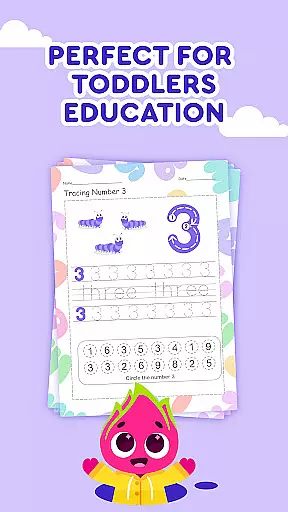
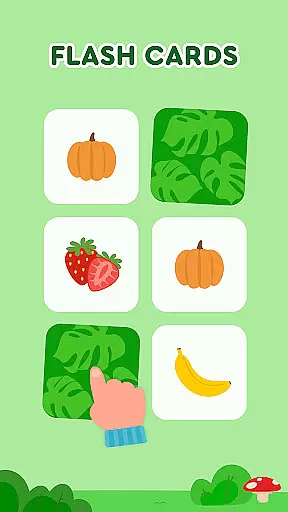

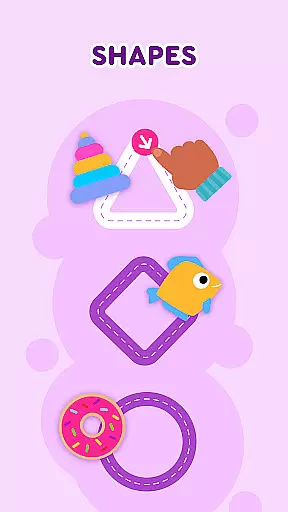
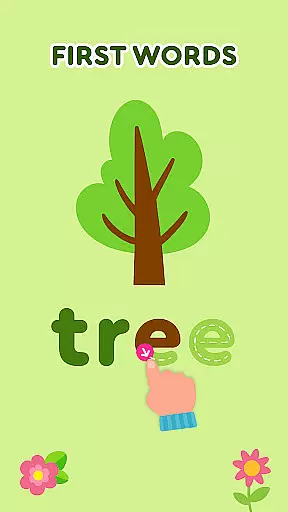
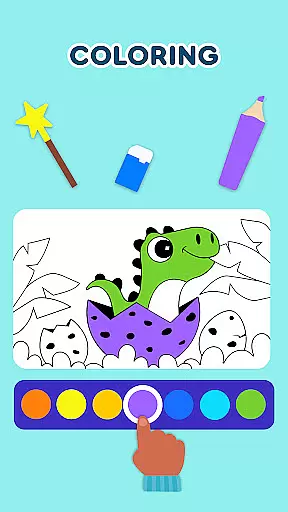

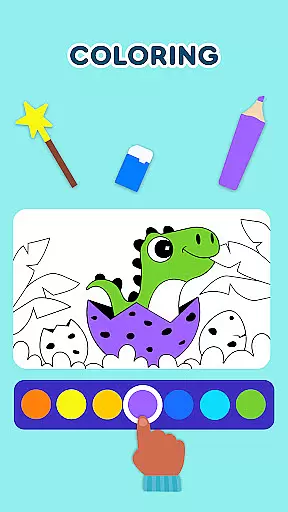

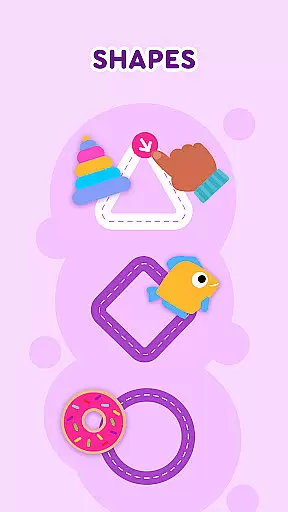
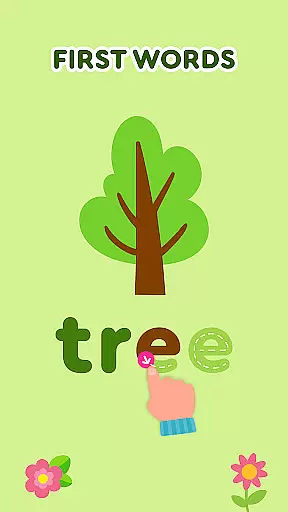
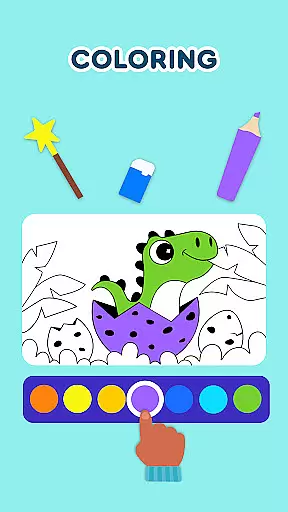
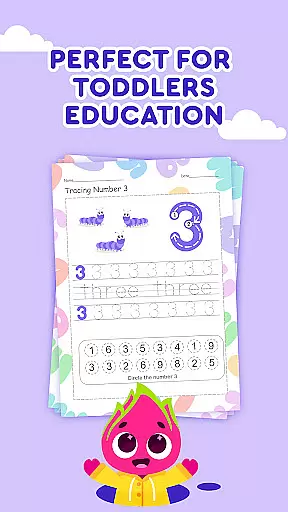

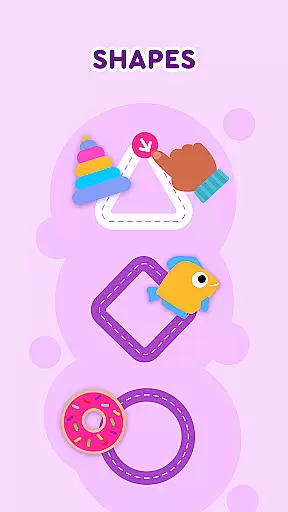
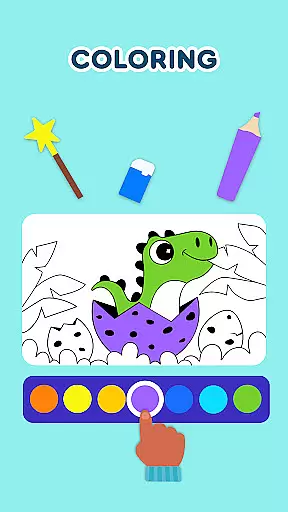
Keiki Learning Games for Kids is an educational app designed to make learning enjoyable and interactive for toddlers and preschoolers. The app offers a comprehensive suite of activities covering essential early learning concepts such as ABCs, numbers, colors, shapes, and more. With its expertly crafted content, Keiki ensures that screen time is both fun and beneficial for young minds.
The app features a variety of engaging games including alphabet puzzles, tracing letters, memory matching, and sorting games. These activities are tailored to develop cognitive skills, improve hand-eye coordination, and enhance memory retention in children. Whether it's through funny songs, cartoon adventures, or cooking games, Keiki provides a safe and ad-free environment for kids to explore and learn.
Parents can utilize Keiki as an effective educational tool to prepare their children for kindergarten. The app's vibrant graphics and interactive puzzles keep toddlers entertained while subtly introducing them to foundational academic skills. This makes Keiki Learning Games not just a source of amusement but also a valuable resource in early childhood education.
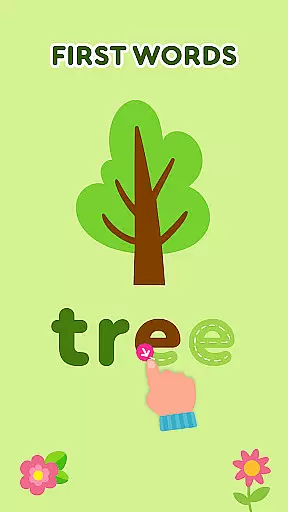
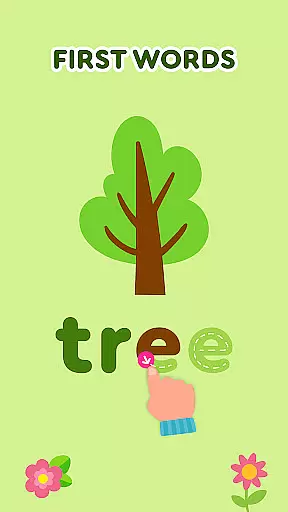
Keiki Learning Games for Kids stands out with its diverse range of educational activities carefully designed by child development experts. One notable feature is the collection of ABC puzzle games that help toddlers recognize letters and understand basic phonics. By selecting and placing letters into corresponding slots, children engage in interactive learning that feels more like play than study.
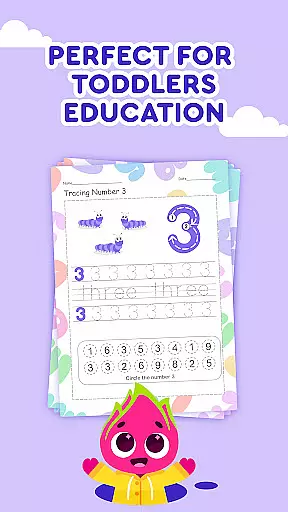
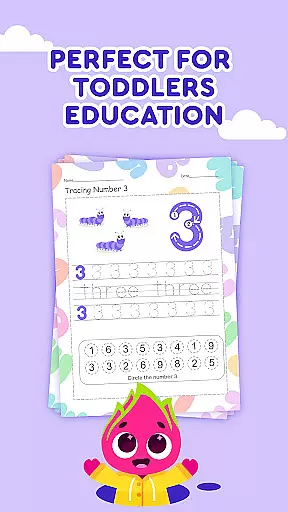
In addition to letter recognition, the app includes tracing exercises for both uppercase and lowercase letters, aiding in the development of writing skills. The Spin & Turn puzzles challenge young minds to think critically as they rotate pieces to complete pictures, fostering problem-solving abilities. Moreover, classic jigsaw puzzles with adjustable difficulty levels cater to various age groups, ensuring that each child's experience is appropriately challenging and fun.
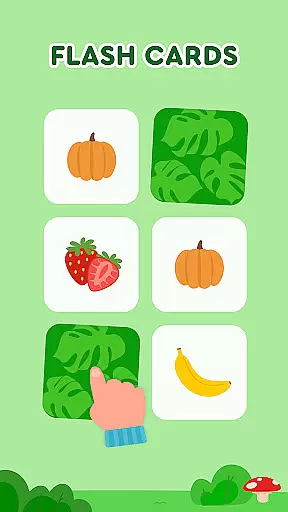
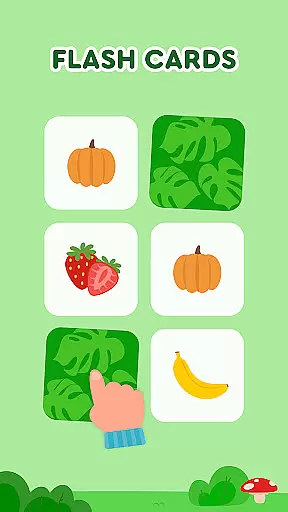
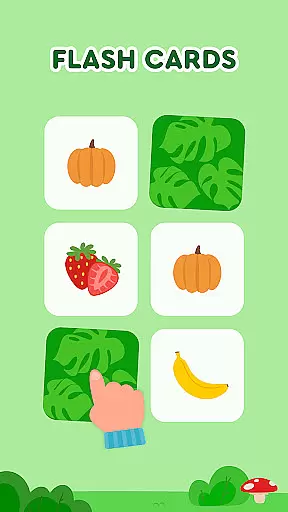
Another remarkable aspect is the inclusion of memory card games that cover multiple topics such as animals, food, shapes, and colors. These games are designed to improve memory retention and concentration. Furthermore, the app integrates entertaining themes like harvesting fruits and vegetables or cooking meals, which teach practical life skills alongside academic knowledge. Each activity within Keiki Learning Games is crafted to provide a balanced mix of education and entertainment, making it an indispensable tool for early learners.
In the realm of educational gaming, content authority and curriculum alignment are paramount for ensuring that learning is both effective and credible. Keiki Learning games for Kids takes this responsibility seriously by developing its suite of ABC games, toddler puzzles, and math games under the guidance of child education experts.
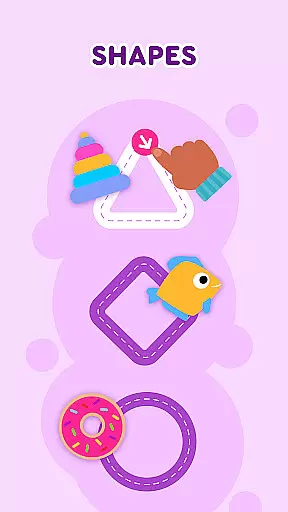
The application's curriculum spans essential topics such as 123 numbers, colors and shapes, phonics, and even basic cooking skills. Each game is designed not only to engage but also to adhere closely to educational standards, making certain that when children interact with Keiki's funny songs or spelling ABC baby games, they're receiving age-appropriate and curriculum-aligned instruction.
Parents can be confident that their children's screen time is constructive, thanks to features like tracing ABC letters and memory cards which support foundational literacy skills. The app's commitment to education is evident in its detailed approach to teaching letters, numbers, animals, and more through a variety of interactive preschool learning games.
Keiki Learning games for Kids excels in gamification-learning integration, transforming traditional learning methods into interactive experiences that captivate young minds. By incorporating elements of play with education, such as didi cartoons and school games for kids, the app makes learning an enjoyable journey.
Through spinning and turning toddler puzzle educational games, children develop problem-solving skills while having fun. The harvesting game creatively teaches kids about fruits and vegetables, subtly integrating knowledge with entertainment. This fusion ensures that cognitive development occurs naturally during gameplay.
Moreover, classic jigsaw puzzles and memory games tailored for toddlers come with adjustable difficulty levels, allowing gradual progression that keeps pace with the childu2019s learning curve. Such personalized gaming experiences reinforce memory retention and recognition skills without compromising on enjoyment, setting a benchmark for educational apps seeking to balance pedagogy with play.
User-friendly interface
Educational content
Engaging activities
Safe environment
Variety of games
Limited free content
In-app purchases
Occasional bugs
Ads in free version
Complex navigation

A game to memorize
 4.2
4.2
Play the fun princess party game for kids with Cocobi the little dinosaurs.
4.10
Fun educational game: Learn, imagine, create, draw and color!
4.20
Baby Phone Game for Kids & Toddlers to Learn Sounds, Numbers, ABCs, Phone Calls
3.80
Amazing toddler coloring games for 2+. Enjoy painting games
4.60
OG Munchers - Play classic Number Munchers game on Android
4.40
Fun step-by-step drawing & coloring app to learn and create art!
4.2
Master your phonics letters and sounds with the Alphablocks!
3.80
Fun game for preschoolers to learn addition, subtraction, counting and math!
4.50
Epic battles, interactive quests and exotic pets. Learn math with Prodigy today!
4.70
Play educational games for preschool toddlers—plus more to discover ►AdsFree◄
4.60
Kids coloring games for boys! Fun drawing, painting & learning book for kids.
4.60
Fun phonics & alphabet tracing game for toddlers, preschool & kindergarten kids!
4.60
Fun educational jigsaw puzzles for kids and preschoolers.
4.50
Pretend play in Pepi City: become a doctor or a patient. Our city, your stories!
4.30
Fun drawing games with coloring book, glow and paint by numbers! Color for kids.
4.20
Endless runner fun packed with animal facts, exciting wildlife, & adventure.
4.10
Companion app for Cozmo, the educational toy robot who’s got a mind of his own.
3.30
Have fun learning Alef Beit
4.1


User Reviews