
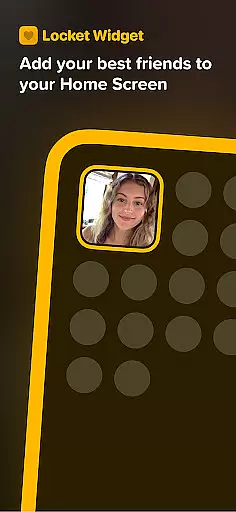
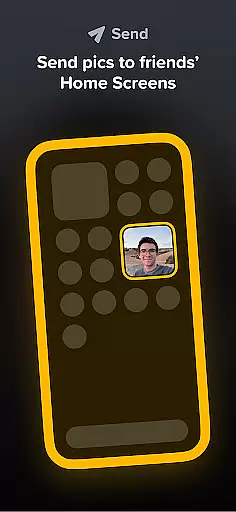

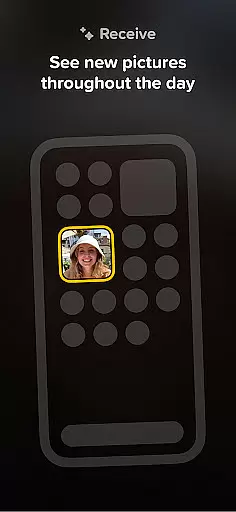
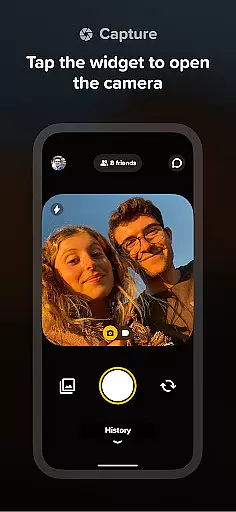
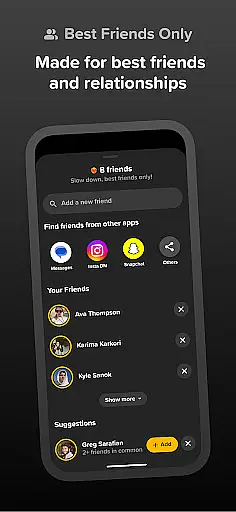
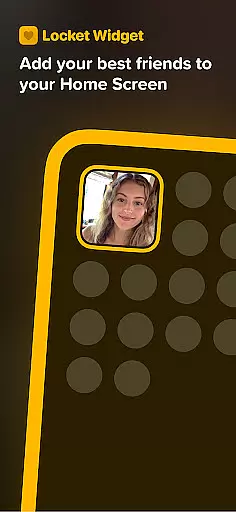

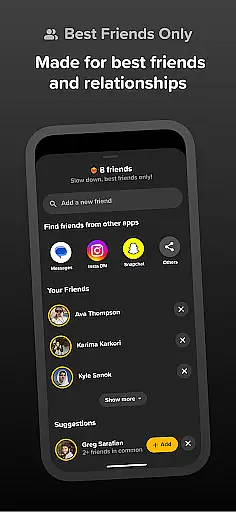
Locket Widget is a unique social application that allows users to share live photos with their closest friends directly through their home screens. The app focuses on creating intimate connections by enabling real-time photo sharing without the pressure of follower counts or excessive social media interactions. With Locket, you can add up to 20 close friends and family members, ensuring that your shared moments are seen only by those who matter most.
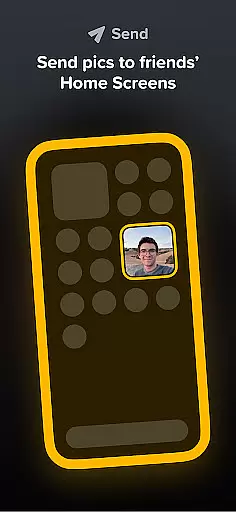
One of the standout features of Locket Widget is its simplicity. Users can instantly send photos to their friends' home screens, allowing for spontaneous and genuine interactions. Additionally, the app provides a way to react to friends' photos with emojis, fostering engagement without public metrics like likes or comments. This creates an authentic environment where users feel comfortable sharing unfiltered moments.
This app is perfect for people who want to stay connected with their inner circle in a meaningful way. Whether it's sharing daily life updates or capturing special moments, Locket Widget offers a refreshing alternative to traditional social media platforms by focusing on quality over quantity in social interactions.
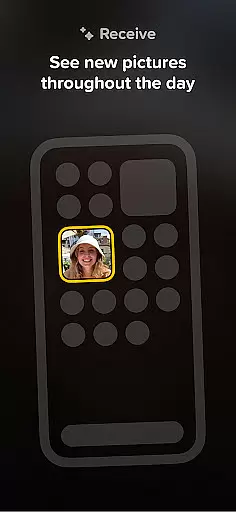
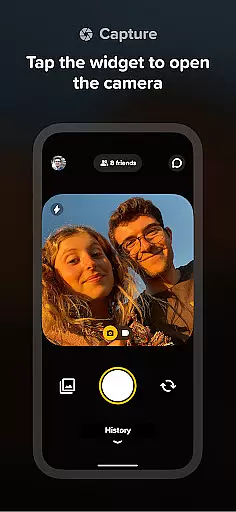
Locket Widget stands out due to its innovative approach to photo sharing. Unlike other social apps, Locket emphasizes privacy and intimacy by limiting friend lists to just 20 people. This ensures that every interaction feels personal and significant. The widget itself is conveniently placed on the home screen, making it easy to view and respond to photos without needing to open the full app.
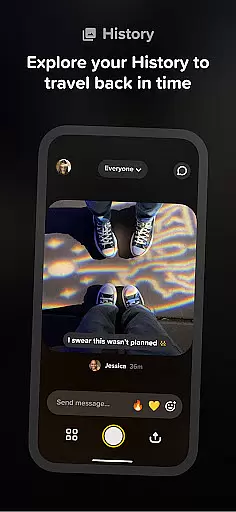
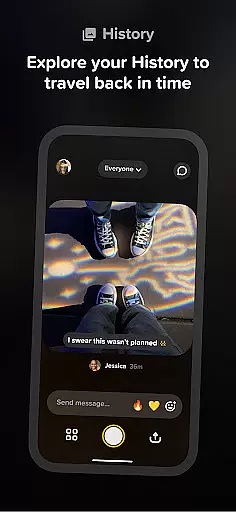
The app also includes a reaction feature that lets users send emojis as responses to photos. These reactions appear as animated effects, adding a playful element to interactions while maintaining user privacy since reactions aren't publicly tracked. Furthermore, Locket automatically builds a history of shared images, allowing users to revisit past exchanges and relive memories.
Another notable aspect is the app's commitment to authenticity. By removing the focus from likes and follower counts, Locket encourages users to share more candid and unfiltered content. This makes it ideal for individuals seeking a more genuine form of digital communication with their closest relationships.
User profile customization and authenticity verification are essential features in social applications like Locket Widget. These features ensure that users can express their true identities while maintaining trust within the community.
Locket allows users to customize their profiles by adding live photos directly to their home screens, creating a dynamic and personal touch. This unique approach to profile customization enables users to share real-time glimpses of their lives with close friends and family, fostering deeper connections.
In terms of authenticity verification, Locket keeps things friendly and private by limiting the number of friends a user can have on the app to 20. This restriction encourages users to add only their best friends and family members, ensuring that interactions remain genuine and meaningful.
By focusing on close-knit groups rather than large follower counts, Locket promotes an environment where users feel comfortable being themselves without worrying about external validation such as likes or filters found on other platforms.
Connection discovery is a vital aspect of social apps, enabling users to find and connect with others who share similar interests or relationships. In Locket Widget, this feature takes on a more intimate and selective form, enhancing the overall user experience.
Unlike traditional social media platforms that encourage mass connections, Locket emphasizes quality over quantity. The app allows users to add only their closest friends and family members, creating a curated list of connections that truly matter.
When friends send photos through Locket, they instantly appear on each other's widgets, providing a seamless and engaging way to stay connected throughout the day. This instant sharing feature facilitates spontaneous interaction and strengthens bonds between users.
Additionally, Locket includes reaction features that let users respond to friends' photos with emojis. These reactions not only enhance engagement but also create a fun and supportive atmosphere where users can express themselves freely without worrying about public tracking or judgment.
User-friendly interface
Real-time photo sharing
Privacy-focused design
Engaging reaction system
Free to download and use
Limited to 20 friends
No advanced editing tools
Requires constant connectivity
Dependent on friends' participation
History storage may be limited

Match, chat & date with singles nearby. The dating app to find true love
 4.50
4.50
Watch super live shows 24/7, chat & meet friends in Plamfy social networking app
4.70
Online group games like Mafia, Word War, Scattergories, Ludo, Uno, and many more
4.30
FREE calling and texting (SMS texts + MMS) in US & Canada with FREE phone number
4.30
Widget Together, Share Whatever! Keep Pets & Share Sleep, Poop, Moods on Screens
4.70
SuperLive is a super popular video-streaming social network
4.60
Live Chat & Match! Explore Real-Time Dating and Make Friends!
4.40
Reddit is where you’ll find your people and feel at home in every conversation.
4.60
Create & share photos, stories, & reels with friends you love
3.90
Video call and chat, live stream and making friends around the world!
4.60
Build Your Team With One App
4.30
Free texting (SMS) to US, Canada & more. Free new number. Call free & Text free.
4.30
Looking for a date or a friend? Swipe to match and meet open-minded singles.
4.20
Second phone number for phone calls & texts. Text & SMS me now with a 2nd number
4.20
Chill and Chat with Tagged Live Video with millions of peeps
4.10
Unlimited messages, WiFi Calling, Texting app. Text now with Second Phone Number
4.10
Watch, Edit, Upload and Share Gaming Clips
4.00
Meet local people, make friends & network: Join a community, group, host events
4.00
This is to support the developer of Infinity for Reddit. No exclusive features.
4.2


User Reviews