
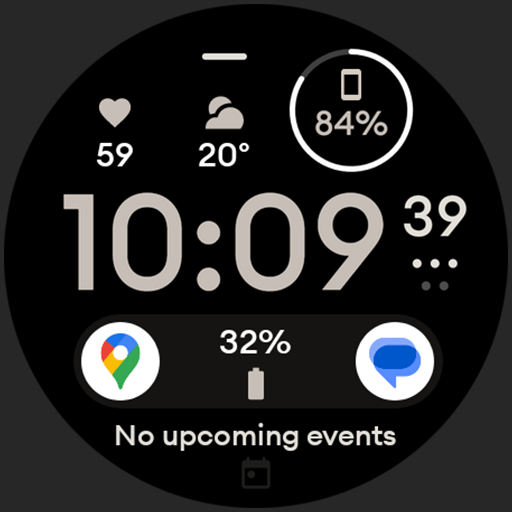
Digital watch face design. Modern looking, hi-res & battery friendly.
 4.00
4.00
Earn points with every purchase with Moe Rewards.
4.20
Connect to your Shark ROBOT™ from anywhere using the SharkClean™ App.
3.60
See wait times and check into a hair salon ahead of time with Online Check-In.
4.80
Your home in your hand
3.80
A smart Siddur with halachic times
4.50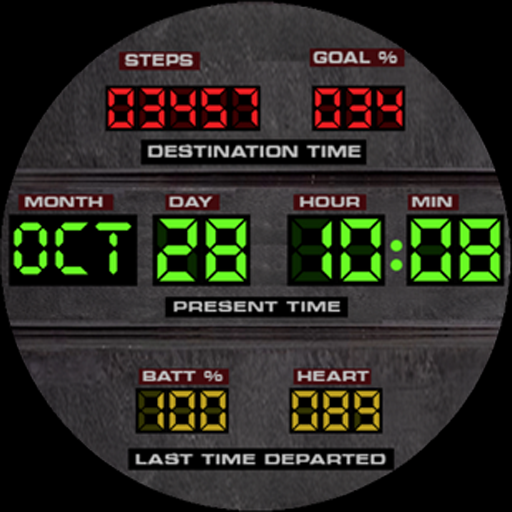
Futuristic watchface inspired by Back to the Future: sleek, retro, timeless
4.5
Vehicle ownership simplified. Get the myChevrolet® app today.
4.60
Your store’s deals, where you are.
4.80
Discover the "To Be a Christian" App: Your Guide to Deepening Faith!
5.00
Tap to the beat with interactive videos — warm up your reflexes & have fun
4.70
Crochet made easy: step-by-step tutorials, beginner patterns & projects
4.60
Share opinions, get paid cash
4.30
Do you want to communicate with spirits?
3.80
An Eerie Musical Trigger Toy for Spirits to Play with!
3.50
View over 160,000 line dance stepsheets from the CopperKnob website.
3.30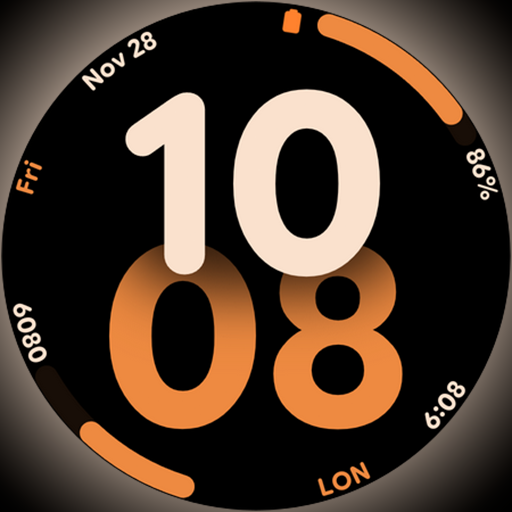
Big bold digital watch face with 30 colors, 6 complications and AOD.
4.3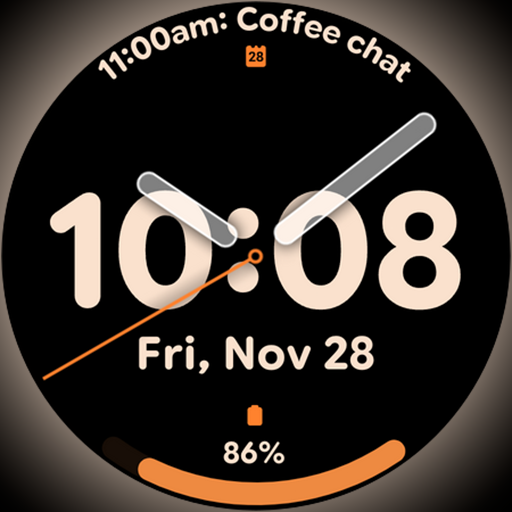
Big bold hybrid watch face with 30 colors, 5 fonts & 5 complications.
4.5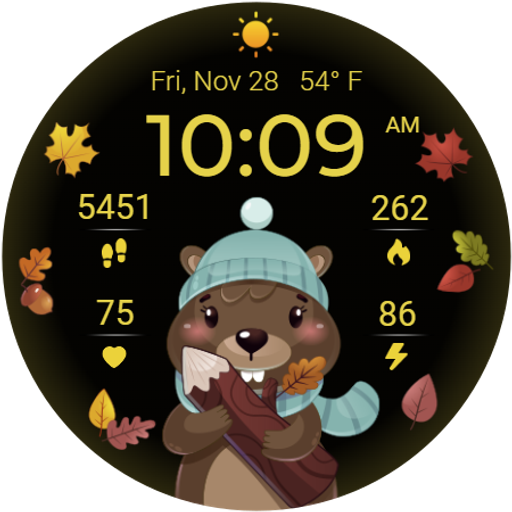
The cutest Autumn watchface featuring the adorable Mr. Squirrel
4.1


